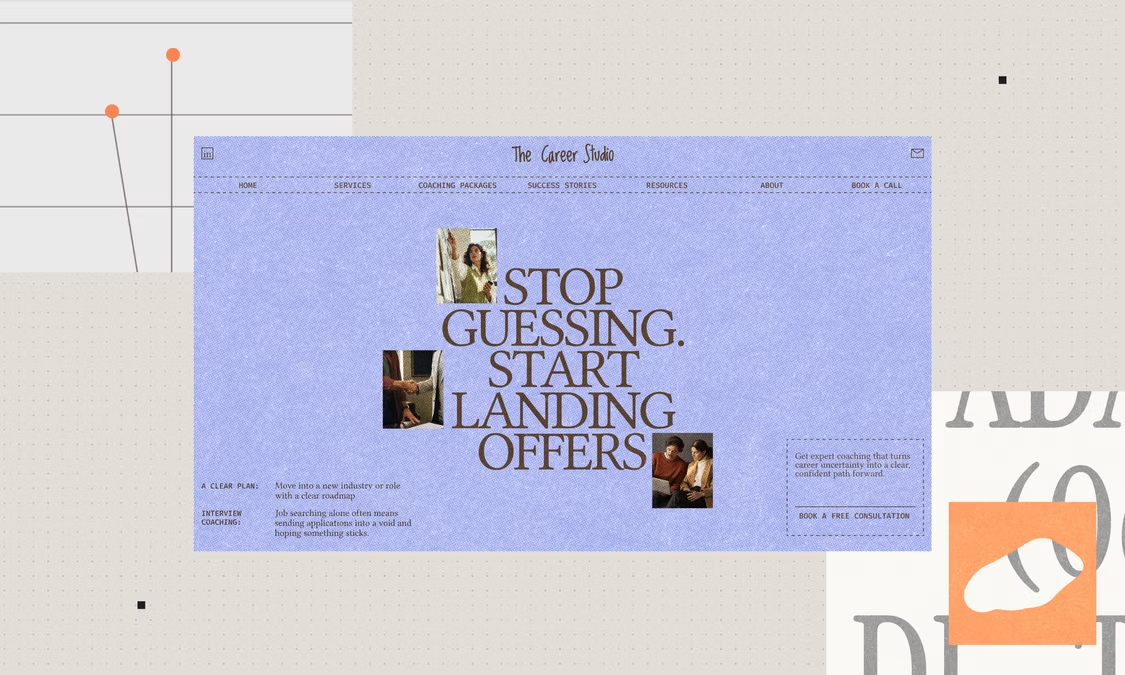
You can build a real website without writing a line of code. You describe the site in your own words, an AI website builder turns that into pages, design and hosting, and you refine it by chatting. No developer, no designer, no templates to wrestle with.
The stakes are practical. BrightLocal's 2026 consumer research found that 18% of consumers didn't contact a local business because they couldn't find a website. Here's how to build yours with Base44's AI website builder, start to finish.
TL;DR: How to build a website without coding
Plan the site on paper first, describe it to the AI builder in plain language, then review, refine and go live. Most of your time goes into your own content, not the technology.
| Step | What you do | What you get |
|---|---|---|
| 01. Decide the goal | Pick one audience and one action | A clear brief |
| 02. Gather your content | Collect copy, photos and a logo | Material to build from |
| 03. Describe your site | Tell the AI builder what you want | A working first version |
| 04. Review and refine | Chat to change design and text | A site that sounds like you |
| 05. Add pages and a domain | Add pages, forms and your own address | A professional setup |
| 06. Go live | Click Publish, then improve | A live website |
Ready to start? Build your website with Base44.
How to build a website without coding in 6 steps
01. Decide what the site is for and who it's for
Everything else follows from this decision: how many pages you need, what the design looks like, and what each page asks visitors to do. Write one sentence that finishes "This site helps [who] do [what]."
A photographer's site helps wedding couples book a shoot. A plumber's site helps homeowners call for a quote. If you can't finish the sentence, the site will feel unfocused, no matter how good the design is.
02. Gather your content
An AI builder can write placeholder copy, but your real details make the site yours. Collect these before you start:
- A short description of what you do and who you do it for
- Your services or products, with prices if you show them
- Three to six good photos and your logo
- Your contact details and any links you want visitors to follow
You don't need everything polished. A rough list is enough, because you can refine the wording later by chatting with the AI.
03. Describe your site to an AI website builder
This is the step that replaces coding. Open Base44 and describe the site you want in your own words: the purpose, the pages and the style. Something like "a clean one-page site for my photography business with a gallery and a contact form."
Base44 builds the layout, colors, fonts and sections, then adds the features you asked for, and the site adapts to any screen size. Hosting and the technical setup run in the background. Amit Swissa, founder of Stela360 and a Base44 builder, put it this way:
"I've never coded in my life before."
If you'd rather talk the idea through first, use plan mode to shape the site with the AI before it builds anything. If you already have a site, you can also start from its existing URL and refine it.
Need ideas for what to say? Our guide to AI prompts for building a website has examples you can adapt.
04. Review and refine the first version
Click through the preview like a visitor. Then change anything by typing what you want: "Change the main color to deep green," or "Add an About page with our team photos and a short story." Base44 updates the site as you go.
One thing worth knowing: the AI builds the first version fast, but that version is a starting point, not a finished site. Real sites almost always need manual refinement, such as rewriting a headline in your own voice, fixing a service description or adjusting a form. The AI gets you most of the way there quickly, and the rest is where your specific business details go.
To brainstorm without changing the site, use Discuss mode in the AI chat, which uses fewer credits. For a closer look at how long the full process takes, see how long it takes to build a website with AI.
05. Add the pages, forms and domain you need
Base44 keeps simple sites lean, so your site may start as a single page. Ask for more pages whenever you need them: About, Services, Contact, a gallery or a booking section. Then test it:
- Click every menu item and link
- Check the site on desktop and mobile
- Submit your own contact form and confirm you receive the message
- Proofread the text and check image descriptions
A fair heads-up on forms and integrations: simple contact forms, galleries and booking sections are well within reach, but deep connections to other software and complex conditional logic are where you'll start to feel limits. Map out what you need before you build, and it saves rework later.
Your site is live on a Base44 address as soon as it's built, but your own domain, such as yourbusiness.com, looks more professional and is easier to remember. You can buy a domain from inside Base44, with DNS and SSL set up for you, or connect one you already own. Custom domains are available on the Starter plan and higher, and external domains can take up to 48 hours for DNS changes to finish.
06. Go live, then keep improving
When you're ready, click Publish in the top bar. A window confirms the site is live and shows its address, sharing options and next steps. From there you can set who can access the site and check its security status.
Going live isn't the finish line. Base44's SEO and GEO tools let you scan your site, set a title and description for each page, and get a prioritized checklist, which can help people find you in search engines and AI tools. If you're thinking about how your site looks to customers, BrightLocal's 2026 data shows that 20% of consumers chose a local business because its website looked professional.
Before you publish, it also helps to read common mistakes to avoid with an AI website builder.
Base44 website examples
You can build many kinds of sites this way. Two common starting points:
A one-page portfolio or business site
Describe who you are, what you offer and how to reach you, and ask for a gallery and a contact form. This is the fastest route to a live site, and you can add pages later.
A small-business site with booking or contact pages
A service business can ask for pages for services, pricing and a booking or contact section. Here's something that surprises people: Base44 can go beyond static pages and build working features such as forms and data collection, which would typically need a developer and several weeks. See how to create a website with AI for a walkthrough, or compare approaches in how to build a no-code website.
Frequently asked questions
Can I build a website without coding?
Yes. With an AI website builder like Base44, you describe the site you want in your own words and it builds the design, pages and hosting. You edit by chatting, not by writing code.
How long does it take to build a website without coding?
A first version can appear within minutes of describing your site. Most of the time after that goes into your own content, such as photos, wording and details, and into testing before you go live.
How much does it cost to build a website without coding?
You can start building for free. Connecting your own custom domain requires the Starter plan or higher, and buying a domain is a separate cost. Check Base44 pricing for current plans.
Can I use my own domain?
Yes. You can buy a domain inside Base44 or connect one you already own by updating its DNS records. Base44 issues and renews the SSL certificate once your domain is connected.
Is a website built without coding good for SEO?
It can be. Base44 handles the technical foundation, and its SEO and GEO page lets you scan your site, edit titles and descriptions for each page, and fix issues. Connecting a custom domain and publishing high-quality content can help you rank.