Your Superagent in Slack
Let your Base44 Superagent take care of the Slack back-and-forth. It brings in context from your other apps to sort out scheduling, status checks and follow-ups.

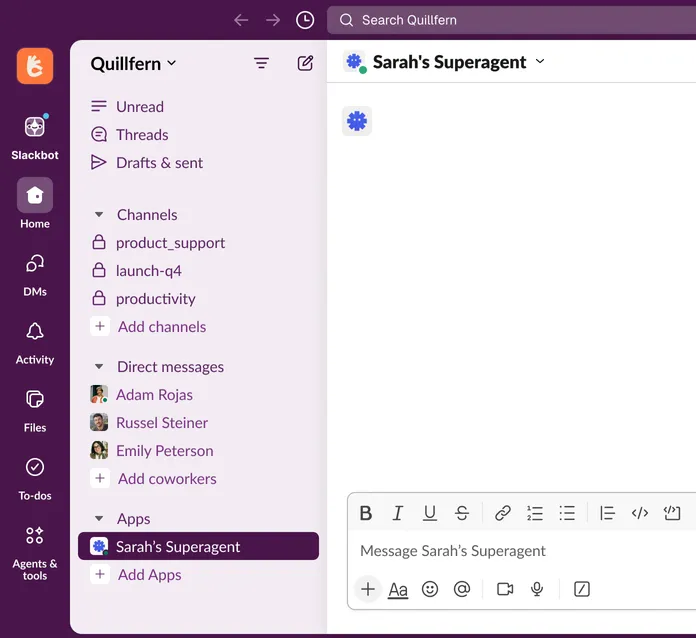
Put your Superagent to work
See what needs your attention
Catch up without reading every message. Your Superagent cuts through the noise to flag what needs action, what can wait and what’s just FYI.
Get scheduling sorted, start to finish
Spend less time coordinating calendars. Tell your Superagent who needs to be there. It compares availability and asks anyone with a conflict whether they can adjust.
Know where your project stands
Get updates straight from the source. Your Superagent checks with the project owner and brings their answer back to the conversation.


Get your Superagent into Slack
Follow these steps to get started.

- Step 01
Choose or create your Superagent
Follow this link and select one of your existing Superagents from the list. If you don’t have one, you’ll get a new one automatically.
- Step 02
Connect to Slack
Click Connect Superagent and follow the prompts to approve the connection to your Slack workspace.
- Step 03
Start chatting
Send your Superagent a DM or invite it to a channel. To add it to a channel, type /invite and select it from the list.
- Step 04
Give it something to do
Tell your Superagent what you need, just like you’d ask a teammate.
Frequently asked questions
Keep work moving





Superagent runs on AI, so its answers can be wrong or incomplete. Check anything important before you act on it. Slack is a registered trademark and service mark of Slack Technologies, Inc. Base44 is not affiliated with or endorsed by Slack Technologies, Inc.