SoundStage AI
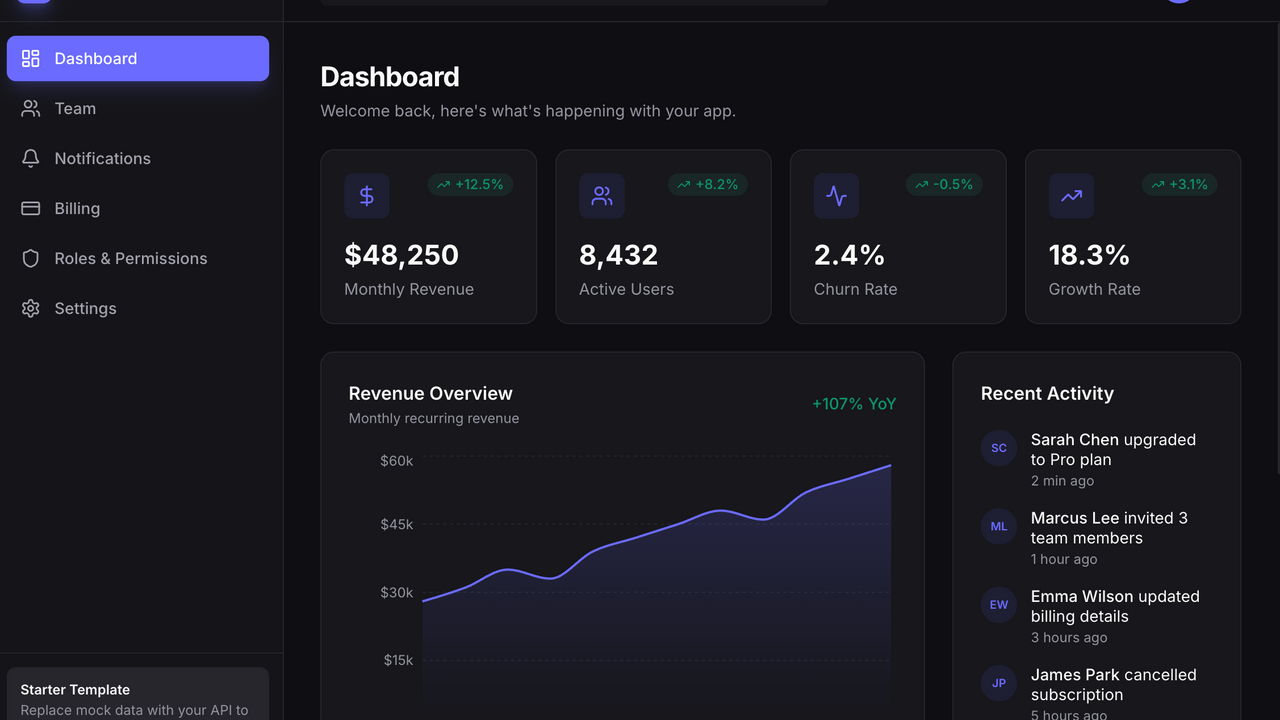
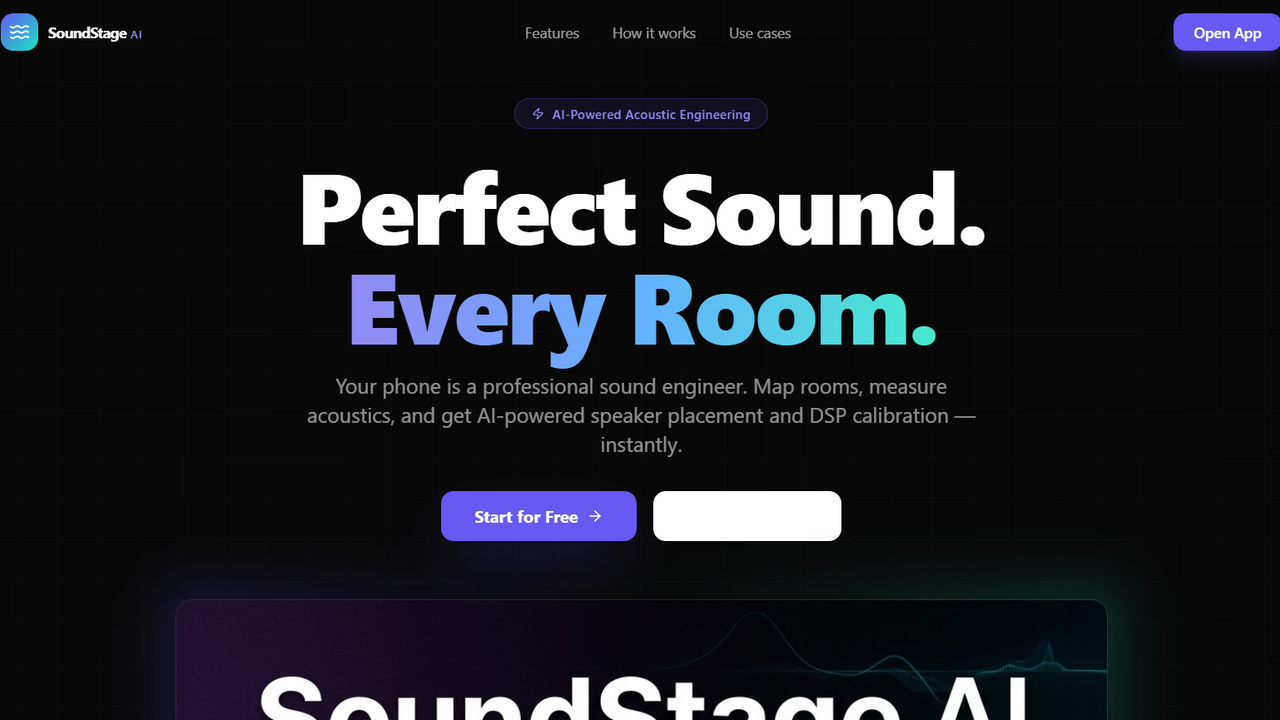
FreeYour phone becomes a professional sound engineer. SoundStage AI analyzes your room's acoustics and provides AI-driven recommendations for optimal speaker placement, DJ booth location, and acoustic treatment, all visualized in AR. here is a breakdown of its features and architectural functions, categorized by their technical and commercial value. 1. Core Architecture & Stack Modern React Foundation: Built using React 18, Tailwind CSS, and Vite. Component-Driven UI: Extensive use of shadcn/ui components for a polished, enterprise-ready look and feel. Intelligent Routing: Sophisticated route handling that differentiates between public-facing marketing pages (e.g., the high-converting Landing page) and protected, authenticated app modules. State Management: Utilizes @tanstack/react-query for robust server-state synchronization and caching, ensuring high performance. 2. Feature Modules (The "Selling Points") AR-Assisted Room Mapping: A dedicated AR interface ( ARMapper ) for capturing physical room dimensions, reducing the friction of manual entry. Acoustic Simulation Engine: A scientific module ( AcousticSim ) that uses Sabine’s formula to calculate RT60 (reverb time) and frequency-based room modes, providing immediate diagnostic value. 3D Spatial Visualization: A sophisticated visualization layer ( Visualizer3D ) allowing users to see their acoustic layout in a 3D environment. Automated Multi-Mic Calibration: A professional workflow ( MultiMicCalibration ) that guides users through multi-point measurements, processing real-time audio data to generate actionable correction insights. AI-Powered DSP Optimization: A key differentiator that integrates LLM-based logic to interpret measurement data and generate precise DSP (Digital Signal Processing) settings, including gain, delay, and parametric EQ adjustments. Professional Reporting: An automated PDF generation feature that consolidates project data, acoustic measurements, and optimization results into clean, shareable reports. 3. Developer-Friendly Functions Extensible Project Lifecycle: A structured data model ( Project , Room , Measurement ) that handles the entire lifecycle from draft to final acoustic optimization. Configurable Device Integration: Modular DSP configuration ( DSPIntegration ) allows for easy addition of new hardware protocols or device types. Guided Onboarding: The "Getting Started" banner and step-indicators ( CalibStepGuide , DSPStepGuide ) significantly lower user churn by gamifying and clarifying complex engineering workflows. Scalable Asset Palette: A modular approach to acoustic treatment and speaker placement, easily extensible via the object mapping system. 4. Commercial Value for a Future Developer Industry Niche: It serves a specific, high-intent market (Pro-audio, Studio design, House of Worship, Home Theater), making it ideal for a focused SaaS product. Data-Driven Upselling: The distinction between "Draft" and "Optimized" project states provides a clear path for subscription or credit-based usage models. Low Maintenance UI: Because it leverages shadcn/ui and established design tokens, the visual language is easy to extend or rebrand with minimal CSS overhead. This template is essentially a "Plug-and-Play" acoustic engineering platform that combines high-math scientific simulation with a modern, consumer-facing UX—a rare and valuable combination in the current development market. support at mellistech.com
Mellis Tech·8 clones
Data & Analytics · Operations +1