HotKeys
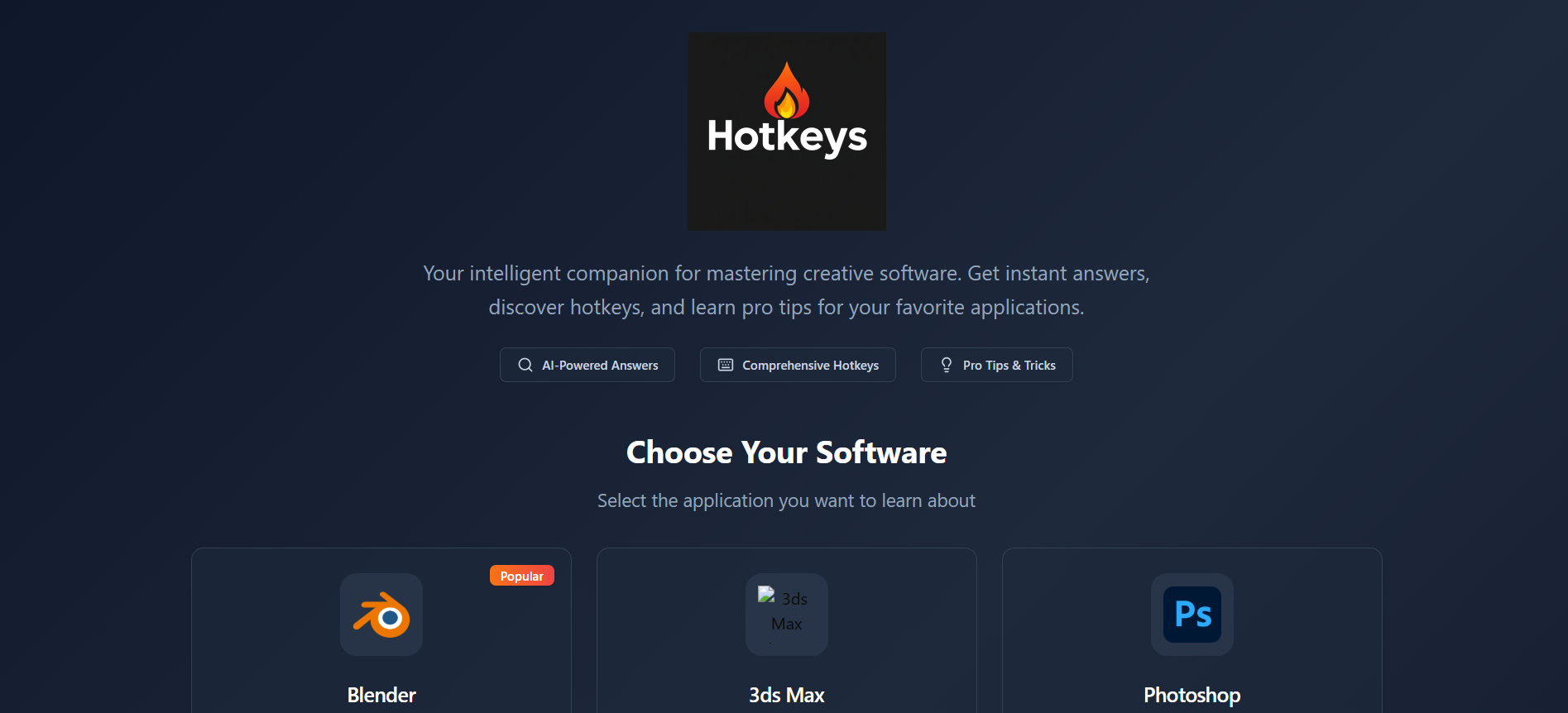
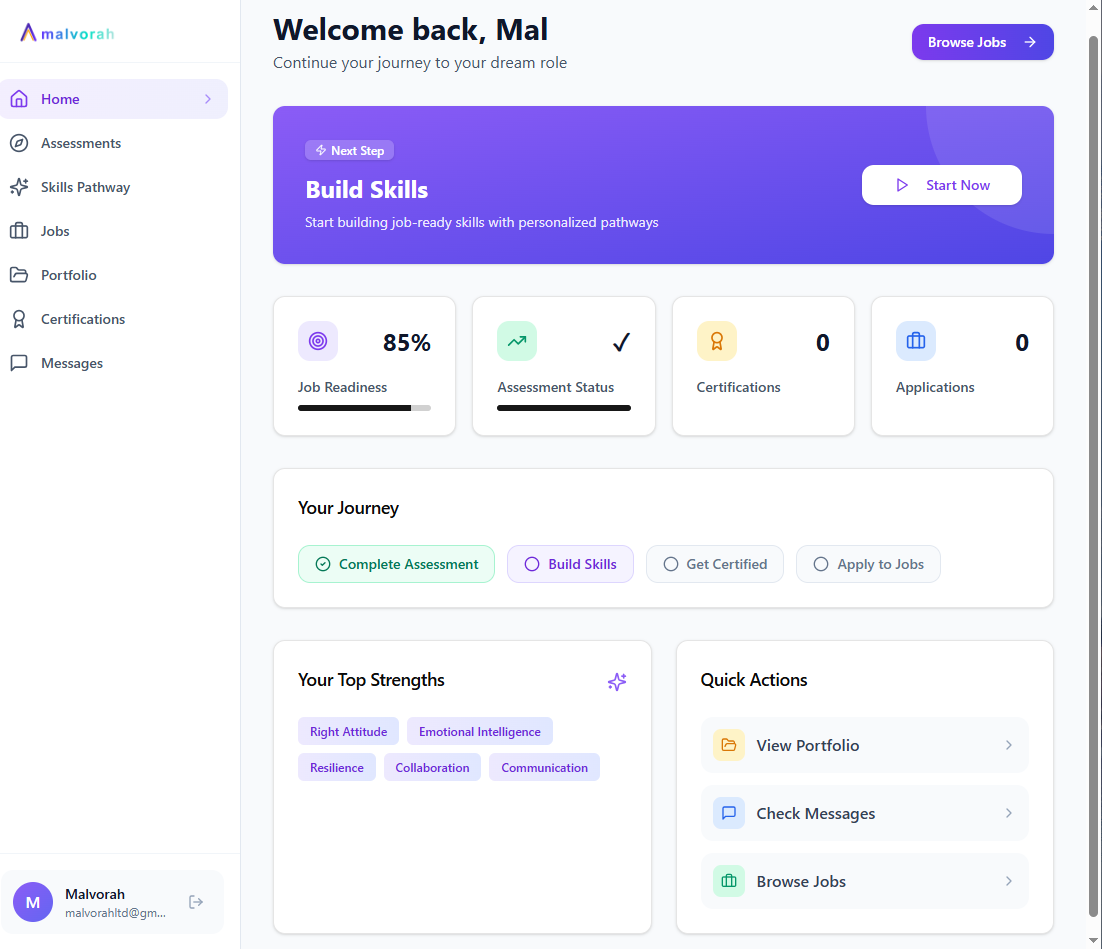
FreeYour AI-powered guide to Blender, 3D max,photoshop, illustrator software. Get instant answers, discover hotkeys, and learn expert tips & tricks for modeling, animation, rendering, and more. The app provides an AI assistant for creative software questions, organized hotkeys, and curated tips with voting. It also features a personalized dashboard, a tutorials section, and About and Contact pages for user information and support. Core Features & Use Cases: AI Assistant ( SoftwareAI page): Feature: Users can select a specific creative software (Blender, Photoshop, etc.) and ask questions. Use Case: Get instant, AI-generated answers, tips, and relevant hotkeys for software-specific queries, helping users learn and troubleshoot more efficiently. Feature: Answers are displayed in a rich format with hotkeys and a copy button. Use Case: Easily copy code or text from AI answers, and quickly see relevant shortcuts without leaving the context. Feature: Thumbs up/down feedback on AI answers. Use Case: Provide feedback to improve the AI's response quality. Feature: Loading skeleton while AI generates an answer. Use Case: Provides a better user experience by indicating that content is loading. Hotkeys ( Hotkeys page): Feature: Displays organized keyboard shortcuts for various software, categorized by function. Use Case: Quickly find and learn keyboard shortcuts to speed up workflow in selected software. Feature: Search and filter functionality for hotkeys. Use Case: Efficiently locate specific hotkeys by keyword or category. Tips & Tricks ( Tips page): Feature: Curated tips for different software, categorized by topic and difficulty level. Use Case: Discover new techniques, best practices, and hidden features to enhance skills. Feature: Search and filter tips by keywords and difficulty levels (Beginner, Intermediate, Advanced). Use Case: Find relevant tips quickly based on specific needs or skill level. Feature: Voting/liking mechanism on TipCard components. Use Case: Users can upvote helpful tips, promoting valuable content and creating a community-driven ranking. Dashboard ( Dashboard page): Feature: Personalized view of user's learning progress, recent questions, and software activity breakdown. Use Case: Monitor personal learning journey, review past interactions, and see usage patterns across different software. Tutorials ( Tutorials page): Feature: Curated video tutorials for each software, categorized by topic and difficulty. Use Case: Access structured learning paths and video content to deepen understanding of software functionalities. Feature: Search and filter functionality for tutorials. Use Case: Find specific video lessons efficiently. General Application Features: Software Selection: Users can select their primary software, and the app adapts content across pages (Hotkeys, Tips, Tutorials). Use Case: Personalize the app experience to focus on the tools most relevant to the user. Persistent State: Selected software is remembered across sessions. Use Case: Ensures a consistent experience without needing to re-select preferences frequently. Global Navigation ( Layout ): Sidebar with links to all major sections. Use Case: Easy access and navigation to all parts of the application. About Page ( About page): Provides information about the app's features, supported software, and mission. Use Case: Understand the purpose and capabilities of the application. Contact Page ( Contact page): A form for users to send messages to support. Use Case: Easily communicate with support for questions, feedback, or issues. Toast Notifications: Provides small, temporary pop-up messages for user feedback (e.g., "Code copied"). Use Case: Give users immediate, non-intrusive feedback on their actions. suport@ www.mellistech.com
Mellis Tech·7 clones
Education · Lifestyle & Hobbies +1