Games & Entertainment

Create fun and engaging entertainment apps from our flexible templates. They are ideal for organizing your personal media collections or as a base for a monetizable niche community app for fans and hobbyists.

Fairway Legends template preview

Fairway Legends

Free

A premium, accessible browser-based golf game that blends arcade-style fun with deep, realistic simulation mechanics for golfers of all skill levels. Fairway Legends , here is a comprehensive list of the features and functions implemented in the game: 1. Gameplay Core 3D Golf Engine : A full Three.js-based golf environment with procedural course generation. Physics System : Includes ball trajectory, spin, Magnus effect, drag, wind resistance, and surface-dependent collision logic (e.g., how the ball bounces on fairway vs. green vs. rough). Swing Control : Drag-and-Flick : Touch/mouse-based control where drag distance equals power and horizontal deviation controls accuracy. Timing Meter : A classic golf game input method for power and precision. Shot Variety : Ability to select between different shot types (standard, etc.) to influence trajectory. Club Recommendation Engine : Automatically selects the optimal club based on the distance to the pin and the current lie. 2. Atmospheric & Visual System Dynamic Weather Engine : Five distinct presets (Sunny, Cloudy, Rain, Storm, Sunset) that procedurally adjust: Sky gradients, fog density, and light intensity. Drifting cloud counts and rain particle intensity. Wind speed multipliers. Vegetation & Environment : Procedural tree variety (pine, oak, palm, cactus, birch) with unique shapes. Environmental swaying animations driven by wind speed. Occlusion Ghosting : A sophisticated system that turns trees transparent (ghosting) when they obstruct the camera's view of the ball. Particle Systems : Ambient effects (pollen), dynamic rain, and visual trajectory lines. 3. Audio & Soundscapes Procedural Audio System : Built using the Web Audio API to synthesize game sounds: Swing "whoosh" effects. Surface-aware impact sounds (thuds). Hole-in, water splash, and ambient loops (rain/wind). Dynamic thunder cracks with timing delays during storms. 4. UI & User Experience Heads-Up Display (HUD) : Persistent overlay showing hole progression, strokes, par, wind conditions, and distance-to-pin. Interactive Menus : Main Menu : Level progression, XP tracking, and career navigation. Settings Menu : Configurable mouse sensitivity, camera angle, and audio toggles. Scorecard/Leaderboard : Tracks match scores, XP rankings, and performance stats. Multiplayer Lobby : Real-time room management for hosting or joining games with friends. 5. Progression & Backend Leveling System : XP accumulation based on round performance, with a progress bar and level-up visual feedback (toasts/modals). Data Persistence : Saves game configuration settings locally. Syncs scorecards and player stats (level, XP, best scores) to the database. Multiplayer Sync : Real-time event subscriptions for lobby room states and player status updates. support at mellistech.com

Mellis Tech37 clones

Games & Entertainment · Lifestyle & Hobbies
NightWatch Survival template preview

NightWatch Survival

Free

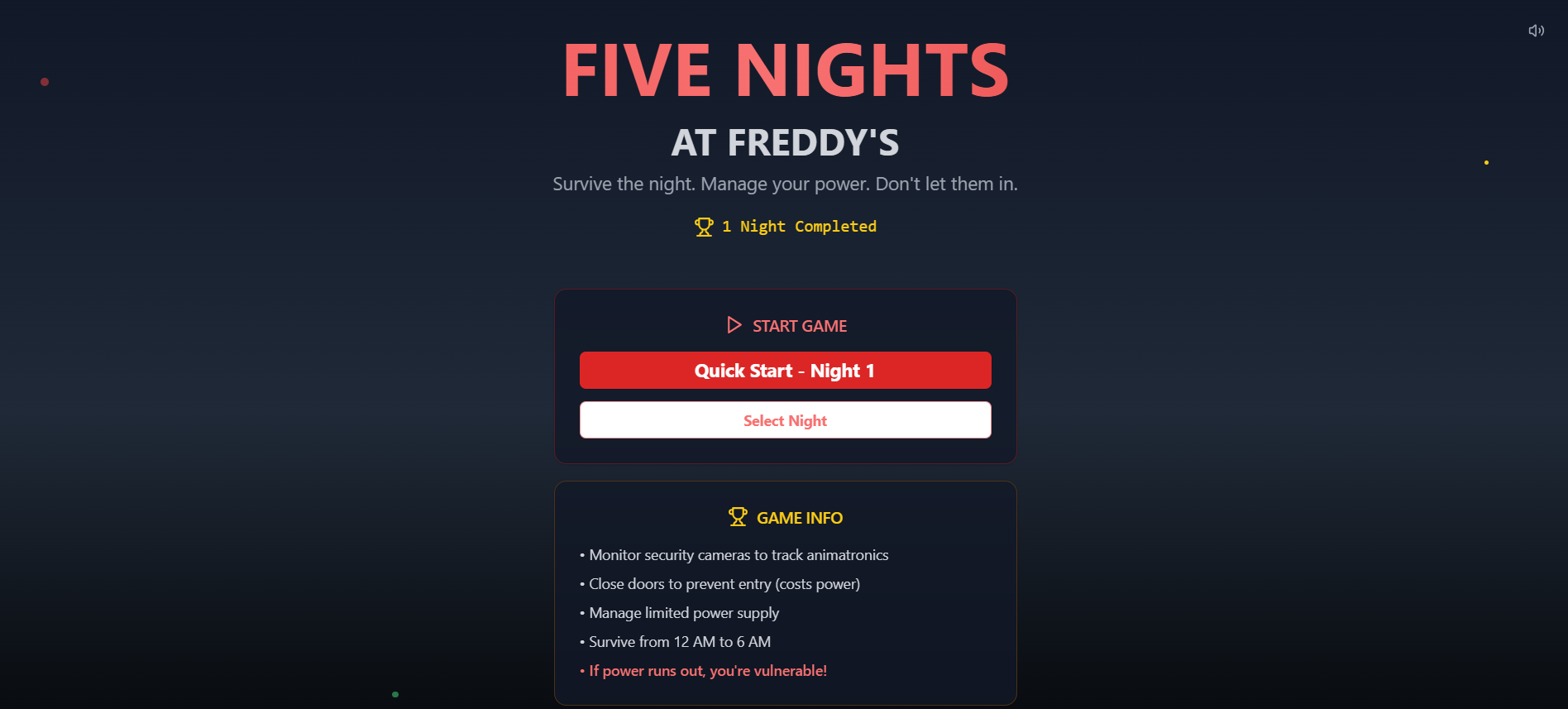
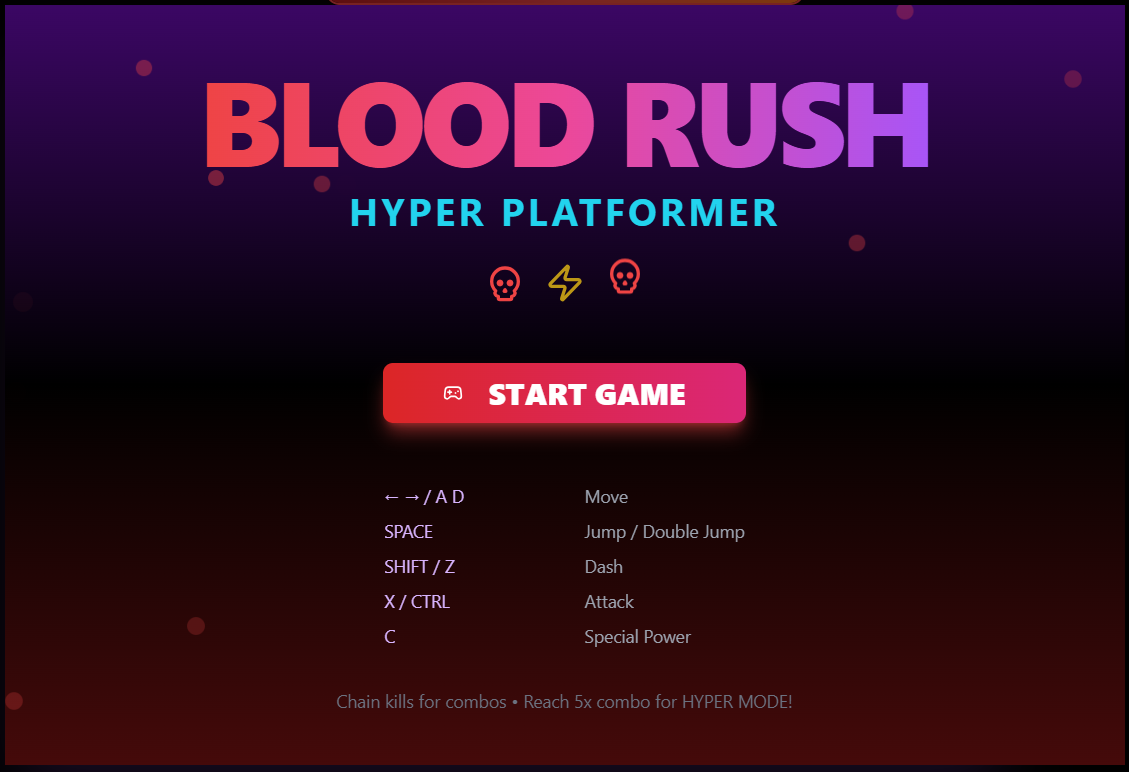
Survive the night as a security guard in a haunted family restaurant. Monitor cameras, manage your limited power supply, and seal doors to fend off terrifying animatronics. Can you make it to 6 AM? 🎮 NightWatch Survival — Full Feature Reference Core Gameplay Loop FeatureDescription Time Progression 12 AM → 6 AM across 6 in-game hours (each hour = 90 real seconds). Survive all 6 to win. Power System Starts at 100%. Drains continuously based on active equipment. Hits 0% = lights out, doors useless. Win Condition Reach 6 AM with power still managed. Lose Conditions Animatronic breaches an open door; power runs out with threats nearby; Freddy random attack in dark. Player Controls ControlKeyboardActionToggle Cameras SPACE Opens/closes the security monitor overlayLeft Door A Toggle close/open the left corridor doorRight Door D Toggle close/open the right corridor doorLeft Light Q Flash the left hallway light (3 sec auto-off)Right Light E Flash the right hallway light (3 sec auto-off) All controls also have on-screen buttons for mouse/touch play. Power Drain Rates (per second) ActionDrain CostBase idle1 unitLeft door closed+1 unitRight door closed+1 unitLight on (either)+1 unitMonitor open+0.5 unitsMax possible drain4.5 units/sec Security Cameras CameraLocationNotesCAM 1Main HallCentral hubCAM 2KitchenChica's starting locationCAM 3Left Corridor Danger zone — triggers left door threatCAM 4Right Corridor Danger zone — triggers right door threatCAM 5Storage RoomFreddy & Foxy start hereCAM 6BackstageBonnie's starting location Switching cameras costs a small power drain. Red highlight + warning triangle = animatronic detected. Animatronics AnimatronicColorAttacks FromActive From NightBehavior Freddy AmberEither door (power out)Night 2Moves when unobserved; special power-out attack Bonnie BlueLeft door (CAM 3)Night 1Most aggressive early game Chica YellowRight door (CAM 4)Night 1Steady aggressor Foxy RedRight door (CAM 4)Night 4High aggression at max levels Movement chance formula: (aggression + currentHour) × 0.08 per 5-second tick. Night Progression NightFreddyBonnieChicaFoxyDifficulty10110Easy21220Easy32331Medium43442Hard54553Very Hard6CustomCustomCustomCustomCustom Nights 3–5 unlock progressively after completing the prior night. Night 6 unlocks after completing Night 5. Custom Night Editor Sliders per animatronic: 0 (off) → 10 (max) Live total aggression score with difficulty label (Easy / Medium / Hard / Nightmare) Config encoded in URL and passed to game engine Office View ElementBehaviorLeft/Right doorsAnimate open/closed; show glowing red eyes when threat is present and door is openHallway lightsYellow glow cone when activePower out overlayRed pulsing "POWER OUT" overlayAmbient flickerSubtle white flash for atmosphereDesk & monitorStatic office decoration"Almost Dawn" hintAppears when time ≥ 5 AM Phone Guy (Lore System) Plays at the start of each night (1–5) with a unique message Typewriter character-by-character animation Dismissible at any time via X button or [dismiss] link Resets on restart Jump Scare System Triggers before game over when an animatronic catches you Full-screen red flash with skull + animatronic name Screen shake animation 2-second auto-advance to Game Over screen Game Over / Win Screen Skull (loss) or Trophy (win) animation Shows time survived and cause of death Try Again (same night) or Main Menu buttons Statistics Page Stat TrackedDescriptionTotal GamesAll sessions ever playedVictoriesWon nightsDefeatsLost nightsWin Rate %Wins / totalAvg Hours SurvivedMean survival timeBest NightHighest night number reachedFull history tableDate, night, result, time, power left, cause of death Session Persistence Every game end (win or loss) auto-saves to the GameSession entity with: night number, hours survived, power remaining, win/loss, and cause of death. Support at MellisTech.com

Mellis Tech35 clones

Games & Entertainment · Lifestyle & Hobbies
So, what are we building?

Start building