Lifestyle & Hobbies

Fitness, travel and personal-project apps for life outside work.

NightWatch Survival template preview

NightWatch Survival

Free

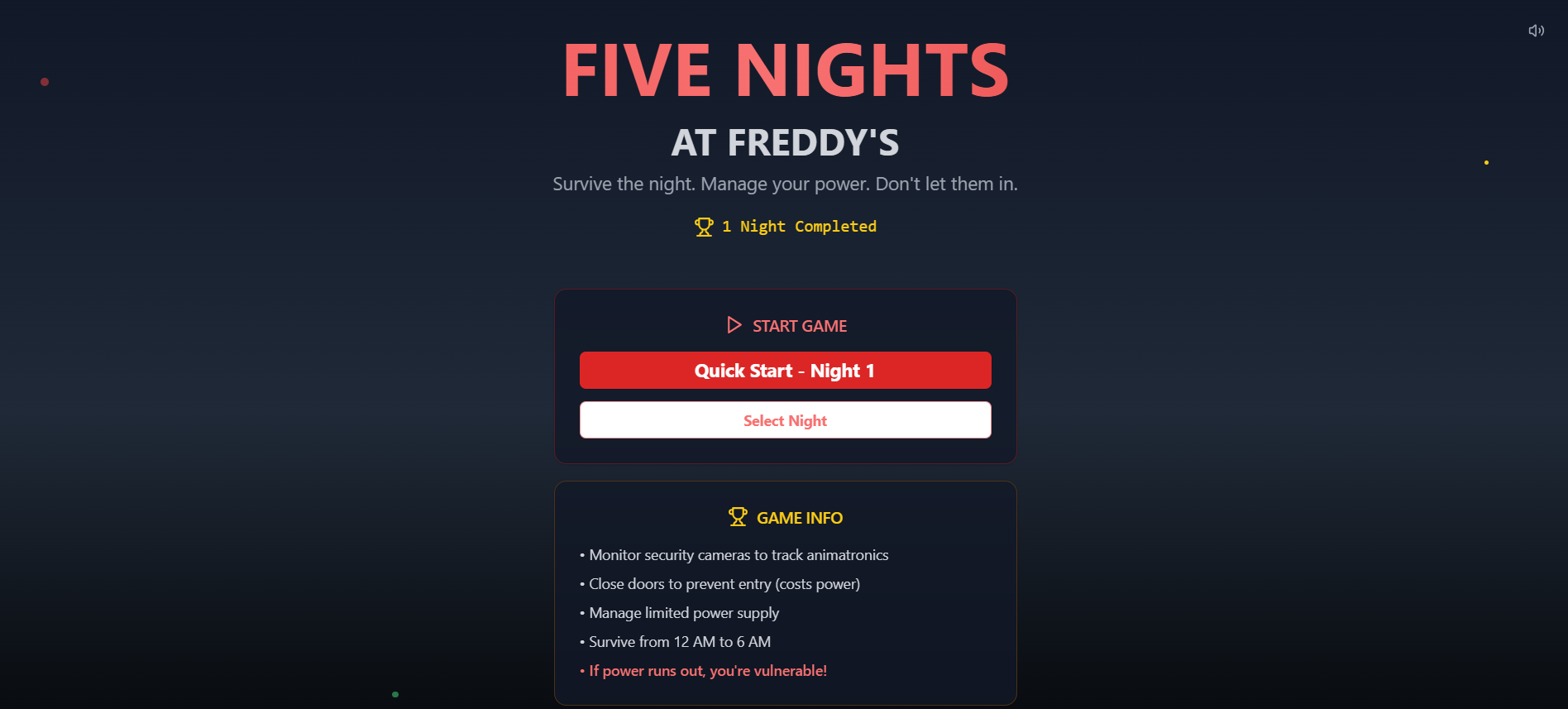
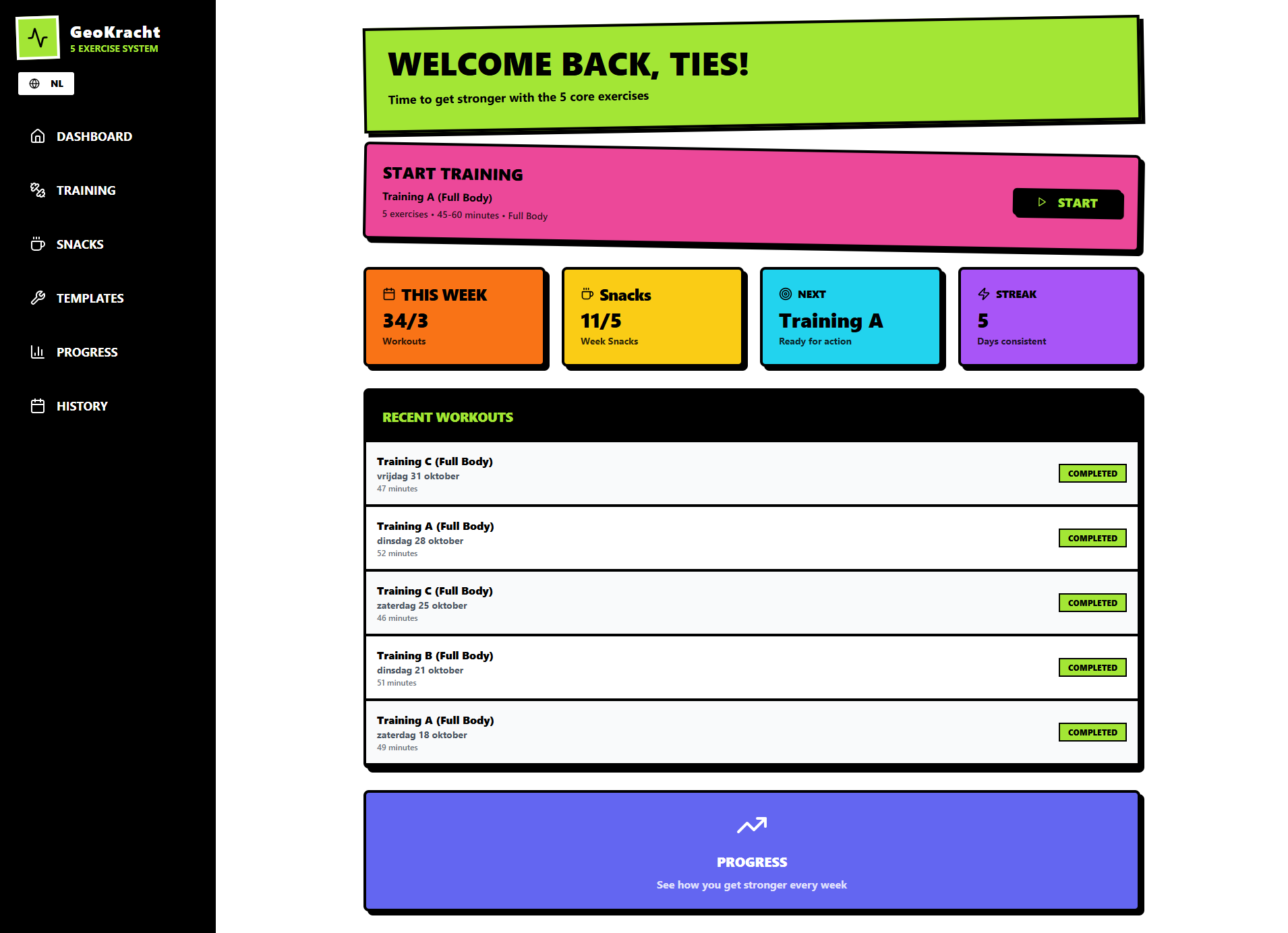
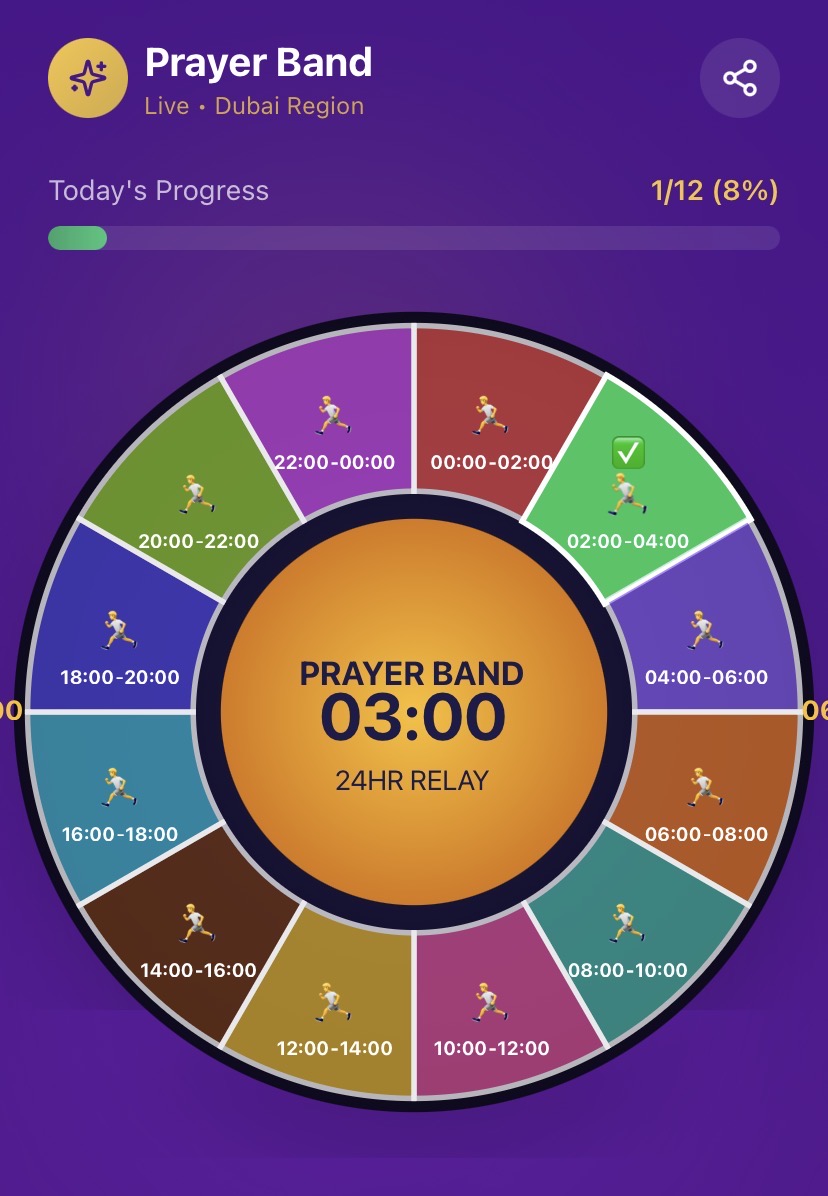
Survive the night as a security guard in a haunted family restaurant. Monitor cameras, manage your limited power supply, and seal doors to fend off terrifying animatronics. Can you make it to 6 AM? 🎮 NightWatch Survival — Full Feature Reference Core Gameplay Loop FeatureDescription Time Progression 12 AM → 6 AM across 6 in-game hours (each hour = 90 real seconds). Survive all 6 to win. Power System Starts at 100%. Drains continuously based on active equipment. Hits 0% = lights out, doors useless. Win Condition Reach 6 AM with power still managed. Lose Conditions Animatronic breaches an open door; power runs out with threats nearby; Freddy random attack in dark. Player Controls ControlKeyboardActionToggle Cameras SPACE Opens/closes the security monitor overlayLeft Door A Toggle close/open the left corridor doorRight Door D Toggle close/open the right corridor doorLeft Light Q Flash the left hallway light (3 sec auto-off)Right Light E Flash the right hallway light (3 sec auto-off) All controls also have on-screen buttons for mouse/touch play. Power Drain Rates (per second) ActionDrain CostBase idle1 unitLeft door closed+1 unitRight door closed+1 unitLight on (either)+1 unitMonitor open+0.5 unitsMax possible drain4.5 units/sec Security Cameras CameraLocationNotesCAM 1Main HallCentral hubCAM 2KitchenChica's starting locationCAM 3Left Corridor Danger zone — triggers left door threatCAM 4Right Corridor Danger zone — triggers right door threatCAM 5Storage RoomFreddy & Foxy start hereCAM 6BackstageBonnie's starting location Switching cameras costs a small power drain. Red highlight + warning triangle = animatronic detected. Animatronics AnimatronicColorAttacks FromActive From NightBehavior Freddy AmberEither door (power out)Night 2Moves when unobserved; special power-out attack Bonnie BlueLeft door (CAM 3)Night 1Most aggressive early game Chica YellowRight door (CAM 4)Night 1Steady aggressor Foxy RedRight door (CAM 4)Night 4High aggression at max levels Movement chance formula: (aggression + currentHour) × 0.08 per 5-second tick. Night Progression NightFreddyBonnieChicaFoxyDifficulty10110Easy21220Easy32331Medium43442Hard54553Very Hard6CustomCustomCustomCustomCustom Nights 3–5 unlock progressively after completing the prior night. Night 6 unlocks after completing Night 5. Custom Night Editor Sliders per animatronic: 0 (off) → 10 (max) Live total aggression score with difficulty label (Easy / Medium / Hard / Nightmare) Config encoded in URL and passed to game engine Office View ElementBehaviorLeft/Right doorsAnimate open/closed; show glowing red eyes when threat is present and door is openHallway lightsYellow glow cone when activePower out overlayRed pulsing "POWER OUT" overlayAmbient flickerSubtle white flash for atmosphereDesk & monitorStatic office decoration"Almost Dawn" hintAppears when time ≥ 5 AM Phone Guy (Lore System) Plays at the start of each night (1–5) with a unique message Typewriter character-by-character animation Dismissible at any time via X button or [dismiss] link Resets on restart Jump Scare System Triggers before game over when an animatronic catches you Full-screen red flash with skull + animatronic name Screen shake animation 2-second auto-advance to Game Over screen Game Over / Win Screen Skull (loss) or Trophy (win) animation Shows time survived and cause of death Try Again (same night) or Main Menu buttons Statistics Page Stat TrackedDescriptionTotal GamesAll sessions ever playedVictoriesWon nightsDefeatsLost nightsWin Rate %Wins / totalAvg Hours SurvivedMean survival timeBest NightHighest night number reachedFull history tableDate, night, result, time, power left, cause of death Session Persistence Every game end (win or loss) auto-saves to the GameSession entity with: night number, hours survived, power remaining, win/loss, and cause of death. Support at MellisTech.com

Mellis Tech35 clones

Games & Entertainment · Lifestyle & Hobbies

Momentum app  template preview

Momentum app

Free

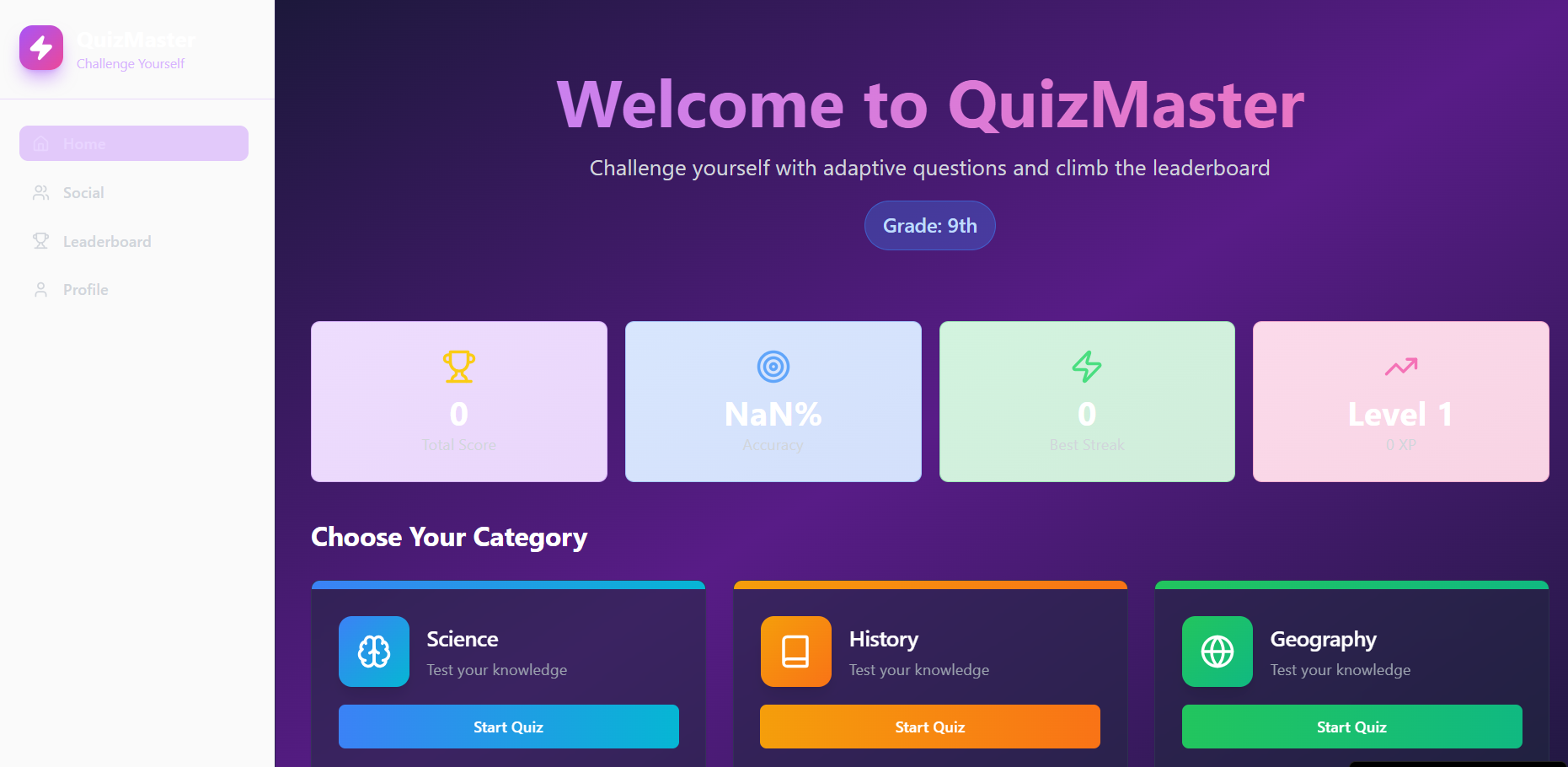
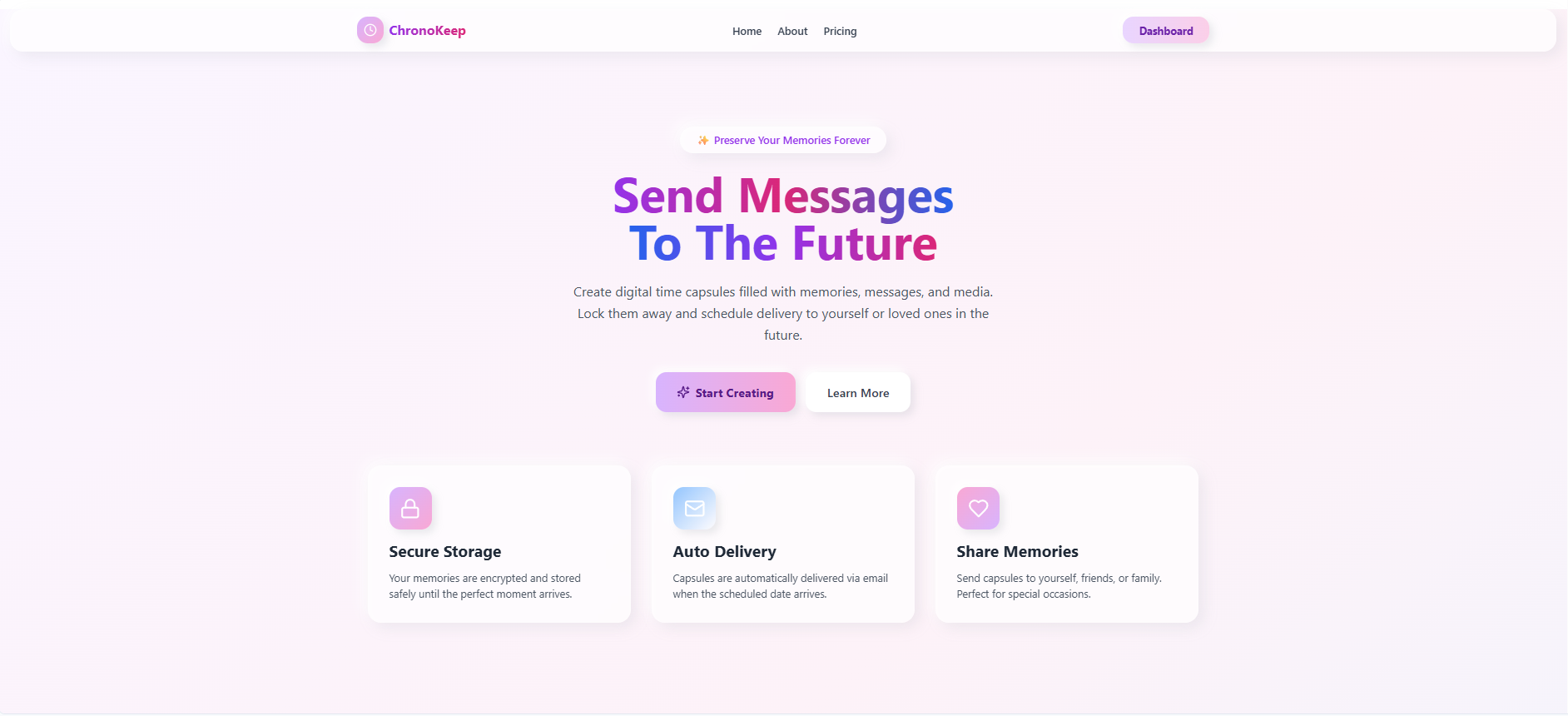
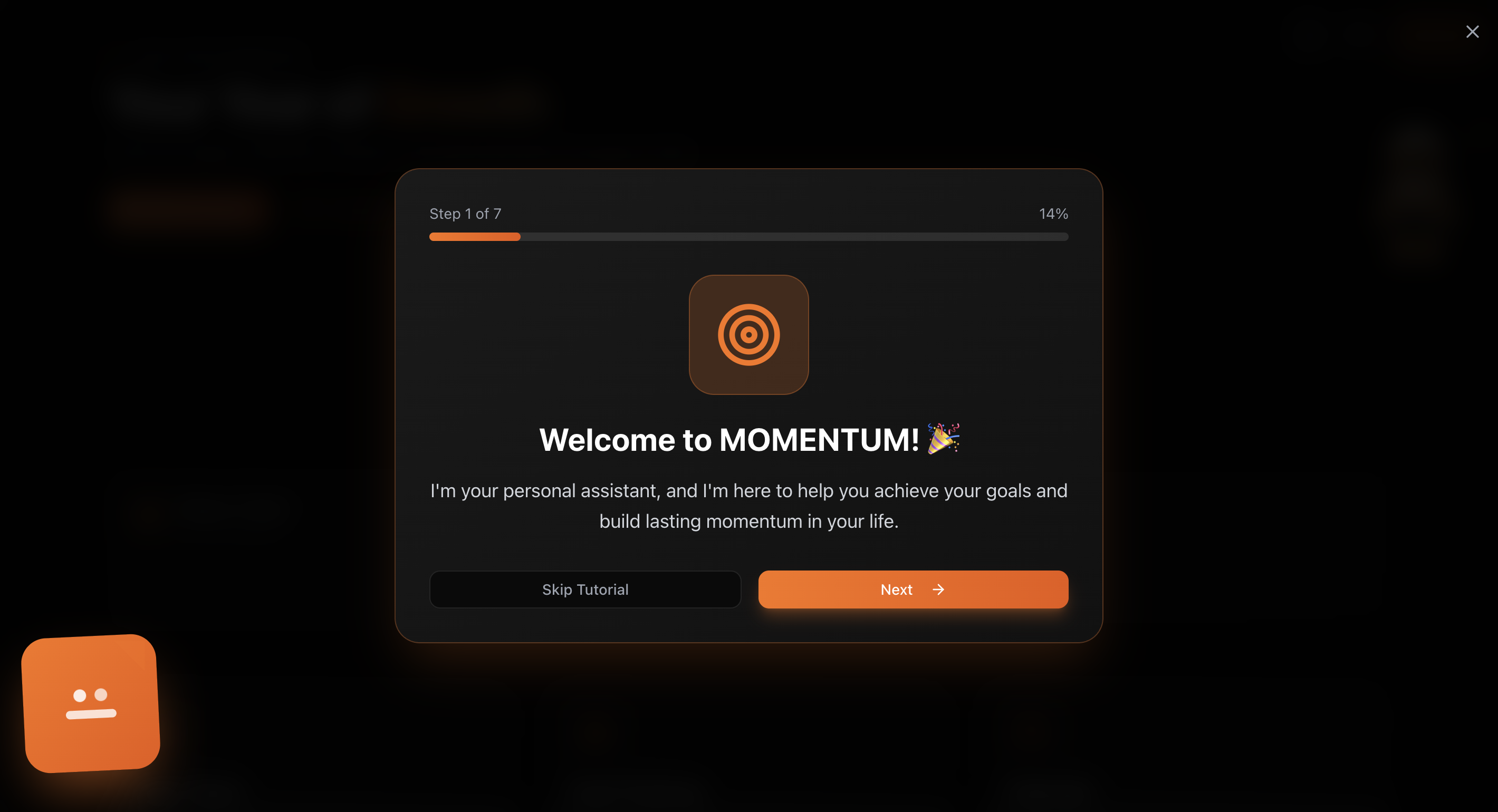
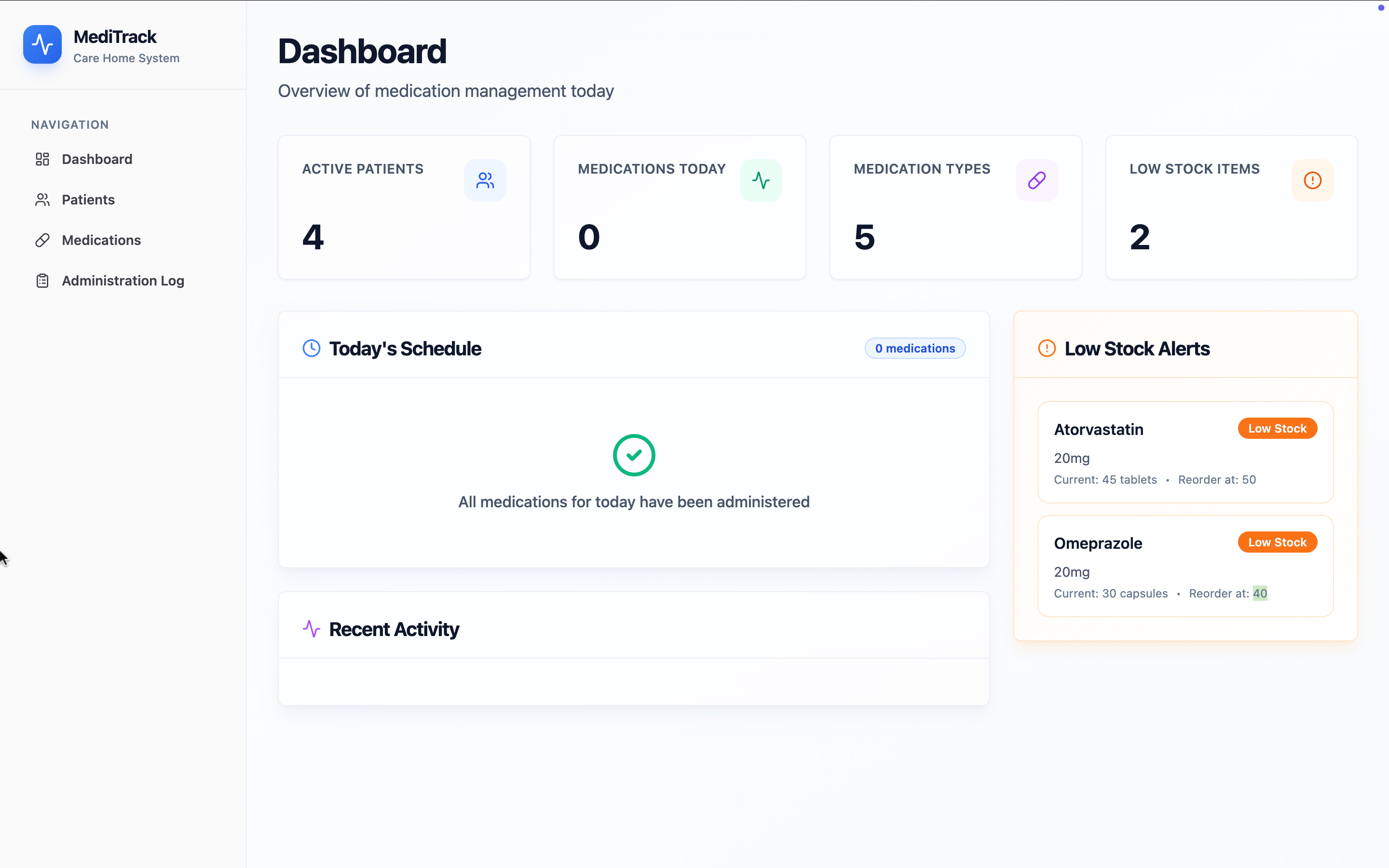
Momentum is a modular, AI-assisted life management app template designed to help users organize goals, habits, tasks, and daily activities within a secure and permission-based structure . The template combines goal tracking, habit tracking, task and calendar management, budgeting, fitness tracking, and a travel journal with an interactive map into a single, well-organized system. All core entities are properly secured , user-scoped, and accessible only to authorized users, making the template suitable for customization and reuse. Momentum is built with a clear data model, protected collections/entities, and role-based access control , ensuring that user data remains isolated and secure by default. The app logic follows best practices for authentication, authorization, and data handling, allowing it to be safely published and extended as a template. The interface is clean and intuitive, and all features are fully synchronized within a controlled application structure. AI-assisted features operate within the same secured environment and do not expose sensitive data. This template is intended for developers or creators who want a ready-to-use, secure foundation for a personal productivity or life management application. The structure is flexible, extensible, and compliant with marketplace security requirements. Momentum is continuously maintained and can be customized further while preserving its secure architecture.

Peter Madacs32 clones

Lifestyle & Hobbies

vidio  template preview

vidio

Free

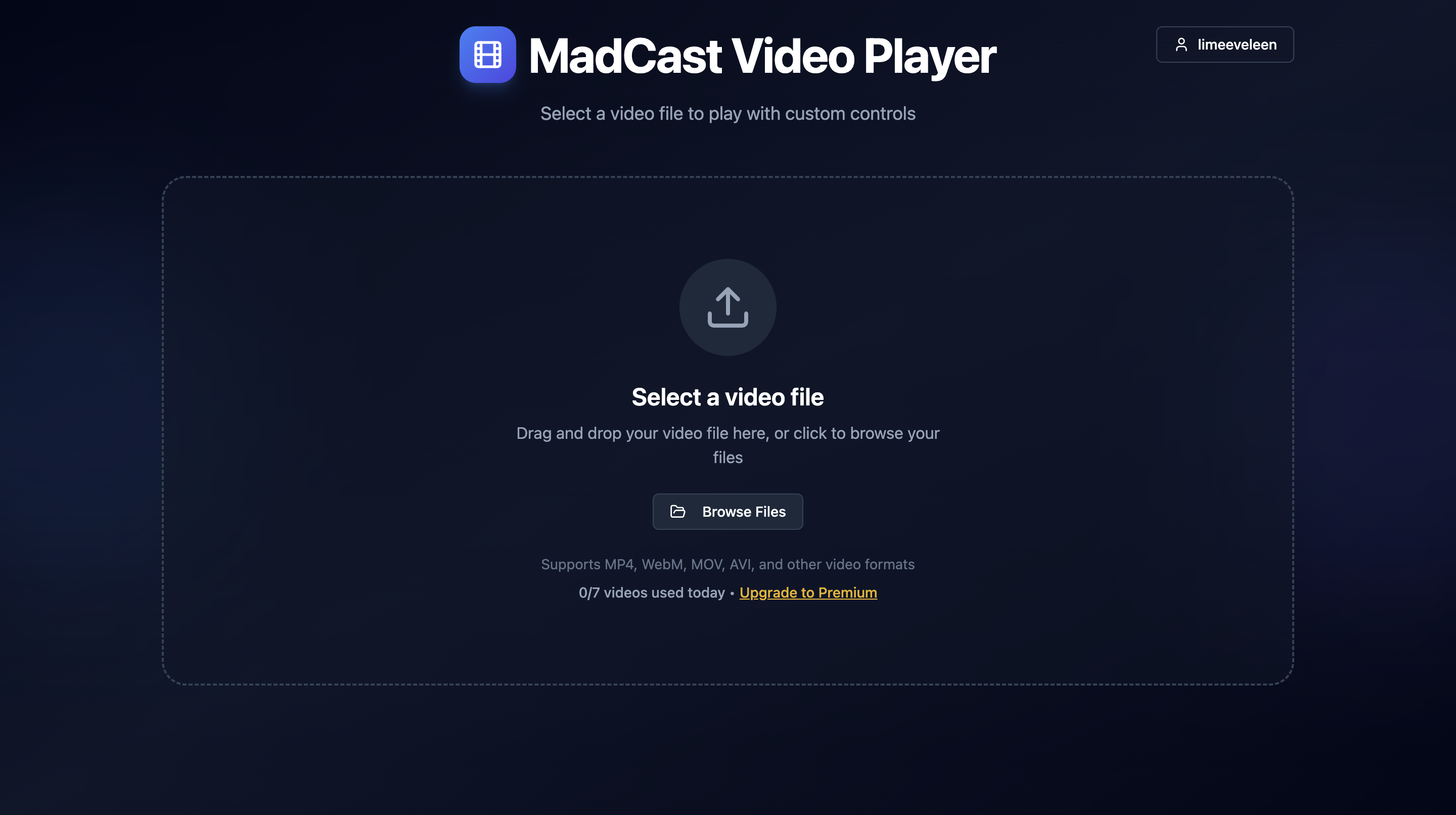
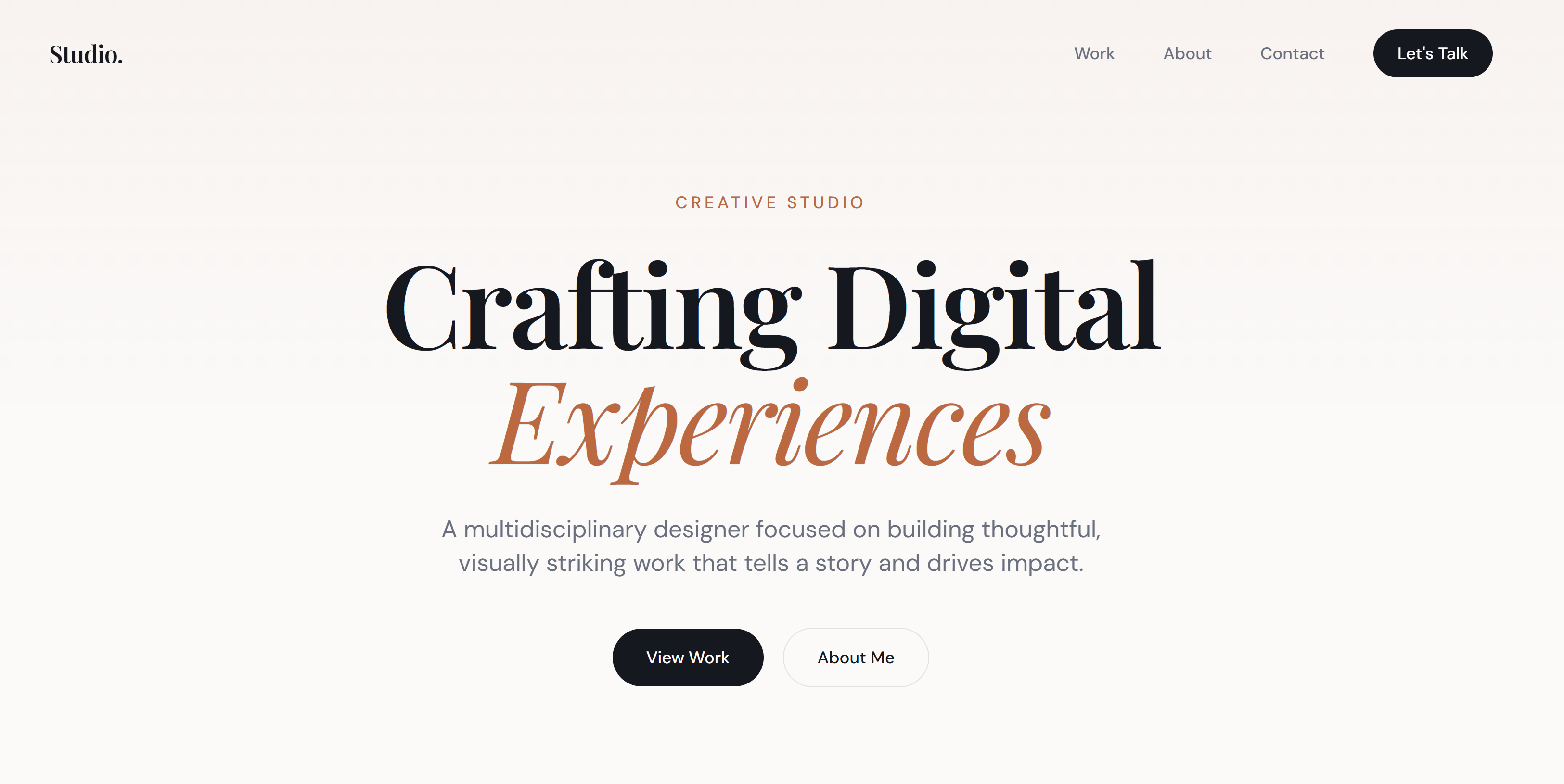
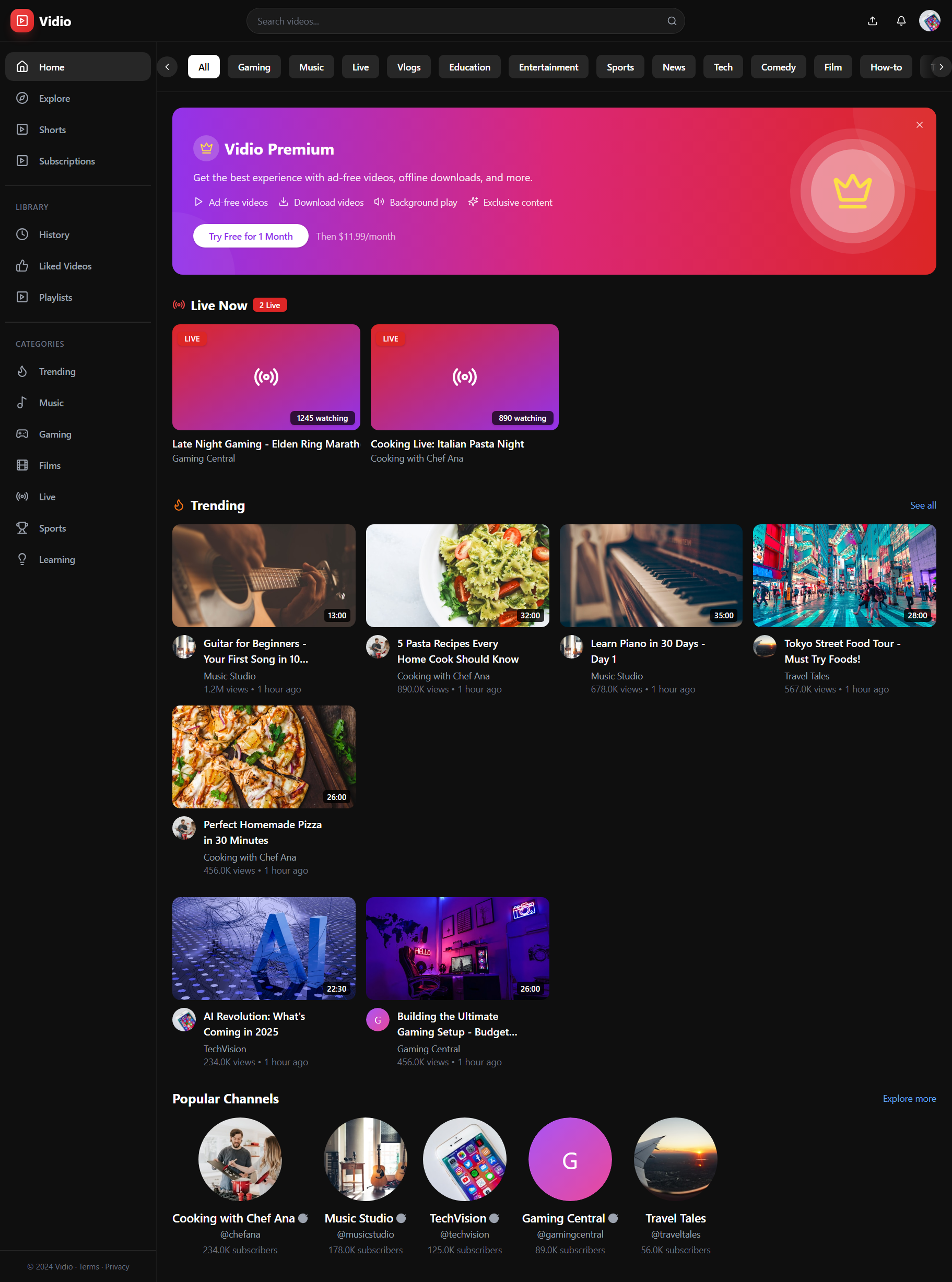
The ultimate platform for creators and viewers, offering fast video hosting, engaging communities, and rewarding monetization. The Vidio platform is a comprehensive YouTube clone with robust features for content creators, viewers, and administrators. Key Features: Video Playback: Advanced VideoPlayer with keyboard controls, quality settings, playback speed, and fullscreen. Live Streaming: Real-time broadcasting via LivePlayer and interactive LiveChat . Creators manage streams on StudioLive , while viewers watch on LiveWatch , Live page, and Home . Shorts: Vertical video experience with keyboard navigation, sound controls, and a comments sheet. Content Management: Upload page for video submissions, StudioContent for video management, and StudioComments for moderating interactions. Channel Management: CreateChannel for new creators, Channel page for public profiles, and Settings for branding and information. User Interaction: Like/dislike, comments, subscriptions, sharing via ShareDialog , saving to playlists via SaveToPlaylistDialog , and reporting content via ReportDialog . Monetization: AdPlayer for pre-roll ads (with tracking), and a PremiumBanner for subscription promotion. Analytics: (Planned/Existing) StudioAnalytics to track video performance. Notifications: Notifications page for managing alerts about new content and activity. Discovery: Home page features live streams, trending videos, and popular channels. Explore and Search pages offer diverse content discovery. Admin Panel: ( Admin page) Tools for platform oversight, managing content, users, and reports. Core Use Cases: Creators: Upload, manage, and monetize videos and live streams; interact with audience comments; access performance analytics; and customize channel settings. Viewers: Watch a variety of content (long-form, short-form, live); discover new channels and videos; subscribe, like, comment, save, and share content; manage personal settings and notifications; and opt for premium features. Administrators: Monitor platform health, moderate content, and manage user-generated reports to ensure community safety. Key Entities: User , Video , Channel , LiveStream , Short , Comment , Notification , Subscription , Playlist , AdCampaign , Report , and various analytics/monetization related entities. Integrations: Primarily base44Client for data management and Core integrations like UploadFile for media assets. updated 23/06/26 🧠 Recommendation Engine — A 3-layer scoring backend function powers the Home feed for logged-in users: popularity signals (views, like ratio, comment velocity, recency), personalization (subscribed channels + category affinity), and exploration (80/20 mix with category diversity + wildcards). Unauthenticated users get the standard chronological feed. 🤖 AI Creator Assistant — An "AI Creator Assistant" panel appears in the Upload form. Type a title, hit Generate, and it produces 3 optimized titles, a full description, and 10 SEO tags — each with a one-click "Use" button to apply them directly to the form. 👥 Community Tab — A full community system with text posts, image posts, and interactive polls. Channel owners see a composer; viewers can vote on polls and like posts. Accessible via a new "Community" tab on every channel page and a "Community" link in the Creator Studio sidebar. 📊 Entities — New CommunityPost entity with full poll vote tracking, member-only visibility support, and pinning. Studio Analytics 2.0 — Retention graph, real per-video breakdown, CTR, impressions Search 2.0 — Weighted scoring (title×5, tags×3, desc×2, views×4, like ratio×2) Creator Reputation Score — New entity + computed score component in Studio Notification Engine upgrades — New notification types wired into existing system Smart Playlists — Auto-playlist builder in Creator Studio AI Clip Factory — Backend function + Studio page Premium infrastructure — Entity + settings page section suport@ www.mellistech.com

Mellis Tech30 clones

Community · Lifestyle & Hobbies +1
So, what are we building?

Start building