WorkOS: Workspace and Tasks
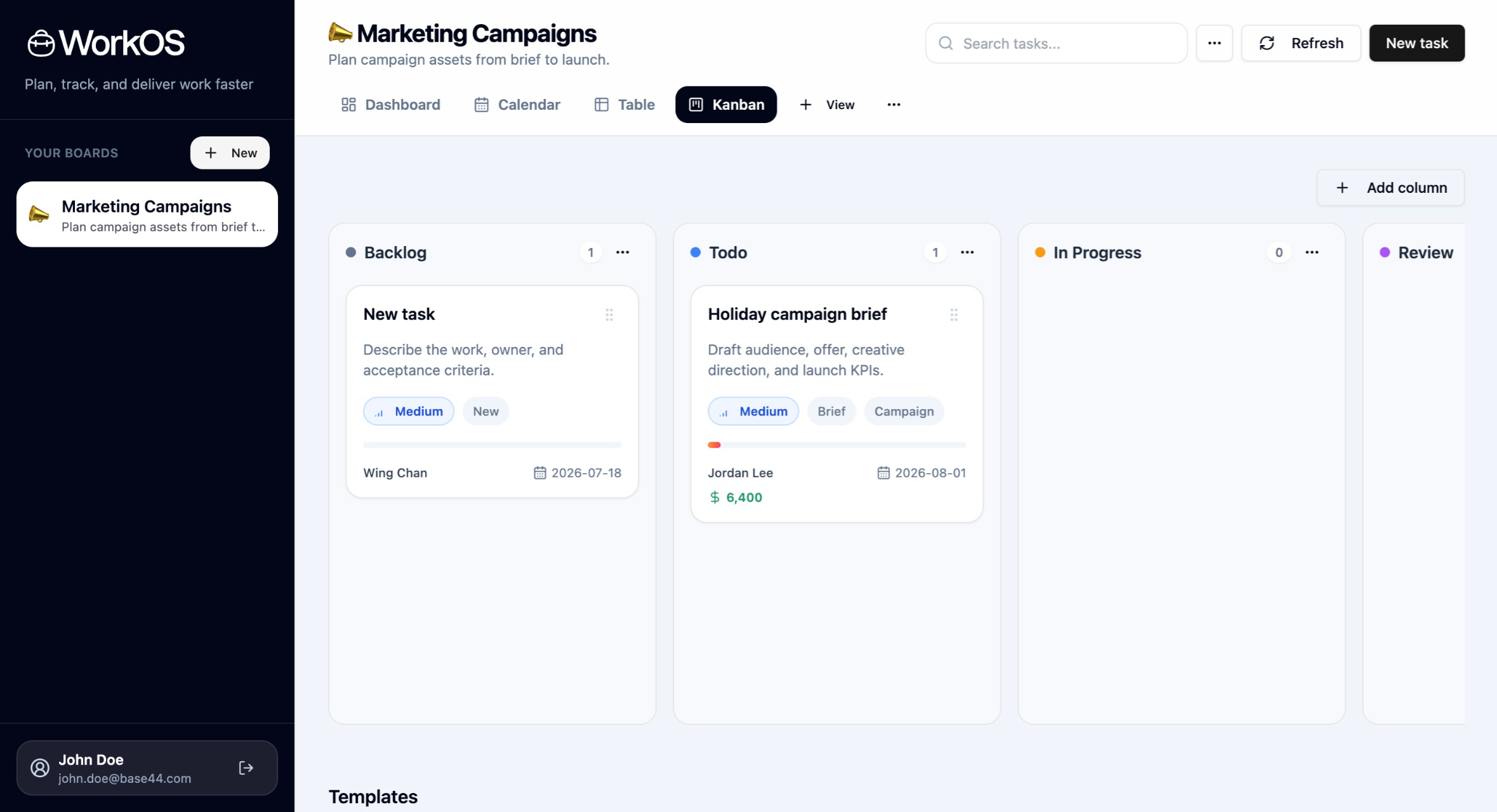
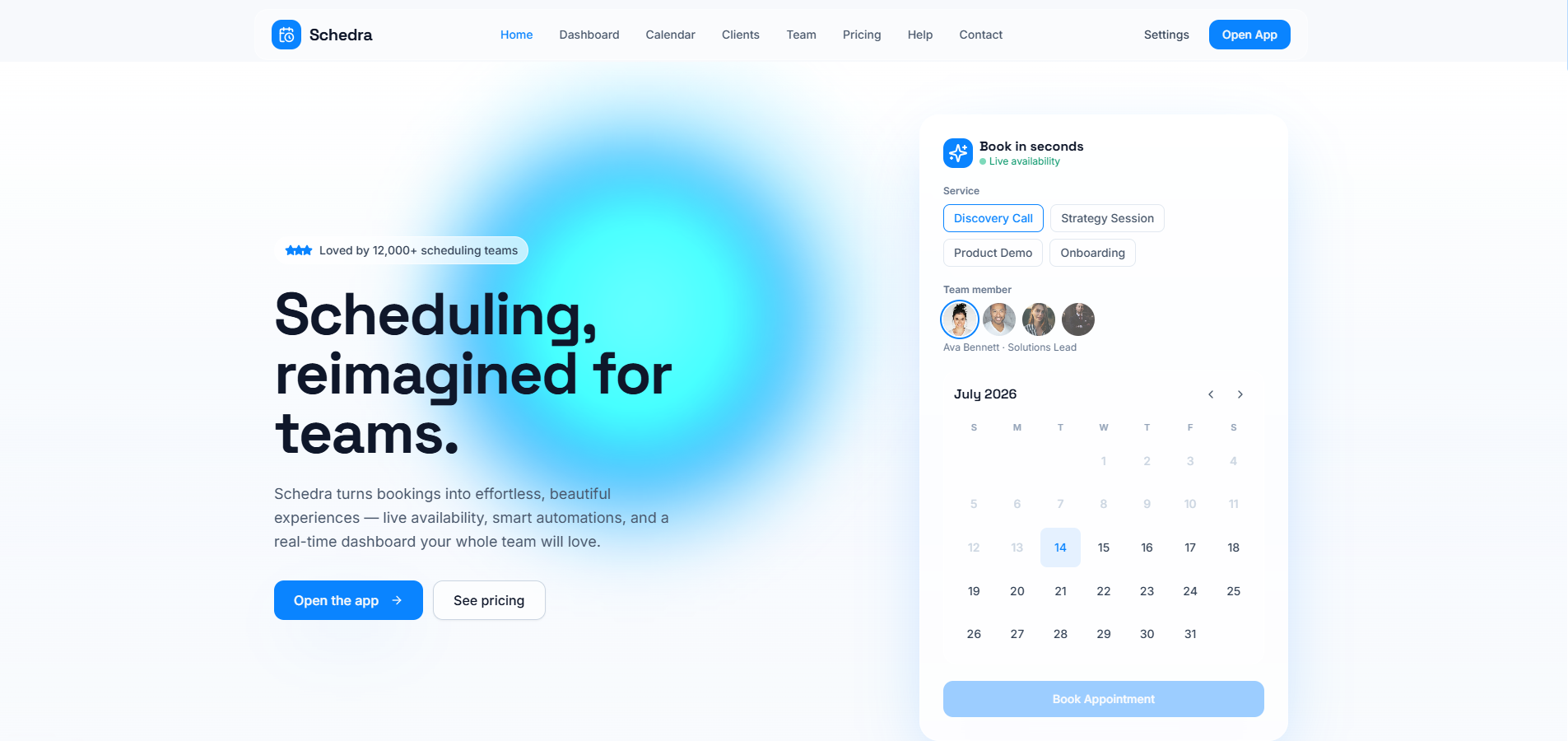
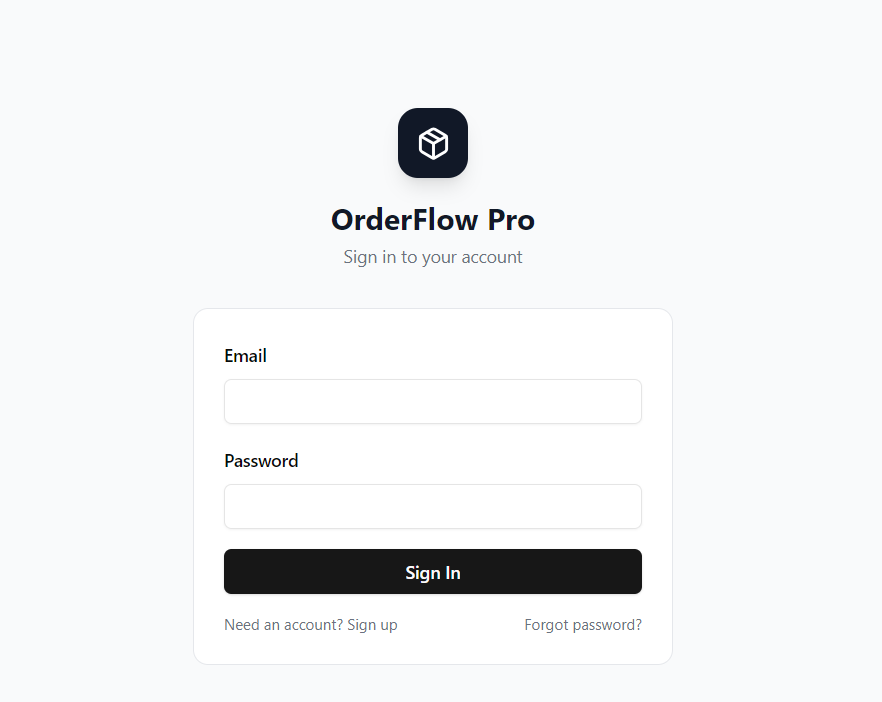
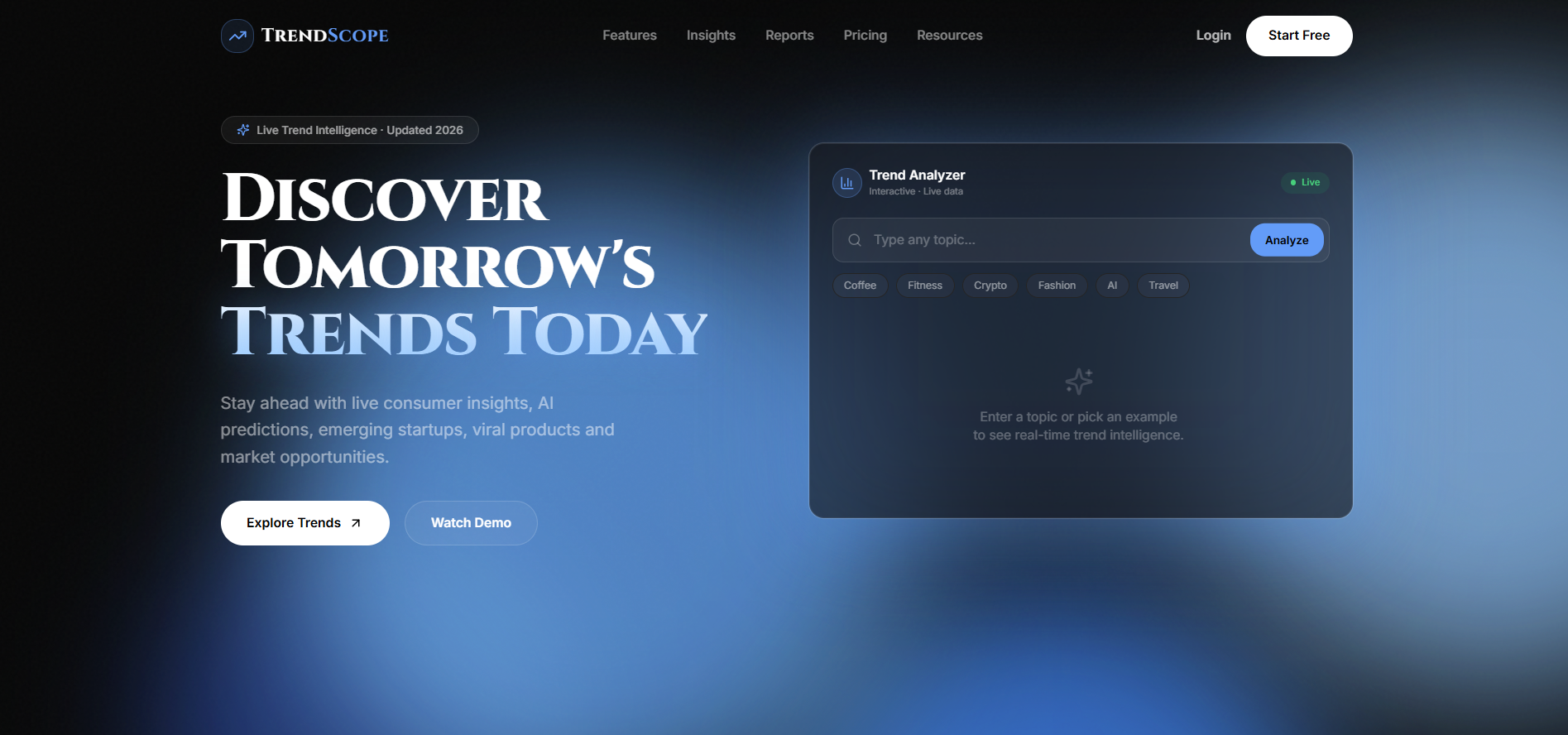
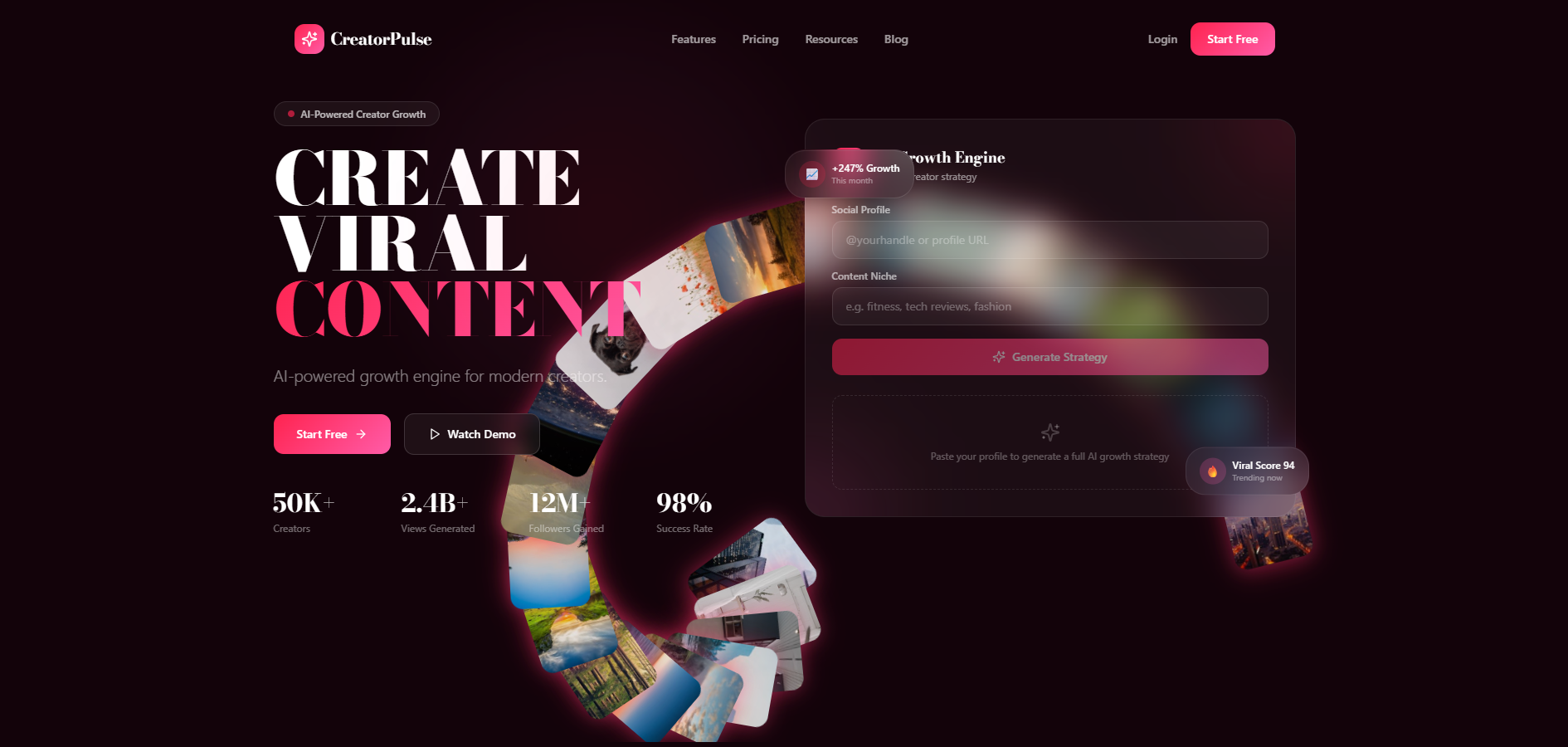
$29.99WorkOS is a production-ready workboard and project delivery template built for teams that need to plan, track, share, and manage work in a clean client-facing workspace. It gives users a complete board-based project management experience with saved views, editable tasks, collaboration controls, import/export tools, onboarding templates, and a polished SaaS landing page. This template is ideal for founders, agencies, internal operations teams, consultants, and product teams who want to launch a modern task management or project delivery SaaS quickly on Base44. Instead of starting from a blank CRUD app, WorkOS includes the core workflows users expect from tools like Focalboard, Trello, Asana, and lightweight project portals. Users can create workspaces, organize tasks across Kanban columns, switch between multiple views, open detailed task drawers, add comments and checklist items, share boards with invited editors, restore archived data, and import or export board information. The app also includes authentication-aware routing, public landing page routing, responsive mobile navigation, skeleton loading states, toasts for user actions, and smooth UI transitions. What This Template Does WorkOS helps users manage delivery work from one shared workspace. A user can: Sign up or log in securely Create a workspace from a starter template Manage boards, views, columns, tasks, fields, comments, and activity Share a workspace with collaborators by email Track tasks through Kanban, table, dashboard, calendar, and gallery views Open task details in a right-side drawer Add checklists, attachments, custom fields, priorities, statuses, budgets, dates, assignees, and tags Import existing board data Export board data for backup or migration Archive and restore workspace records Use URL-restorable board, view, and task routes View a polished public SaaS landing page before entering the app Key Features Public SaaS Landing Page Customer-facing homepage at / Modern B2B SaaS layout Conversion-focused hero section Product preview section Clear calls to action Responsive design WorkOS logo support Smooth page transitions and anchor scrolling Authenticated App Under /app Main product app lives under /app Public landing page remains separate from the protected workspace Auth-aware routing Safe login redirects Legacy board URL redirects URL-restorable app state for boards, views, and task detail routes Workspace and Board Management Create new blank boards Create boards from templates Rename boards Duplicate boards Archive boards Restore archived boards Board owner metadata Shared board access metadata Sidebar board switcher Mobile sidebar menu Multiple Board Views WorkOS includes several ways to view the same task data: Kanban view Table view Dashboard view Calendar-style deadline view Gallery/card view Each view can preserve its own configuration, making it easy for users to switch between planning, tracking, reporting, and reviewing work. Kanban Board Drag-and-drop task movement Custom columns/statuses Column color indicators Column task counts WIP limit support Add, edit, and archive columns Search-aware drag disabling Smooth card hover and drag interactions Task Management Each task supports rich project delivery details: Title Description Status Priority Assignee Client/account Project Start date Due date Budget Progress Tags Checklist Attachments Estimate hours Actual hours Custom fields Task Detail Drawer Right-side task detail drawer Smooth slide-in and slide-out animations Editable task fields Status and priority selectors with clear labels and icons Checklist management Attachment links Comments Activity history Duplicate task action Archive task action Save and cancel controls Comments and Activity Add comments to tasks View task discussion history View activity history Preserve imported activity context Keep collaboration and task context attached to the work item Custom Fields Add custom board fields Support for multiple field types Field visibility per view Custom values on task records Table and gallery rendering for custom fields Collaboration and Sharing Share workspaces by email Invite editors to a board Board-level ownership controls Owner/editor role handling Shared workspace visibility for invited users Access metadata stored with board-scoped records Base44 permissions configured for shared records Import and Export Import board data from JSON or CSV Preview imported data before creating a board Export full board JSON Export tasks as CSV Preserve migration and backup data Helpful for users moving from another workboard system Archive and Restore Archive boards Archive views Archive columns Archive tasks Restore archived records Prevent accidental permanent data loss Manage archived items from a dedicated dialog Starter Templates Users can start from sample workflow templates Template-created tasks are clearly marked with [DEMO] Helps users understand which content is starter content Speeds up onboarding for new workspaces User Experience Polish Skeleton loading states Toast notifications for user actions Smooth route transitions Smooth view transitions Smooth drawer overlays Floating scroll-to-top button Mobile-friendly sidebar navigation Consistent badges, dropdown labels, icons, and button states Keyboard support for common add actions Responsive Design Desktop sidebar layout Mobile menu button Responsive workboard header Responsive landing page Scrollable views and dialogs Viewport-safe sidebar height Production-Oriented Details Protected app routing Public homepage routing Auth redirect loop prevention Safe return path handling Stale token cleanup Base44 backend persistence Base44 entity permissions for collaboration Lint/build validated structure Clear separation between public marketing page and authenticated product app Included Screens and Flows Public landing page Login page Register page Forgot password page Reset password page Workspace onboarding flow Main workboard app Board sidebar Board actions menu View switcher Kanban board Dashboard view Table view Calendar view Gallery view Task drawer Create task dialog Create/edit board dialog Create/edit view dialog Create/edit column dialog Add custom field dialog Share workspace dialog Archive restore dialog Import board data dialog Ideal Use Cases This template works well for: Project management SaaS Client delivery portals Agency workflow tools Internal operations dashboards Task tracking apps Team collaboration apps Startup MVPs for productivity products Consultant/client workspaces Focalboard-style workboard replacements Workflow management products Lightweight CRM or account delivery boards Why You Should Choose This Template WorkOS gives you a complete foundation for launching a real productivity SaaS on Base44. It is not just a landing page or simple task list. It includes authentication, routing, persistent backend data, workspace sharing, multiple views, task details, comments, custom fields, import/export, archive restore, responsive UI, and marketplace-ready polish. You can use this template to quickly launch a branded work management app, customize the copy and data model, add billing or domain-specific workflows, and start onboarding users much faster than building a full workboard system from scratch.
Certified Code·0 clones
Operations · Marketing & Sales +1