Productivity

Build powerful productivity apps with customizable templates. Whether you need to organize your personal workflow or create a robust project management tool for a client, these templates provide the perfect foundation to start from.

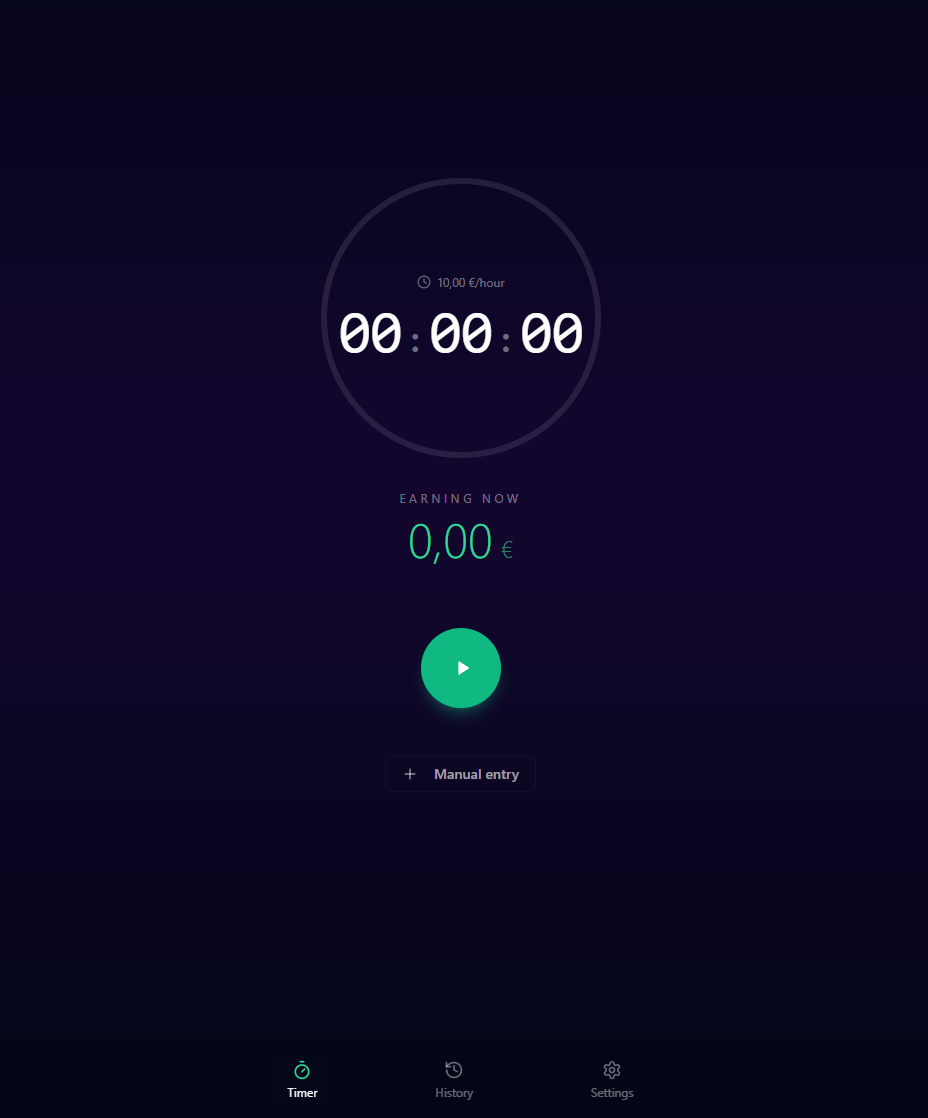
FreelancePay - Track your work! template preview

FreelancePay - Track your work!

Free

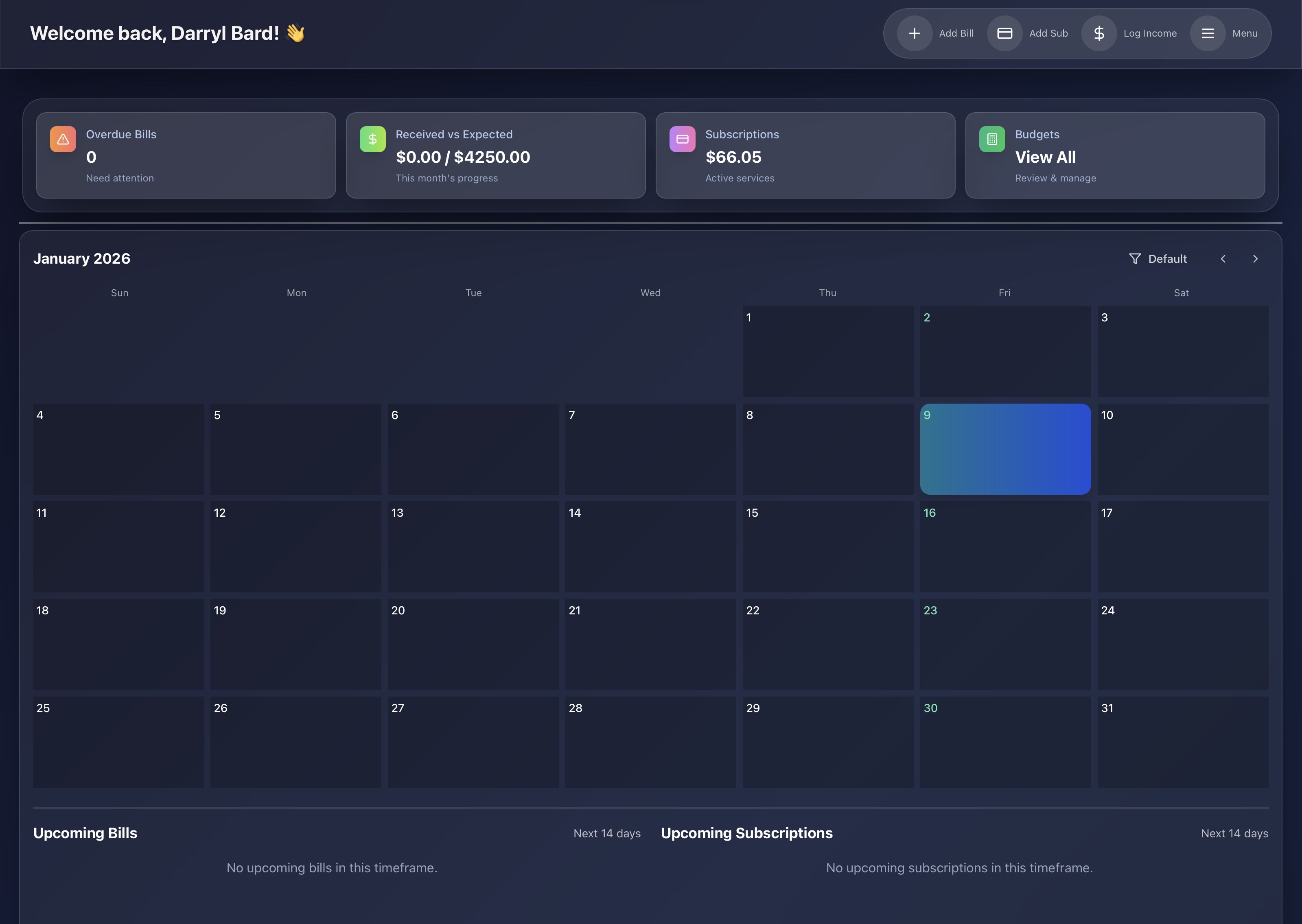
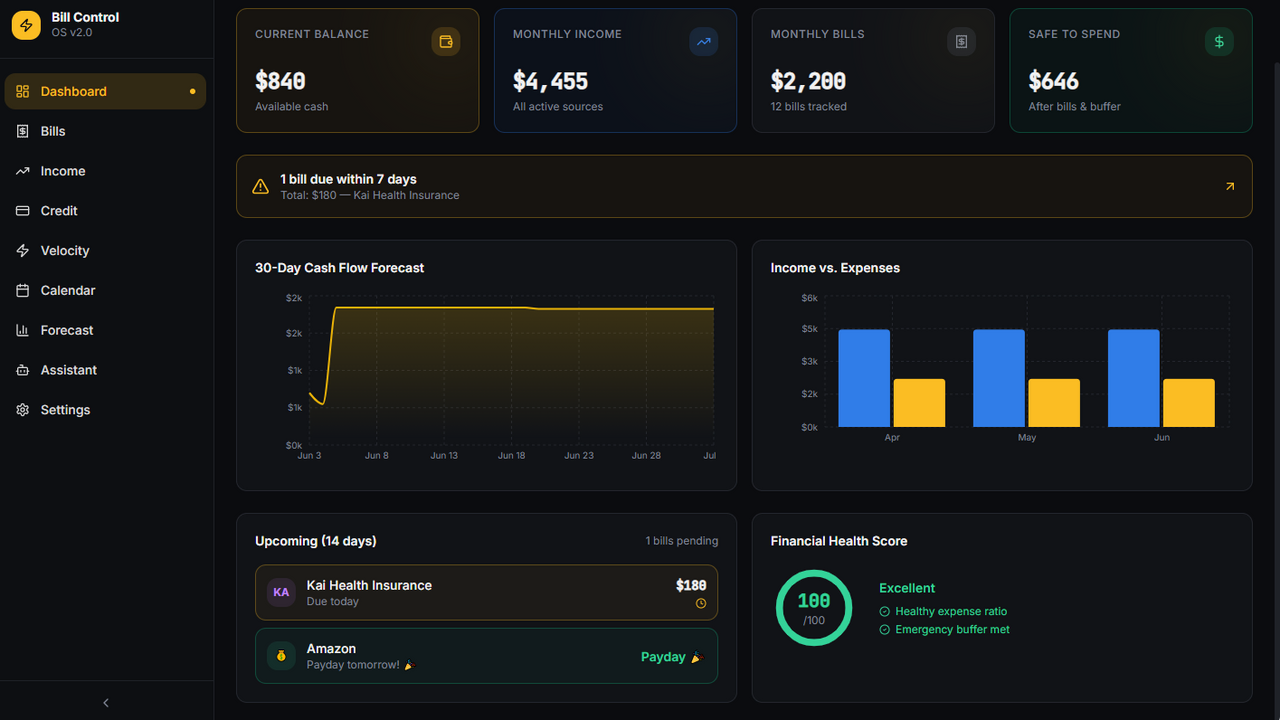
Work Time & Earnings Tracker - Your Ultimate Productivity & Income Management Solution Track every second of your work and watch your earnings grow in real-time. Perfect for freelancers, contractors, consultants, and anyone who gets paid by the hour. Key Features: 🕒 Smart Time Tracking One-tap timer with pause/resume functionality Manual entry for past sessions Real-time earnings calculation Sound alerts to keep you aware of your progress 💰 Earnings Intelligence Automatic earnings calculation based on your hourly rate Daily, weekly, monthly, and yearly summaries Visual charts showing your income distribution Set and track monthly/weekly financial goals with progress indicators 📊 Professional Reporting Export detailed reports to PDF and Excel Comprehensive session history with notes Filter by day, week, month, or year Beautiful visualizations of your productivity patterns 🤖 AI-Powered Insights Built-in AI assistant answers questions about your earnings Get personalized productivity tips Discover your most profitable time periods Smart notifications for breaks and goal progress 🌍 Global & Accessible Available in 11 languages (Portuguese, English, Spanish, French, German, Chinese, Russian, Arabic, Hindi, Bengali, Indonesian) Support for all major currencies Cloud sync - access your data anywhere Dark mode design with optional dynamic backgrounds ✨ Beautifully Designed Modern, intuitive interface Smooth animations and transitions Fully responsive - works on all devices Bottom navigation for easy mobile use Perfect For: Freelancers tracking billable hours Consultants managing multiple projects Contractors calculating daily earnings Students monitoring study sessions Anyone wanting to understand their time value Start maximizing your productivity and income today. Know exactly how much every minute of your work is worth.

Oliveira12325 clones

Finance · Data & Analytics +3

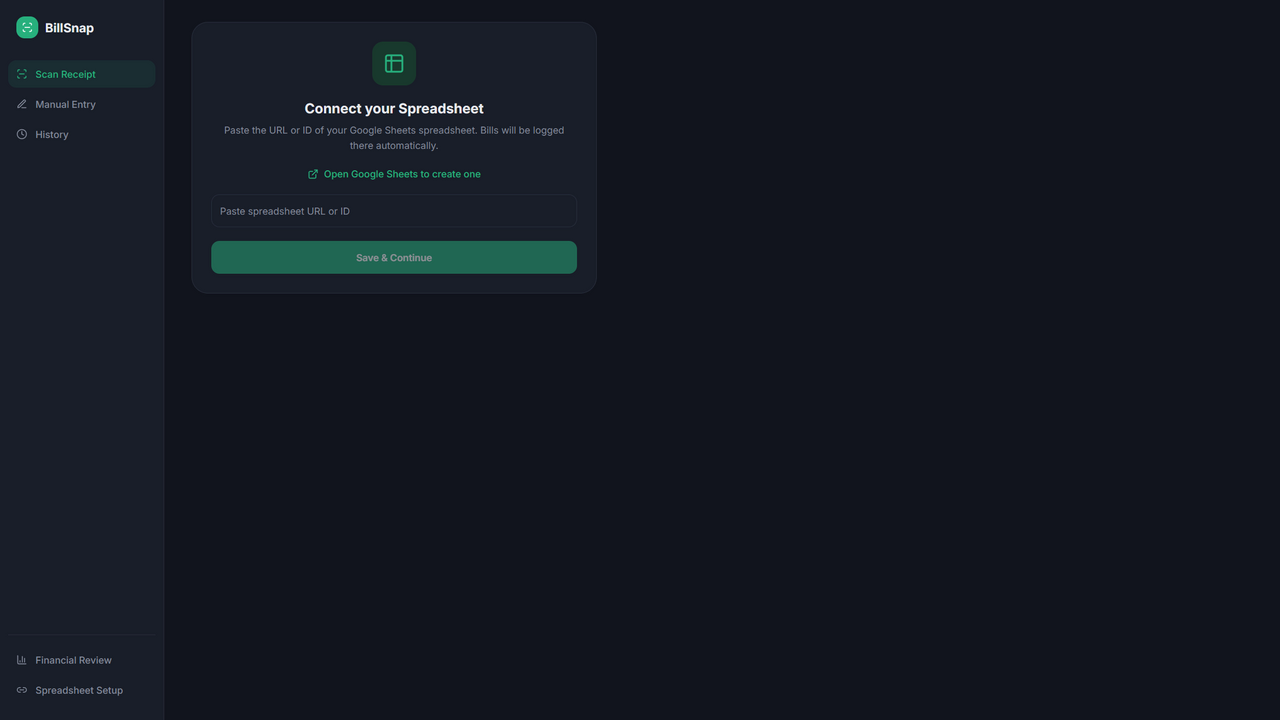
BillSnap template preview

BillSnap

Free

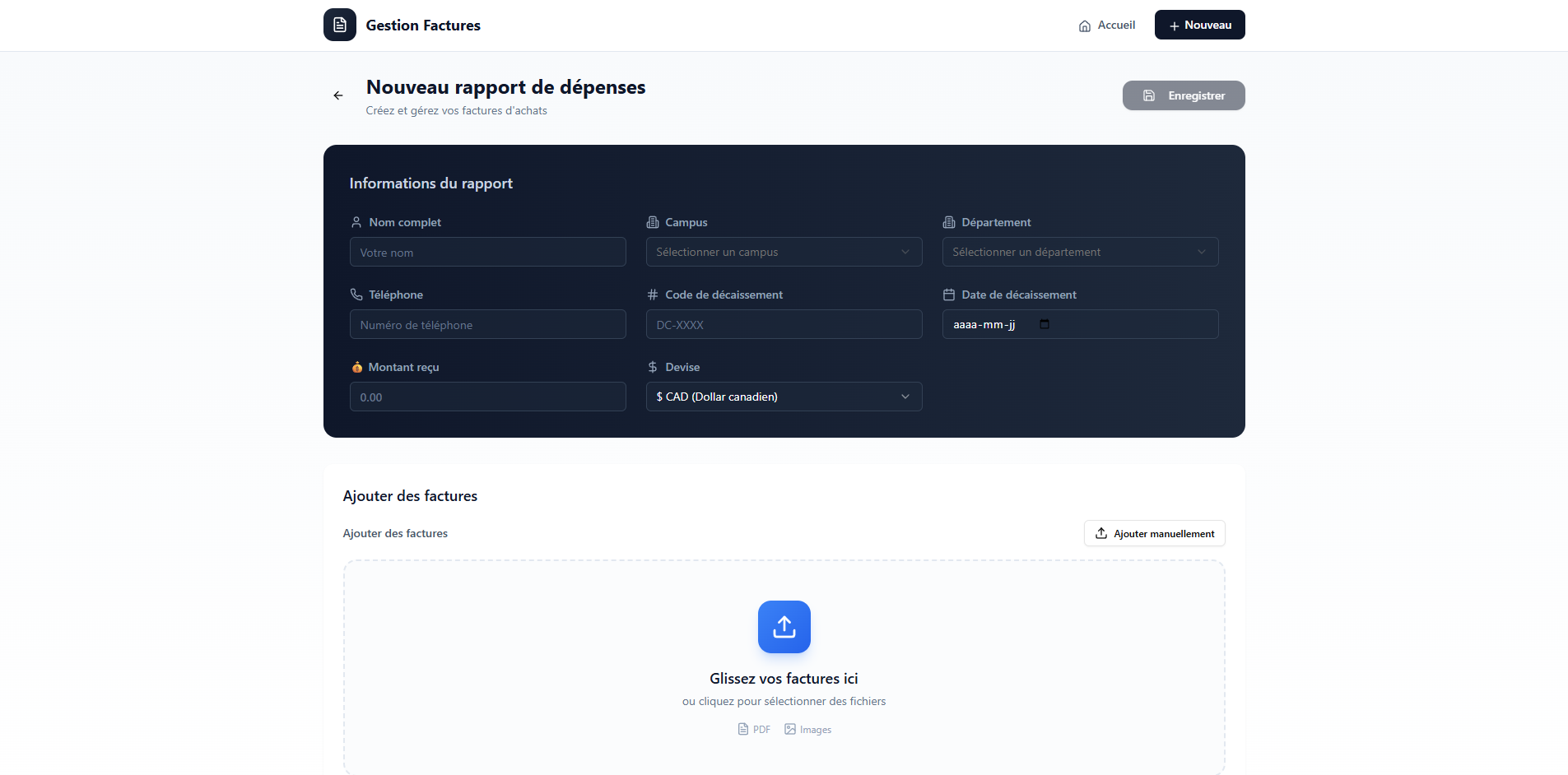
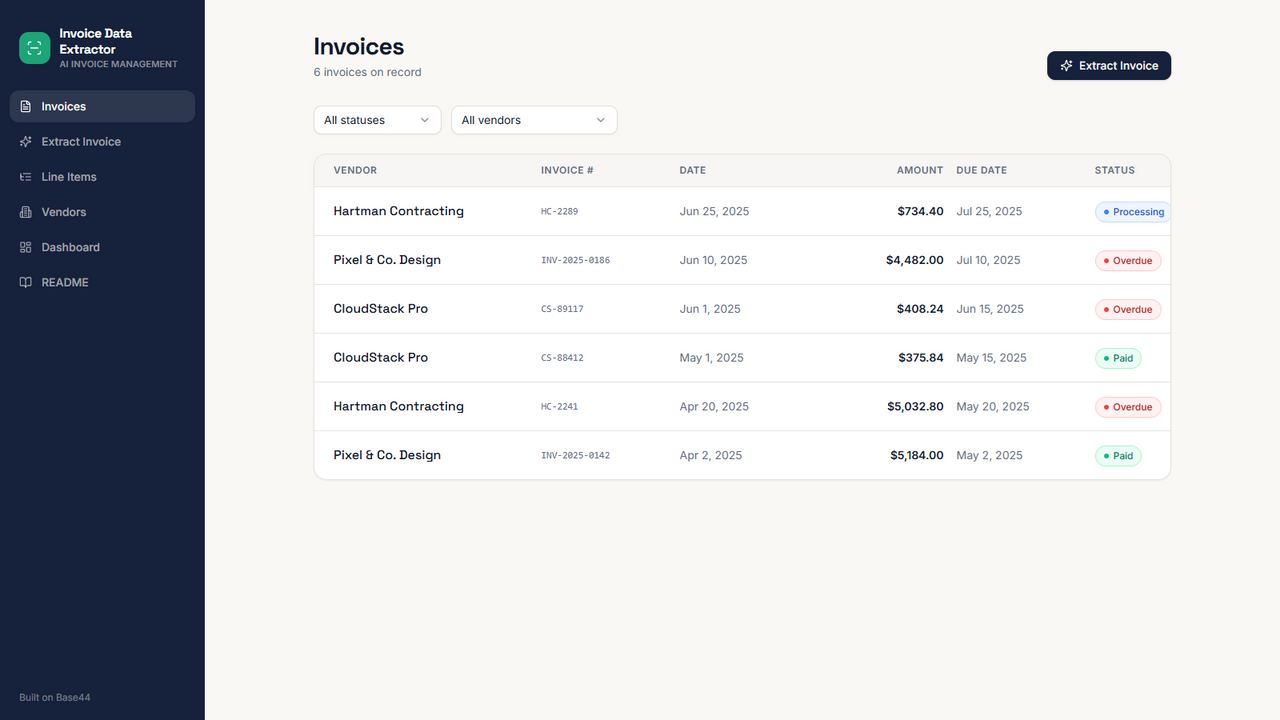
Effortlessly track your supermarket spending by snapping a photo of your receipt. BillSnap automatically extracts key details and organizes your purchases into spending categories for seamless logging directly to your Google Sheets. 📸 Scan Bills with AI Use your device camera to photograph a grocery bill or upload an existing image from your device. The app then analyzes the bill and extracts the relevant information for tracking. ✍️Quickly Add Bills Manually Dont want to use a scan? The Manual section lets you enter your bill details yourself without using AI integration credits. Date The date is automatically set to today, but you can easily select a different date using the built-in calendar. Supermarket Presets Save commonly visited supermarkets as presets and add them with a single tap instead of typing the name every time. Bill Total Enter the total amount of your grocery bill. Customizable Category Breakdown Split your bill across seven customizable spending categories. Rename and configure the categories according to your own needs. The app also includes several features to make manual entry faster: Built-in Calculator: Calculate the total cost of products within a category and insert the result directly into the category field. Automatic Balance Allocation: If you have entered some category amounts but still have a remaining balance, simply tap a categorys emoji icon to assign the remaining amount to that category. Total Validation: A warning appears whenever the category breakdown does not equal the total bill amount, helping prevent accidental data-entry errors. 🧾 30-Day Bill History View an easy-to-read record of grocery bills added through both scanning and manual entry. The History section provides a convenient overview of your bills from the last 30 days. 📊 Financial Reviews Analyze your grocery spending over multiple time periods with 1-month, 6-month, and 12-month financial reviews. Each review can include: Total number of grocery purchases The category that consumed the largest share of your budget Spending trends shown through bar charts Category Breakdown shown through a pie chart Categories ranked from most expensive to least expensive Percentage of total spending represented by each category Comparison with the equivalent previous period Top Supermarket, based on the supermarket where you spent the most money, provided it has been visited more than once The spending trend charts adapt to the selected review period: 1-month review: Weekly spending 6-month and 12-month reviews: Monthly spending 🔐 Your Spending Data Stays in Your Spreadsheet The BillSnap financial review system reads and consolidates your grocery spending data directly from your connected Google Spreadsheet. Grocery spending data is not stored in the apps own database, giving you greater ownership and visibility over your financial records. ✅Built for Simple, Fast Grocery Tracking Whether you prefer AI-powered bill scanning or fast manual entry, Grocery Bill Tracker gives you the tools to record purchases efficiently, organize spending, and understand where your grocery budget is going.

Legend 310814 clones

Finance · Operations +1

So, what are we building?

Start building