Flymate Travel CMS
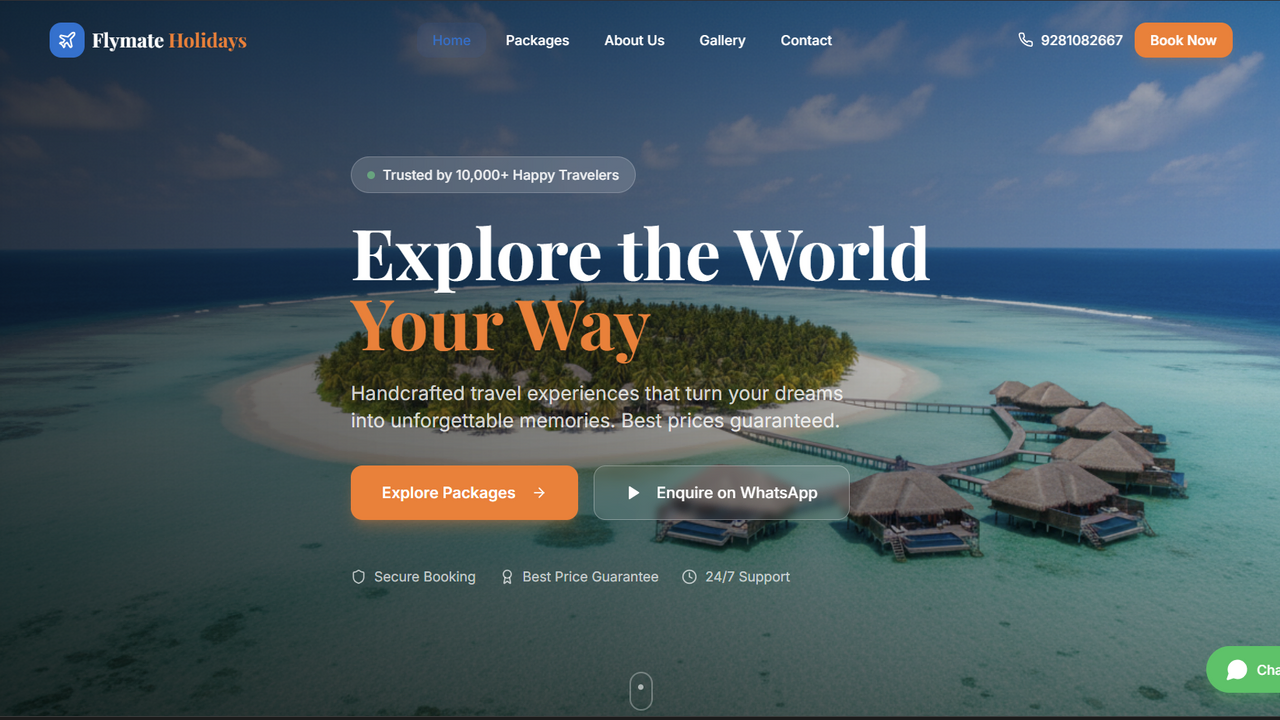
$5This is a modern and dynamic web application designed for travel agencies, tour operators, and anyone in the travel industry looking for an engaging online presence to showcase travel packages and manage customer inquiries. Built on React and Tailwind CSS with a Base44 backend, it offers a seamless experience for both administrators and end-users. Key Highlights: Visually Rich Frontend : Features beautifully designed pages for Home, Packages, Package Details, Gallery, About Us, and Contact, all capable of displaying dynamic media content. Intuitive User Experience : Responsive design ensures optimal viewing on any device, coupled with smooth animations and easy navigation. Integrated Inquiry System : Customers can easily submit inquiries directly from package pages or the contact page, and these inquiries are efficiently managed in the admin panel. Powerful Admin Backend : A comprehensive administration area allows for complete control over website content, media assets, branding, and customer communication. Detailed Admin Media Management Features The "Media Manager" is a core feature of the admin panel, providing you with WordPress-style control over your website's visual content. It's designed to be flexible, allowing you to place and display images and videos exactly where and how you want them on your public-facing website. You can access this feature through the admin dashboard, typically via a navigation link like /admin/media . Here’s a breakdown of its capabilities: Media Upload (Images & Videos) : Simple Upload : Easily upload image files (JPG, PNG, GIF) and video files (MP4, MOV) directly from your computer. Automatic Type Detection : The system automatically identifies whether an uploaded file is an image or a video. Title and Description : Contextual Information : Add a Title and Description for each media item. This helps with organization in the admin panel and can also be displayed on the frontend, providing context to your visitors (e.g., in carousels, grids). Page Placement : Target Specific Pages : You can select which public page(s) on your website you want the media block to appear on. Options include: Home Page Packages Page Package Detail Page Gallery Page About Page Contact Page Location on Page : Precise Positioning : Beyond just the page, you can specify an exact Location within that page where the media block will render. Examples include: Top of Page After Hero Section After Packages Section After Why Choose Us Section After Testimonials Section Bottom of Page This allows for strategic placement of promotional banners, galleries, or videos relevant to the content around them. Display Style / Animation : Dynamic Presentation : Choose how your media collection will be displayed on the frontend. This is a powerful feature that allows you to create engaging visual sections: Single / Static : Displays one media item as a standalone image or video. Carousel / Slider : Creates an automatically rotating gallery of multiple media items, ideal for hero sections or featured content. Grid Gallery : Arranges multiple media items in a clean, uniform grid. Masonry Gallery : Creates an aesthetically pleasing, staggered grid layout, often used for photo galleries where images have varying aspect ratios. Fade & Slide : Presents media items one after another with smooth fade and slide transitions, good for storytelling or sequential showcasing. Size Mode : Flexible Sizing : Control the dimensions of your displayed media: Full Width : The media item will span the entire available width of its container, adapting responsively. Original Size : The media item will attempt to render at its native dimensions. Custom Size : Allows you to specify exact Width (px) and Height (px) for precise control over the media's dimensions. Sort Order : Content Sequencing : Assign a Sort Order number to arrange media blocks within the same page and location. A lower number means higher priority/earlier display. Active Status : Visibility Control : Toggle the Active status to instantly show or hide a media block from your public website without deleting it. This is great for seasonal promotions or temporarily removing content. How Admin Media Management Enhances Your Website: This robust system turns your website into a dynamic content hub. Instead of relying on developers for every image or video update, you, as an administrator, have full control. You can: Quickly update promotional banners. Create new image galleries for recent tours. Embed videos at relevant points on any page. Change the visual layout of media without touching code. Ensure your website always looks fresh and engaging for your visitors. Other Key Admin Features Inquiry Management : View, filter, and update the status of all incoming customer inquiries (New, Contacted, Converted, Closed), helping you manage leads effectively. Logo Settings : Easily upload and change your website's logo, and adjust its width and height, ensuring brand consistency across the entire application. This comprehensive set of tools empowers you to manage and evolve your website's content and customer interactions without technical expertise.
Anubhav Mishra·3 clones
Lifestyle & Hobbies · Operations +1