Productivity

Build powerful productivity apps with customizable templates. Whether you need to organize your personal workflow or create a robust project management tool for a client, these templates provide the perfect foundation to start from.

transit pass template preview

transit pass

$99.99

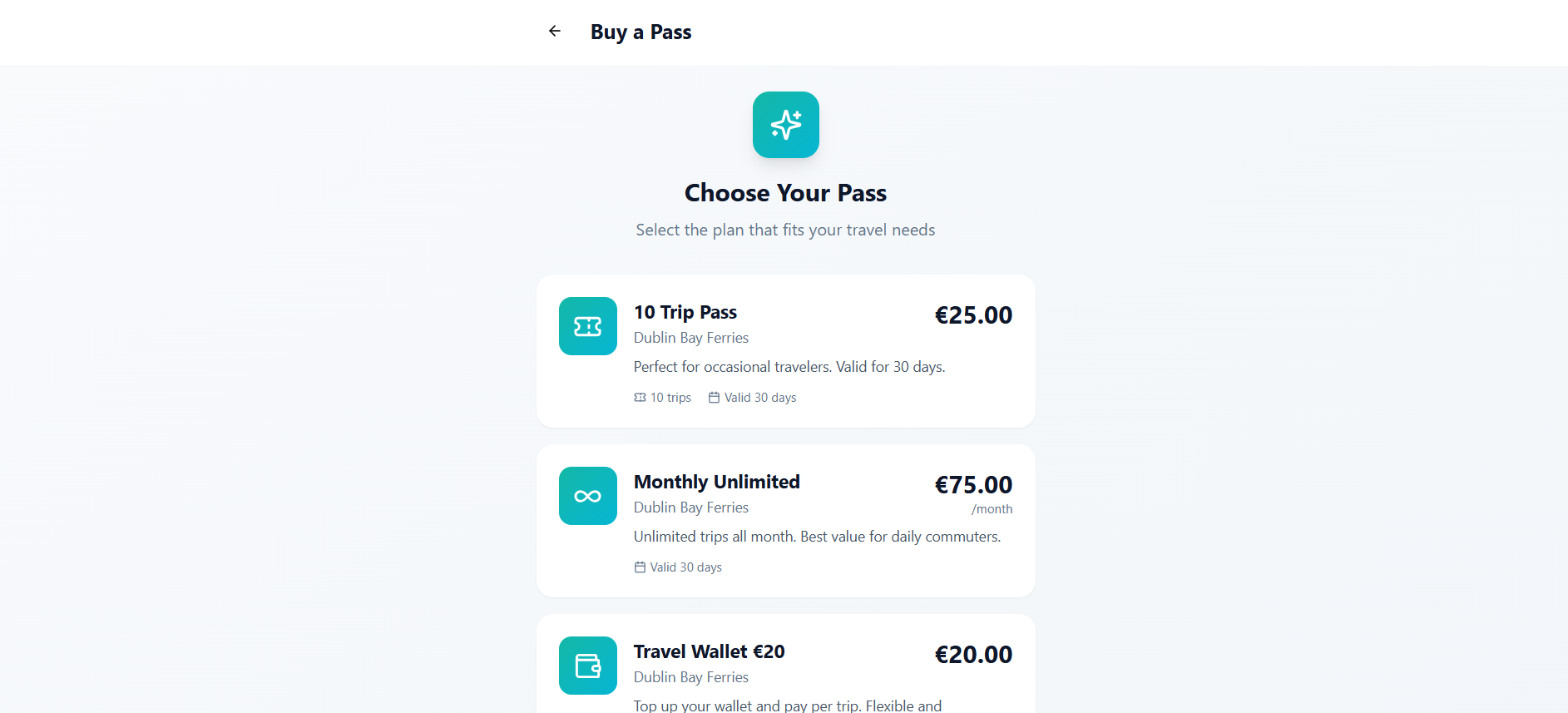
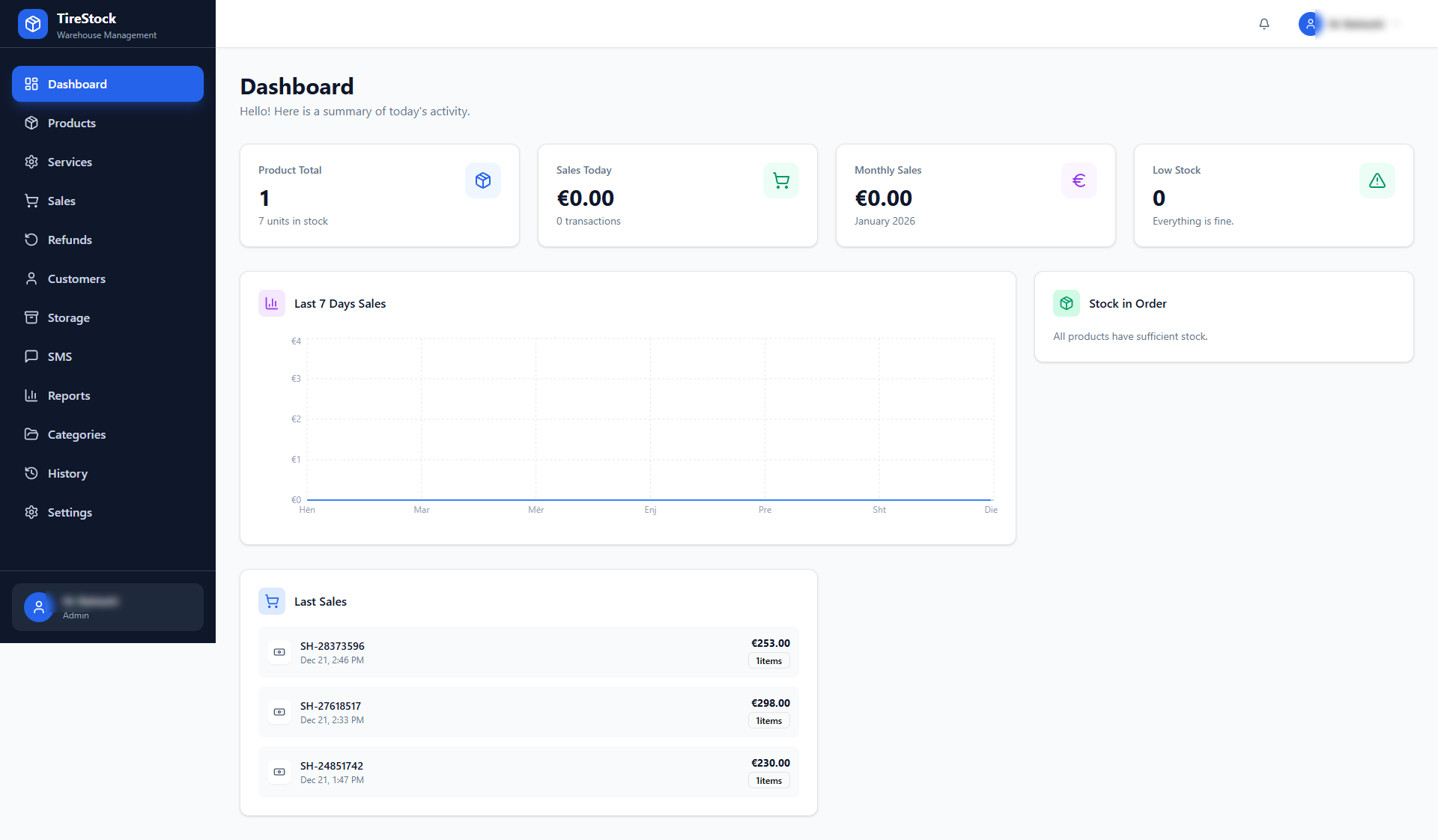
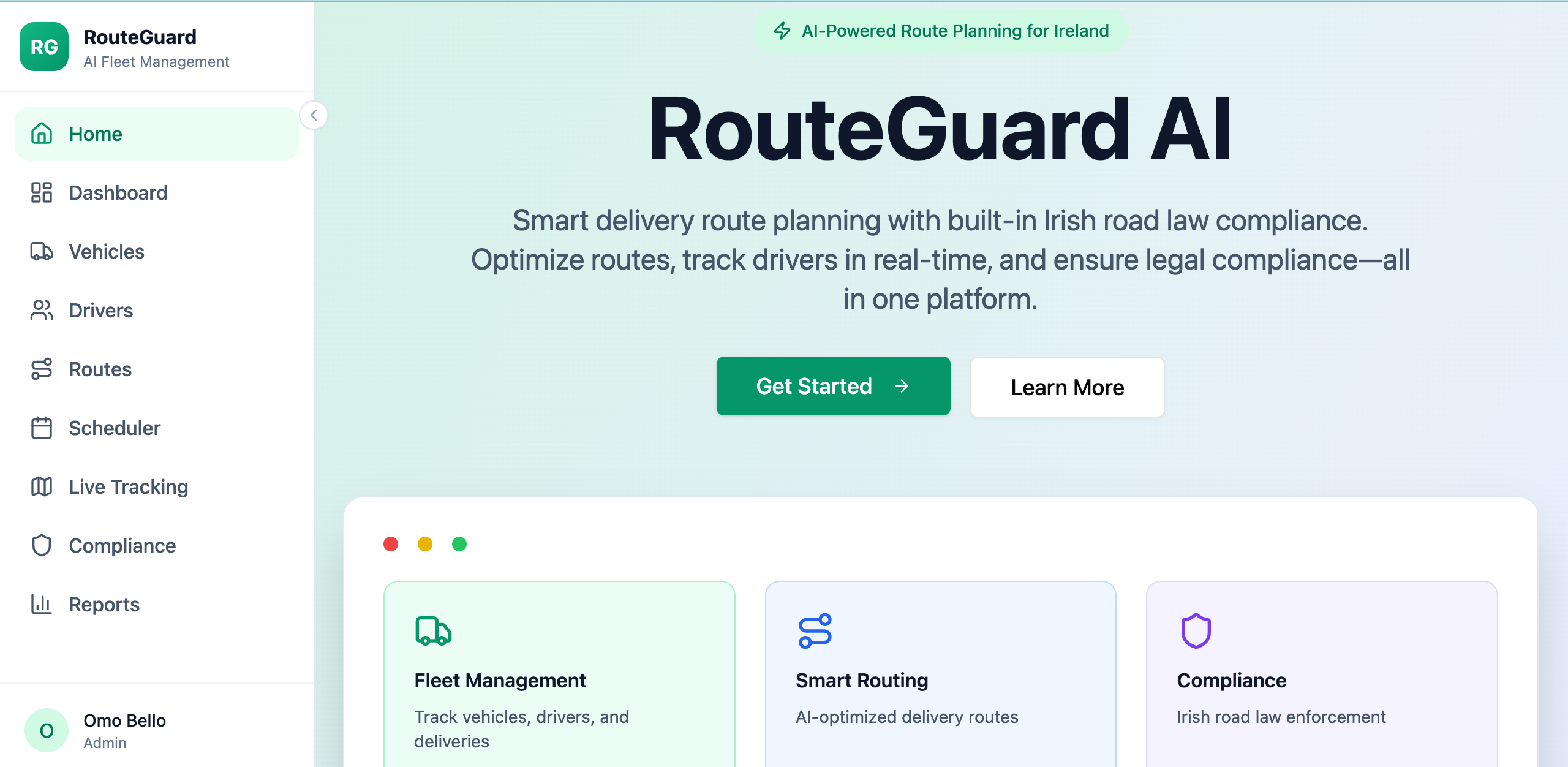
A white-label platform for transport operators to manage travel passes, subscriptions, and payments, offering seamless QR code validation for passengers and operators. Platform Overview: TransitPass - White-label Travel Pass Platform A "Stripe meets Ticketmaster" solution for transport operators, enabling subscription and prepaid QR code-based travel validation. 1. User-Facing Features (Passengers): User Dashboard: Display of active travel pass. Dynamic QR code generation for trip validation with auto-refresh every 15 seconds for security. Personalized welcome and user profile access. Buy Pass Page: Browse and select from various PassType s (fixed, unlimited, wallet). View pass details, descriptions, pricing, and validity. Purchase passes (integration with Stripe for subscriptions is planned). My Passes Page: View all active and expired UserPass es. Filter passes by status (active, expired, all). Access QR code for any selected active pass. Travel History Page: View a detailed log of all past Trip s. See trip status (approved/rejected) and reasons for rejection. Filter and analyze travel patterns. User Profile Page: View personal information (name, email). Access navigation options for payments, notifications, security, and support (placeholder sections). Sign-out functionality. 2. Staff-Facing Features (Attendant/Scanner Staff): Scanner App (PWA): Minimal, dark-themed user interface optimized for scanning. Real-time QR code validation for UserPass es. Immediate feedback on scan result (approved/rejected) with rejection reasons. Logs Trip data, including scanner ID, location, and route. 3. Operator Admin Dashboard Features: Dashboard Overview: Key Performance Indicators (KPIs) like total trips, active passes, unique users, and total revenue. Trip activity charts visualizing daily trip counts. Recent scan activity logs. Time range selector for data analysis (Today, Last 7 Days, Last 30 Days). Manage Pass Types: Create new PassType s (fixed, unlimited, wallet). Edit existing pass details (name, description, price, validity, recurrence). Archive pass types (set status to 'archived'). Manage Staff: View a list of Staff members associated with the operator. Add new staff members with specific roles (scanner, admin). Edit staff details and roles. Suspend or activate staff accounts. 4. Platform Super Admin Features: Operator Management: Manage multiple Operator tenants on the platform. Onboard new operators, define branding (logo, colors), and settings. Set operator status (active, suspended, pending). Platform-wide statistics and oversight. 5. Core Functions and Mechanisms: User Roles & Access Control: End User : Purchases and uses passes. Attendant/Scanner Staff : Validates passes. Operator Admin : Manages specific operator's passes and staff. Platform Super Admin : Manages operators and platform settings. Role-based access control ( RLS - Row-Level Security) implemented on Operator , PassType , UserPass , Trip , and Staff entities. Dynamic QR Code Validation: validateScan() backend function (planned) to handle atomic validation, cooldowns, and trip deductions. Ensures secure and fraud-resistant validation of passes. Pass Lifecycle Management: UserPass es track status (active, expired, suspended, exhausted), trips remaining, wallet balance, and expiry. White-Labeling: Operators can configure their branding (logo, primary/secondary colors) via Operator entity. Planned support for custom domains. Data Audit Trail: Trip entity records every scan attempt, regardless of outcome, ensuring a complete audit trail. 6. Use Cases: Occasional Traveler: Buys a Fixed Trip Pass (e.g., "10 Trip Pass") for infrequent travel. Daily Commuter: Subscribes to an Unlimited Pass (e.g., "Monthly Unlimited") for cost-effective daily travel. Flexible Traveler: Uses a Wallet Pass to pay per trip, topping up as needed. Transport Operator: Sets up and manages their specific pass offerings, monitors staff activity, and views operational analytics. Platform Provider (Super Admin): Onboards new transport companies, manages their settings, and maintains the overall platform. Support @ mellistech.com

Mellis Tech0 clones

Operations · Finance +1
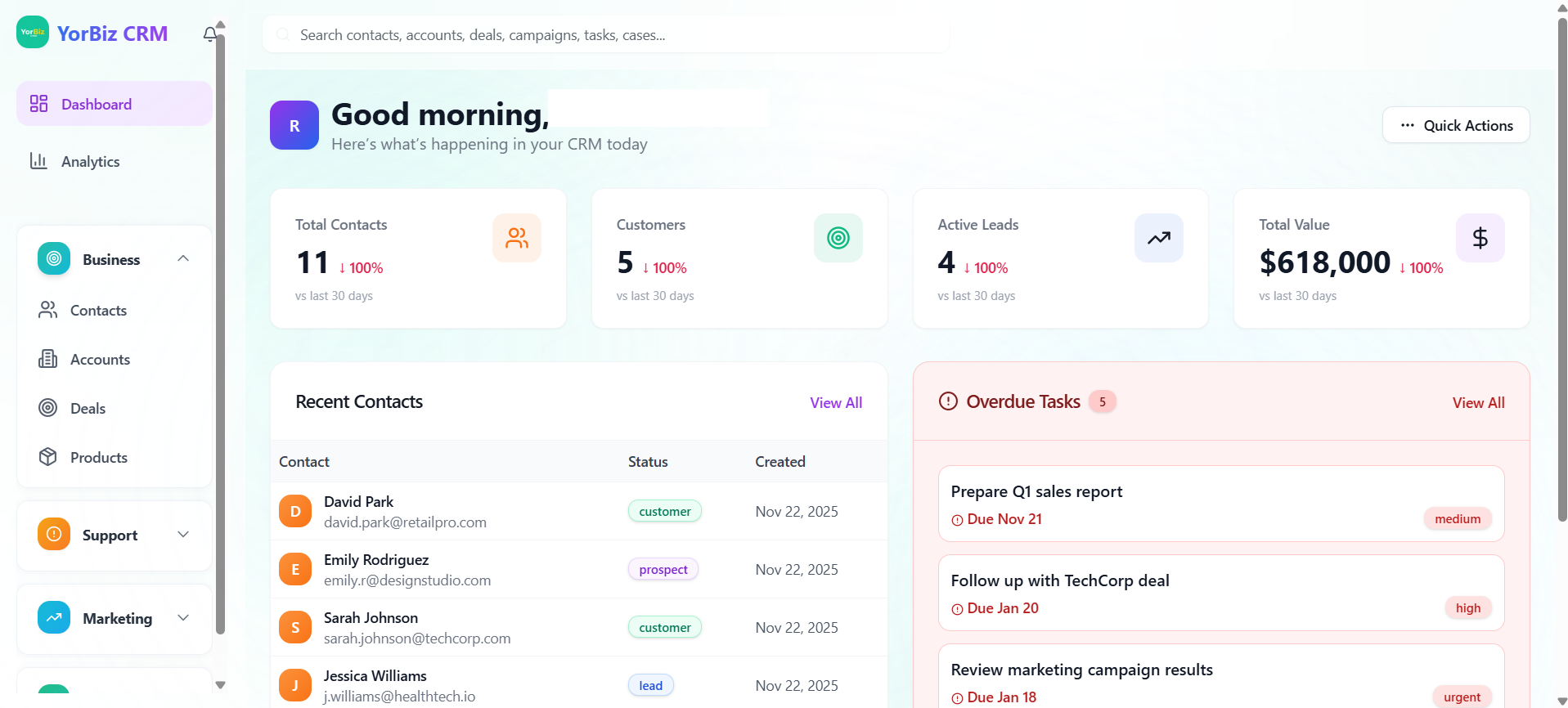
YorBiz CRM template preview

YorBiz CRM

$29.99

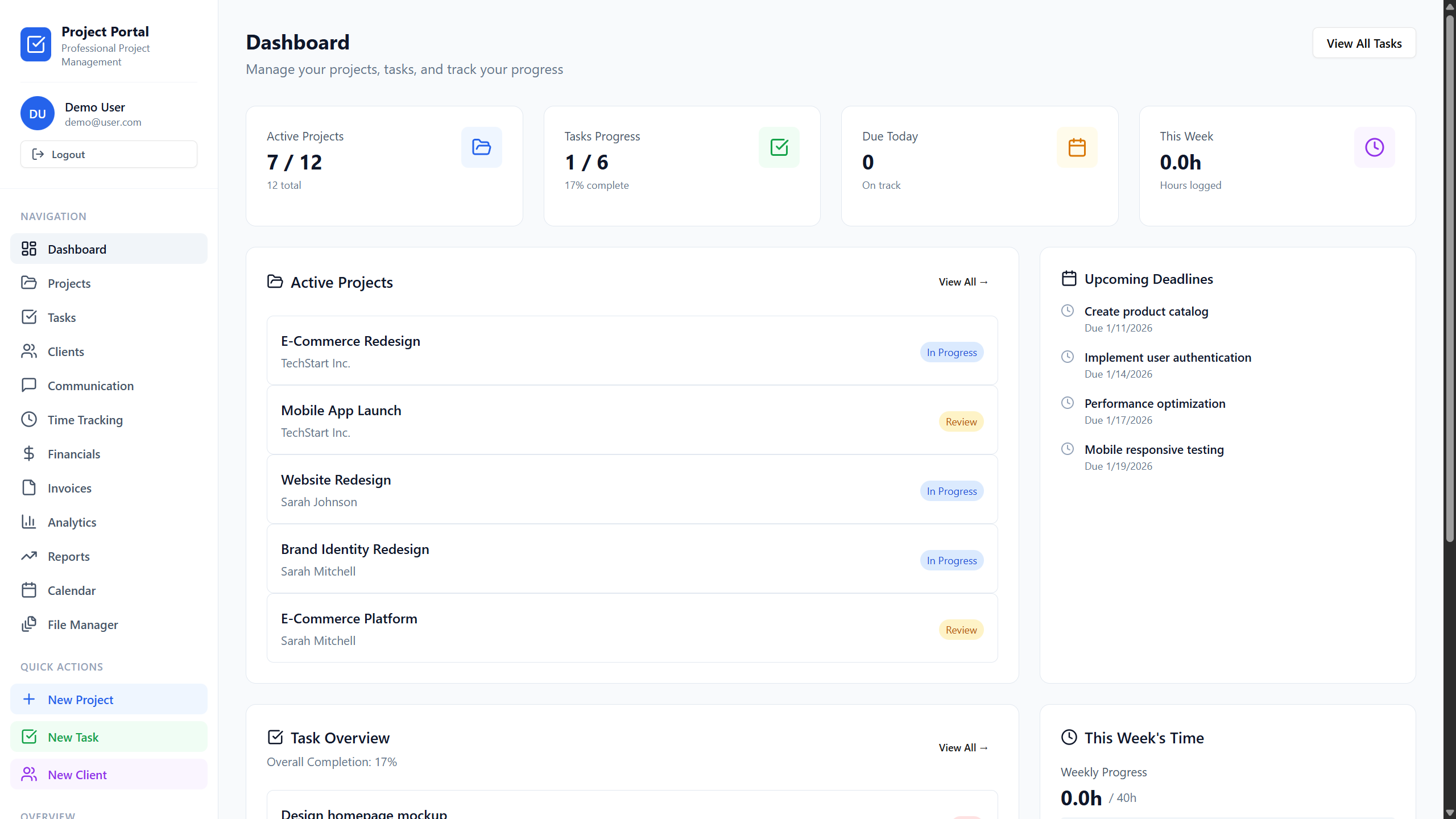
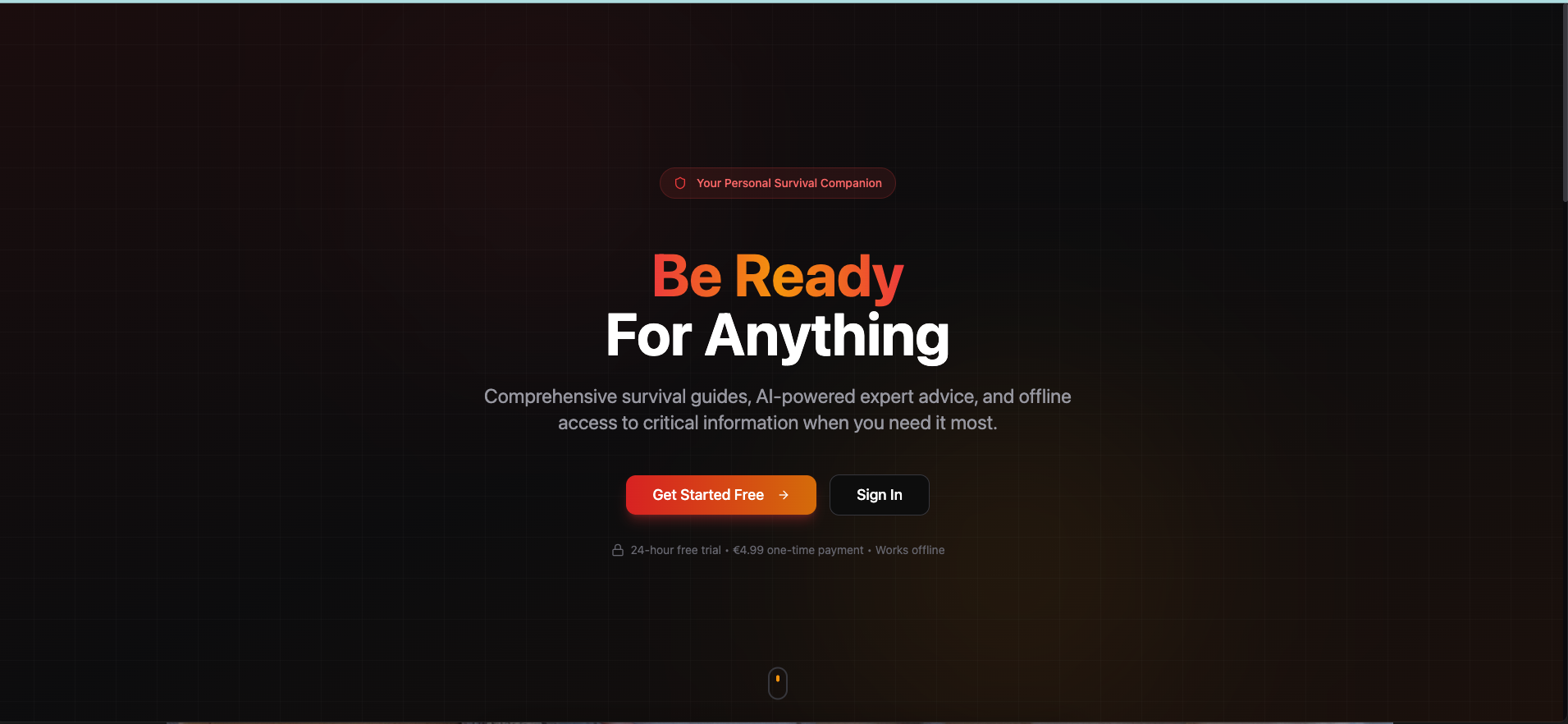
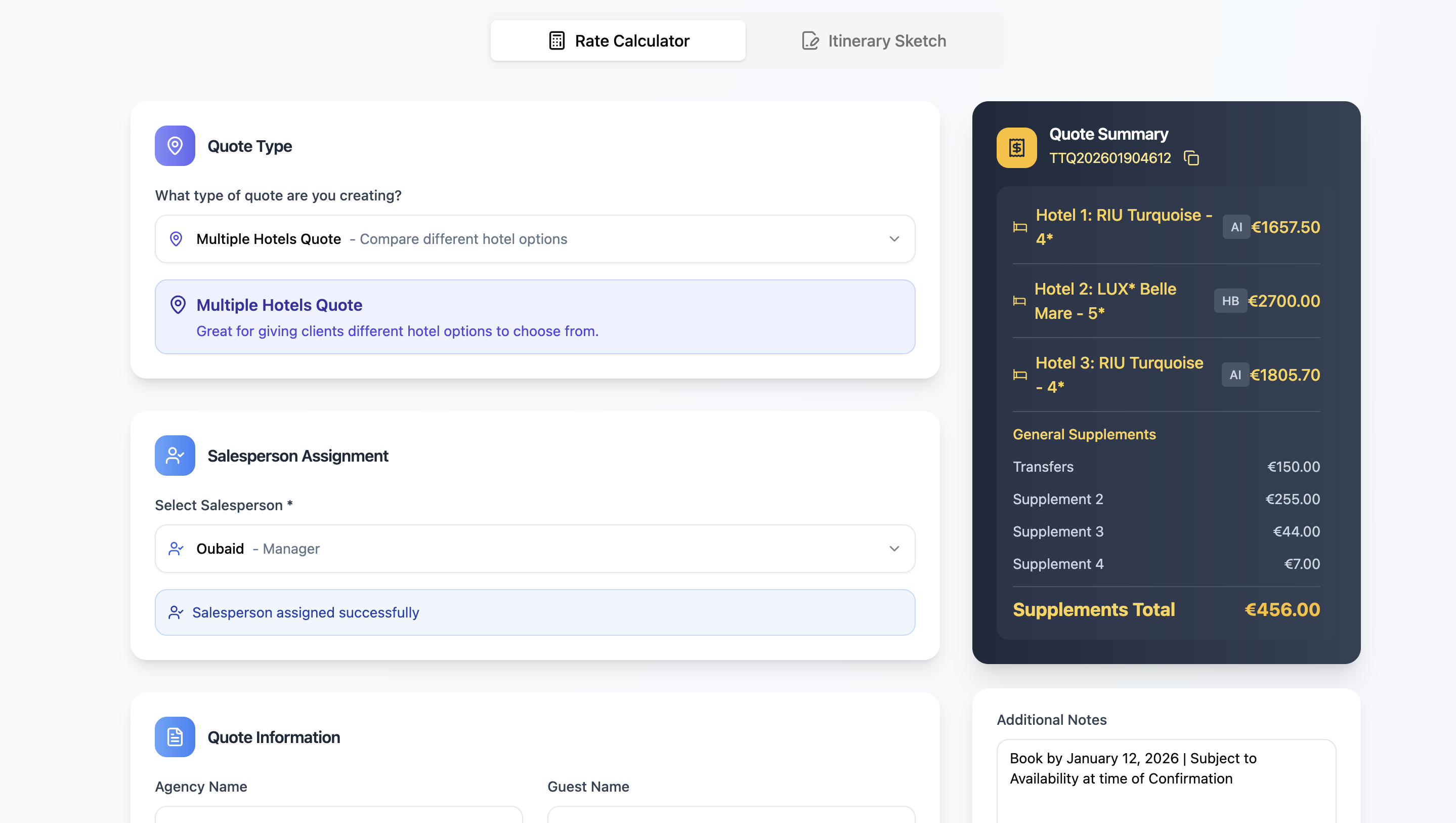
YorBiz CRM - Your Customizable Sales, Marketing & Support Hub App Description: YorBiz CRM is a powerful, intuitive, and fully customizable Customer Relationship Management platform designed to streamline your sales, marketing, and customer support operations. Built as a flexible template, it provides a robust foundation for businesses looking to manage their customer interactions, track performance, and automate workflows with unparalleled ease. Key Features: Comprehensive CRM Modules: Manage your core business with dedicated modules for: Contacts: Centralize all customer information, track interactions, and segment your audience. Accounts: Organize company details, view associated contacts and deals, and monitor account health. Deals & Pipeline: Visualize and manage your sales pipeline with a dynamic Kanban-style pipeline board, track deal stages, amounts, and probabilities. Tasks: Assign, track, and manage all your team's tasks, ensuring no follow-up is missed. Campaigns: Plan, execute, and monitor marketing initiatives with associated contacts and segments. Cases: Efficiently handle customer inquiries and support tickets from creation to resolution. Products & Quotes: Maintain your product catalog and generate professional sales quotes. Advanced Business Intelligence (BI) Studio: Transform raw data into actionable insights with the integrated BI Dashboard Studio, similar to Tableau. Customizable Dashboards: Create and save multiple dashboards to visualize key metrics. Drag-and-Drop Layouts: Easily arrange widgets with a dense grid system for optimal viewing. Widget Library: Select from a rich library of visualization types (bar, line, pie, metric, composed, scatter) for Contacts, Accounts, Deals, Campaigns, Tasks, and Cases. Global Filters: Apply dashboard-wide filters for date ranges, users, and custom criteria. Inline Editing: Quickly edit widget properties directly from the dashboard. Flexible Data Views: Adapt to your preferred working style with multiple view options: Table View (Default for many modules): For detailed, data-intensive analysis. List View: Clean, summarized overviews for quick scanning. Grid View: Visual card-based layouts for easy identification. Pipeline/Kanban View: Visual workflow management for Deals and Accounts. Seamless Communication & Engagement: Email Composer: Send targeted emails to individual contacts or selected groups. Message Templates: Create and reuse message templates for consistent outreach. Segments & Lists: Group your contacts and accounts based on specific criteria for personalized communication and analysis. Powerful Automation & Workflows: Trigger-based Automations: Set up automated actions based on CRM events (e.g., new contact, deal won). Calendar Integration: Manage and sync calendar events with Google Calendar. Task Reminders: Configure automated reminders for upcoming tasks. Data Management & Customization: CSV Import/Export: Easily import existing data or export reports for external use. Custom Fields: Extend any entity with custom fields to perfectly match your business needs. User & Role Management: Define roles and permissions to control access and maintain data security. Fluid layout and responsive components ensure usability on desktop, tablet, and mobile. Why YorBiz CRM? YorBiz CRM is more than just an application; it's a foundation for innovation. As a template, it provides a feature-rich, production-ready environment that you can instantly deploy and further customize. Accelerate your development, reduce costs, and focus on delivering value to your customers with a CRM that grows with you.

Ran Levim0 clones

Operations · Data & Analytics +1

Purchasing & Inventory Management template preview

Purchasing & Inventory Management

$19

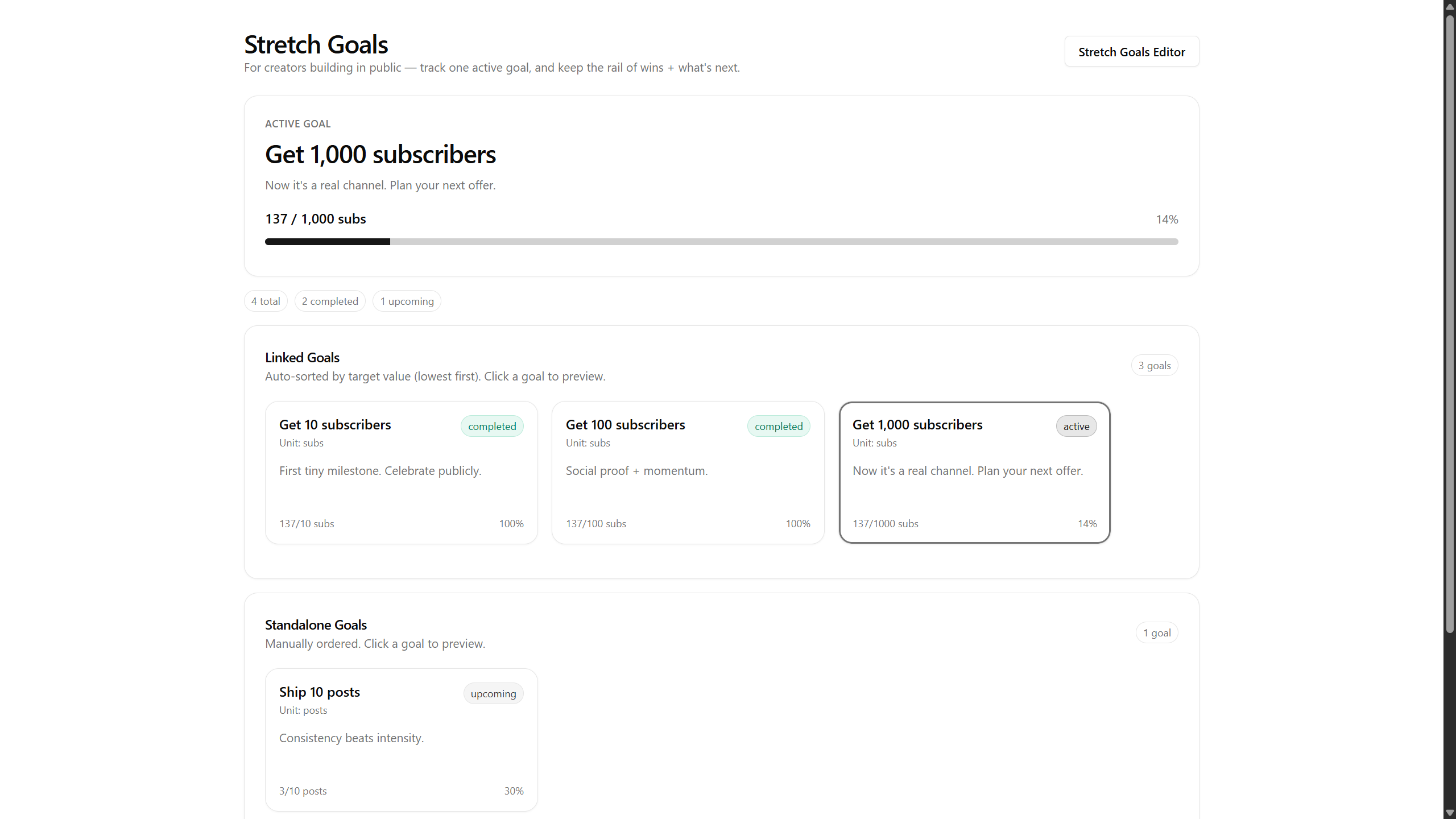
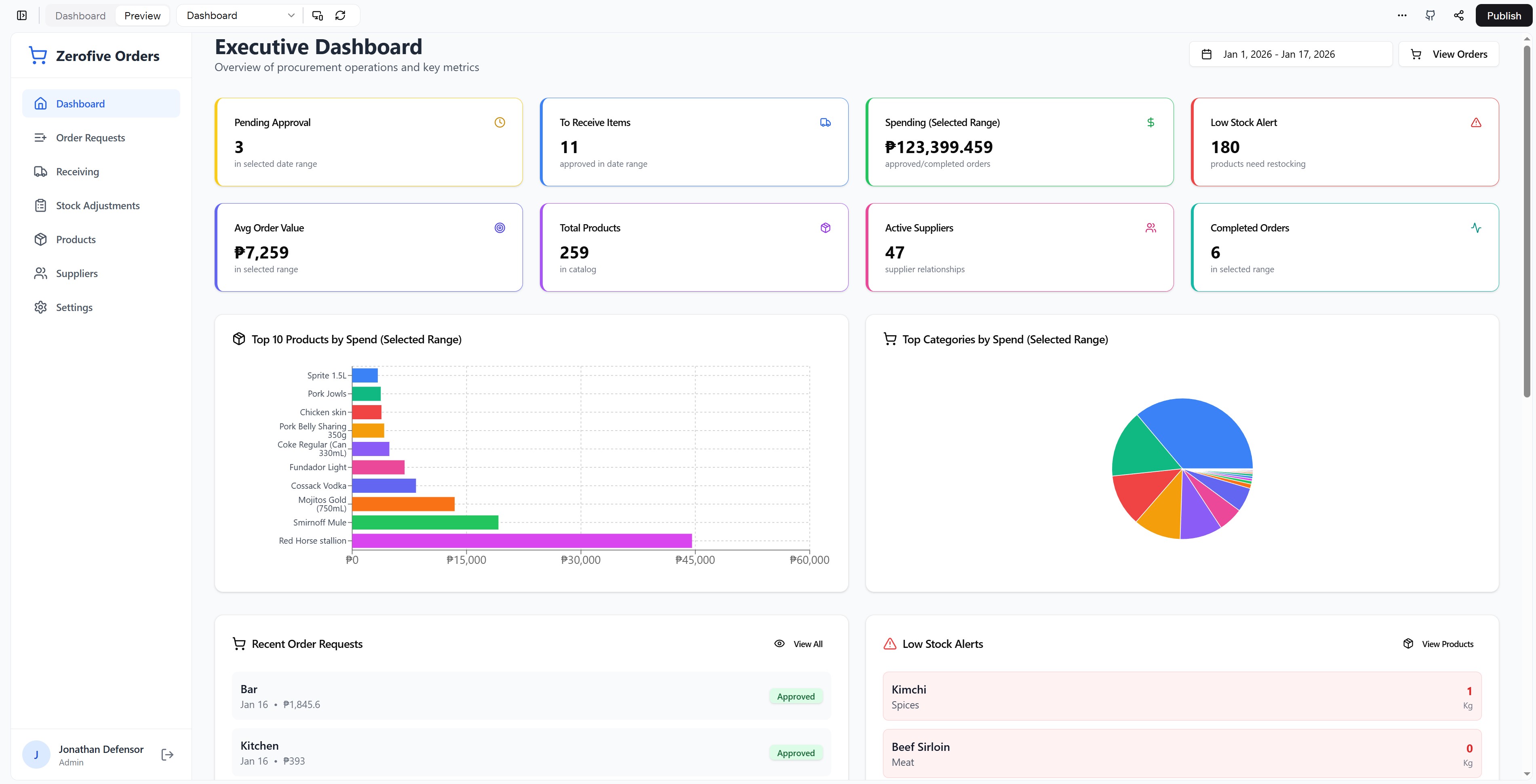
Complete Order Management & Purchasing (PO/GR) A fully-featured, production-ready purchase order management and receiving system designed for restaurants, businesses, and organizations that need to streamline and track their purchasing operations. Key Features: Order Request Management Create, edit, and track purchase orders with full approval workflow Draft mode to prevent data loss while building orders Multi-level status tracking (Draft, Pending, Approved, Rejected, Completed) Edit approved orders with automatic revision history and -REV identifier Search orders by name, ID, or product Rejection notes and approval tracking with timestamps Goods Receiving Module Process approved orders efficiently Mark items as received with actual quantities and invoice prices Generate professional Goods Receipt (GR) notes Multi-receipt file uploads per order Receipt archive with bulk sequential download capability Track variances between ordered and received quantities Product Catalog & Inventory Comprehensive product management with categories and sub-categories Stock level tracking with low-stock alerts Dual unit of measure support (e.g., bottles vs cases) with automatic conversion Price history tracking with automatic updates on order receipt Price change indicators showing increases/decreases Supplier linkage with preferred vendor designation Pagination (20 items per page) for large catalogs Executive Dashboard Real-time key metrics (pending approvals, items to receive, total spending, low stock) Top 10 products by spend (horizontal bar chart) Category spending breakdown (interactive pie chart) Flexible date range filtering for time-based analysis Average order value calculations Supplier performance overview Stock Adjustments Record inventory adjustments with unique IDs Track spoilage, waste, and manual corrections Item-level adjustment history Before/after stock level tracking Supplier Management Maintain supplier database with contact information Link products to multiple suppliers with different pricing Track supplier product catalogs Mark preferred suppliers for each product Automated Notifications Email notifications for order approvals/rejections PDF attachments with order details Configurable notification settings Uses actual browser time for accurate timestamps PDF Generation Professional order request PDFs Goods receipt notes with itemized details Accurate financial calculations Clean, printable layouts Settings & Administration User management with role-based access (Admin/User) User invitation system Category management (main and sub-categories) Email notification toggles Audit trail for all major actions Data import/export capabilities User Experience Clean, modern interface with responsive design Mobile-friendly for on-the-go management Intuitive navigation with role-based menu items Real-time data updates Search and filter capabilities throughout Pagination for large data sets Security & Permissions Role-based access control (Admin/User) Admin-only features (Settings, User Management, Category Management) Secure user invitations Audit logging for accountability Perfect For: Restaurants and food service businesses Retail operations Small to medium businesses Procurement departments Organizations managing multiple suppliers Teams needing approval workflows First use: Change the user to admin to view the admin panels. Change to your currency under settings.

Jonathan Defensor0 clones

Marketing & Sales · Operations +1

Rental Management Platform  template preview

Rental Management Platform

$12.99

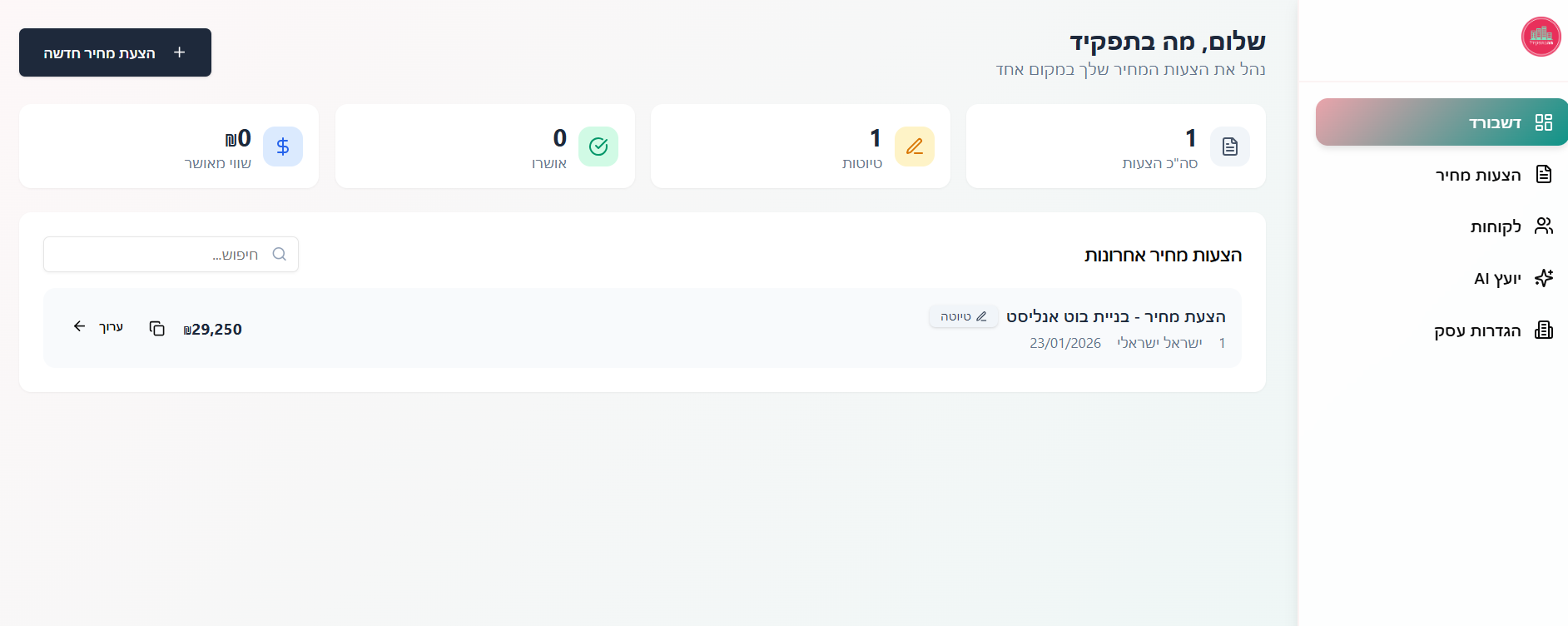
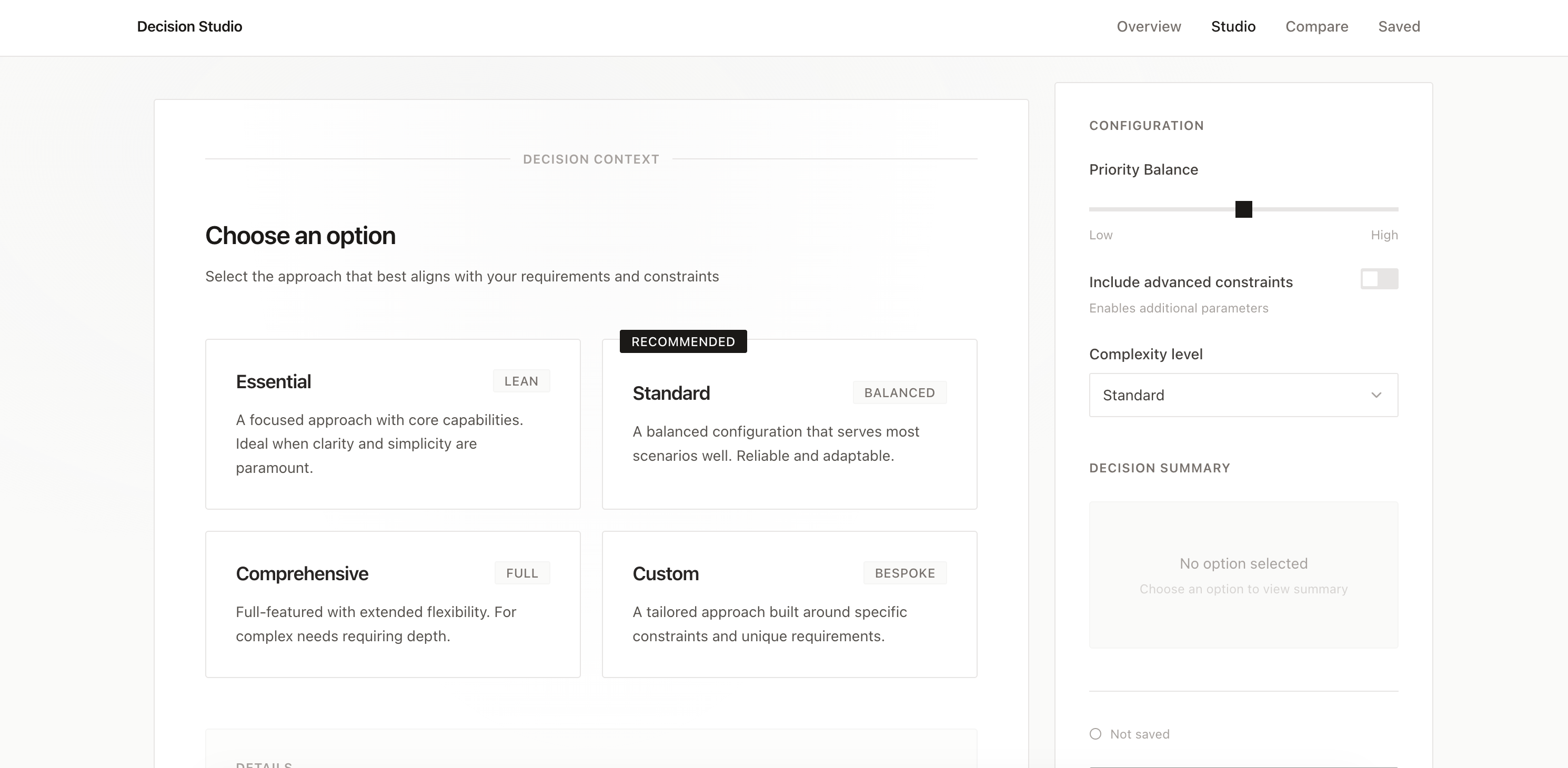
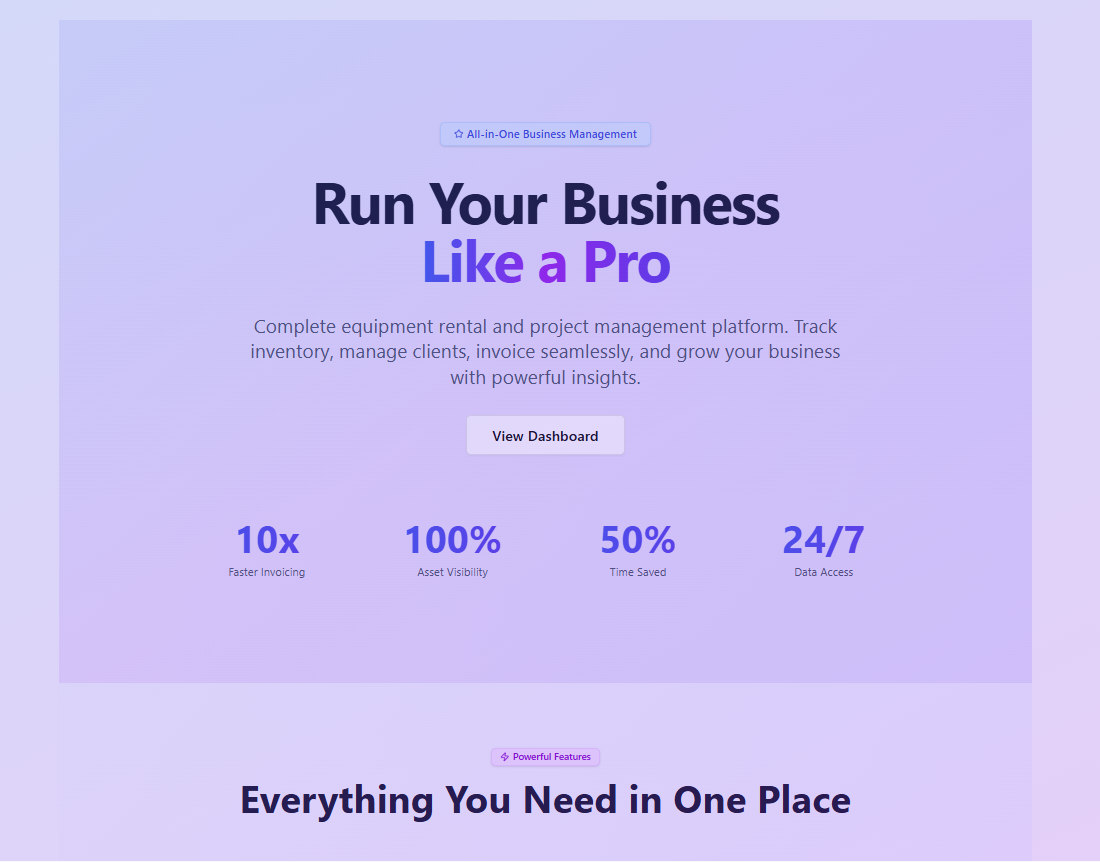
HireHub - Complete Business Management Platform Transform your equipment rental and project-based business with an all-in-one solution designed to maximize efficiency and profitability. Key Selling Points: 📊 Unified Operations Dashboard Real-time visibility into projects, inventory, finances, and team performance Visual analytics with charts and metrics to make data-driven decisions instantly Centralized hub that eliminates switching between multiple tools 🎯 Project & Job Management End-to-end project tracking from quote to completion Gantt charts and calendar views for perfect scheduling Task dependencies, milestones, and team collaboration tools Recurring project templates to automate repetitive work 📦 Smart Inventory Control Complete asset tracking with serial numbers and maintenance logs Real-time availability and low-stock alerts Cross-hire management for external equipment needs Automated maintenance scheduling to prevent downtime 💼 Client Relationship Excellence Centralized client database with full interaction history Document storage and AI-powered sentiment analysis Communication tracking to never miss a follow-up 💰 Streamlined Financials Professional invoicing with automated calculations Time-based and item-based billing options Payment tracking and purchase order management Real-time profitability insights per project ⏱️ Built-in Time Tracking Live timer widget for accurate billable hours Manual time entry with project/task linking Comprehensive time reports for billing and productivity analysis 📈 Advanced Reporting & AI Analytics Custom report generation with save functionality AI-powered insights and recommendations Financial, inventory, and project performance dashboards Export capabilities for external analysis 🔐 Role-Based Security Customizable permissions per user role Secure data access controls Activity logging for complete audit trails Business Benefits: ✅ Reduce Admin Time by 60% - Automate quotes, invoices, and reporting ✅ Eliminate Double-Booking - Real-time inventory availability prevents conflicts ✅ Increase Profitability - Track costs vs. revenue on every project ✅ Scale Confidently - Manage more projects without adding admin staff ✅ Never Miss Deadlines - Automated reminders and visual timelines ✅ Improve Cash Flow - Faster invoicing and payment tracking ✅ Enhance Team Collaboration - Centralized communication and file sharing ✅ Make Smarter Decisions - AI-powered insights from your data Perfect for event production companies, AV rental businesses, equipment hire firms, and any project-based operation that manages physical inventory alongside client jobs.

Trade App Solutions0 clones

Operations · Finance +2

So, what are we building?

Start building