transit pass
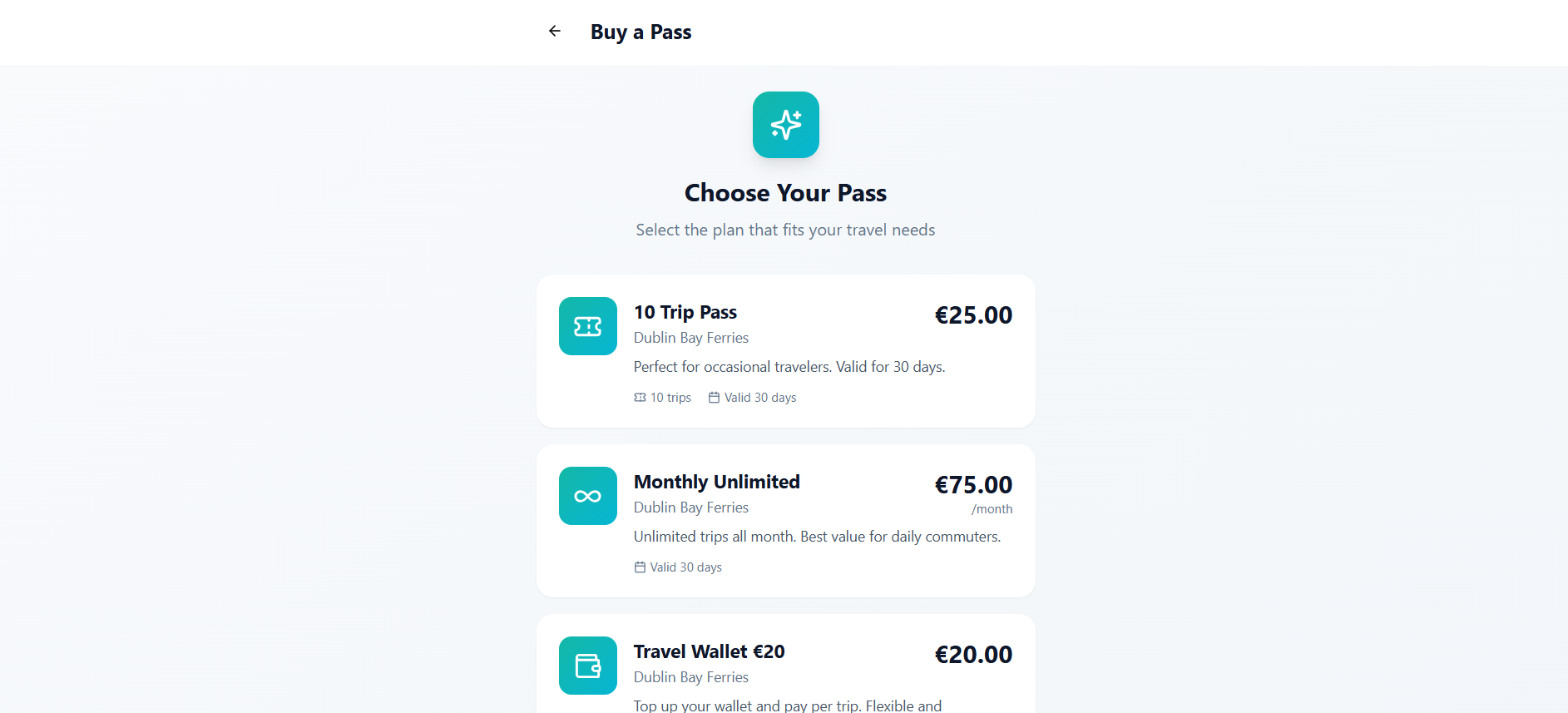
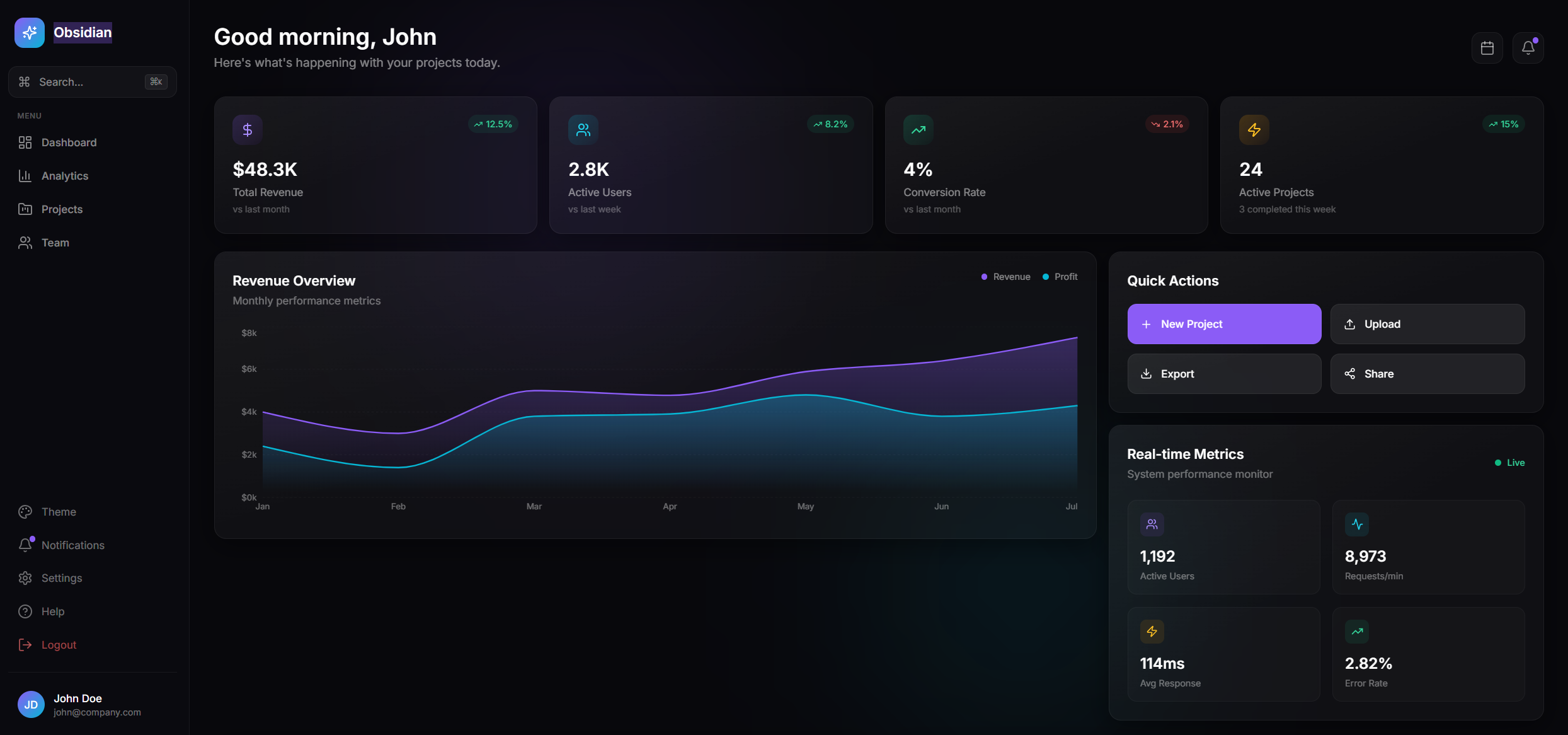
$99.99A white-label platform for transport operators to manage travel passes, subscriptions, and payments, offering seamless QR code validation for passengers and operators. Platform Overview: TransitPass - White-label Travel Pass Platform A "Stripe meets Ticketmaster" solution for transport operators, enabling subscription and prepaid QR code-based travel validation. 1. User-Facing Features (Passengers): User Dashboard: Display of active travel pass. Dynamic QR code generation for trip validation with auto-refresh every 15 seconds for security. Personalized welcome and user profile access. Buy Pass Page: Browse and select from various PassType s (fixed, unlimited, wallet). View pass details, descriptions, pricing, and validity. Purchase passes (integration with Stripe for subscriptions is planned). My Passes Page: View all active and expired UserPass es. Filter passes by status (active, expired, all). Access QR code for any selected active pass. Travel History Page: View a detailed log of all past Trip s. See trip status (approved/rejected) and reasons for rejection. Filter and analyze travel patterns. User Profile Page: View personal information (name, email). Access navigation options for payments, notifications, security, and support (placeholder sections). Sign-out functionality. 2. Staff-Facing Features (Attendant/Scanner Staff): Scanner App (PWA): Minimal, dark-themed user interface optimized for scanning. Real-time QR code validation for UserPass es. Immediate feedback on scan result (approved/rejected) with rejection reasons. Logs Trip data, including scanner ID, location, and route. 3. Operator Admin Dashboard Features: Dashboard Overview: Key Performance Indicators (KPIs) like total trips, active passes, unique users, and total revenue. Trip activity charts visualizing daily trip counts. Recent scan activity logs. Time range selector for data analysis (Today, Last 7 Days, Last 30 Days). Manage Pass Types: Create new PassType s (fixed, unlimited, wallet). Edit existing pass details (name, description, price, validity, recurrence). Archive pass types (set status to 'archived'). Manage Staff: View a list of Staff members associated with the operator. Add new staff members with specific roles (scanner, admin). Edit staff details and roles. Suspend or activate staff accounts. 4. Platform Super Admin Features: Operator Management: Manage multiple Operator tenants on the platform. Onboard new operators, define branding (logo, colors), and settings. Set operator status (active, suspended, pending). Platform-wide statistics and oversight. 5. Core Functions and Mechanisms: User Roles & Access Control: End User : Purchases and uses passes. Attendant/Scanner Staff : Validates passes. Operator Admin : Manages specific operator's passes and staff. Platform Super Admin : Manages operators and platform settings. Role-based access control ( RLS - Row-Level Security) implemented on Operator , PassType , UserPass , Trip , and Staff entities. Dynamic QR Code Validation: validateScan() backend function (planned) to handle atomic validation, cooldowns, and trip deductions. Ensures secure and fraud-resistant validation of passes. Pass Lifecycle Management: UserPass es track status (active, expired, suspended, exhausted), trips remaining, wallet balance, and expiry. White-Labeling: Operators can configure their branding (logo, primary/secondary colors) via Operator entity. Planned support for custom domains. Data Audit Trail: Trip entity records every scan attempt, regardless of outcome, ensuring a complete audit trail. 6. Use Cases: Occasional Traveler: Buys a Fixed Trip Pass (e.g., "10 Trip Pass") for infrequent travel. Daily Commuter: Subscribes to an Unlimited Pass (e.g., "Monthly Unlimited") for cost-effective daily travel. Flexible Traveler: Uses a Wallet Pass to pay per trip, topping up as needed. Transport Operator: Sets up and manages their specific pass offerings, monitors staff activity, and views operational analytics. Platform Provider (Super Admin): Onboards new transport companies, manages their settings, and maintains the overall platform. Support @ mellistech.com
Mellis Tech·0 clones
Operations · Finance +1