Nexus Empire RTS MMO
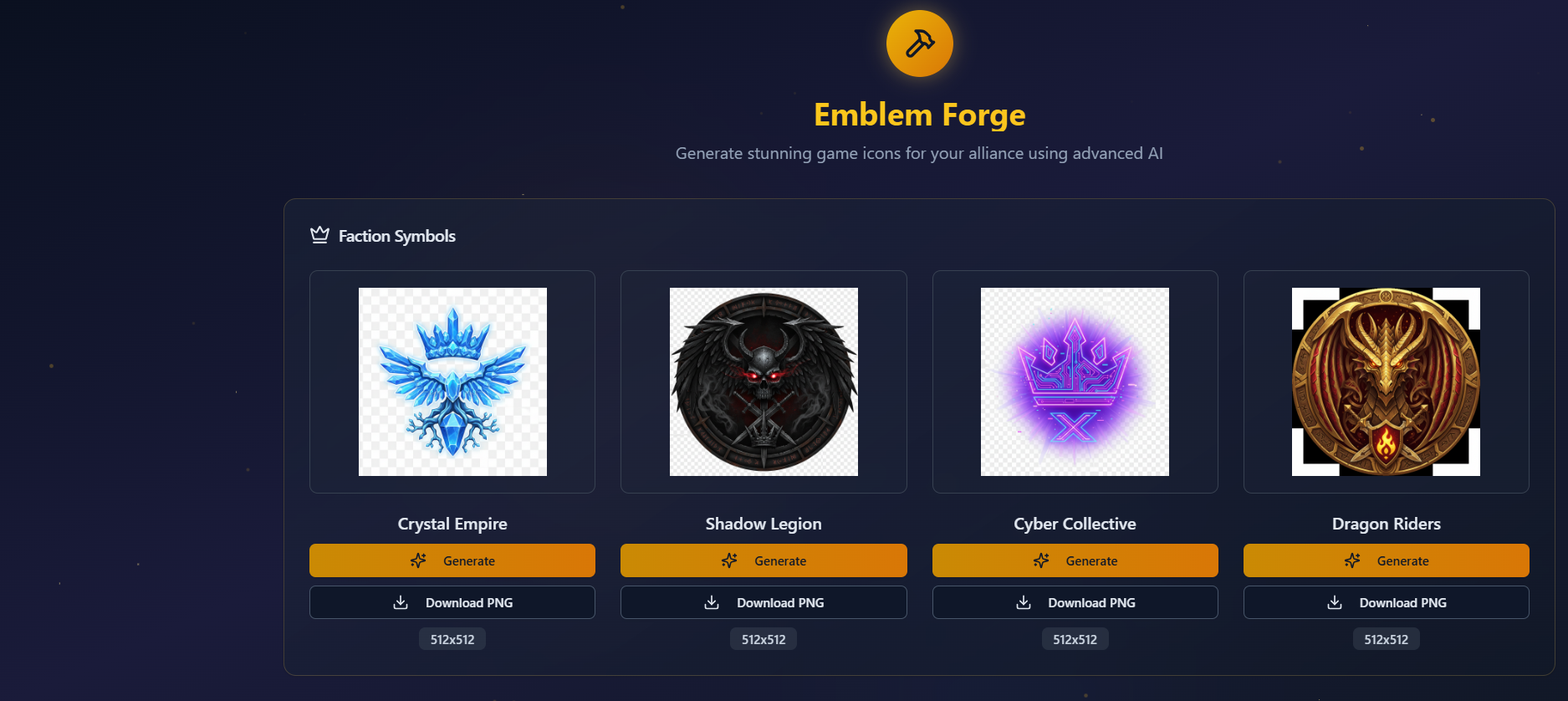
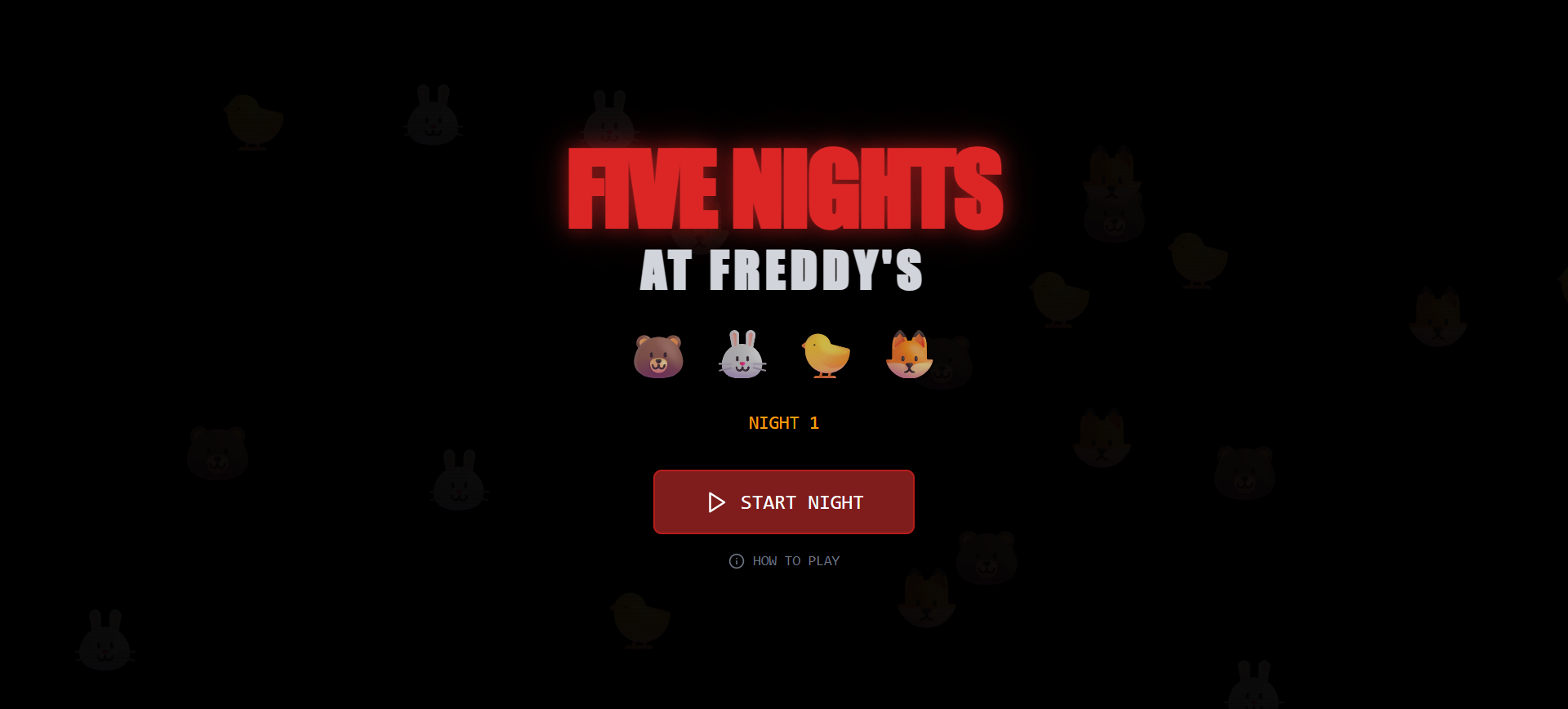
FreeForge your galactic destiny in Nexus Empire, the ultimate AI-powered multiplayer RTS MMO. Create unique, AI-generated factions with custom lore, units, and worlds, then expand your empire through strategic base building, deep guild systems, tactical battles, and a dynamic player-driven economy. Every campaign is a new universe waiting to be shaped by your strategy and alliances. Core Game Mechanics: Faction Management: Players can create and manage their faction, including name, theme, lore, and symbols. Resource Management: Tracking of primary, secondary, tertiary, and rare resources, with AI-generated resource names. Base Operations: Building construction, upgrading, and management (headquarters, farm, mine, barracks, workshop, temple) with dynamic costs and timers. Unit Management: Creating and managing various unit types (worker, warrior, scout, mage, siege, leader, champion) with AI-generated descriptions and images. Item System: Different item types (weapon, armor, artifact, material, consumable, blueprint) with rarity, stats, and crafting materials. Tutorial System: In-game tutorial with tooltips and progress tracking. Game Loop: Real-time resource generation from active buildings and progression of construction/upgrade timers. Game Content & UI: Dashboard: Overview of faction status, active missions, and world events. World Builder: Initial setup and customization of the player's faction (theme, name, etc.). Guild Hall: (Placeholder/future functionality) Guild creation, management, shared resources, and territory control. Battle Arena: (Placeholder/future functionality) Unit deployment and battle simulation. Marketplace: (Placeholder/future functionality) Trading interface for items and resources. Chronicles: AI-generated stories, player legacy tracking, and event chronologies. Icon Forge / Asset Forge: AI-powered asset generation for icons, buildings, units, and items, themed to the player's faction. Settings: User and application settings. Responsive UI: Designed to work on both mobile and desktop. Dynamic Theming: Assets (icons, descriptions, names) adapt based on the player's chosen faction theme. Technical/Platform Features: Base44 Platform: Utilizes Base44's backend-as-a-service for authentication, database (entities like Player, Building, Unit, Item, Asset), and integrations. AI Integrations: Uses LLMs for generating faction lore, asset descriptions, names, mission details, and image generation for assets (via GenerateImage ). Real-time Updates: Game loop and UI updates driven by real-time entity subscriptions. AssetManager: Caching and intelligent handling of AI asset generation to prevent rate limits. Shadcn/UI & Tailwind CSS: Modern UI components and styling. suport@ www.mellistech.com
Mellis Tech·35 clones
Games & Entertainment · Operations +1