Event website templates
Choose a working event site template, customize the schedule, speakers and RSVPs with AI, and keep every detail in one place people can check.
Templates
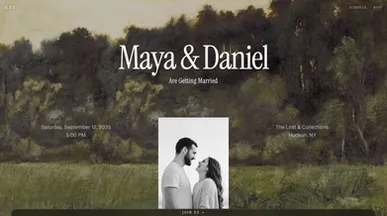

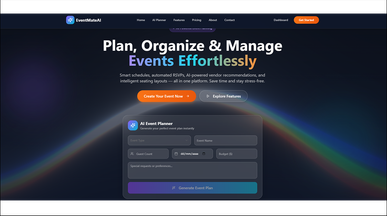

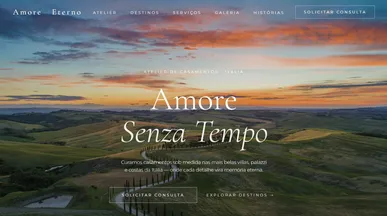
Event website templates that bring the details together
Build anticipation for your next gathering and help guests plan their day. Explore event website templates for celebrations, community activities, and event planning, with options ranging from digital invitations to venue websites. Choose a starting point that suits the occasion and puts essential details within easy reach.
Add the date, location, and schedule, then personalize your pages with our free website builder. Match the design to your event, include an RSVP form or registration link, and answer practical questions about parking, accessibility, and what to bring. As plans take shape, update the site so guests know where to find the latest information.
Frequently asked questions
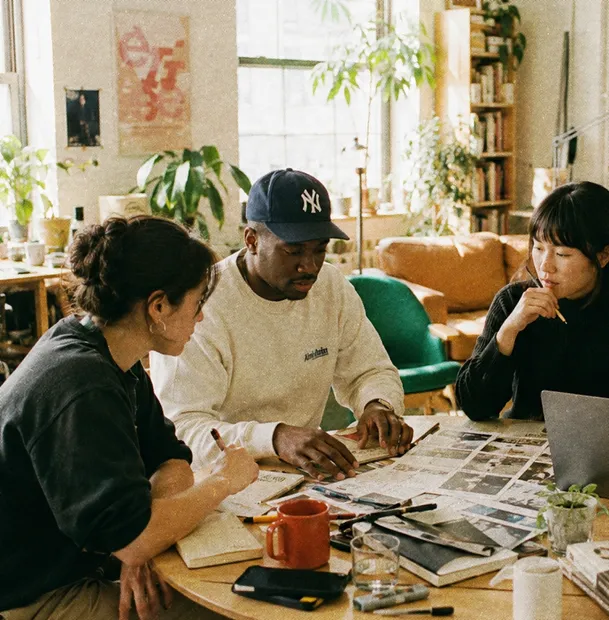
The things people ask you individually if the page does not say them:
- Date, start time and end time — with the time zone if anyone is remote.
- The address, and how to get there — transport, parking, accessibility.
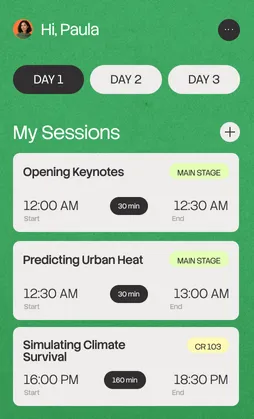
- The schedule — even a rough one; people plan their day around it.
- Who is speaking or performing — and when they are on.
- RSVP or tickets — one obvious button, working on a phone.
- The practical details — dress code, food, whether children are welcome.
What to skip: a countdown timer, a sponsor wall before you have sponsors, and a photo gallery of last year that makes this year look like a repeat.
Pick on the shape of the event, not the styling:
- Conference — multi-track schedule, speakers, ticket types.
- Wedding — RSVP with plus-ones, practical detail, no ticketing.
- Meetup series — recurring dates and a list that persists between them.
- Workshop or class — limited places and a waiting list.
- Festival or fair — a program by stage and time, plus vendors.
Clone the closest one and put your real running order in before deciding — a full schedule breaks layouts that look fine with four sessions. For promotion and follow-up tooling, the marketing and sales apps category is the pairing.
Go ahead. Build it yourself.




