Portfolio website templates
Start with a ready-made portfolio site templates, customize the layout, galleries and case studies with AI, and publish work that gets you hired.
Templates
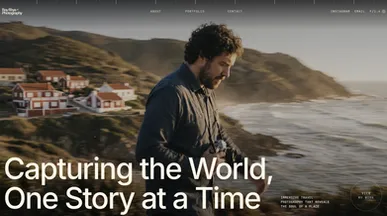
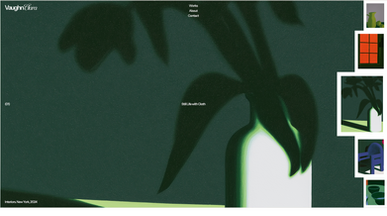

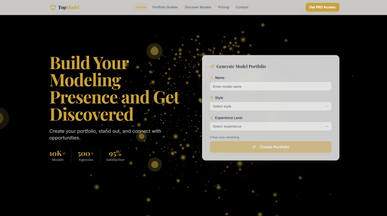
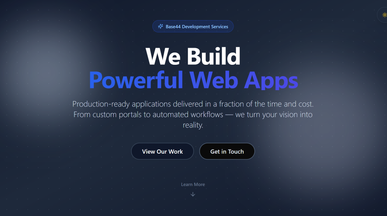


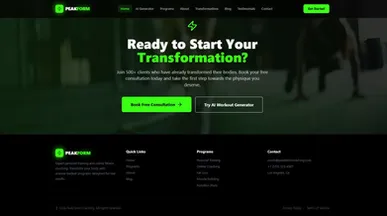
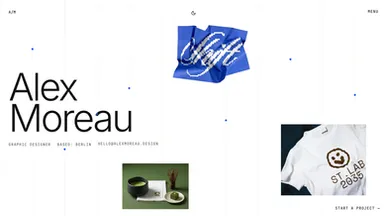
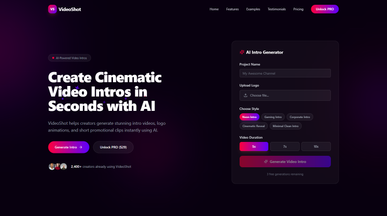

Portfolio templates that tell the story behind your work
Show what you can do, from the first idea to the finished result. Explore portfolio website templates for photography, graphic design, architecture, art, and more. Choose a layout that suits your work, whether that’s a gallery of images, a series of detailed case studies, or a mix of both.
Start with a few projects you’re proud of and create a portfolio website around them. Add images, explain your role and process, and introduce the person behind the work. Reorder galleries or refine project pages in chat, then include a contact form so potential clients and collaborators can get in touch.
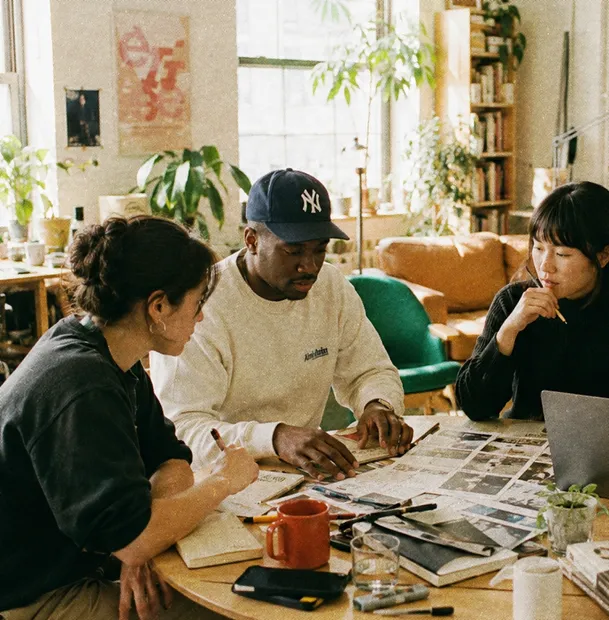
Frequently asked questions
A portfolio has one job, so most of what people add gets in its way. What earns its place:
- Selected work — your strongest pieces, not everything you've made.
- Case studies — for a few projects, the problem, what you did and what happened.
- A short about section — who you are and what you're looking for, in a paragraph.
- Contact — a form and a real email address, both visible without scrolling twice.
- A CV or experience list — if you're applying for roles rather than pitching clients.
- Credit and context — your role on team projects, stated plainly.
What to leave out: skill percentage bars, a blog you won't update, and a homepage animation between the visitor and the work. If you'd rather not choose at all, these AI prompts for building a website help you describe the site in a sentence or two and get a first version to react to.
Judge it against your work, not in the abstract:
- Image shape — a template built for wide photography will fight a portrait illustration set.
- Volume — a grid suits many small pieces; a scrolling layout suits a few large ones.
- Depth — do you need full case studies, or do the images speak alone?
- Text weight — a writer's portfolio and a photographer's need opposite balances.
- Discipline signals — a developer wants code links; a designer wants process shots.
Preview two or three with your own three best pieces dropped in. Because these are working sites rather than mock-ups, that preview is the real thing. If none of them fits, the portfolio website builder starts you from a blank description instead.
Go ahead. Build it yourself.




