Restaurant website templates
Choose a working restaurant site template, customize the menu, hours and bookings with AI, and stop maintaining a PDF menu that is wrong by Friday.
Templates
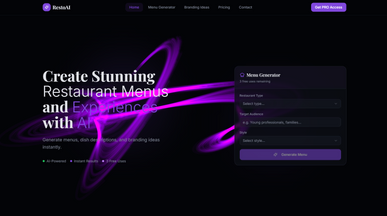
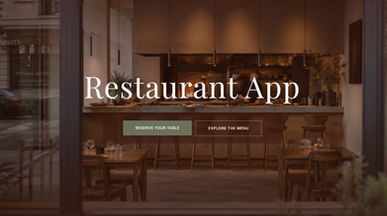
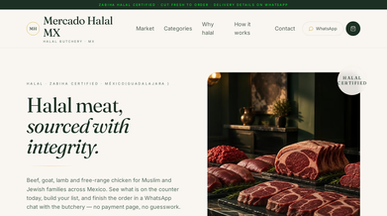
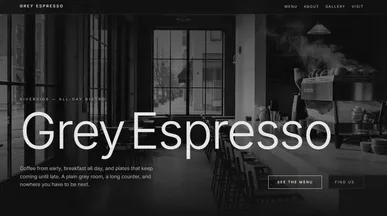
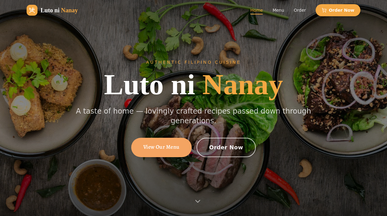
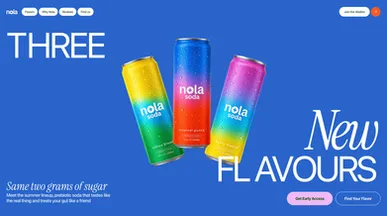
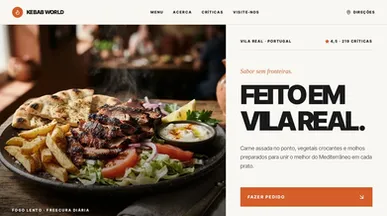
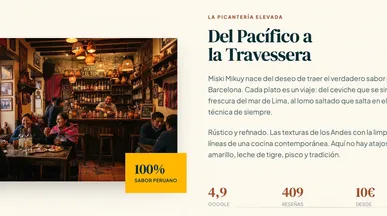
Restaurant website templates that invite guests to your table
Let your food and atmosphere do the introductions. Browse restaurant site templates for neighborhood cafés, casual dining spots, and fine dining restaurants. Choose a starting point that reflects your place, whether you want to highlight a seasonal menu, a signature dish, or a welcoming space to gather.
Create a restaurant website with your own photos, an easy-to-read menu, and the story behind your kitchen. Add opening hours, directions, and a link to reserve a table, then adjust the layout or update dishes by describing the changes. Help guests move from discovering your food to planning their visit.
Frequently asked questions
Before launch, a restaurant website needs to answer the questions diners ask most: what you serve, when you are open, where you are and how to book. Check every one of them on a phone, because that is often where people decide where to eat.
- The menu, as text — with prices, allergens and what is off today.
- Opening hours — including the holiday exceptions people get wrong.
- How to book — one obvious route, working on a phone.
- Where you are — address, map link, parking, nearest transport.
- Photos of the food — recent ones, of dishes you still serve.
- A phone number that dials — tappable, not an image.
A restaurant website template already has these sections in place, so launching is mostly a matter of adding your own details. With Base44's website builder, you pick a template, then describe what to change in plain words, such as “add gluten-free tags to these dishes” or “put the booking button at the top”, and the site updates. Start with the menu: it is the page most visitors open first, and the one you will update most often.
Match the template to how customers reach you, not to what you cook:
- Bookings-led restaurant — availability and the booking button first.
- Walk-in cafe — hours, location and the menu; no booking at all.
- Takeaway and delivery — ordering is the whole page.
- Bakery or deli — a product list with what is available today.
- Catering or events — enquiry form and sample menus, not a table booking.
Clone the closest one and load your real menu before deciding — a forty-item list looks nothing like the demo's twelve. If you also need the back-of-house side, the ecommerce and retail apps category covers stock and orders.
Go ahead. Build it yourself.




