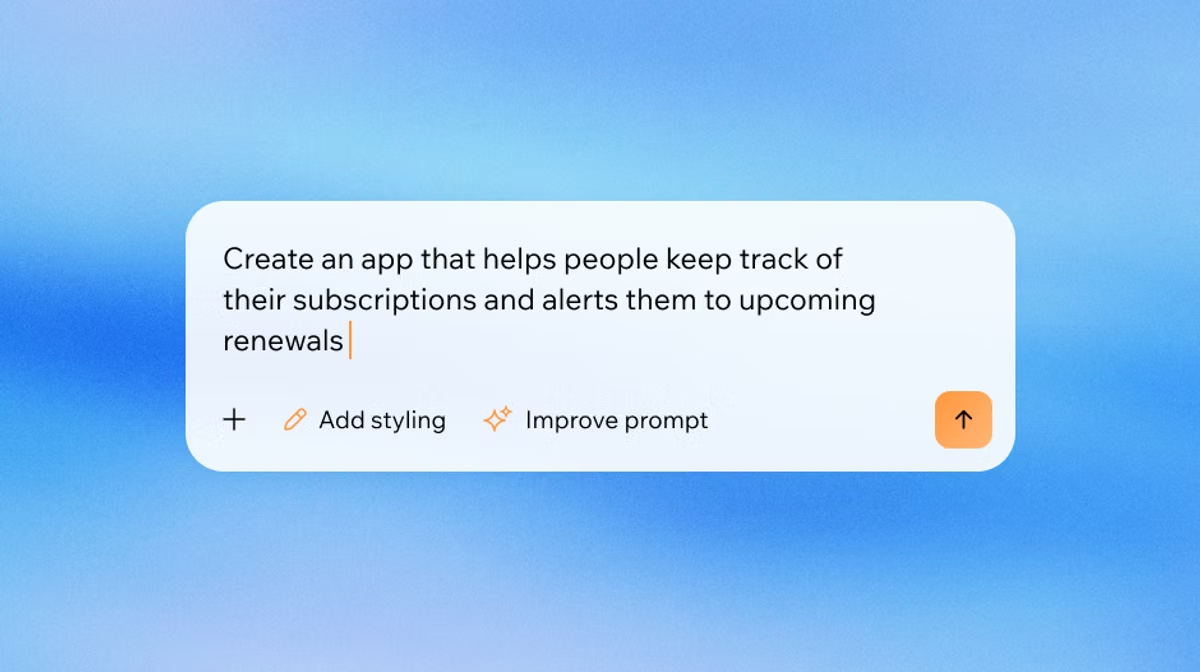
Ready to see what Base44 can do for you? Get started →
You’ve got a brilliant idea for an app to create. It could be a booking system for your yoga studio, a portfolio to show off your design work or an internal tool to make your team’s life easier. In the past, turning that idea into reality meant either learning to code or hiring an expensive developer but that’s not the case anymore.
Free app builders like Base44 are here and they're making it possible for anyone to create a functional app just by describing what they want. Base44 gives solo entrepreneurs a full engineering team in one tool.Base44 are here and they’re making it possible for anyone to create a functional app just by describing what they want.
You can type out your vision in plain English and watch as a free AI app builder builds the screens, sets up the database and wires it all together. It's like having a development team on standby, ready to bring your ideas to life in minutes instead of months. Base44's no-code app builder requires zero programming knowledge to use.free AI app builder builds the screens, sets up the database and wires it all together. It’s like having a development team on standby, ready to bring your ideas to life in minutes instead of months. Base44's AI app builder interprets natural language instructions and turns them into real working app logic, not just code suggestions.
AI doesn't aim to replace humans but to turn them into superpowers. Everything that a person wants to do is possible with unimaginable ease. Writing software, composing a song or creating an illustration, everything is possible without the need for prior knowledge or significant investment of resources.
— Guy Sopher, Head of AI Assistant at Wix
Ready to start building? Here’s a look at some of the best free AI app builders that can help you launch your project without spending a dollar.
What "free" actually means for AI app builders
Not all free plans are created equal, and the word "free" hides three very different realities. Some tools let you build but charge to publish, so your app lives in a sandbox until you upgrade. Others give you credits that run out mid-build, turning a free plan into a free trial. And a few lock the features that matter most (custom domains, databases, authentication) behind a paywall, even if the AI generation itself is free.
Before you pick a tool, it's worth asking: can you actually ship a live app at $0? Does the free tier include a database and user authentication, or just a front-end UI? And how many messages or credits do you get before you hit a wall? The tools in this list vary a lot on all three, so matching the right one to what you actually need to launch saves you a nasty surprise later.
TL;DR: Your guide to free AI app builders
Here’s a quick look at the top free app builders to get you started.
| Platform | Best for | Why it's great |
|---|---|---|
| Base44 | Beginners and fast MVPs | Creates a complete, functional app with a backend just from a text prompt. |
| Bubble | Deep customization | Offers incredible flexibility to build complex web apps with a visual editor. |
| Glide | Mobile-first internal tools | Transforms data from spreadsheets into polished, mobile-friendly apps in minutes. |
| Softr | Client portals and directories | Excels at turning data from Airtable or Google Sheets into beautiful web apps. |
| Emergent | Production-ready apps | Uses advanced AI agents to build complex apps and lets you export the code. |
5 best free AI app builders to start using today
Explore the five best AI app builders that offer generous free plans, allowing you to build and test your ideas right away.
- Base44
- Bubble
- Glide
- Softr
- Emergent
01. Base44

Base44, as a free AI app builder, is all about speed and simplicity. It’s designed for anyone who wants to go from an idea to a working app as quickly as possible. You describe your app in a chat-style interface and Base44's AI gets to work, generating not just the user interface but also the backend database, user authentication and hosting.
This all-in-one approach to app creation is what makes it so appealing for beginners. You don’t need to worry about connecting different services or setting up a server. For example, you could type, “Build a project management app for my freelance business with a dashboard to track tasks and deadlines,” and Base44 will create a complete application with those features ready to go. To plan one properly, here's how to build a project management app step by step. Base44's AI app builder handles the full product build from database logic to user flows in one unified environment.
The free plan gives you up to 5 apps, 25 message credits and 100 integration credits a month, capped at 5 message credits a day, with every core feature included. That's enough to build a working app and see how the platform handles your idea before you commit to anything. When you're ready to scale, paid plans start at $16/month billed annually (or $20/month billed monthly) and unlock more credits, advanced features, and team capabilities. Full details are on the pricing page.
Base44 also handles the parts that usually come after the build. A verification pass runs after every change and self-corrects, a testing agent walks each user flow in a real browser before you publish, a security review recommends and applies data permission rules, and a dependency scan checks third-party packages for known vulnerabilities. For bigger jobs, Superagents can take a single conversation and stand up the database, interface, authentication and integrations together rather than one piece at a time.
You keep what you build. Everything you make on Base44 is yours, including the code, the data and the users. Two-way GitHub sync exports the full source to your own repository whenever you want, so nothing is locked to the platform if you outgrow it.
Why you’ll love it: It’s one of the fastest ways to get a fully functional app with both a front end and back end, perfect for creating a minimum viable product (MVP) to show investors or test with early users. You can also build with app templates.
Learn more: What are the must have features of an AI website builder?
02. Bubble
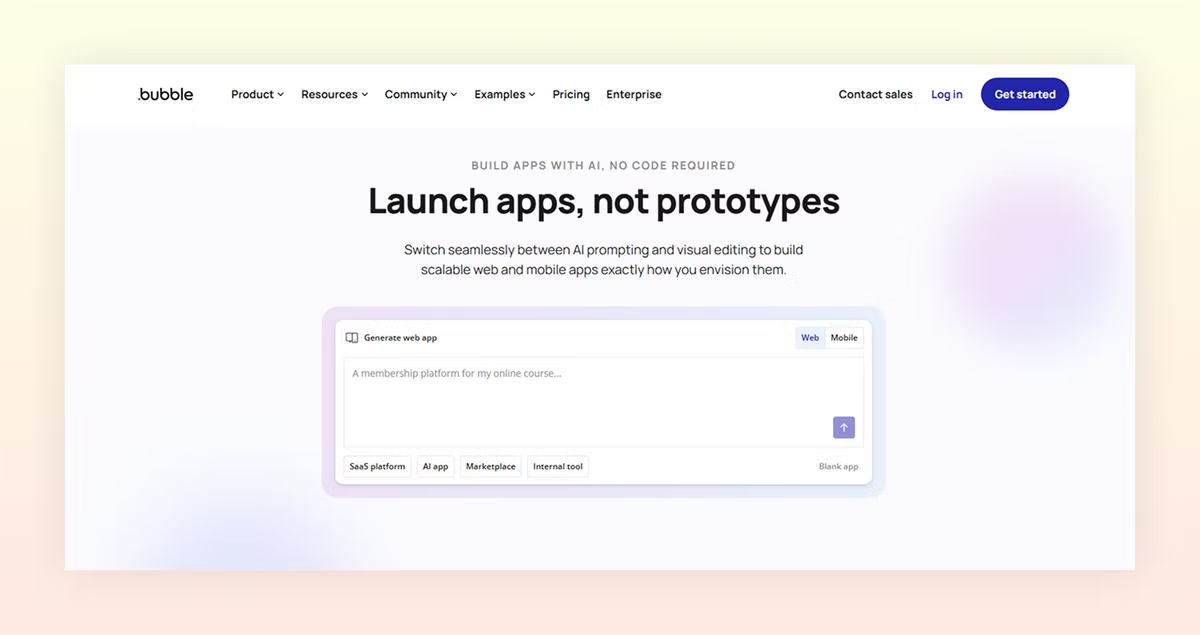
Bubble is well known amongst no-code app builders for its flexibility. While it has a slightly steeper learning curve, it gives you deep control over every aspect of your app. Its visual drag-and-drop editor lets you design your user interface easily.
Bubble also has its workflow editor. You can build out complex logic step-by-step, defining exactly what happens when a user clicks a button or submits a form. While its AI features are newer, they can help you get started by generating pages or basic layouts from a prompt. The free plan is robust, allowing you to learn the platform and build an app for free before you decide to launch it on a custom domain.
Why you’ll love it: If your app idea has unique features or complex workflows that other builders can't handle.
03. Glide
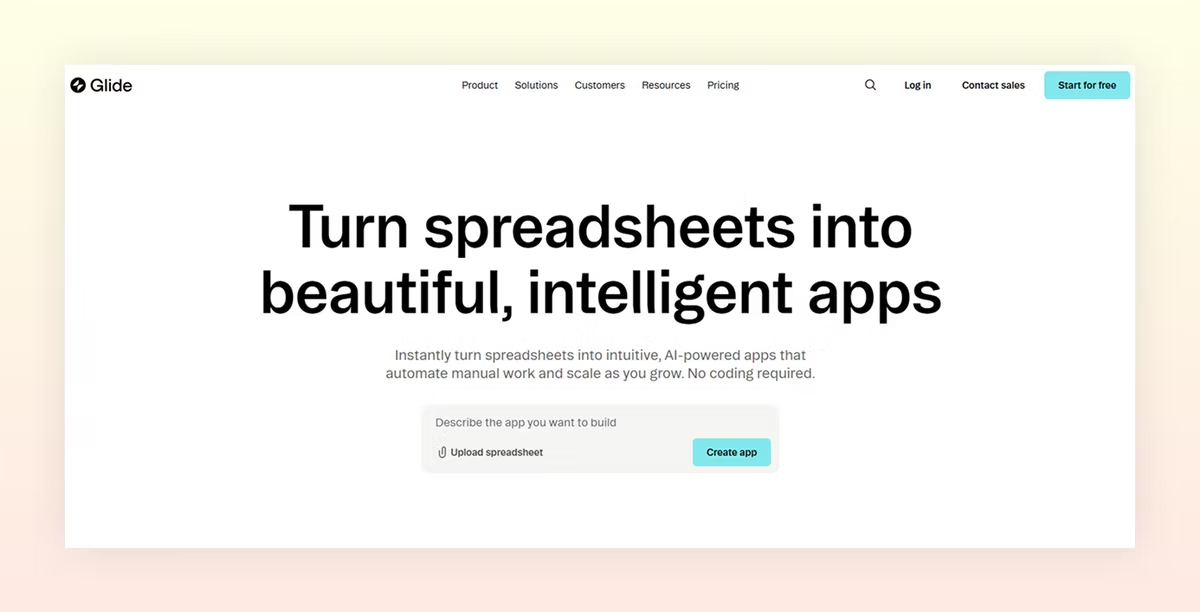
Glide is designed with a mobile-first philosophy. It's good at turning simple data sources, like a Google Sheet or Airtable base, into functional apps. The process is fast, you just point Glide to your spreadsheet and it creates an app from your data.
This makes it good for creating internal tools, like an employee directory or an inventory tracker. You can also build customer-facing apps like event guides or simple directories. The free plan allows you to build and share apps with a small number of users.
Why you’ll love it: For data-driven apps that need to work on mobile.
04. Softr

If your data lives in Airtable or Google Sheets, you can use Softr. It's designed to transform your existing data into web applications, like client portals, internal dashboards and online communities. It uses a block-based system, so you can add pre-built sections for lists, forms, charts, and user profiles.
The free plan allows you to publish one app and includes core features, making it a great option for small businesses that want to provide a data-driven experience to their customers.
Why you’ll love it: It's a great way to create secure, logged-in experiences for your clients or team members using data you already have.
05. Emergent

Emergent takes a more engineering-focused approach to free AI app building. It uses a system of specialized AI agents that work together to plan, code, test and deploy your application.
One of its advantages is that it generates a real codebase that you can export. You can use Emergent to build the first version of your app and then hand the code over to a developer to add more custom features later. Its free plan offers a monthly credit allowance, giving you a chance to experiment with its capabilities.
Why you’ll love it: It’s an option for startups that want to start building an app with AI for speed but need the option to own and scale their code in the long run.
Learn more: What is an app creator?
What to look for in a free AI app builder
Not every "free" plan means the same thing. Before you commit to one, check a few things first. Does the free tier actually publish a live app, or just a sandbox preview? Do you get a real database and login system, or just a front end you'll have to wire up yourself? How many credits, messages, or edits do you get before you hit a paywall? And can you connect your own domain, or are you stuck on the builder's subdomain until you upgrade? The tools above vary a lot on these points, so match the one you pick to what you actually need to launch.
Free plan limits at a glance
Here's what each tool's free tier actually caps, so you know exactly what you're signing up for before you start building.
Base44: up to 5 apps, 25 message credits/month (5/day), 100 integration credits/month, no custom domain on free. Bubble: 3 apps in dev mode only — can't go live without a paid plan. Glide: drafts only — publishing requires an upgrade. Softr: unlimited apps, 5 AI credits/month, 10 app users, includes one custom domain. Emergent: monthly credit allowance (check their current pricing page for the latest numbers before signing up).
The pattern worth knowing: tools that cap the number of apps tend to give you full features within that limit, while tools that cap credits or messages can feel generous until you hit the wall mid-build. If you're testing an idea, a credit-capped tool is fine. If you're building something you plan to ship and iterate on, look for a tool that caps apps or users instead.
What can you actually build on a free AI app builder?
If you're not sure what to build first, here are some of the most common starting points that work well within the limits of a free plan.
Internal tools are the easiest win: a task tracker for your team, a simple CRM to manage client contacts, or an inventory spreadsheet turned into something your staff can actually use. These don't need a custom domain or hundreds of users, so a free tier handles them comfortably. Learn more about how to build an inventory management app.
Client-facing tools are a close second: booking pages, intake forms, or project status portals for a handful of clients. Softr and Base44 both handle this kind of work well on their free tiers, since the apps are simple enough to stay within credit and user limits.
MVPs and prototypes are where most people start when they have a product idea. Build the core flow, sign-up, main feature, basic dashboard, and test it with a small group before committing to anything. You'll likely hit the credit or app limit before you run out of ideas, which is actually useful: it tells you whether the idea is worth paying for.
Free AI app builders FAQ
Do I need to know code to use a free AI app builder?
No. The beauty of these platforms is that they translate your plain English instructions or visual designs into code behind the scenes. You can build a complete app without writing a single line.
Can I publish my app with a free plan?
Yes, most of these platforms allow you to publish your app on a subdomain. This is great for testing your idea or for internal use. To use a custom domain (like yourapp.com), you’ll usually need to upgrade to a paid plan.
What are some of the limitations of a free AI app builder plan?
Free plans are fantastic for getting started but they usually come with some limitations. These might include a cap on the number of users, the amount of data you can store or the number of edits you can make per month. They also often include the platform’s branding on your app.
How much do these tools cost once I need to upgrade?
Paid plans across these tools typically start somewhere between $15 and $50 a month, scaling up from there based on credits, users, or advanced features like custom domains and integrations. Base44's paid plans start at $16/month and add things like custom domains and higher credit limits. It's worth checking the current pricing page for any tool before you commit, since credit allowances and tiers change often.
Can I publish my app to the App Store or Google Play for free?
Most free-tier AI app builders, including Base44, Bubble, Glide, Softr, and Emergent, build web apps that run in a browser, not native iOS or Android apps. You can open them on a phone and they'll work fine, but they won't appear in the App Store or Google Play. If you specifically need a native mobile app, tools like FlutterFlow offer a free tier for building, though native code export and app store submission start on paid plans. Apple's Developer Program also costs $99/year and Google Play charges a one-time $25 registration fee, so native publishing has its own costs regardless of which builder you use. For most use cases, a web app that works on mobile is the fastest, cheapest starting point, and you can always go native once you've validated your idea with real users.