StockWise
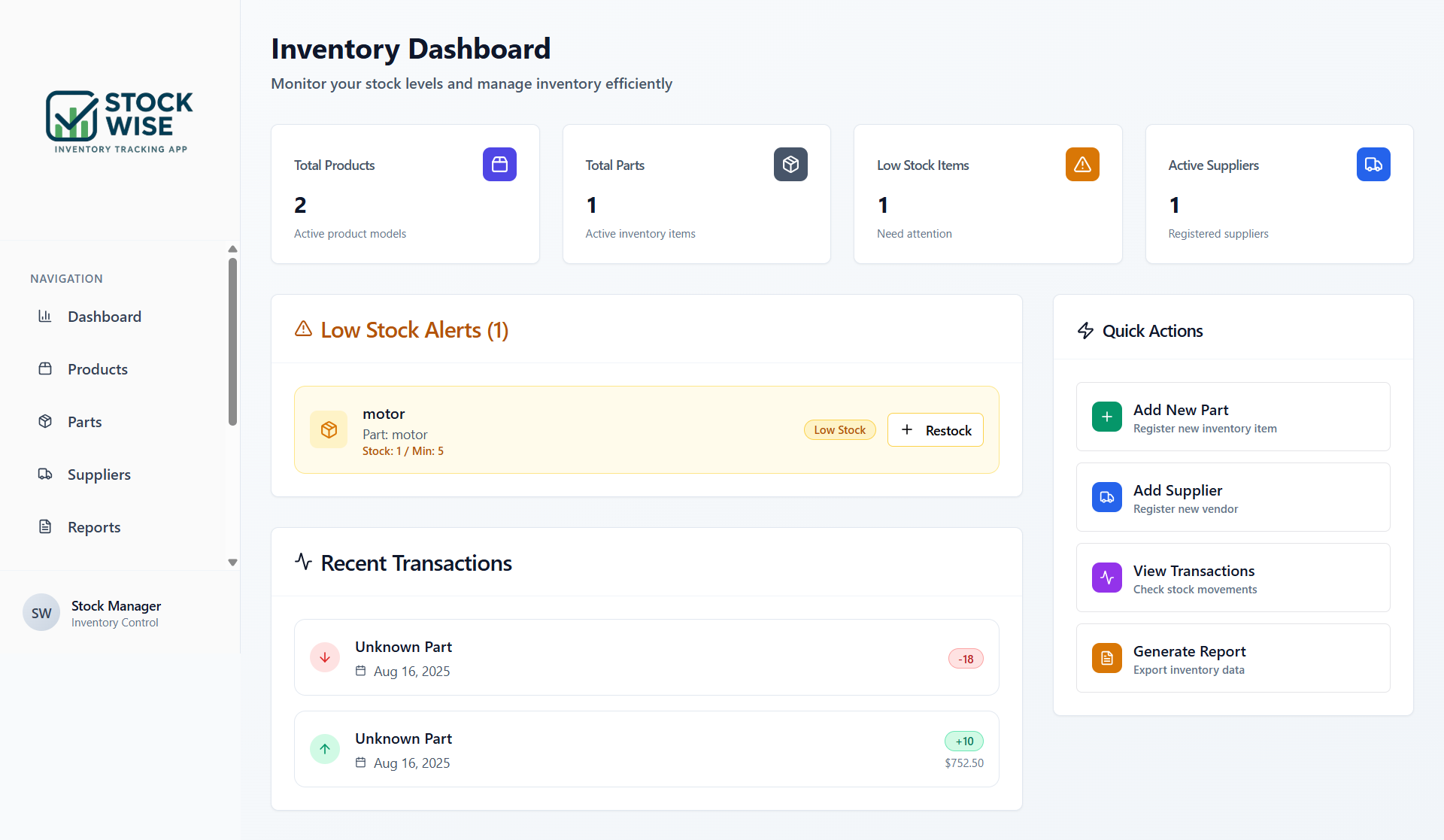
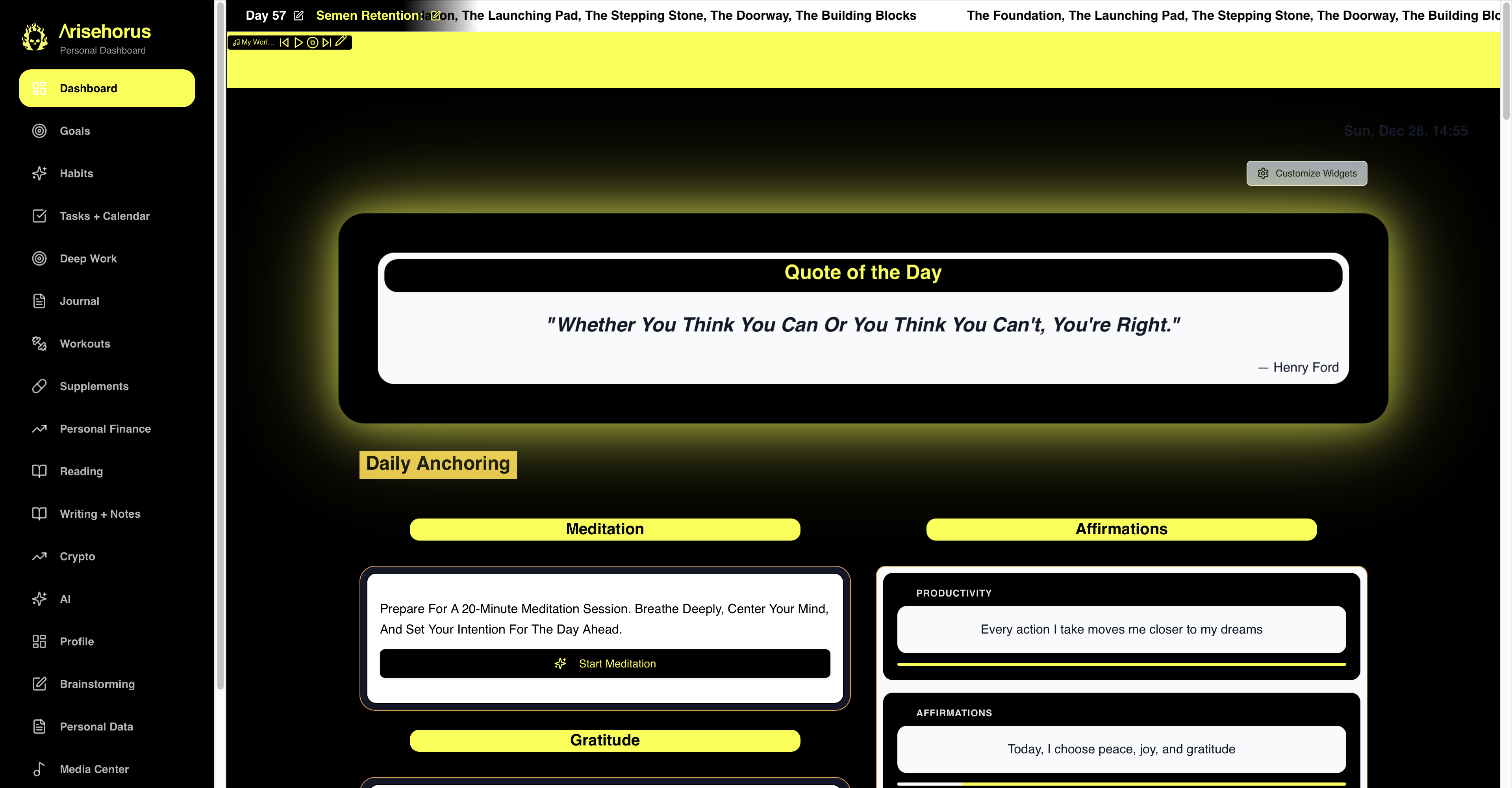
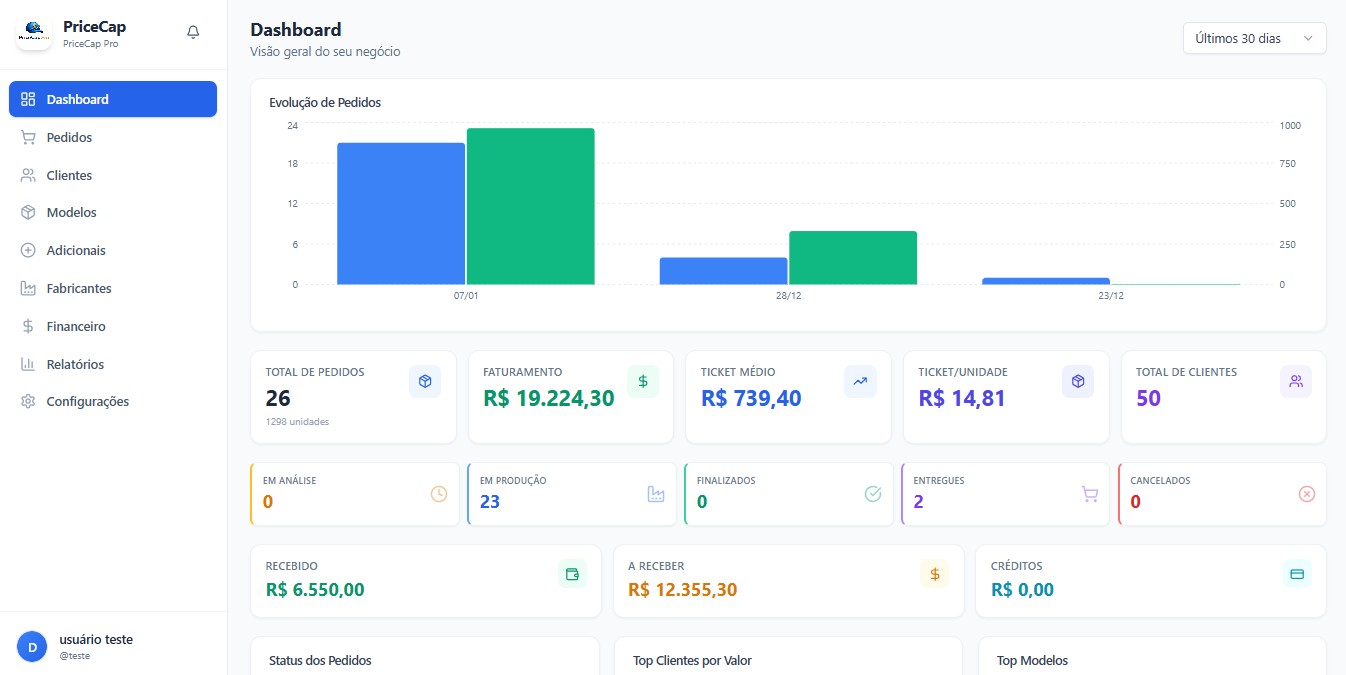
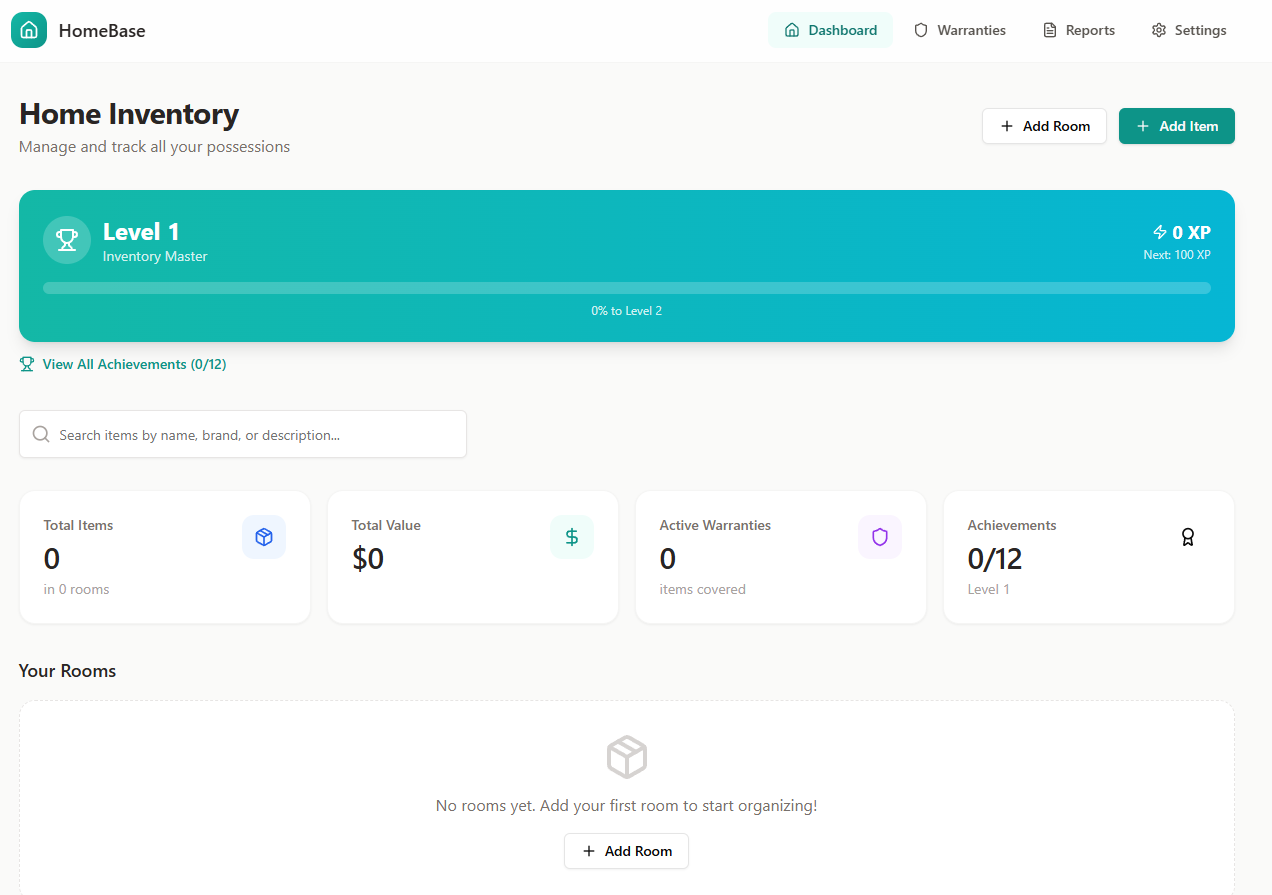
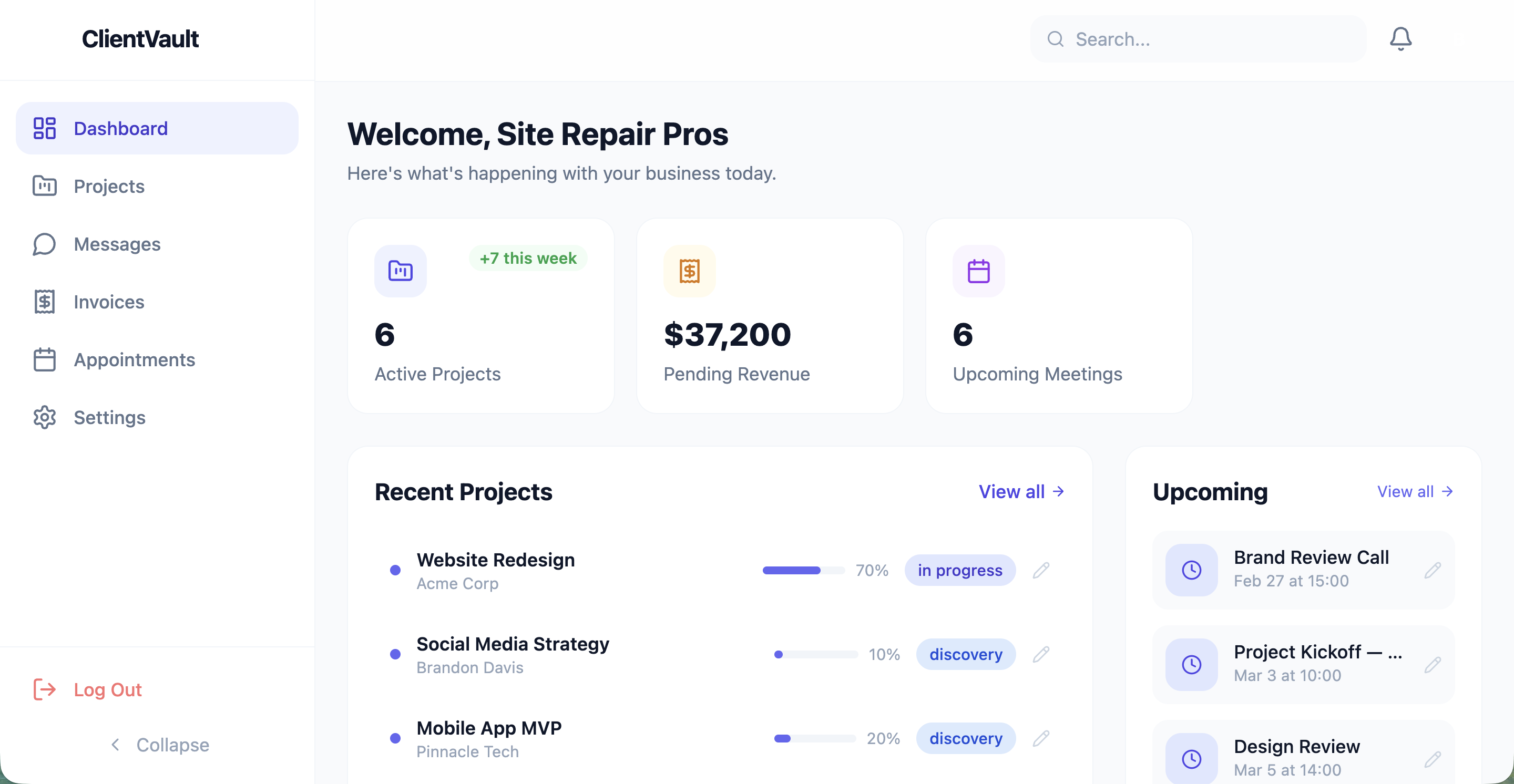
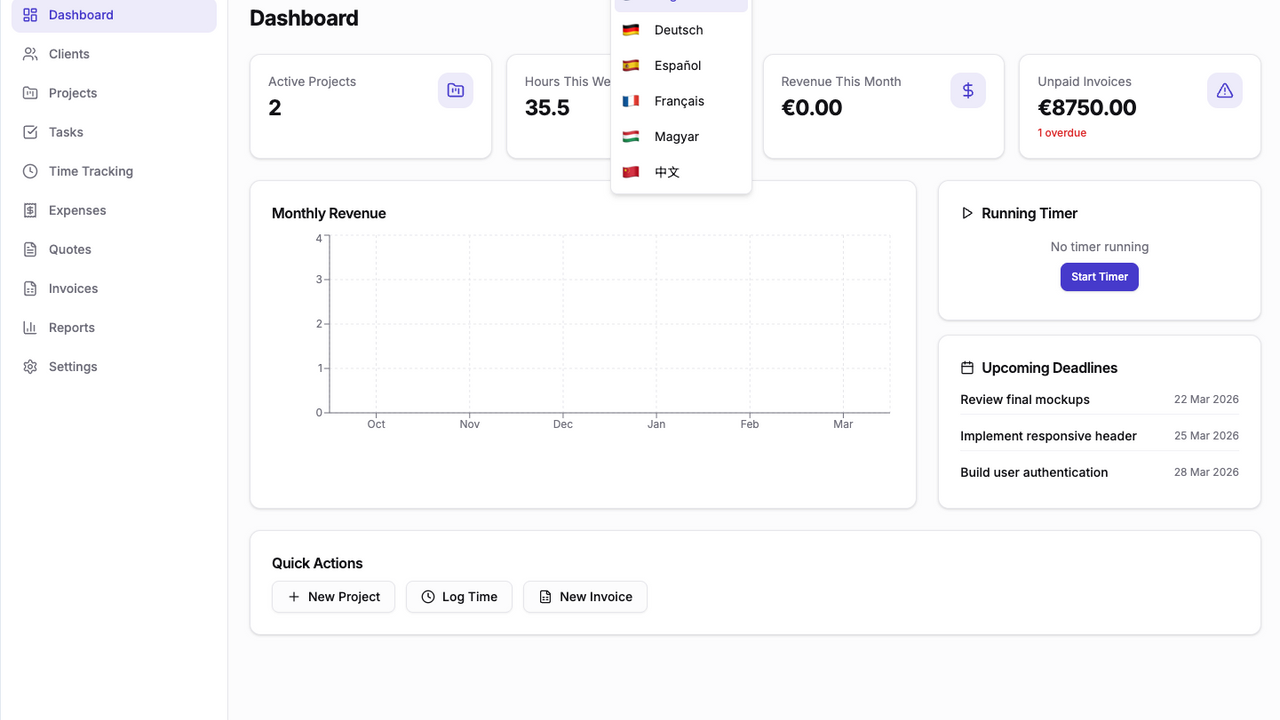
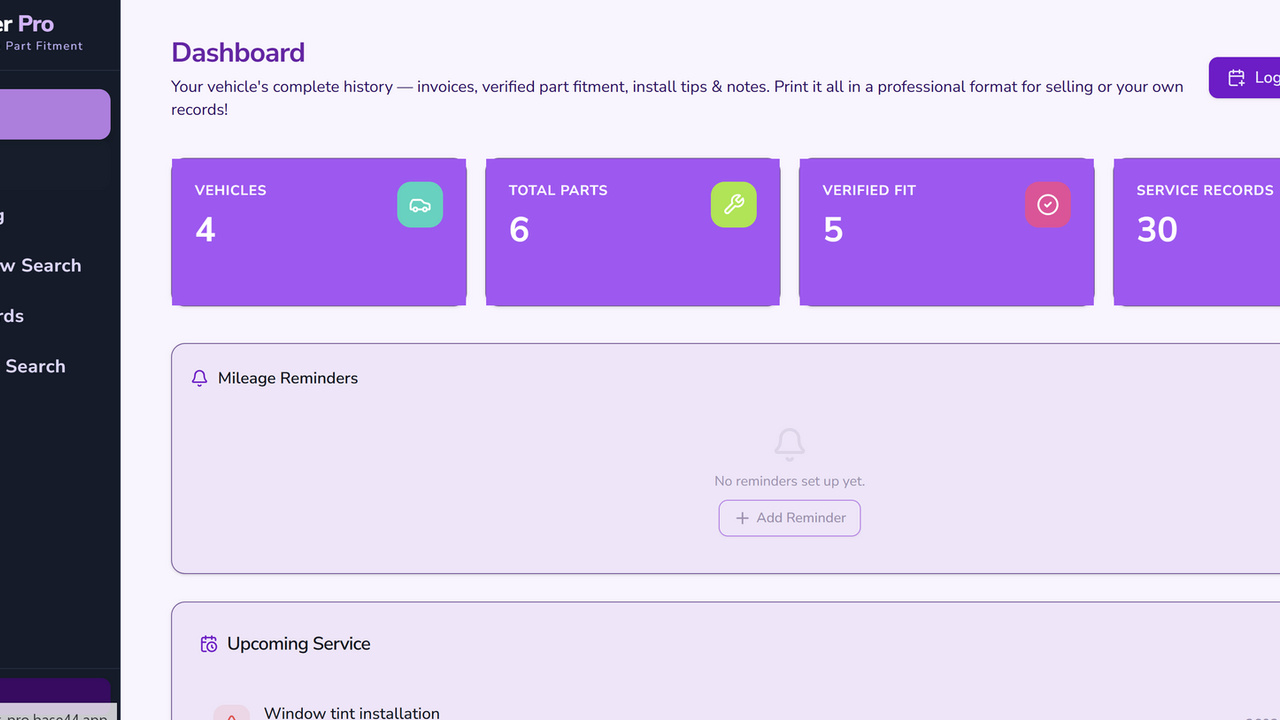
$299.99Your intelligent partner for seamless inventory management. Track parts, manage suppliers, and monitor stock levels with ease. pages/Dashboard.js Purpose: This page serves as the main overview of the inventory system, displaying key statistics and recent activities. Functions & Use Cases: Dashboard component: Purpose: The primary component for the dashboard. It manages the state for parts, transactions, suppliers, products, and loading status. Use Case: Provides users with a quick summary of their inventory. loadDashboardData function: Purpose: Asynchronously fetches data for parts, stock transactions, suppliers, and products from the database. Use Case: Populates the dashboard with up-to-date information when the page loads or refreshes. stats object calculation: Purpose: Computes various statistics like total products, total parts, low stock items, and total suppliers. Use Case: Provides aggregated numbers for the StatsGrid component, giving a high-level view of inventory health. lowStockParts calculation: Purpose: Filters the list of parts to identify those with stock levels at or below a defined minimum. Use Case: Feeds data to the LowStockAlerts component, highlighting critical inventory issues. Overall Use Case: To give users a bird's-eye view of their inventory, quickly showing them what's in stock, what needs attention, and recent activity. pages/Products.js Purpose: This page allows users to manage products, including adding, editing, deleting, and associating parts with them. Functions & Use Cases: ProductsPage component: Purpose: Manages the display and interaction for the products list, including forms for adding/editing products and a manager for product parts. Use Case: Central hub for all product-related operations. State Variables ( products , suppliers , parts , productParts , etc.): Purpose: Store the data fetched from the database and control the UI's state (e.g., showing forms, filters). Use Case: Maintain the current view of products, filters, and forms. loadData function: Purpose: Fetches all necessary data (products, suppliers, parts, product-part associations) from the database. Use Case: Initializes or refreshes the product list and related data. filterProducts function: Purpose: Filters the products list based on search terms, supplier, and equipment type. Use Case: Allows users to quickly find specific products or groups of products. handleSaveProduct function: Purpose: Handles the creation or updating of a product in the database. Use Case: Saves changes made in the ProductForm component. handleDeleteProduct function: Purpose: Deletes a product and all its associated ProductPart records from the database. Use Case: Removes a product from the system, ensuring data consistency by also removing its part links. getPartCountForProduct function: Purpose: Counts how many parts are linked to a specific product. Use Case: Displays the part count on each ProductCard for quick reference. getSupplierName function: Purpose: Retrieves the name of a supplier given their ID. Use Case: Displays the supplier's name on product cards and forms instead of just an ID. Overall Use Case: To provide a comprehensive interface for managing product definitions, their associated suppliers, and the specific parts that constitute each product. pages/Parts.js Purpose: This page is dedicated to managing individual parts in the inventory. Functions & Use Cases: PartsPage component: Purpose: Displays a list of all parts, allows searching, and provides forms for adding or editing parts. Use Case: Manages the inventory of individual components. State Variables ( parts , isLoading , showAddForm , editingPart , searchTerm ): Purpose: Manage the list of parts, loading status, form visibility, currently edited part, and search input. Use Case: Controls the interactive elements and data display on the parts page. loadData function: Purpose: Fetches all parts from the database. Use Case: Populates the parts list when the page loads or after a part is added, edited, or deleted. handleSavePart function: Purpose: Creates a new part or updates an existing one in the database. Use Case: Saves data entered in the PartForm . handleDeletePart function: Purpose: Deletes a specific part from the database. Use Case: Removes unwanted or obsolete parts from the inventory. filteredParts calculation: Purpose: Filters the parts list based on the search term. Use Case: Enables users to quickly find parts by name. Overall Use Case: To manage the individual parts inventory, including creating, reading, updating, and deleting part records. pages/Suppliers.js Purpose: This page manages information about suppliers. Functions & Use Cases: SuppliersPage component: Purpose: Displays a list of suppliers, allows searching, and provides forms for adding or editing supplier details. It also prevents deletion of suppliers that are linked to products. Use Case: Manages the list of companies that provide products or parts. State Variables ( suppliers , products , isLoading , showAddForm , editingSupplier , searchTerm ): Purpose: Manage the list of suppliers, associated products (for deletion checks), loading status, form visibility, currently edited supplier, and search input. Use Case: Controls the interactive elements and data display on the suppliers page. loadData function: Purpose: Fetches all suppliers and products from the database. Use Case: Populates the supplier list and gets product data for deletion checks. handleSaveSupplier function: Purpose: Creates a new supplier or updates an existing one in the database. Use Case: Saves data entered in the SupplierForm . handleDeleteSupplier function: Purpose: Deletes a specific supplier from the database, but only if no products are associated with them. Use Case: Removes a supplier, ensuring data integrity by preventing deletion of suppliers with active products. filteredSuppliers calculation: Purpose: Filters the suppliers list based on the search term. Use Case: Helps users quickly find specific suppliers. getProductCount function: Purpose: Counts the number of products associated with a given supplier. Use Case: Displays the product count on each supplier card and helps in the deletion check. Overall Use Case: To manage supplier records, enabling users to add, view, update, and conditionally delete suppliers. pages/Transactions.js Purpose: This page provides a detailed log of all stock movements (transactions). Functions & Use Cases: TransactionsPage component: Purpose: Displays a list of stock transactions with filtering capabilities by search term, transaction type, and date range. It also shows summary statistics for stock changes. Use Case: To track and analyze all incoming and outgoing stock movements. State Variables ( transactions , parts , suppliers , filteredTransactions , isLoading , searchTerm , typeFilter , dateFilter ): Purpose: Store raw transaction data, related parts and suppliers, filtered transaction results, loading status, and the current filter settings. Use Case: Manages the data and UI state for filtering and displaying transactions. loadData function: Purpose: Fetches all stock transactions, parts, and suppliers from the database. Use Case: Initializes the transaction history display. filterTransactions function: Purpose: Applies search and filter criteria (by part name, supplier, reference, transaction type, and date) to the raw transaction data. Use Case: Allows users to narrow down the transaction list to find specific events. getPart and getSupplier functions: Purpose: Helper functions to find part or supplier objects by their respective IDs from the loaded data. Use Case: Used to display human-readable part and supplier names in the transaction list. totalIn , totalOut , totalValue calculations: Purpose: Calculate the total quantity of items added, removed, and the total monetary value of transactions based on filtered data. Use Case: Provide summary statistics at the top of the page for an overview of stock movement impact. Overall Use Case: To provide a comprehensive and filterable record of all stock transactions, helping users audit inventory changes and understand stock flow. components/products/ProductPartsManager.jsx Purpose: This component allows users to manage the specific parts that belong to a particular product. Functions & Use Cases: ProductPartsManager component: Purpose: Provides an interface within a modal or card to add new parts to a product, remove existing linked parts, and optionally create new individual parts on the fly. Use Case: Establishes and maintains the "child hierarchy" of parts under a product. State Variables ( selectedPart , quantity , isAddingNewPart , newPartName ): Purpose: Manage the selection of parts, quantity for new links, and the state for creating a brand new part. Use Case: Controls the input fields and logic for linking parts. getPartName function: Purpose: Retrieves the name of a part given its ID. Use Case: Displays the part's name in the list of linked parts. handleAddPart function: Purpose: Creates a new ProductPart record, linking a selected part (or a newly created one) to the product. Includes validation for existing links and new part name. Use Case: Adds a component to a product's bill of materials. handleRemovePart function: Purpose: Deletes a ProductPart record, effectively unlinking a part from the product. Use Case: Removes a component from a product's bill of materials. Overall Use Case: To enable detailed configuration of products by specifying which parts they require and in what quantities, centralizing the management of product components. components/products/ProductCard.jsx Purpose: This component displays a single product's information and provides actions related to it. Functions & Use Cases: ProductCard component: Purpose: Renders a visually appealing card for each product, showing its name, type, supplier, and the count of associated parts. It also includes buttons for editing, deleting, and managing parts. Use Case: Provides an actionable summary of each product in the ProductsPage list. Props ( product , supplierName , partCount , onEdit , onDelete , onManageParts ): Purpose: Receives all necessary data and callback functions from the parent ProductsPage to display information and trigger actions. Use Case: Customizes the content and behavior of each product card. Overall Use Case: To offer a concise and interactive representation of each product, serving as a gateway to detailed product management actions. components/parts/PartForm.jsx Purpose: This component provides a form for adding or editing part details. Functions & Use Cases: PartForm component: Purpose: Displays a form with input fields for a part's name and current stock quantity. It supports both creating new parts and editing existing ones. Use Case: Allows users to input and modify part information. State Variables ( formData ): Purpose: Manages the values of the form inputs. Use Case: Holds the data being entered or edited for a part. handleSubmit function: Purpose: Calls the onSave callback from the parent component with the current form data. Use Case: Submits the part data for creation or update. handleInputChange function: Purpose: Updates the formData state as the user types into the input fields. Use Case: Keeps the form's state synchronized with user input. Overall Use Case: To provide a dedicated and animated form for creating and updating individual part records. components/suppliers/SupplierForm.jsx Purpose: This component provides a form for adding or editing supplier details. Functions & Use Cases: SupplierForm component: Purpose: Displays a form with an input field for a supplier's name. It supports both creating new suppliers and editing existing ones. Use Case: Allows users to input and modify supplier information. State Variables ( formData ): Purpose: Manages the value of the form input for the supplier's name. Use Case: Holds the data being entered or edited for a supplier. handleSubmit function: Purpose: Calls the onSave callback from the parent component with the current form data. Use Case: Submits the supplier data for creation or update. handleInputChange function: Purpose: Updates the formData state as the user types into the input field. Use Case: Keeps the form's state synchronized with user input. Overall Use Case: To provide a dedicated and animated form for creating and updating supplier records. suport@ www.mellistech.com
Mellis Tech·1 clones
Operations · Data & Analytics