BI & Analytics

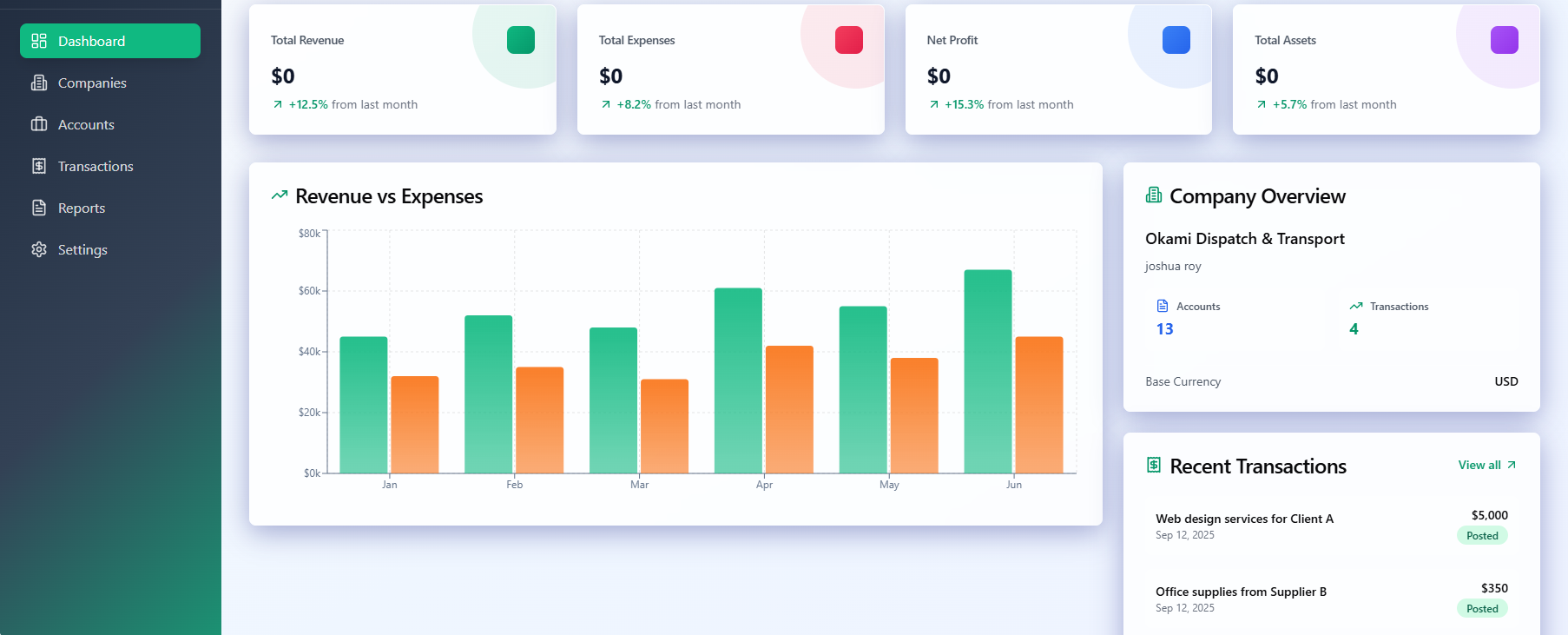
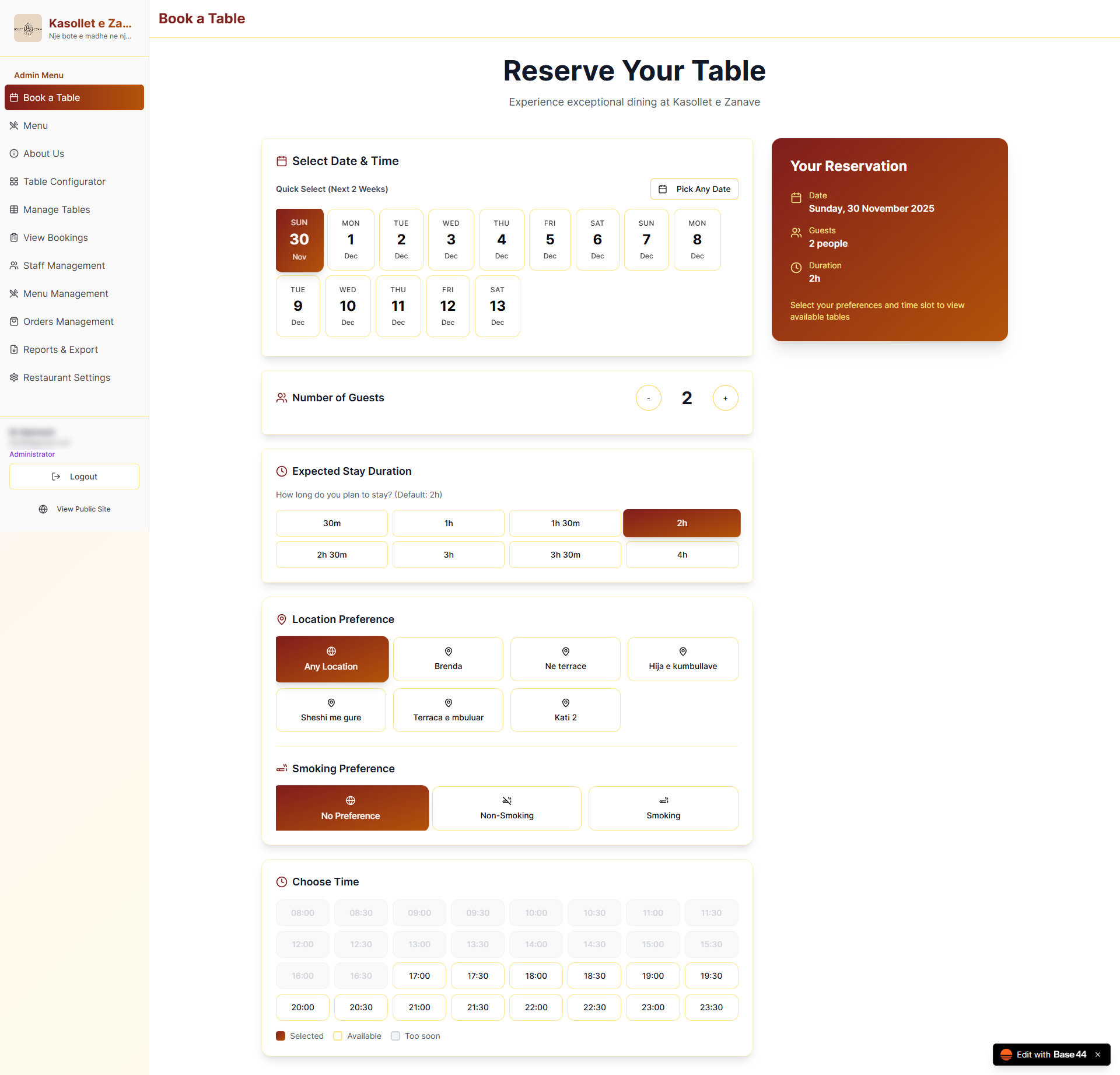
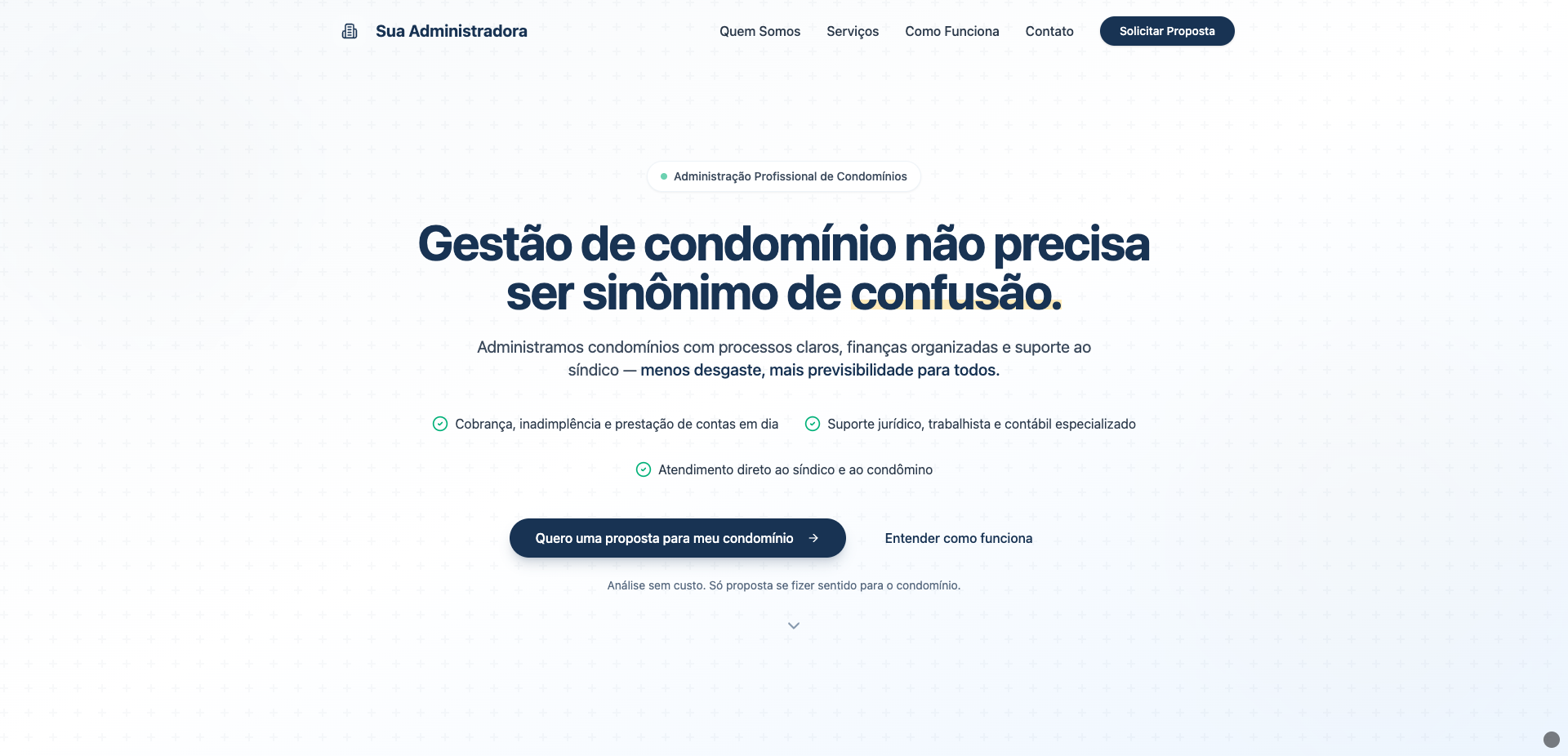
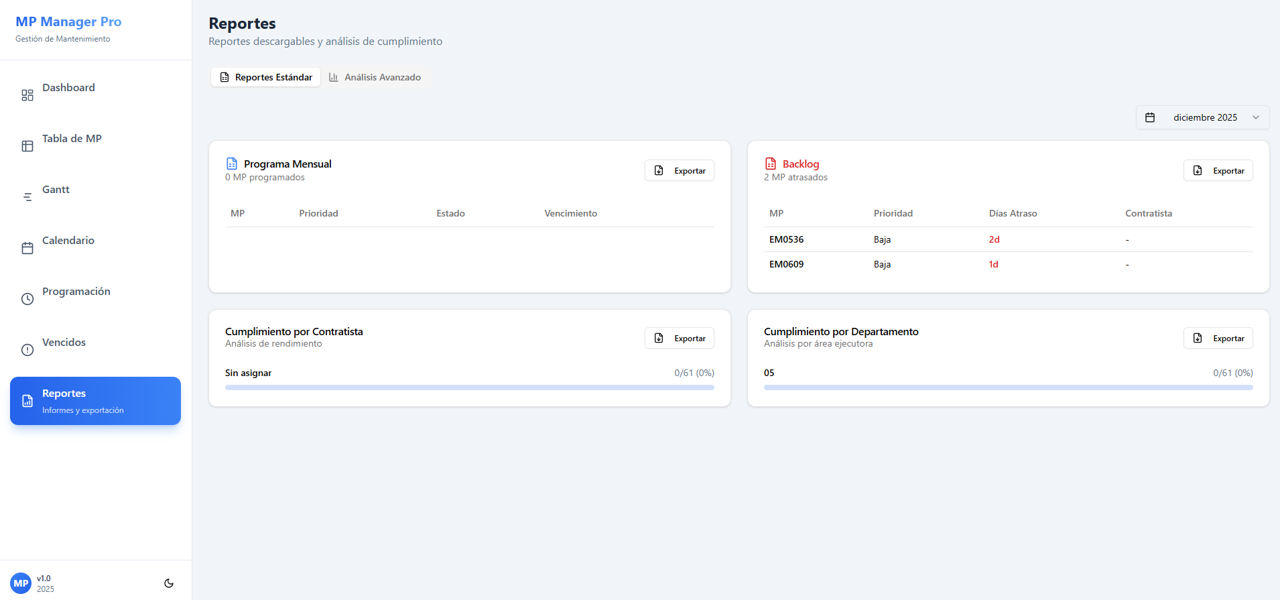
Build insightful BI and analytics dashboards with our powerful templates. They are perfect for visualizing your own business data or for creating custom analytics solutions for your clients.

TruMeasure - Gage R&R Developer template preview

TruMeasure - Gage R&R Developer

$19

Your complete Gage R&R solution for manufacturing teams who demand accuracy, clarity, and audit-ready reports. Quality Managers and Engineers waste hours every month fighting Excel sheets, hunting for formulas, and cleaning up broken Gage R&R templates. TruMeasure Gage R&R Developer eliminates that chaos and gives you clean, accurate, AIAG-aligned Gage R&R results in minutes—no spreadsheets required. Built specifically for manufacturing, automotive, aerospace, medical device, and defense environments, this app transforms your measurement system analysis with: ✅ Full Variable Gage R&R (Average & Range method) Automatically calculates EV, AV, GRR, PV, TV, %Contribution, Study Variation, %GRR of Tolerance, and NDC. ✅ Attribute Gage R&R Module Analyze Pass/Fail and Visual Inspection accuracy with: Repeatability, Reproducibility, False Positive/Negative rates, Confusion Matrices, and Operator Accuracy. ✅ Easy Interpretation Understand your measurement system instantly with clear ratings: “Excellent,” “Marginal,” “Poor,” and the brand-new Discrimination Ratio analysis based on AIAG MSA. ✅ Clean, Guided Workflow Enter or upload readings through intuitive data-entry screens—no formulas, no macros, no mistakes. ✅ Audit-Ready Reports Generate a perfectly formatted PDF report with all calculations, charts, results, and interpretations for auditors or customers. These reports can easily be inserted into PPAP packages or Lean Six Sigma reports. ✅ Perfect for DMAIC, PPAP, APQP, MSA, IATF 16949, and ISO 9001 Whether you're prepping for a customer audit or validating new production tooling, TruMeasure Gage R&R keeps you compliant and confident. 📽️ Watch this Video on YouTube for a Demo of TruMeasure Why You’ll Love It Zero Excel or Minitab headaches Zero formula errors Zero wasted time 100% consistent, repeatable, AIAG-aligned results Super easy for operators, inspectors, and engineers Impress management AND auditors If you rely on measurement data to make decisions, this tool will pay for itself the moment you run your first study. At just $49, you'll see the ROI after just one use!

Robert Gutierrez1 clones

Operations · Data & Analytics
Role Based Access Control by KLX template preview

Role Based Access Control by KLX

$89

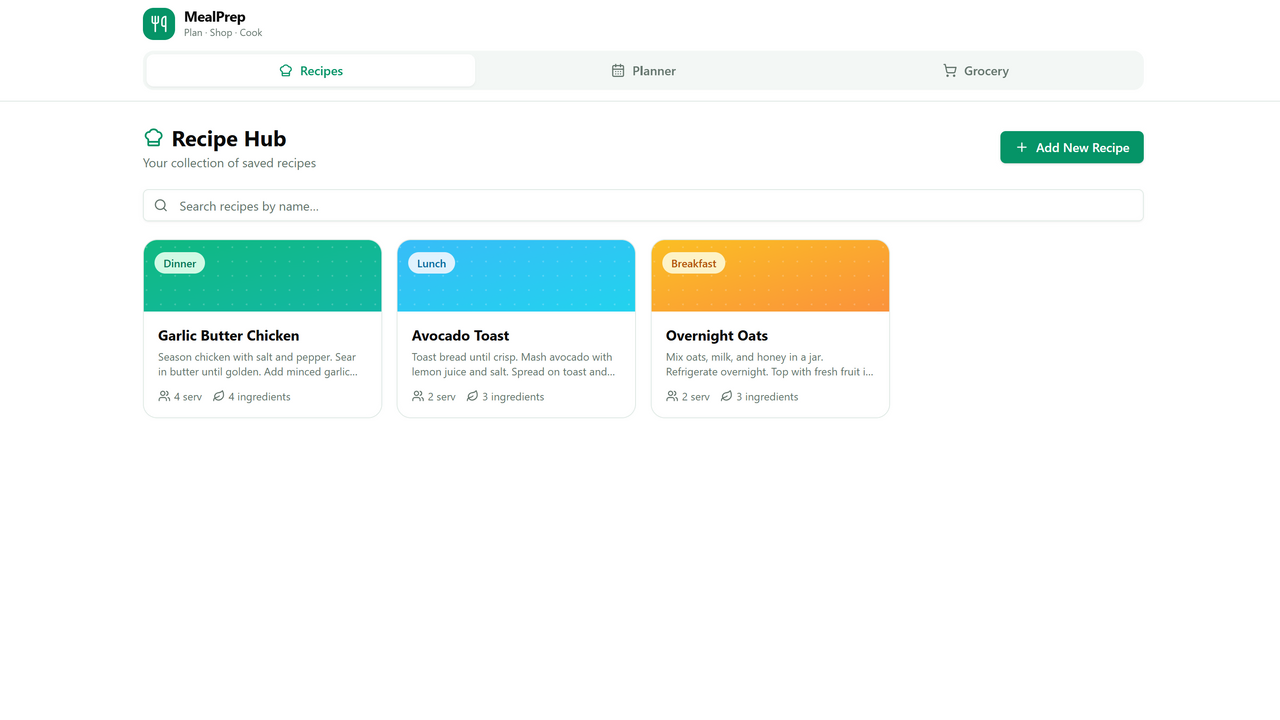
Template Description Whether you're building a small application or a large-scale enterprise platform, this extension delivers everything you need. It provides a powerful matrix-based role and permission management system that integrates seamlessly into any application—with full transparency, maximum security, and complete independence from the Base44 environment. The template has been significantly extended to include: a fully MySQL-based user management layer , enabling multiple independent systems to share one unified user base complete Mailgun email delivery integration , replacing all Base44-related email logic 🔐 Flexible Permission-Based Role Management The system uses a permission-centric role model that you can freely define, extend, and customize. Permissions are verified: in the frontend in the backend (server-side) This prevents unauthorized access even if someone tries: direct URL calls bypassing the UI altering client-side scripts performing SQL injection attempts User roles can be created, edited, and reassigned at any time. 🧪 Easy Role Testing Under “Test Permissions” , you can simulate any role and instantly experience the system as if you were logged in as that role. Permission checks run both client- and server-side, ensuring accurate testing and preventing unauthorized access—even during role simulation. Returning to the original user session is just one click away. 🏢 Full Multi-Tenant Capability The system supports complete data separation between companies or organizations. Users in Company A see only Company A’s content Users in Company B see only Company B’s content This isolation is controlled through Hierarchy Level 1 Hierarchy Level 0 is reserved for system operators and grants global access. Hierarchy Level 2 inherits from Level 1, making it ideal for parent-child organizational models. Example A franchise system: Headquarters (Level 1) sees all branches Each branch sees only its own content System operator (Level 0) sees everything You can test these scenarios in real time using “Test Permissions” . 🗄 Fully MySQL-Based User Management (NEW) The entire user administration—roles, permissions, hierarchy levels, company assignments—is now stored and managed in MySQL , completely independent of Base44. This enables: ✔ A Shared User Base Across Multiple Applications Several Base44 apps can connect to the same database and use the same user pool. ✔ Unified Permissions Across Systems Roles and permissions are consistent across all applications that share the database. ✔ Full Extensibility User records, metadata, and organizational structures exist outside Base44’s constraints and can be customized freely. Use any database you want. PostgreSQL, Microsoft SQL Server, Oracle, SQLite or any other. Just type in prompt that you want to use another database and Base44 System creates the right connection for you. ✉️ Complete Mailgun Email Integration (NEW) All email functionality has been fully migrated to Mailgun , providing: high-deliverability transactional email DKIM, SPF, and DMARC support logs, tracking, and bounce handling stable operation even under load This integration replaces Base44’s internal email mechanisms entirely. 🚀 Getting Started In the Base44 AI prompt, enter: Please ask me for new MySQL database login information. You will be asked for: database host database name database user port password Then navigate to: Dashboard → Code → Functions → testMysqlConnection.js → testFunction → Run If the connection test fails: check the function logs verify the credentials stored in Secrets repeat the test Once successful, run this function: initMysqlDatabase.js and this: initAuthTables and finally start Function: MakeMeSuperUser This will populate the database with initial sample data, which you can modify as needed. If something is wrong, ask Base. ;) 🆕 Creating New Permissions If a new page or feature should only be accessible to users with a dedicated permission, simply tell Base44: Create a new permission 'permission_name' so that only users with this permission can access this area. Extend the role management and the permission test function accordingly. To apply multi-tenant logic (company visibility, hierarchy levels), specify rules such as: your_specific_site: Hierarchy Level 2 can see only self-created data. Hierarchy Level 1 can see all data belonging to the user's company. Hierarchy Level 0 can see all available data. You can add Hierarchy Levels 3, 4, and beyond simply by creating new roles and assigning the appropriate permissions. For Mailgun you will need to set a new mailgun domain and mailgun API_key. Visit secrets area in base to modify these settings. 🔑 Login Information (Plaintext) Email: test21@klx-energy.eu Password: test21test21 💬 Feedback If you spot bugs or have ideas for improvements, feel free to reach out: info@klx-energy.eu ⭐ Disclaimer This app template is provided as is, without any warranties of any kind, whether express or implied. The template is intended as a starting point for developers and may require customization, configuration, or additional development work to meet specific project requirements. The author does not guarantee compatibility with all systems, environments, or third-party services. By downloading or using this template, you acknowledge that: You are responsible for reviewing, modifying, and testing the template according to your own technical and legal needs. The author is not liable for any damages, data loss, security issues, or other consequences arising from the use, misuse, or inability to use this template. No guarantee is provided regarding performance, scalability, security, or fitness for a particular purpose. Support may be limited to the scope defined in the product description; extended customization or implementation support is not included unless explicitly stated. Use of this template is at your own risk. Ensure compliance with all applicable laws, platform requirements, privacy regulations, and licensing terms.

Klipex GmbH1 clones

Data & Analytics
So, what are we building?

Start building