Data & Analytics

Build insightful BI and analytics dashboards with our powerful templates. They are perfect for visualizing your own business data or for creating custom analytics solutions for your clients.

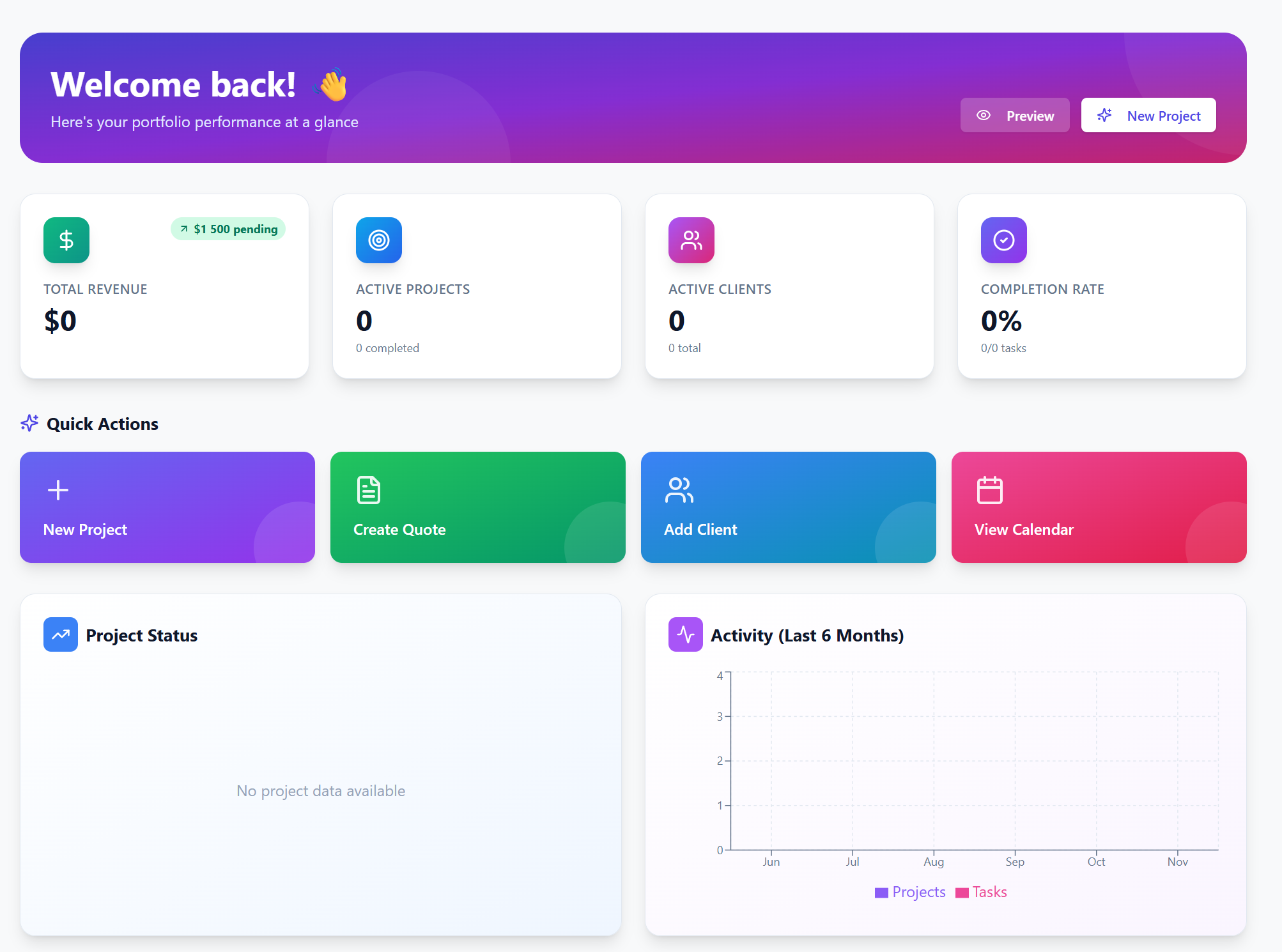
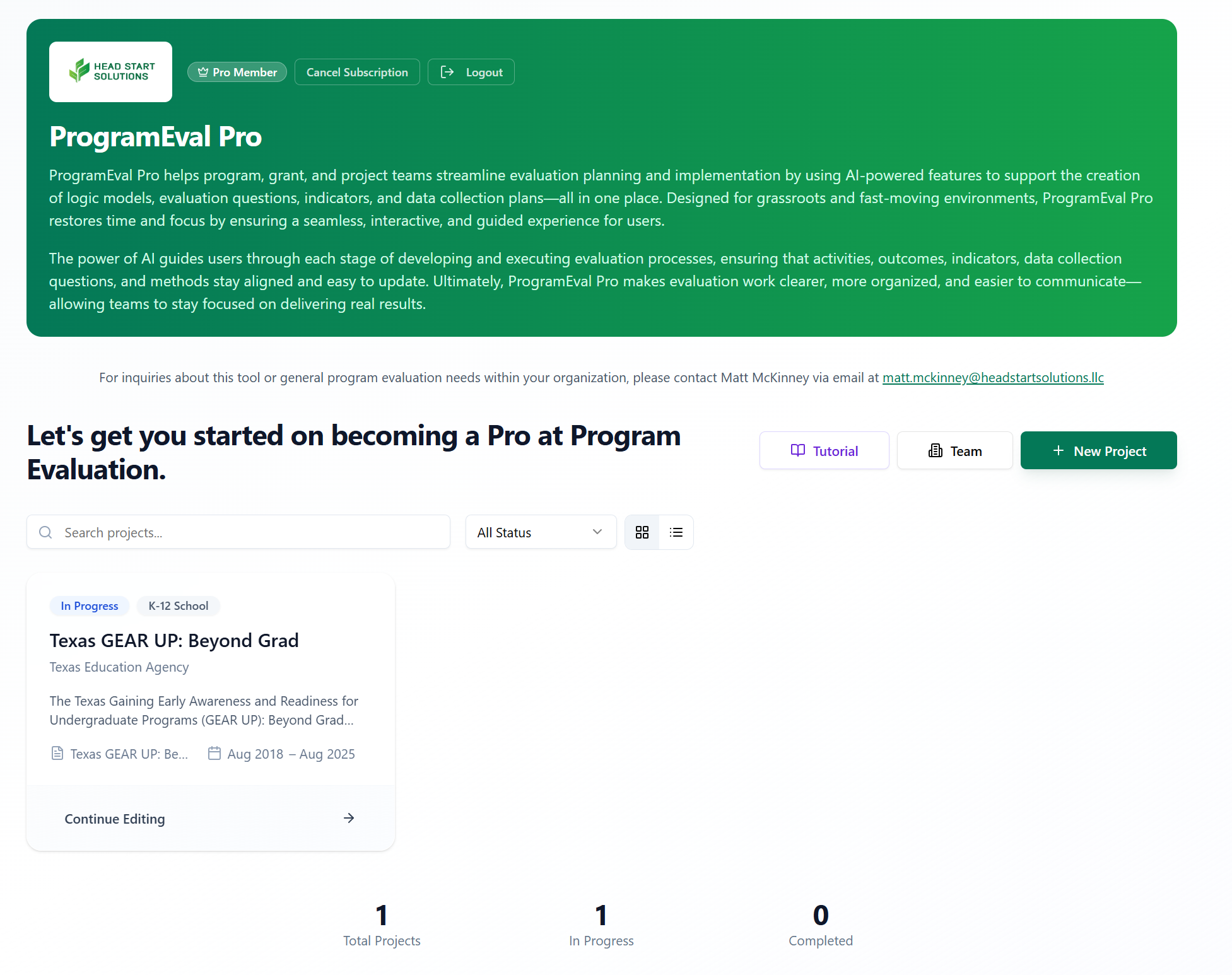
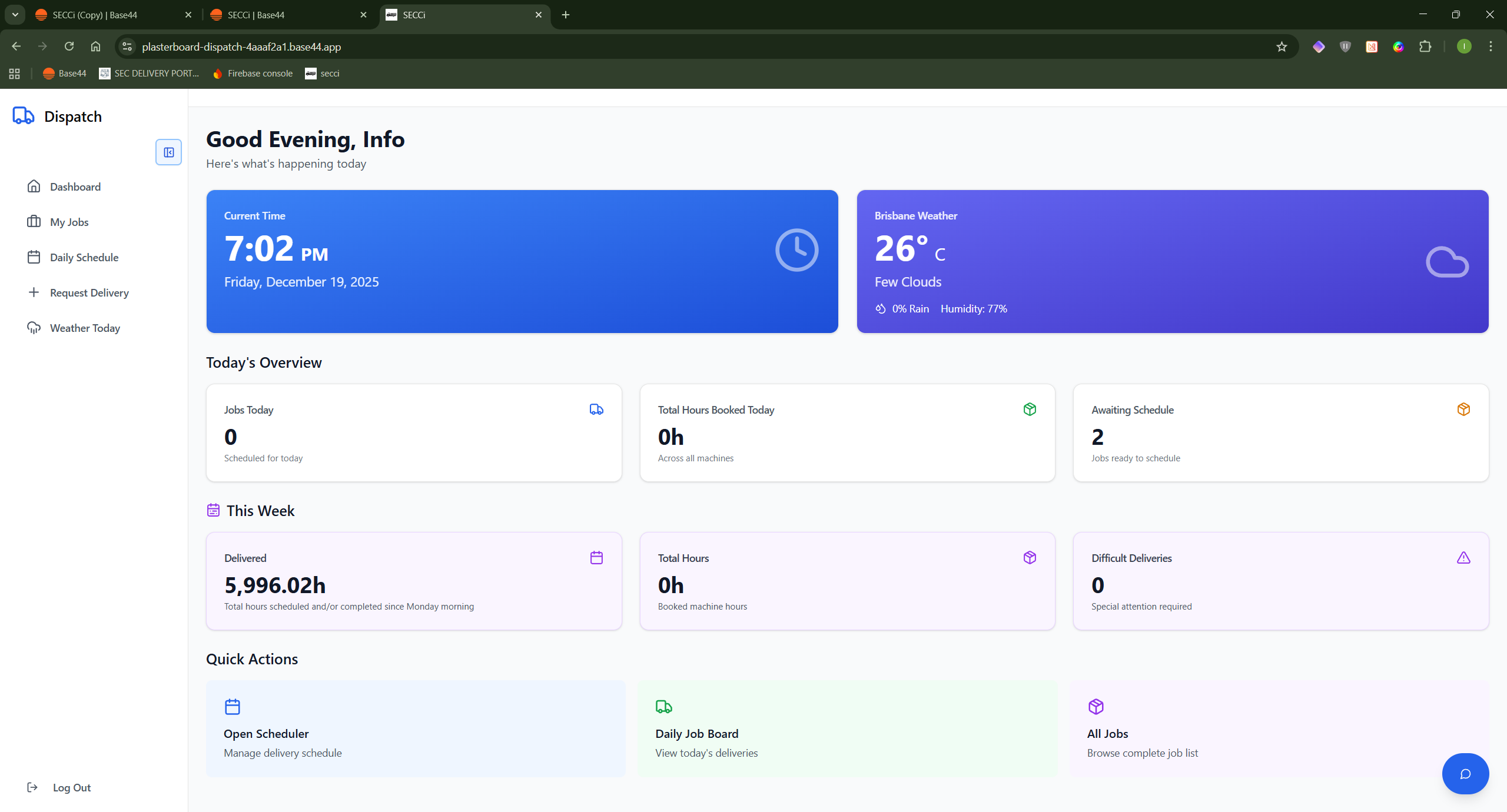
Portfolio - Full Appfolio  template preview

Portfolio - Full Appfolio

$4.95

Stop juggling 5+ tools to run your freelance business. AppFolio is a comprehensive portfolio and project management platform built for developers, designers, and creative professionals who want to spend less time on admin and more time creating. ✨ Key Features Portfolio Management Beautiful public portfolio pages with customizable themes Featured project showcase Category filtering and tagging Real-time view tracking Project & Task Management Kanban-style task boards with drag-and-drop Task dependencies and progress tracking Priority levels and deadline management Overdue alerts and status tracking Client Relationship Management Centralized client database with company info Communication history tracking (calls, emails, meetings) Link clients to projects and quotes Lifetime value tracking Quote & Invoice System Professional quote builder with line items Tax calculations built-in PDF export capability Quote status tracking (Draft, Sent, Accepted, Declined) AI-Powered Automation 🤖 Auto-generate task breakdowns for new projects AI project risk analysis and bottleneck identification Smart project summaries and status reports Auto-write project descriptions with tone control Analytics Dashboard Visual charts (project status, 6-month activity) Revenue tracking and completion rates Quick action buttons for common tasks Interactive, colorful UI with real-time updates Calendar & Scheduling Monthly and weekly calendar views Project and task deadline tracking Filter by project or team member Overdue indicators Lead Management Inquiry form integration Lead status pipeline (New, Contacted, Negotiating, Booked) Budget and project type tracking Source attribution ✅ Pros All-in-One Solution - Replace Trello + Notion + HoneyBook + Portfolio site AI Integration - Automates tedious tasks like project planning and risk assessment Client-Facing Features - Public portfolio + inquiry forms built-in Real-Time Updates - React Query ensures data is always fresh Modern Tech Stack - React, Tailwind, shadcn/ui, Framer Motion animations Beautiful UI - Gradient designs, smooth animations, interactive charts Customizable - Themes, layouts, featured projects control Mobile Responsive - Works on all devices No Backend Code Needed - Base44 handles auth, database, file storage Scalable - Handles unlimited projects, clients, tasks ⚠️ Cons / Limitations Platform Lock-In - Built on Base44 platform (though you could rebuild on other platforms) No Native Mobile Apps - Web-only (but responsive) Limited Offline Support - Requires internet connection No Time Tracking - Would need to add this feature No Invoicing - Has quotes but not full invoicing/payment processing Single User Focus - Not built for large teams (though could be extended) No Advanced Reporting - Basic analytics only AI Costs - LLM integrations consume tokens File Storage Limits - Depends on Base44 plan limits 🎯 Perfect For Freelance Developers - Manage client projects and showcase work Design Agencies - Track multiple clients and projects Creative Professionals - Portfolio + business management in one Consultants - Professional quotes and client tracking Solo Entrepreneurs - All business tools in one place 💰 Value Proposition Time Saved: 10-15 hours/month on admin tasks Tool Consolidation: Replace $100+/month in subscriptions Professional Image: Branded portfolio + professional quotes AI Automation: Let AI handle project planning and risk analysis 🏆 Competitive Advantages Integrated Portfolio - Unlike pure PM tools (Asana, Monday) AI Features - Smarter than traditional tools Beautiful Design - More polished than open-source alternatives Easy Setup - No backend coding required Fast Development - Built on Base44's infrastructure Bottom Line: If you're a freelancer spending more time managing your business than doing the work you love, CreatorOS is your solution. It's what you'd build if you had 3 months and unlimited coffee—except it's ready now.

KeyDev solutions2 clones

Marketing & Sales · Content Generation +4

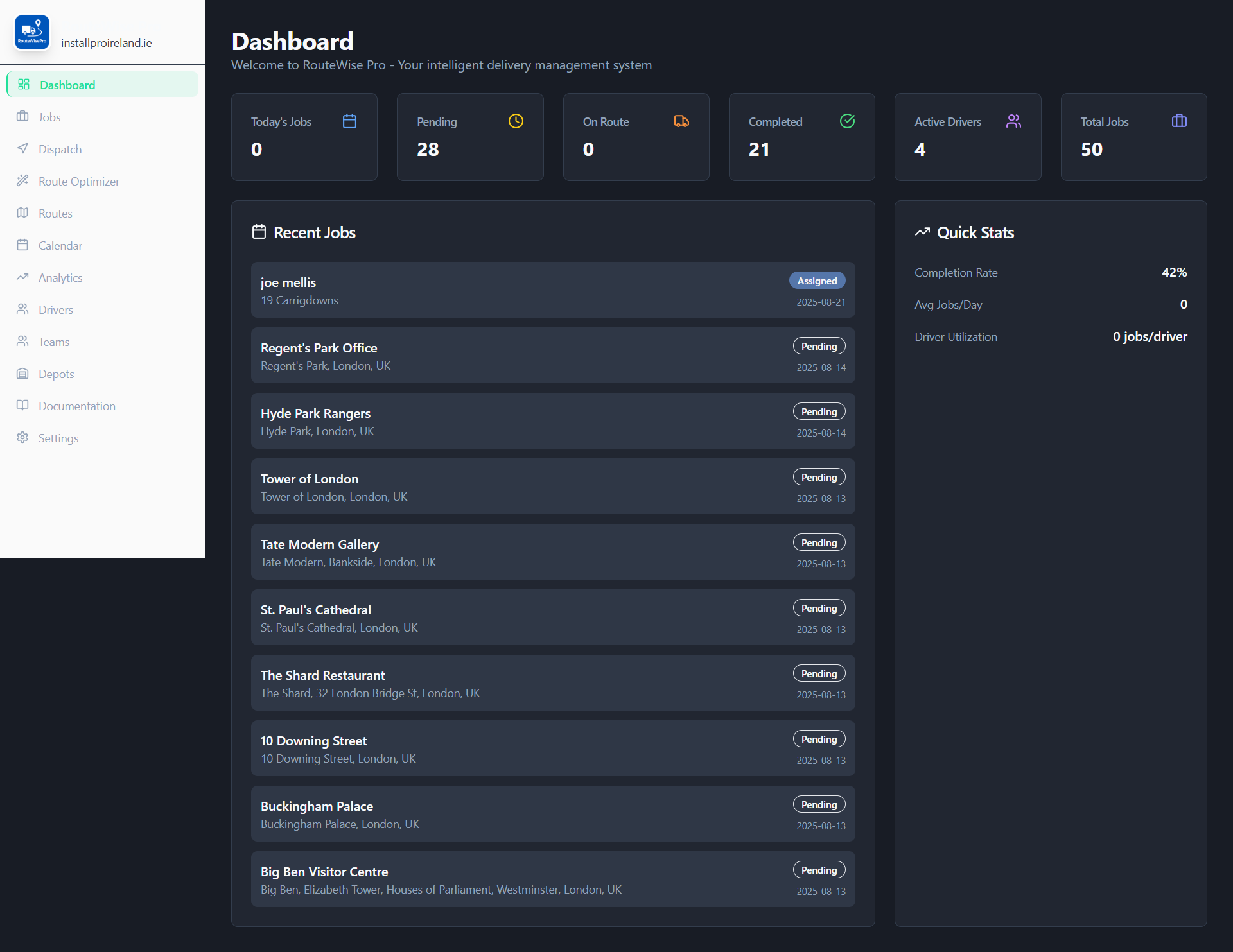
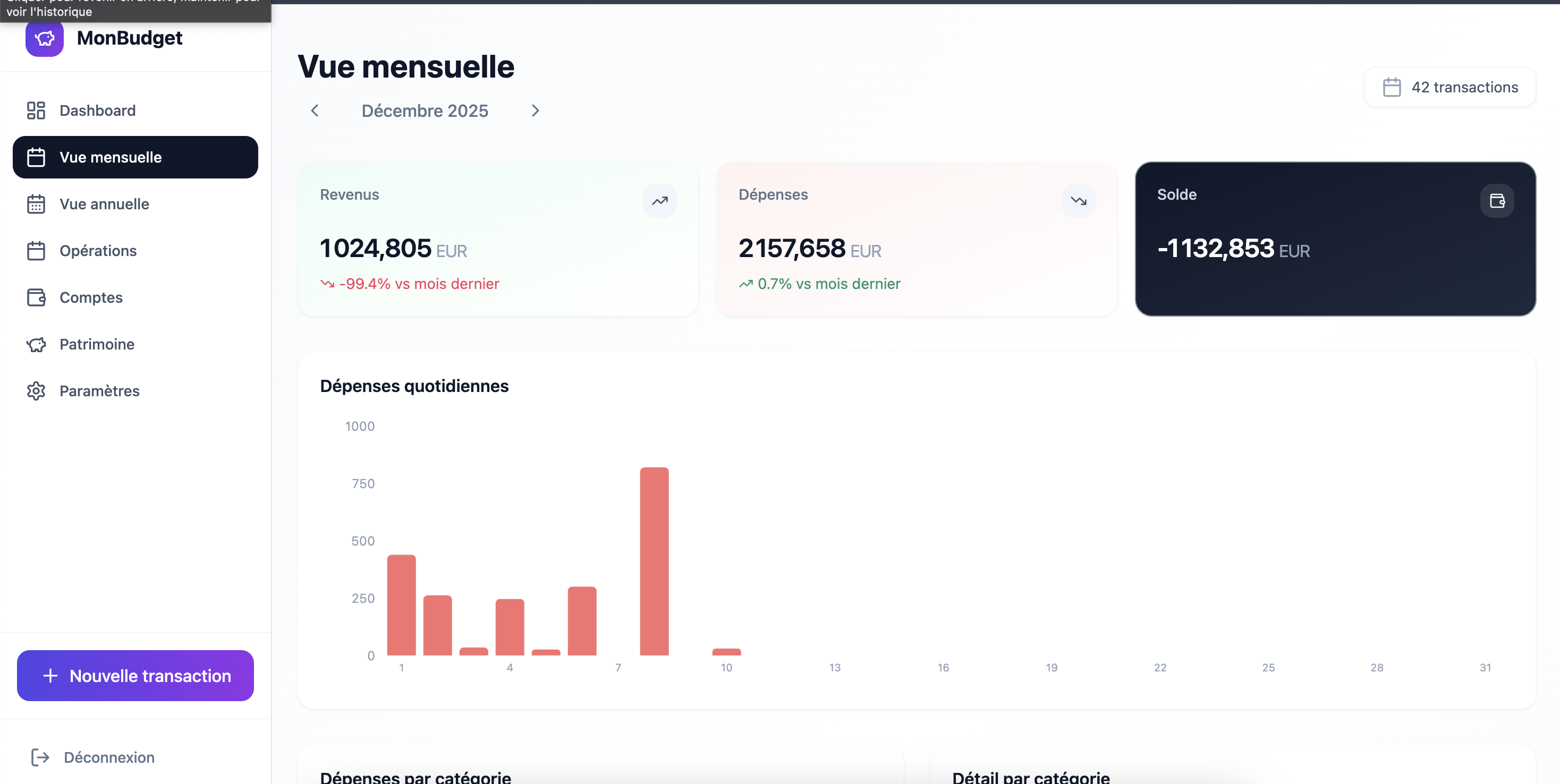
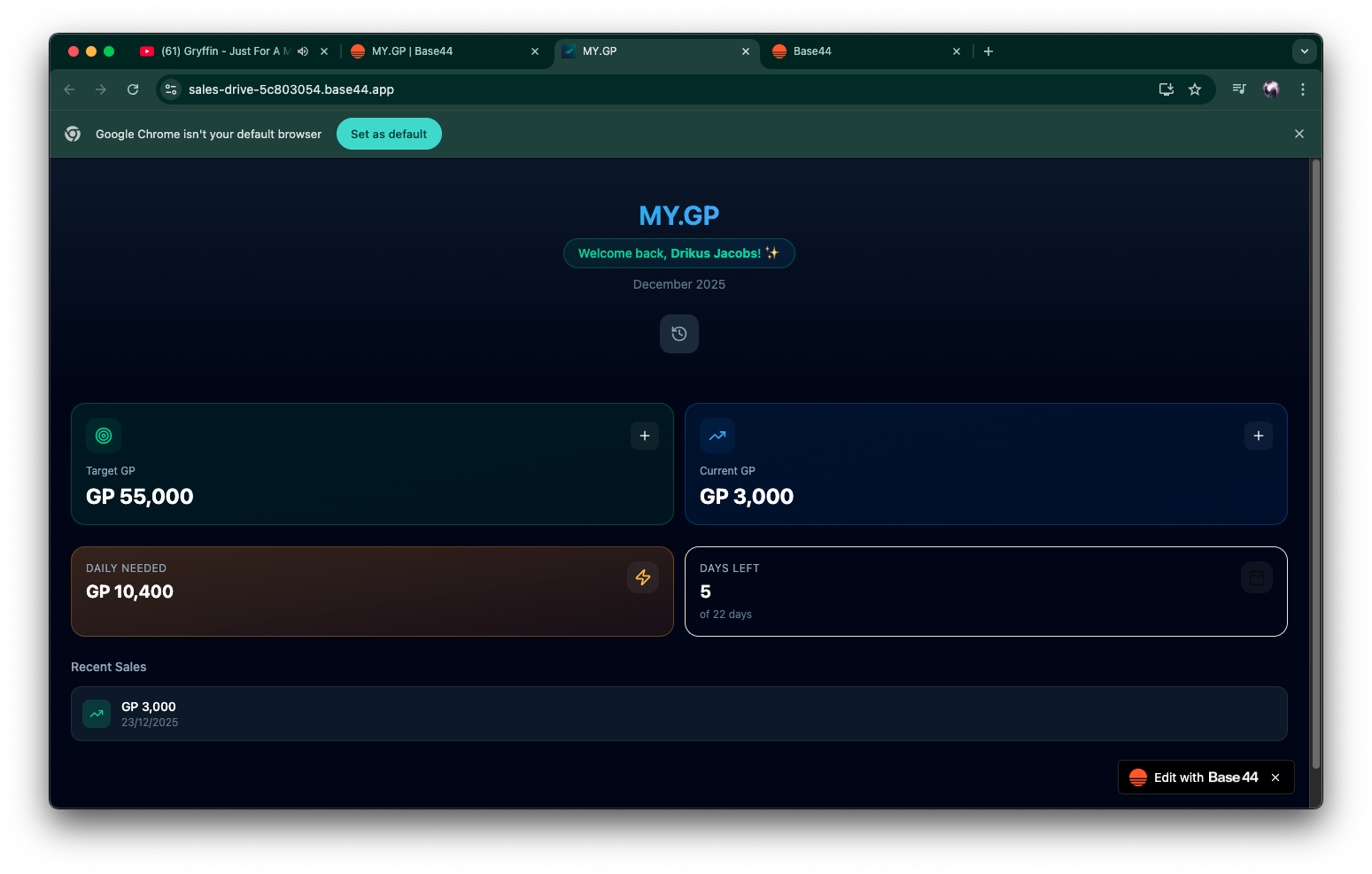
Routewise pro template preview

Routewise pro

$499.99

Optimize your delivery and installation routes with smart scheduling and real-time tracking. RouteWise Pro helps you manage drivers, schedule jobs efficiently, and ensure timely service, all within a sleek dark-mode dashboard. RouteWise Pro is a comprehensive delivery management system designed to streamline logistics operations, from job creation and assignment to route optimization and performance analytics. Here's a breakdown of its key functions and use cases: 1. Dashboard ( /Dashboard ) Functions: Displays key performance indicators (KPIs) at a glance. Shows a summary of job statuses: Today's Jobs, Pending, On Route, Completed, Total Jobs. Monitors active drivers. Lists recent jobs. Provides quick stats like completion rate, average jobs per day, and driver utilization. Use Cases: Operations Managers: Quickly assess the daily operational status, identify bottlenecks (e.g., high pending jobs), and track overall efficiency. Business Owners: Get a high-level overview of business performance and driver activity. 2. Job Management ( /Jobs ) Functions: Job Creation/Editing: Allows detailed entry and modification of job information (customer details, address, order details, job type, duration, priority, time windows, notes, attachments). AI-Powered Assignment: Automatically assigns new jobs to optimal dates and drivers using AI, considering geographic clustering, workload balancing, and priorities. Job Listing and Filtering: Displays jobs, with options to filter by status (active/archive) and search by customer or address. Deletion: Permanently remove job records. Clear Database: A critical function to delete all jobs, drivers, teams, and depots, used for resetting the application (e.g., for testing or starting fresh). Use Cases: Dispatchers/Operations: Create new job orders, update existing job details, and manage the lifecycle of each delivery or service. Administrators: Use the "Clear Database" feature for initial setup or during extensive testing phases. 3. Driver Management ( /Drivers ) Functions: Driver Profiles: Create and manage driver information (name, email, phone, license number, skills, home depot, status). Status Tracking: Set drivers as active, inactive, or on leave. Listing and Searching: View all drivers, with search capabilities. Use Cases: HR/Fleet Managers: Onboard new drivers, update driver qualifications, and manage driver availability. Operations: Quickly find driver contact information or check their assigned depot. 4. Team Management ( /Teams ) Functions: Team Creation/Editing: Organize drivers into teams, assign team leads, and specify depot and region. Member Assignment: Add multiple drivers to a team. Listing: View existing teams and their members. Use Cases: Fleet Managers: Structure and organize the workforce into manageable units for better coordination and regional assignments. 5. Depot Management ( /Depots ) Functions: Depot Creation/Editing: Define and manage physical depot locations (name, address, coordinates). Listing: View all registered depots. Use Cases: Logistics Planners: Set up and maintain the physical network of operational hubs where drivers start and end their routes. 6. Dispatch Center ( /Dispatch ) Functions: Real-time Job Overview: Provides a dedicated interface to manage job dispatches for a selected date. Status-based Tabs: Organizes jobs into "Pending," "Assigned," "Active" (On Route/Started), and "Completed" tabs for clear workflow. Driver Assignment: Allows dispatchers to assign drivers to pending jobs via a dropdown. Status Transitions: Enables quick updates to job status (e.g., "Dispatch" to "On Route," "Start Job" to "Started," "Complete"). Visual Indicators: Uses color-coded badges and icons for immediate recognition of job status. Job Details (Card View): Displays essential job information and quick action buttons. Use Cases: Dispatchers: The primary tool for day-to-day operations, ensuring jobs are assigned, dispatched, and progressing efficiently. Drivers: (Indirectly) See their assigned jobs and can update statuses (though this UI is dispatcher-focused). 7. Calendar View ( /Calendar ) Functions: Job Visualization: Displays scheduled jobs on a weekly or daily calendar. Navigation: Browse dates using previous/next week/day buttons and a "Today" button. Filtering: Filters jobs by date. Mobile Responsiveness: Offers different views (grid/list) for mobile week view. Use Cases: Schedulers/Planners: Visualize workload distribution, identify scheduling conflicts, and plan future jobs. Dispatchers: Get a quick overview of upcoming schedules and driver assignments. 8. Route Optimizer ( /RouteOptimizer ) Functions: AI-Powered Route Optimization: Uses a sophisticated AI model to calculate optimal routes for drivers for a given date. Input Data Consideration: Takes into account jobs, drivers, depots, and application settings (working hours, travel buffers, max jobs per driver). Optimization Constraints: Considers real geographic data, job priorities, driver skills, time windows, and balancing workload. Test Data Generation: Quickly creates sample jobs and drivers for testing the optimization engine. Archive Optimized Jobs: Marks all jobs in the optimized routes as 'Completed' (or 'Archived') and clears them from the pending list. Results Display: Presents optimized routes in both a list format (cards per driver) and a map view. Optimization Summary: Provides aggregated metrics like total jobs assigned, drivers used, average jobs per driver, total estimated time, and average efficiency. Use Cases: Logistics Planners: Generate highly efficient routes to save time and fuel, especially for complex operations with many jobs and drivers. Operations Managers: Analyze route efficiency and driver productivity. System Testers: Quickly populate the system with data to test the optimization capabilities. 9. Analytics Dashboard ( /Analytics ) Functions: Performance Metrics: Calculates and displays KPIs such as total jobs, completed jobs, completion rate, average job duration, and active drivers. Data Visualizations: Uses various charts (pie, line, bar) to show: Job Status Distribution Daily Job Trends (jobs created vs. completed over time) Job Type Distribution Driver Performance (total vs. completed jobs per driver) Time Range Filtering: Allows analysis over different periods (This Week, Last 30 Days, Last 90 Days). Use Cases: Business Owners/Managers: Understand operational performance, identify trends, make data-driven decisions for resource allocation, and assess overall business health. Strategists: Analyze long-term performance and identify areas for improvement in service delivery. 10. Settings ( /Settings ) Functions: Configuration: Allows users to configure application-wide settings such as company name, working hours, working days, and travel time buffers. Persistence: Saves settings to the database. Use Cases: Administrators: Customize the application to match the specific operational parameters and branding of their business. 11. Documentation ( /Documentation ) Functions: Feature Explanations: Provides detailed information about all application features and how to use them. Search and Navigation: Allows users to search for specific topics and navigate between sections. Use Cases: All Users: A self-service resource for learning how to use the application, troubleshoot issues, and understand various features without needing to contact support. 12. Layout Functions: Consistent Navigation: Provides a persistent sidebar navigation menu across all pages. Branding: Displays the company logo and name. Responsive Design: Adapts the layout for mobile and desktop views, including a collapsible sidebar. Theming: Sets the overall dark theme of the application. Loading Screen: Displays a branded loading screen while the app initializes. Favicon & Meta Tags: Manages browser favicon and mobile app specific meta tags. Use Cases: All Users: Provides a consistent and user-friendly experience, making the application easy to navigate and aesthetically pleasing. This comprehensive set of features covers the entire delivery management workflow, from initial order to final analysis, leveraging AI for efficiency and providing clear interfaces for operational control. RouteWise Pro Upgrade List : 🚀 Complete Upgrade Manifest 1. AI-Powered Job Management ✅ Smart document extraction (PDF/CSV/images) with auto-fill ✅ AI-powered automatic driver assignment ✅ Intelligent date scheduling based on workload ✅ Geographic coordinate auto-geocoding ✅ Skills-based driver matching 2. Advanced Route Optimization ✅ Multi-stop optimization per driver ✅ Real-time traffic simulation (rush hour penalties) ✅ Driver fatigue management (8hr max, auto-breaks) ✅ Time window adherence scoring (35-point weighting) ✅ Cost-effectiveness analysis (fuel €0.15/km, labor €25/hr) ✅ 100-point route quality scoring system ✅ Priority multipliers (Urgent 2x, High 1.5x) 3. GPS Tracking System ✅ Real-time driver location updates (30-second intervals) ✅ DriverLocation entity with lat/long, speed, heading, accuracy ✅ Battery level monitoring ✅ Live map visualization on Dispatch page ✅ Google Maps integration for viewing positions ✅ Background location tracking 4. Mobile Driver App ✅ Dedicated driver interface at /DriverApp ✅ View assigned jobs with full details ✅ Status workflow: Assigned → On Route → Started → Completed ✅ One-click job status updates ✅ Quick call customer buttons ✅ Google Maps navigation integration ✅ Real-time job synchronization 5. Package Scanning System ✅ Package entity with tracking numbers, QR codes, status ✅ Camera-based barcode/QR scanning ✅ AI-powered image recognition for codes ✅ Manual tracking number entry fallback ✅ Pickup vs delivery scan modes ✅ Auto-assign packages to drivers on pickup ✅ Auto-complete jobs on delivery scan ✅ Package status tracking: pending → picked_up → delivered 6. Proof of Delivery (Secure) ✅ Digital signature pad with canvas drawing ✅ Photo capture via device camera ✅ Private file storage (UploadPrivateFile) ✅ Time-limited signed URLs (5-min expiry) ✅ Secure, encrypted storage isolated from public access ✅ POD fields: pod_signature_url , pod_photo_url 7. Customer Communication ✅ Automated email on job creation (confirmation) ✅ "Driver on the way" email when status = On Route ✅ Delivery completion email ✅ Professional email templates with customer details ✅ Company name integration in sender 8. Enhanced Dispatch Page ✅ Live driver GPS map with refresh ✅ Driver location display with speed/coordinates ✅ Status-based job tabs (Pending/Assigned/On Route/Started/Completed) ✅ Quick driver assignment dropdown ✅ One-click status updates ✅ Auto-refresh locations every 30 seconds 9. Data Management ✅ Smart document upload with AI extraction ✅ "Clear Database" function with multi-confirmation ✅ "Generate Test Data" for quick setup ✅ "Archive Optimized Jobs" batch operation 10. User Experience ✅ Mobile-responsive driver app ✅ Touch-friendly scanner interface ✅ Real-time status badges ✅ Loading states and feedback messages ✅ Error handling with user-friendly alerts ✅ Comprehensive documentation with 14 sections Documentation now includes complete guides for all features with emoji markers for quick scanning! Complete System Implementation - Summary ✅ New Features Deployed: 🤖 AI Assistant ( agents/routewise_assistant.json ) Natural language Q&A about operations & features Live data queries across all entities Accessible via Analytics page button 📷 AI Label Scanner ( functions/extractLabelData.js + components/shared/LabelScanner.jsx ) Camera/upload label scanning AI extracts: name, address, tracking, weight, dimensions Integrated into Job creation form 💬 AI Chat Interface ( components/assistant/AIAssistant.jsx ) Full conversation UI with markdown support Real-time streaming responses Message history & subscriptions 📝 Enhanced Job Form "Scan Label" button alongside document upload Auto-fills job data from label extraction Seamless workflow integration 📚 Complete Documentation Update Added AI Assistant guide Added AI Label Scanning guide Updated all feature descriptions with advanced capabilities 🎯 User Experience: Job Creation: Scan label → AI extracts data → Auto-assigns driver → Customer notified Support: Ask assistant "Who has shortest route?" → Instant answer with live data Time Savings: 3-5 min manual entry → 30 seconds with label scan RouteWise Pro now has complete AI-powered workflow automation with intelligent assistant support and documentation covering all 16 system features! I've added several new features AI-Driven Driver Performance Analysis (Analytics Page): A new section identifies top-performing drivers and flags those needing attention, based on completion rates, on-time delivery, and simulated customer feedback, offering tailored insights. Real-time Customer Communication (Driver Mobile App): Drivers can now send pre-defined email messages (e.g., "Arriving Soon," "Delayed") directly to customers from the app. AI-Powered Automated Rescheduling (Backend Automation): The system automatically re-optimizes driver routes and notifies affected drivers and customers if a job is canceled or significantly delayed. The Dispatch page now has 3 view modes — List (existing), Map (real-time Leaflet map with job pins, driver location markers, colour-coded statuses, job density heatmap toggle, and inline reassignment), and Board (drag-and-drop Kanban-style layout per driver to reassign jobs). suport@ www.mellistech.com

Mellis Tech2 clones

Operations · Data & Analytics

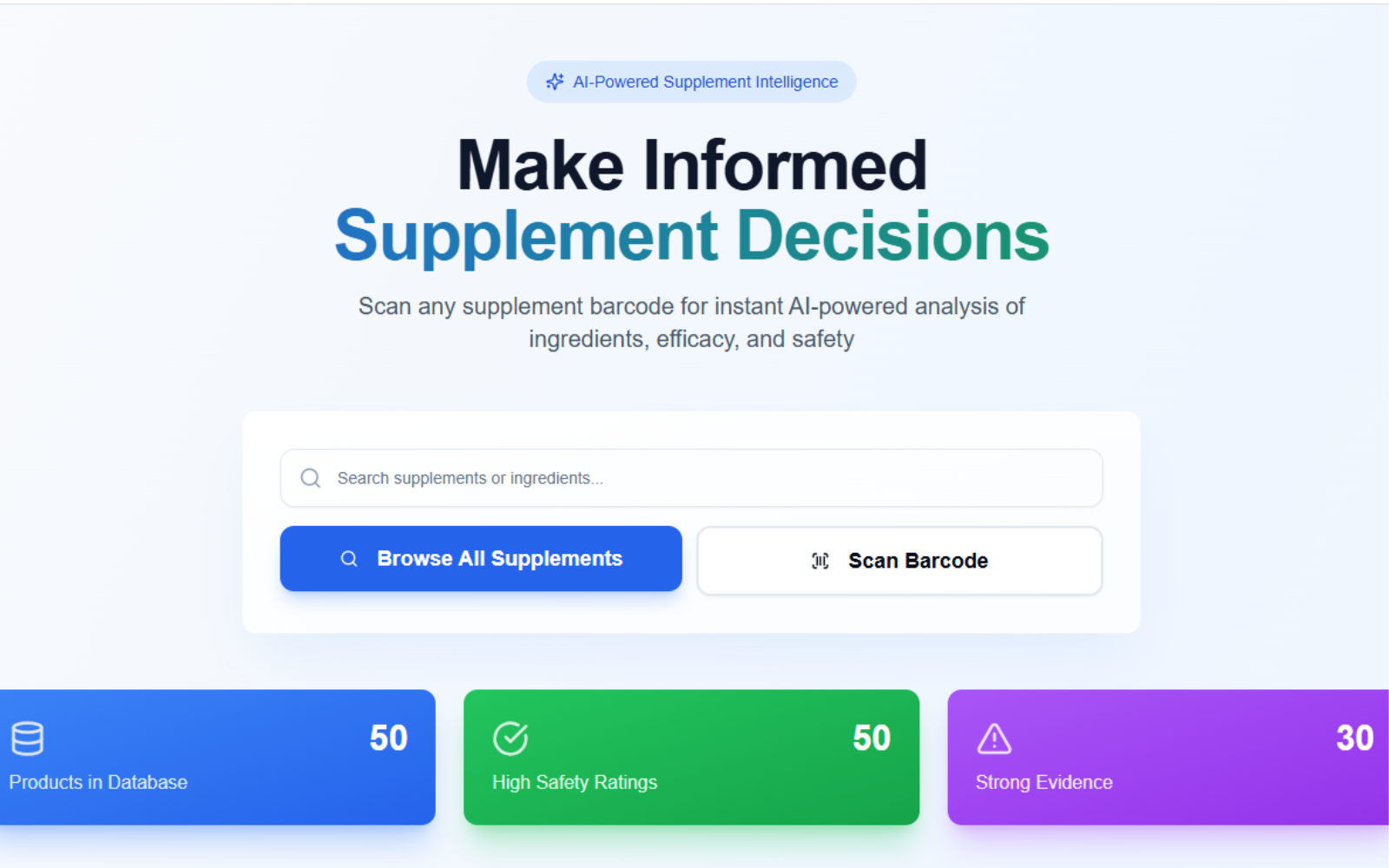
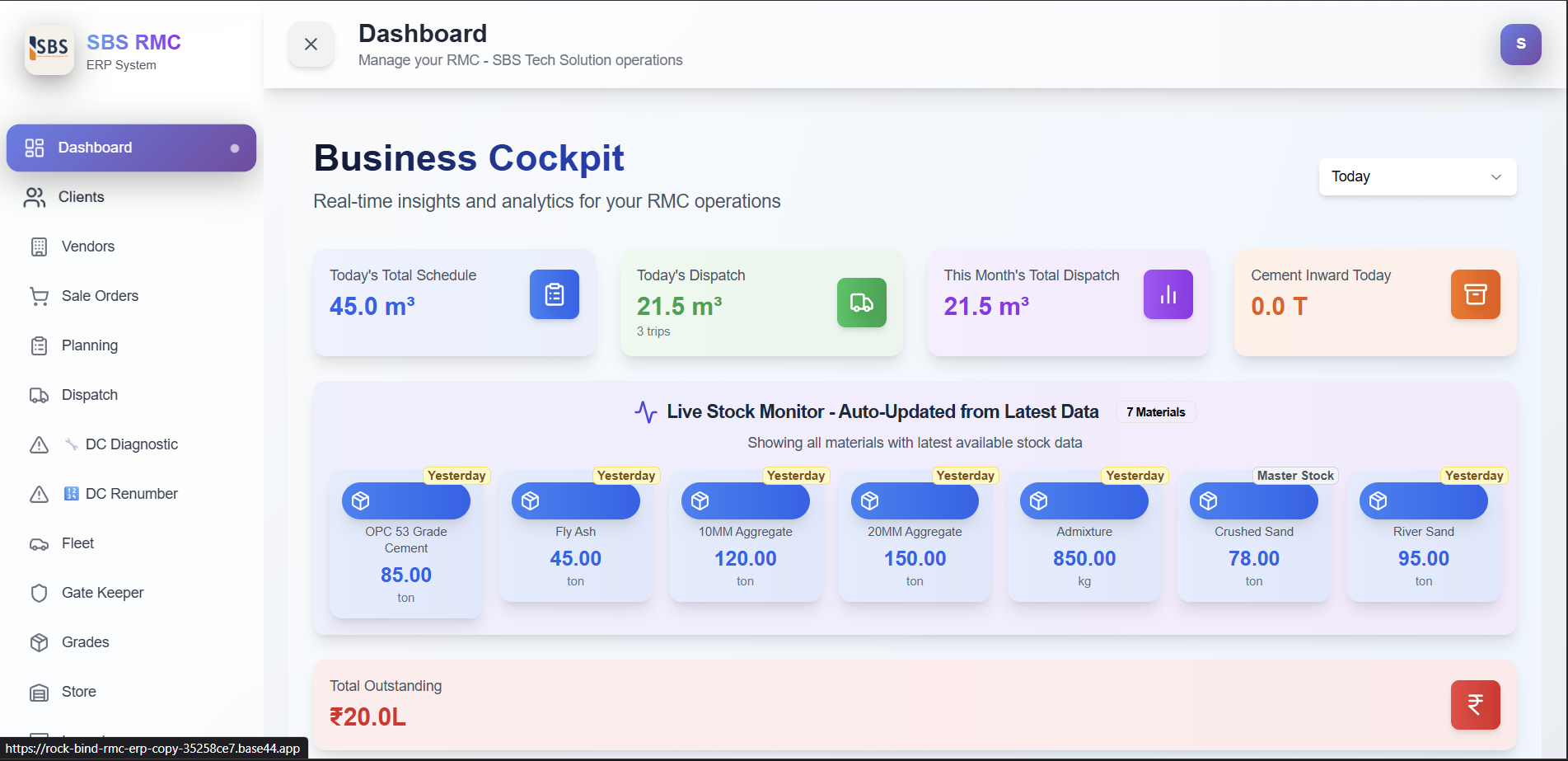
RMC Manager template preview

RMC Manager

$49

RMC ERP System – Full Structured Documentation 1. SYSTEM OVERVIEW A complete Ready Mix Concrete (RMC) plant ERP Manages entire business flow: Client management Sale orders Planning Dispatch Inventory Fleet Gate entry Finance Reporting Automations 2. MODULES & FEATURES 2.1. DASHBOARD (Main Control Center) What it Shows Live business KPIs Today’s schedule vs dispatched Monthly dispatch trends Real-time material stock levels Outstanding balance Recent dispatches Material consumption table Key Features Live Stock Monitor (cement, fly ash, sand, aggregates, diesel, admixture) Today’s stats: schedule qty, dispatched qty, trips, cement inward Monthly dispatch (chart) Customer-wise & grade-wise production Vendor inward reports How it Works Pulls data from Planning, Dispatch, Inward, Consumption Auto-calculates with date filters Export-enabled 2.2. CLIENT MANAGEMENT Clients Page – Functions Add/Edit/Delete clients Store company info, GSTIN, contact details Credit limit management Balance tracking (pending or advance) Multiple site addresses Block/Unblock client Sync All Balances Client Workflow Create client Set credit limit Add site addresses System auto-updates balance from orders/dispatches/payments Client Detail Page – Shows Client profile All site addresses Ledger view (debit/credit history) Payment manager Orders list Invoice generator (GST) Financial summary Block/Unblock Client Ledger Page Full financial transactions Running balance with GST Export to CSV Balance Logic Dispatch = Debit (adds balance) Payment = Credit (reduces balance) Positive = Client owes you Negative = Advance 2.3. SALE ORDER MANAGEMENT Features Multiple grades per order Custom mix option Multiple site addresses Price control per grade Placement mode (Pumping/Manual/All) Profit calculation Order status flow Approval workflow Order Creation Workflow Select client Add grades & qty Select site addresses Set prices Optional custom mix System calculates cost Submit for approval Sale Order Detail Page Full breakdown Price & dispatched status Edit order Fix dispatch rates Profit summary 2.4. PLANNING MODULE Features Create schedules from approved orders Select grade, qty, delivery time Priority tagging Calendar view Planning statuses Workflow Select order Choose grade Enter planned date/time Add instructions System tracks planned vs dispatched qty 2.5. DISPATCH MANAGEMENT Core Functions Create dispatch from planning or manual Auto DC numbering (DC01, DC02…) Auto Docket numbering Auto Trip numbering Cumulative qty display Vehicle & driver assignment Slump & temperature 4-copy challan printing Technical batch report Dispatch Creation Workflow Choose plan or manual Select client Select site address Select grade & rate Enter quantity Select truck/driver Enter departure time Submit System then: Generates DC Updates planning & order Creates ledger entry Updates client balance Sends email + SMS On Delete Moves to delete history Restores planning qty Adjusts client balance Deletes ledger entry Re-sequences trip numbers Sends email Dispatch Screens Today’s Dispatches: Active only Dispatch History: All records + deleted (red) 2.6. VENDOR & PROCUREMENT Vendor Features Add/Edit/Delete vendors Track GST, PAN, credit terms Vendor rating Track total orders & purchase value Quotations Store vendor quotations Material-wise pricing Price comparison Approval workflow 2.7. INVENTORY MANAGEMENT Store Module Features Item categories: Raw materials, spares, fuel, tyres, safety, stationary Stock tracking Item master Minimum stock alerts Weighted average cost Direct & weighbridge entries Issue & return management Store Dashboard Raw material summary Other item summary Today’s inward Issue history Inward Module Features Raw material inward Weighbridge + Royalty support Vendor selection Document upload Quality checks Approval workflow Auto stock update Types Direct Weighbridge Royalty Consumption Module Tracks Opening stock Inward Consumption Closing stock Material-wise usage Daily Workflow Yesterday’s closing → Today’s opening Add inward Add consumption System calculates closing Smart Features Shows source of stock Negative stock warnings Unit conversion 2.8. FLEET MANAGEMENT Vehicles Tab Transit Mixer / Truck / Pump / Loader Ownership type Empty weight, mileage, RC/insurance expiry Driver assignment Status (active/inactive/maintenance) Drivers Tab Driver list with photo License details & expiry Phone numbers Assignment tracking Fuel Entries Tab Odometer tracking Fuel quantity & rate Mileage auto-calculation Fuel bill upload Diesel stock integration Fuel Workflow Select vehicle & driver Enter odometer Enter fuel qty System calculates KM driven, mileage, amount Diesel Management Diesel stock Inward Consumption (vehicle-wise) Purpose tracking 2.9. GATE KEEPER MODULE Features Record IN/OUT Purpose selection Link vendor/dispatch Vehicles currently inside Export logs Search/filter Workflow Vehicle IN Purpose selection Vehicle OUT Auto time calculation Special Access abc@gmail.com → Only Gate Module 2.10. GRADES MANAGEMENT Features Create/update grades (M20–M40 etc.) Standard composition per m³ Material requirements Selling price Estimated cost Profit margin Used For Sale orders Dispatch batch report Consumption forecasting 2.11. REPORTS MODULE Available Reports Stock valuation Dispatch history Daily stock Inward vs consumption Vehicle fuel usage Driver fuel Sales orders Client dispatch summary Store ledger Export CSV Date filters 2.12. FINANCIAL SYSTEM Money Flow Dispatch → Base amount 18% GST Ledger entry Balance increases Payment → Credit entry Balance decreases Balance Types Positive (Dr) → Client owes Negative (Cr) → Advance Ledger Entries Auto-Created For Orders Dispatches Payments Adjustments Cancellations Rejections 2.13. AUTOMATION & WORKFLOWS A. DC Number Automation Sequential DC01, DC02… Stored in Company Profile Auto-increment Renumber tool available B. Docket Number Automation Sequential (01, 02, 03…) Synced with DC C. Trip Numbering Auto-increment per planning Re-sequenced after delete D. Stock Updates Inward → Increase Issue → Decrease Consumption → Update closing Return → Increase E. Planning Status Automation New Planned Partially Dispatched Fully Dispatched Cancelled F. Sale Order Status Automation Pending Approval Approved Partially Planned Fully Planned Partially Dispatched Completed G. Email Notifications Sent when: Dispatch created/edited/deleted Sale order created/approved/rejected Client added/blocked/unblocked Payments received Balance adjustment Recipients: abcd@gmail.com abc@gmail.com H. SMS Notifications Sent when dispatch created (Twilio): DC number Qty Grade Truck number ETA 2.14. DIAGNOSTIC TOOLS DC Diagnostic Scans active + deleted DCs Finds duplicates Identifies gaps Shows expected vs actual DC Renumber Re-numbers all dispatches Updates ledger Resets counters Useful after deletions or migration 2.15. HISTORY & RECOVERY Features All deleted items shown Filter by type View details Restore deleted records Shows who deleted + when Logs deletion reason Workflow Record deleted → Saved to DeletedRecord → Admin restores 2.16. ACCESS CONTROL Super Admins abcd@gmail.com abcde@gmail.com abcdef@gmail.com Email-Based Access nandkishor → Manager sharad → Manager kuldeep → Mixed hamid → Limited planning/dispatch gate → Gate module only store → Store & fleet Custom Roles Admin Manager Sales Planning Dispatch Store Keeper Gate Keeper Grade Master Page Access Managed From Access Control Module 2.17. SETTINGS MODULE A. General Settings Company details Theme selection (9 themes) Counters for DC/Docket Notification email list B. GST Sync Scans ledger Ensures 18% GST also without 18% GST Fixes historical issues C. Data Backup & Restore Full JSON backup Restore any system Module clear D. Sale Order Renumber Re-sequences orders chronologically Updates planning, dispatch, ledger 2.18. DATA FLOW (END-TO-END WORKFLOW) 1. Client Onboarding Create client → Add sites → Set credit limit 2. Quotation & Order Create SO → Add grades → Set pricing → Submit → Approve 3. Production Planning Create planning → Schedule → View calendar 4. Material Procurement Vendor quotes → Purchase -> Inward entry → Stock update 5. Daily Operations Check plans → Dispatch → Batch report → Consumption entry 6. Delivery Tracking Gate IN → Loading → Gate OUT → Delivered 7. Financial Reconciliation Dispatch debit → Payment credit → Invoice generation 8. Reporting Stock → Dispatch → Financial → Fleet reports 2.19. KEY AUTOMATIONS SUMMARY Auto numbering (DC, Docket, SO, Trips) Auto stock updates Auto ledger entries Auto GST Auto status updates Auto email & SMS alerts Auto mileage calculation Auto-delete history logging 2.20. SPECIAL FEATURES Multi-site clients Custom mix designer Profit calculation Credit control system Dual pricing (Pumping/Manual) Quality tracking 4-copy challans Technical batch reports Royalty & weighbridge support Issue-return cycle Document uploads Activity log 3. SUMMARY (FINAL) Your ERP delivers: 18 modules 20+ screens 15+ database entities End-to-end automation GST compliance Inventory + Fleet + Dispatch + Finance integration Mobile-responsive modern UI Full backup & restore Professional reporting A complete production-ready RMC ERP system.

Anubhav Mishra2 clones

Marketing & Sales · HR & Legal +3

So, what are we building?

Start building