Immersion
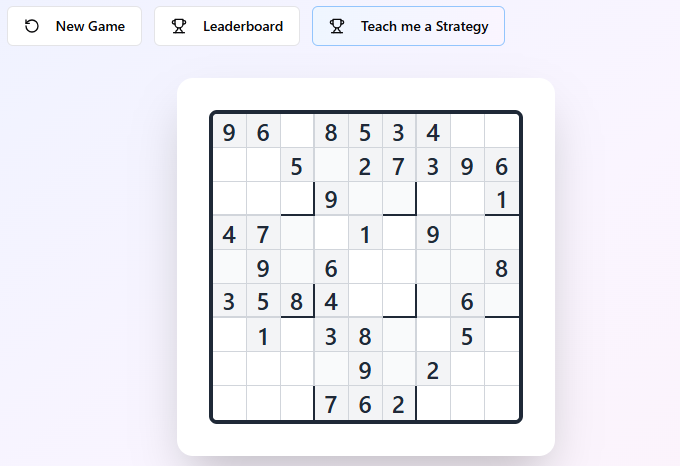
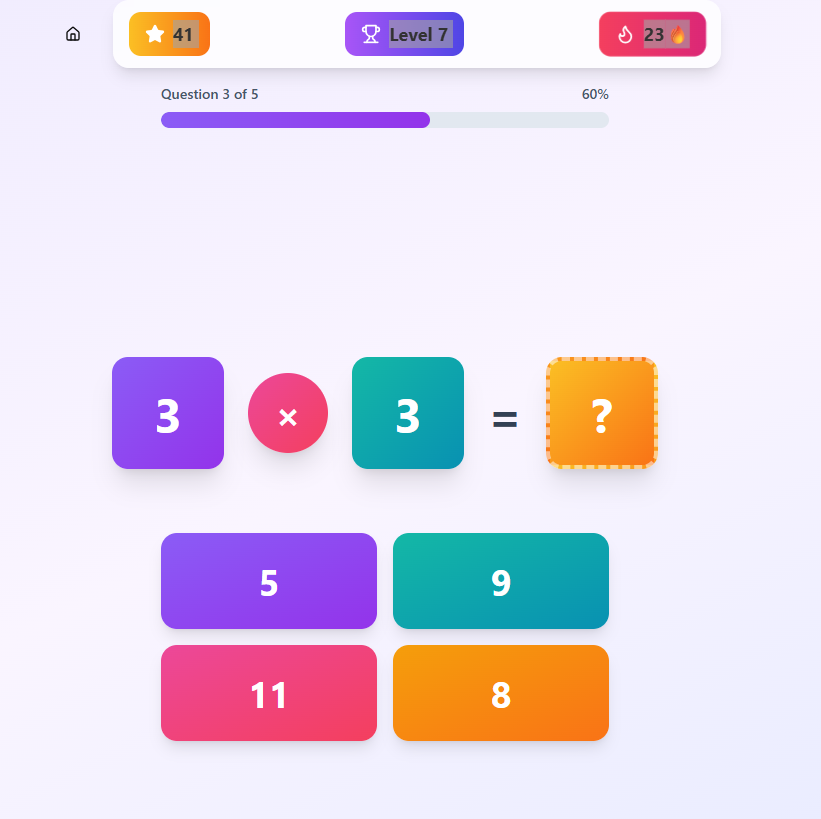
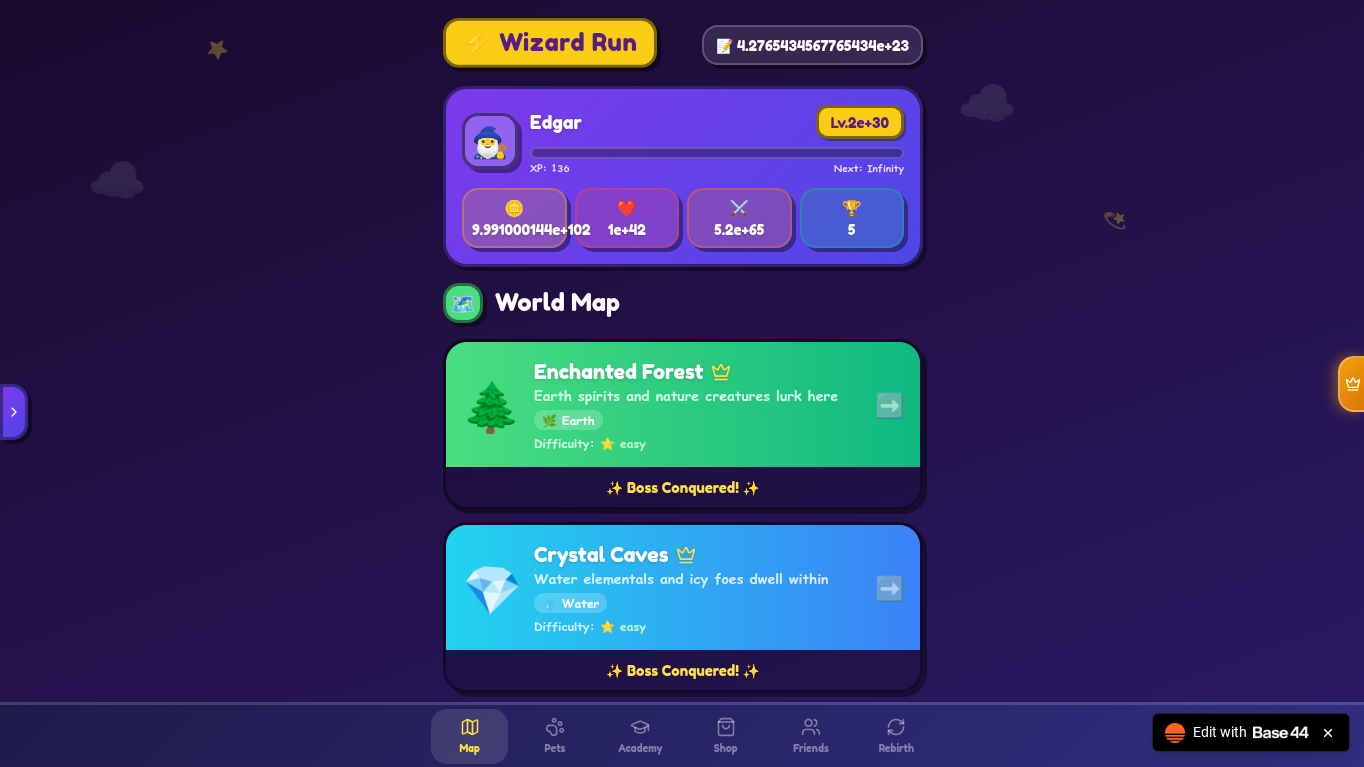
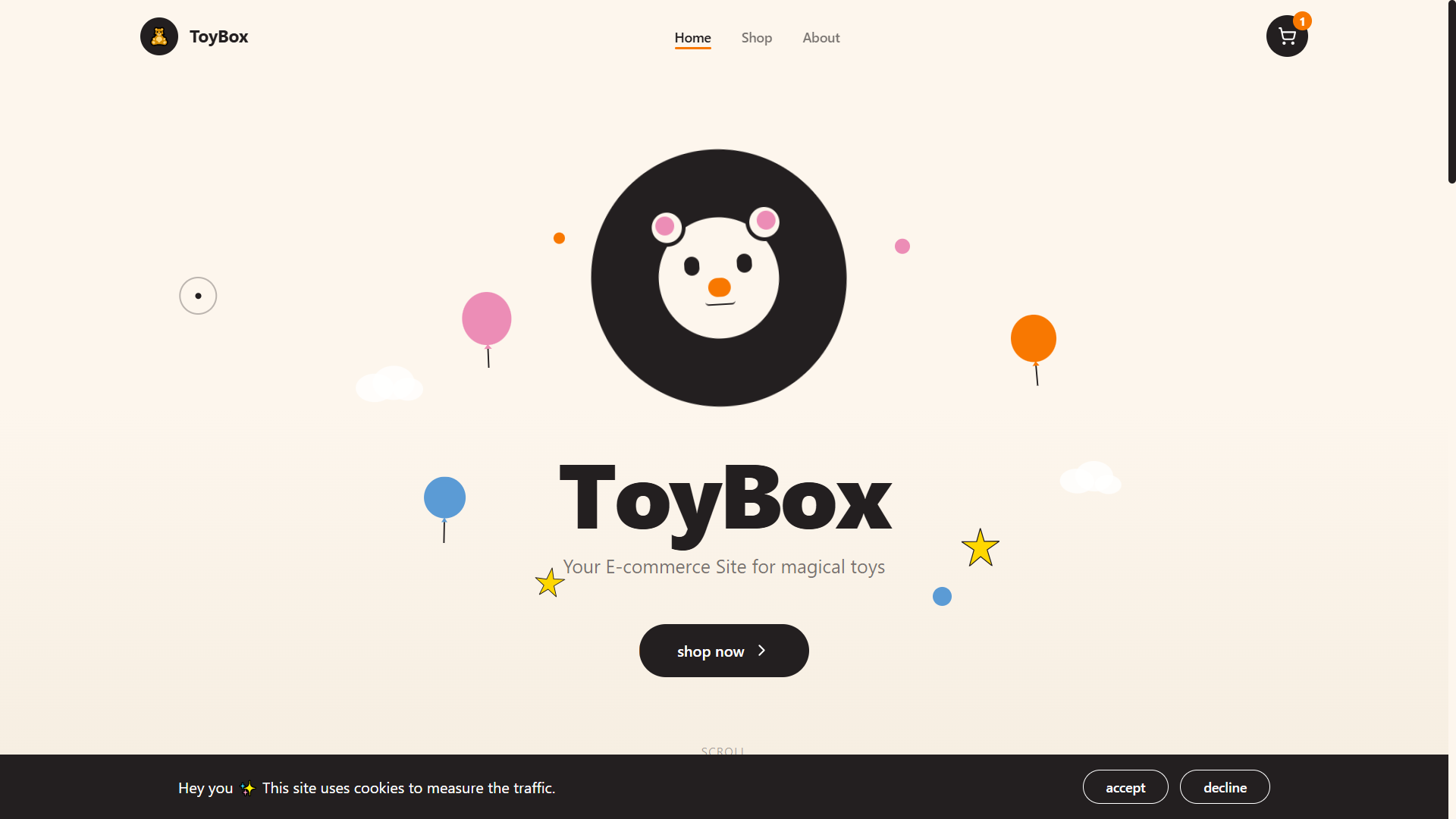
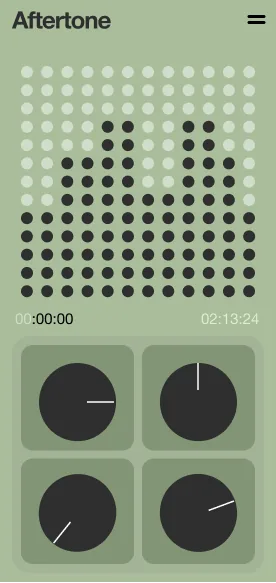
FreeReal-time biofield training dashboard for soft robots, visualizing EM sensor data and providing AI coaching.A clear, modern template for a “Skills4Fantasy Game Park” site can center on three pillars: EM gaming, VR training, and real‑life/career skills. Below is a concise, section‑by‑section wireframe you can hand to a designer or build in Webflow/Next.js.HomeHero:Big headline: “Play. Train. Master Real‑World Skills.”Sub‑text: “EM gaming classes and VR game‑based training that translate into daily life, skilled trades, and career success.”Primary CTA: “Book a Session”Secondary CTA: “View Class Schedule”Quick highlight tiles (3–4):EM Gaming Labs – “Hands‑on electromagnetics & robotics through games.”VR Game Training – “Sports, eSports, and job‑skill simulations.”Career Skill Tracks – “Skilled trades, tech, and soft skills.”Family & Youth – “Programs for kids, teens, and adults.”About Skills4FantasyShort mission paragraph: “Skills4Fantasy Game Park blends arcade‑style fun, VR simulations, and EM‑powered interactive games to teach skills you use at home, at work, and in skilled trades.”Bullet points:Game‑based learning design.Real‑world skill outcomes (communication, problem‑solving, technical basics).Pathways: “Learn it” (intro) or “Master it” (advanced tracks).ExperiencesUse cards for each major experience type.EM Gaming ClassesDescription: EM puzzles, soft robotics, sensors, and circuits taught as cooperative games.Example modules: “Magnetic Maze Builders,” “Soft Robot Arena,” “Circuit Quest.”VR Video Game TrainingDescription: VR scenarios for sports, driving, spatial skills, reaction time, and team tactics.Example sessions: “VR Sports Skills Lab,” “Aim & Focus Arena,” “Team Strategy Room.”Daily Life & Career SkillsDescription: Games mapped to real‑world skills: budgeting mini‑games, problem‑solving quests, communication and conflict‑resolution scenarios.Example sessions: “Home Hero (household tasks),” “Money Moves (budgeting),” “Talk Tactician (soft skills).”Skilled Trades & Tech TracksDescription: On‑ramp experiences for trades and tech careers using simulations.Example tracks: “VR Welding Basics,” “Construction & Safety Sim,” “Intro to Coding Through Games.”Learn It / Master It TracksPresent as a simple two‑column table to show path options.Below the table, add CTAs: “Start a Learn It Session” and “Apply for a Master It Track.”Schedule & BookingFilters for: Age group, Skill focus (Sports, Trades, Tech, Life Skills), Track level (Learn It/Master It), Mode (In‑Park, Remote VR).Each class card: Title, short description, duration, difficulty, age range, price, “Book Now” button.Option for:Individual sessionsGroup events/field tripsCorporate team trainingFor WhoUse three short sections with icons:Kids & Teens: “Build confidence, creativity, and coordination through safe, supervised game‑based learning.”Adults & Career Switchers: “Sample new trades and tech skills, or sharpen soft skills for work.”Schools & Organizations: “Turn your curriculum or training goals into custom game experiences.”How It WorksNumbered 1–2–3 layout:Choose your path (Fun Session, Learn It, Master It).Pick your skill focus (Sports, Trades, Tech, Life, Soft Skills).Book your time and show up (or join via approved VR setup).Include a short “Safety & Accessibility” note: headset hygiene, motion‑sickness options, sensory‑friendly times.Results & ImpactShort copy + bullets:“Confidence and soft skills that carry into school and work.”“Technical exposure to EM systems, VR, sensors, and tools.”“Progress tracking: XP, badges, and printable skill reports.”Optionally add a small comparison table mapping “Game experience → Real‑life skill”:Pricing & MembershipDrop‑in session price.Class packs (e.g., 5‑session and 10‑session bundles).Membership tiers:Starter (1 visit/month).Explorer (weekly sessions).Pro (unlimited classes within a track, priority booking).Contact & LocationAddress, map embed, hours.Contact form with topic dropdown: “Book a Class,” “Group Event,” “Partnership/Franchise,” “Educator Inquiry.”Social links and newsletter signup: “Get new classes and events in your inbox.”If you tell the preferred tech stack (e.g., Next.js + Tailwind + Stripe), a follow‑up can turn this into page‑by‑page component/layout notes or even starter copy you can paste directly into your CMS.https://app.base44.com/remix-app/68aaf91065cbe6efbdaf6ec8https://app.base44.com/remix-app/68958e9c6e1d68d28ee50f19https://app.base44.com/remix-app/68a053421a906829b64843f3
aml3asey·23 clones
Operations · Data & Analytics +2