Business website templates
Start with a ready-made business site template, customize your services, pricing and booking with AI, and publish a site that brings in enquiries.
Templates
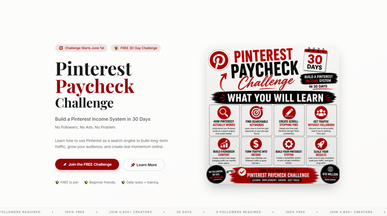
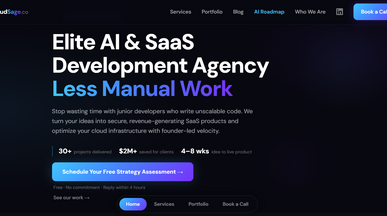
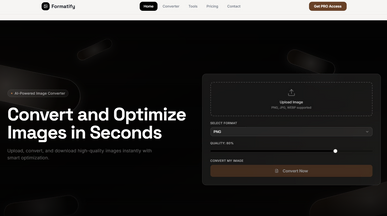
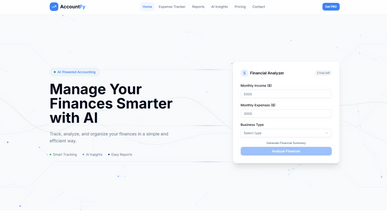
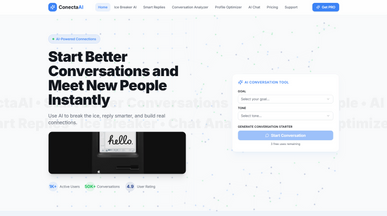
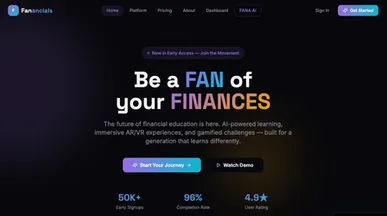
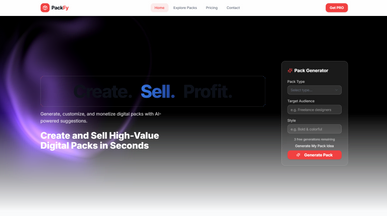
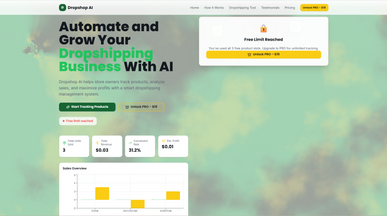
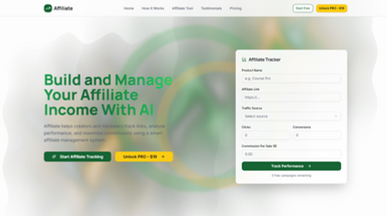
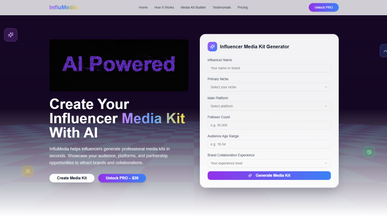
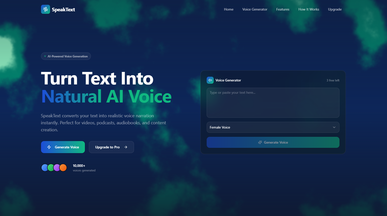
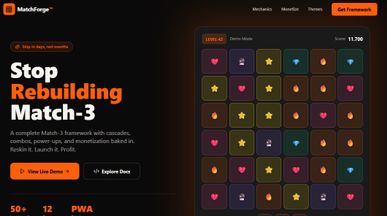
Premium & Exclusive Game Creation Platform for Educational and Interactive Experiences
By Tony Di Carlo
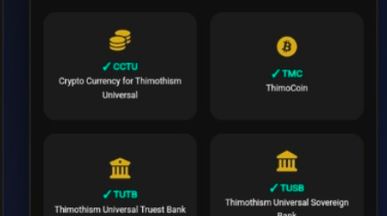
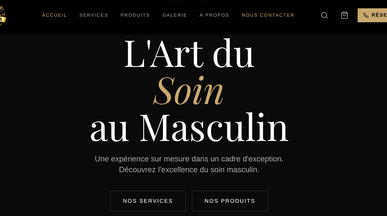

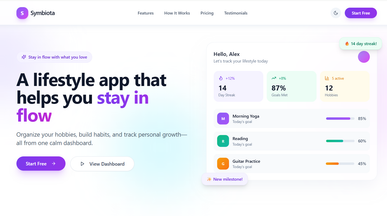
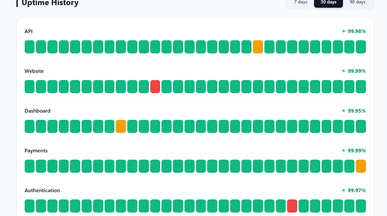
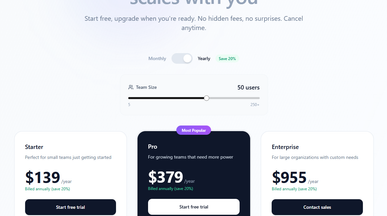
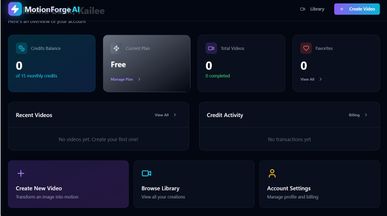
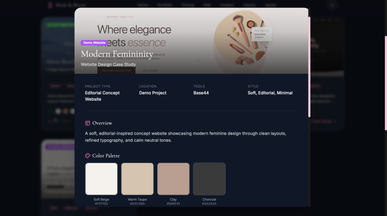
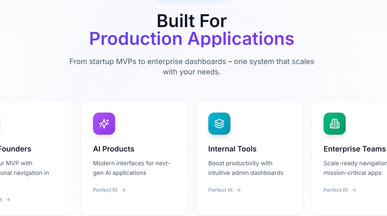
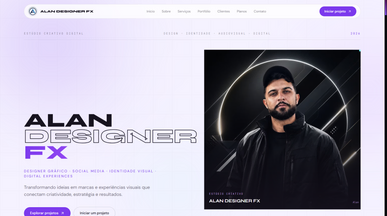

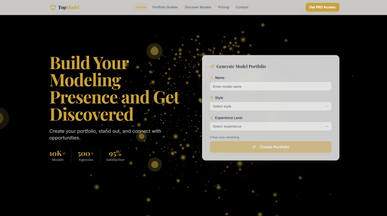
Business website templates that get you contacted
Most small business sites lose enquiries the same three ways: no price, no easy way to get in touch, no way to book. These business website templates close all three by default. Services, proof, a price block, a contact form that lands in your inbox and a booking calendar are already built and connected. Updating a price takes a sentence rather than a developer. Publish, and the enquiry that arrives at 11pm is one you'd otherwise have lost. If you're starting from nothing, how to create a website with AI covers the whole process.

Frequently asked questions
Fewer than most people build. The set that does the work:
- Home — what you do, who for, and where, answered above the fold.
- Services or products — what someone can actually buy, described plainly.
- Pricing — a figure or a range. “Contact for a quote” loses enquiries.
- Proof — reviews, past work, credentials, or client names.
- Contact — phone, email, a form, and a map if people visit you.
- About — short, human, and only if it earns trust.
A blog is optional and only worth it if you'll keep it up. Five good pages beat fifteen half-written ones, and every template here starts from that shape.
Choose on what you need a visitor to do:
- The main action — call, book, buy or enquire? The template should make that obvious without scrolling.
- Your industry's expectations — a trade business needs service areas and a phone number; a consultancy needs credibility and case studies.
- Local or not — if customers come to you, hours, a map and directions need a proper place.
- How much you have to say — pick a layout that suits your actual amount of text and photography, not an aspirational one.
- What has to work — bookings, payments or forms: check they're built in before you commit.
Preview two or three as live sites and click through them as a customer would. Because these are working sites rather than pictures, you can fill in your real services and see the enquiry arrive before you decide.
Go ahead. Build it yourself.




