Ecommerce website templates
Choose a working storefront, customize the catalog, checkout and shipping with AI, and sell from a site you own rather than a stall.
Showing 1-24 of 27 templates
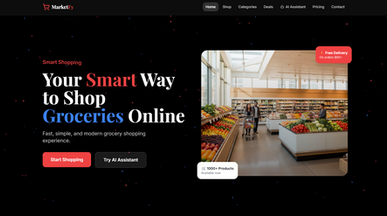


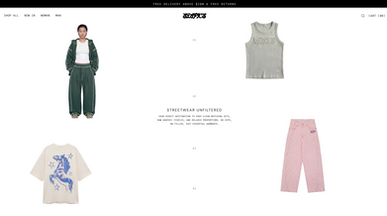

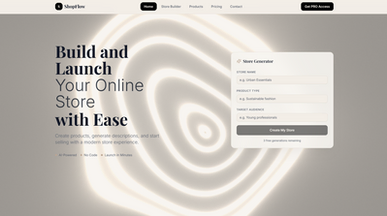


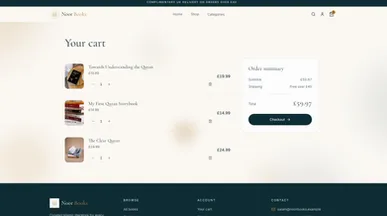







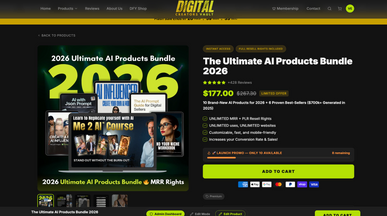

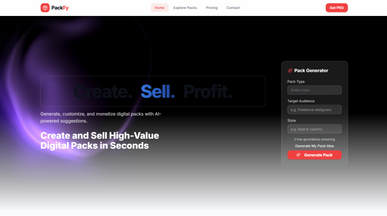
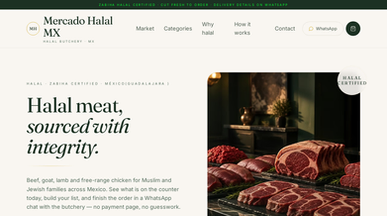




Ecommerce website templates for a store that feels like yours
Put your products at the center of the shopping experience. Explore ecommerce website templates for fashion, home furnishings, flowers, and more, then create a website that reflects your shop’s style. Choose a design that suits your catalog, whether you’re launching a small collection or offering a wider range.
Replace the sample products with your own photos, descriptions, and prices. Organize collections, highlight new arrivals, and explain delivery and returns before shoppers reach checkout. Customize the layout by describing your changes, then connect your payment account and test the buying process before opening your store.

Frequently asked questions
Six basics cover day one:
- Products with variants and stock — size, color, and a count that goes down when something sells.
- A checkout that takes cards — it shows the full total, delivery included, before the customer pays.
- Shipping rules — by weight, price or destination. Pick one and set it exactly.
- Tax set up correctly — boring, and expensive to get wrong.
- Order confirmation — one to the customer, one to whoever packs the box.
- An order list — one you can search, sort and export.
Postpone reviews, wishlists, loyalty points and abandoned-cart emails. They pay off once you have steady orders, and with only a few customers they just add setup work before your first sale. Launch without them and add them when sales justify it. If you would rather skip the template, you can build an online store by describing what you sell in plain words.
Base44 adds a checkout to your store so customers can pay online, and you choose between two ways to take the money:
- Base44 Payments — Ask the AI chat to enable online payments, and Base44 prompts you to connect its built-in provider, powered by Wix, with no separate payment provider to set up. Customers pay by card, Apple Pay, Google Pay, PayPal (US only) or, depending on your country, buy now, pay later. You manage payouts and refunds from your app’s dashboard.
- Stripe — Base44 sets up Stripe in a test environment and creates your products and prices there. Going live means connecting your own Stripe account, or creating one, and completing Stripe’s onboarding.
Base44 Payments is available to eligible businesses in 12 countries, service fees apply, and you verify your business and bank details before payouts arrive. Payments are available on the Builder plan and up.
The best ecommerce website template is the one built around how you actually sell, not how many products you happen to have today. Match the layout to your selling pattern first:
- Few products, high value — long product pages, detail over grid.
- Many products — filtering and search matter more than the hero.
- Made to order — you need options and lead times, not stock counts.
- Subscription — recurring billing changes the checkout, so start there.
- Physical and digital together — delivery rules differ per item type.
Clone the closest one and put twenty real products in it before judging — a catalog behaves differently from a demo. If none of the templates fits how you sell, you can create an ecommerce website from scratch by describing your store.
Go ahead. Build it yourself.