Music website templates
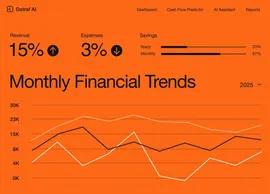
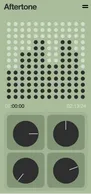
Choose a working artist site, customize the player, dates and merch with AI, and stop sending people to a link tree you do not control.
Showing 1-4 of 4 templates
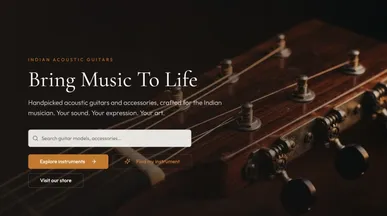


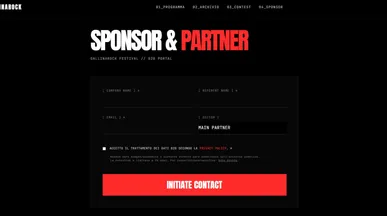
Music website templates for your next release or event
Give your music, your story, and your next event a home online. Explore music website templates for artist press kits and music-event landing pages. Whether you’re introducing a new release or announcing a live event, choose a starting point that makes it easy for visitors to listen and learn more.
Shape the design around your artwork with the Base44 website builder. Add listening links, artist information, and upcoming dates, or introduce an event’s lineup, venue, and ticket link. Describe changes as your plans develop, keeping the music and the next step at the center of each page.

Frequently asked questions
A music artist website should showcase your sound and make it easy for visitors to listen, connect, and support your work. Give fans a place to discover your latest releases, and help promoters, journalists, and collaborators find the information they need.
Start with these essentials:
- Your music and videos: Put your latest release or a few standout tracks near the top. Include click-to-play audio, selected music videos, and links to your streaming profiles.
- An artist bio and photos: Introduce yourself, your sound, and your story in a short bio. Use current photos and artwork that reflect your musical identity.
- Upcoming shows and ticket links: List performance dates, cities, and venues, with a clear link to buy tickets. Keep listings current, and add this section when you have shows to promote.
- Ways to stay connected: Include an email signup for release announcements and gig updates, plus links to your active social profiles. Tell visitors what they’ll receive by subscribing.
- Booking and press information: Provide a clearly labeled contact email or inquiry form. For professional inquiries, add an electronic press kit (EPK) with a short bio, downloadable photos, music samples, and relevant career highlights.
- Music and merchandise links: When you have something to sell, make it easy to find your albums, downloads, or merchandise through clearly labeled shop links.
You don’t need a separate page for every section. Your music, bio, and contact details can form a useful one-page website. Start with a Base44 music website template that fits your style, add your content, and prioritize one main action—listening to a release, joining your mailing list, or booking a show.
Pick on what you are promoting, not on the artwork:
- One record — a single-focus layout with the player first.
- A live act — dates and booking above everything else.
- A back catalog — a release grid that survives twenty entries.
- A producer or writer — credits and a reel, not a discography.
- A label or collective — artist pages, so start with the roster layout.
Clone the closest one and put real music in it before judging — placeholder tracks flatter every layout equally. If you also want something interactive around the release, the entertainment apps category is where that gets built.
Go ahead. Build it yourself.