
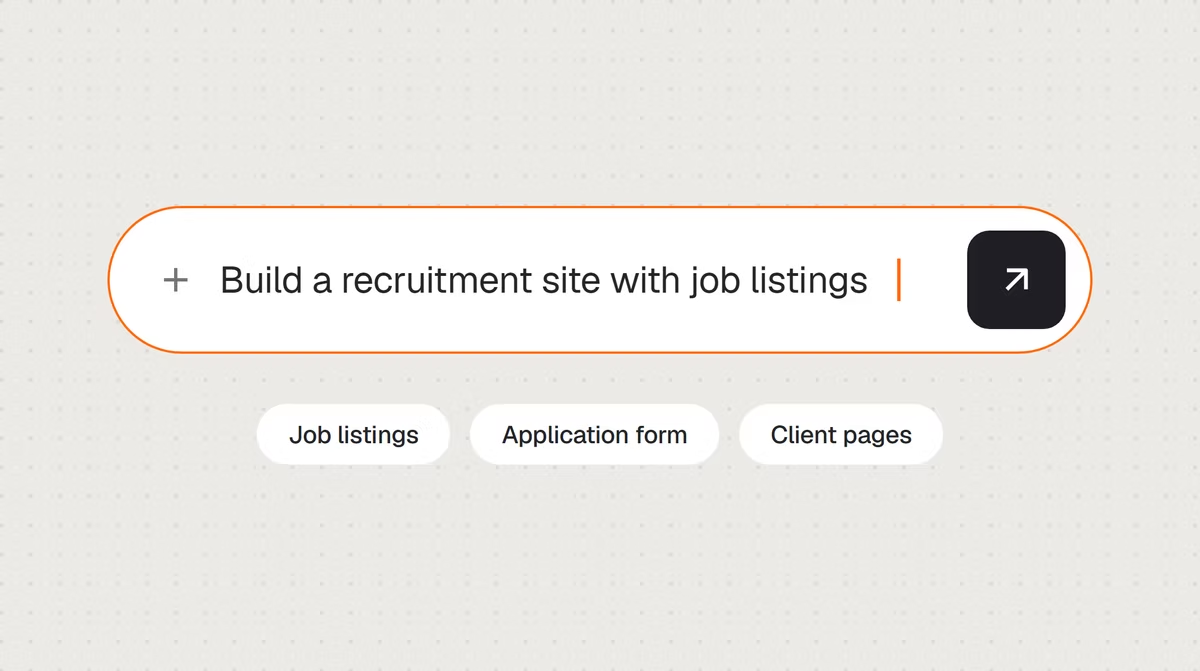
If you want to know how to build a recruitment website, the fastest path today skips the CMS setup and the plugin hunt entirely. Base44's AI website builder turns a description of your agency into a working site with job listings, an application form and client-facing pages built in.
Before you start building, it helps to understand better what a website builder does since that shapes how much control you'll have over the site's structure and how job listings get managed. Base44's AI website builder, for example, generates complete, production-ready websites from a single text prompt, so an agency can move from idea to a working site without a developer on staff.
Turn your idea into an app with Base44
TL;DR: how to build a recruitment website
Building a recruitment website comes down to a few main steps: define your audience of candidates and client companies, pick a platform, add job listings and application pages, build trust with case studies and clear CTAs, then launch and track applications.
A no-coding website building approach removes the technical setup so an agency can go from idea to a live site without hiring a developer. Most agencies already have the case studies, testimonials and job descriptions they need sitting in old proposals and past placements, which makes gathering content the fastest part of the whole process.
How to build a recruitment website in 5 steps
Each step below builds on the last, from defining who the site actually serves to getting a finished site in front of both candidates and client companies.
Base44 is an AI website builder that generates complete, production-ready websites from a single text prompt, so a recruitment agency can move from a rough idea to a working site without months of development time.

01. Define your audience: candidates and client companies
A recruitment website almost always serves two very different audiences at once: job seekers looking for a role and companies looking to hire. Write down what each audience needs to see first, since a candidate wants open roles and an easy application process, while a client company wants proof that your agency can actually deliver qualified talent.
Decide whether your agency specializes in a particular industry, seniority level or role type, since that focus shapes both the tone of the site and which roles and case studies you lead with. This groundwork also determines the site's navigation, since candidates and clients often need separate, clearly labeled paths through the same site rather than one generic homepage trying to speak to both at once. Talking through a few recent placements, both what the client needed and what the candidate was looking for, often surfaces the exact language worth reusing on the site.
This clarity also helps when writing job descriptions later, since a description written for a specialist candidate reads very differently than one meant to attract a broad pool of general applicants.
02. Choose the best website builder for your actual needs
The website builder you pick determines how easily you can manage job listings, application forms and separate candidate and client sections without stitching together plugins. Traditional builders often mean starting from a generic business template, then manually rebuilding the listings and application flow a recruitment site actually needs, which adds setup time before a single role goes live.
Reviewing the best AI website builders for a service-based business helps you compare how each one handles listings, forms and lead capture before you commit to one. An AI website builder, like Base44, built around describing the agency in plain language skips the template-hunting step entirely and gets closer to a finished site in the first session.
Look for one that can grow alongside your agency too, since adding a new industry focus or a second office location later should be as simple as describing it, not a reason to rebuild the site.
03. Add job listings and application pages
Candidates comparing agencies look for the same basics every time: a clear list of open roles, a straightforward way to apply and confidence that their information goes somewhere real.
Describe the pages you need, such as a job listings page organized by category or location, an individual role page template and an application form with resume upload, and your AI website builder generates the structure for each one. Keep the first version focused on these core pages, then add extras like a candidate resource section or a blog once the site is live and you can see which pages actually drive applications.
A simple confirmation message after someone applies, even something brief, reassures candidates that their submission was received rather than lost into a form with no response.
A dedicated page addressing frequently asked questions, like typical placement timelines or what happens after someone applies, can also cut down on repetitive emails from curious candidates.
Keeping the application form itself short, asking only for what's actually needed at this stage, tends to increase completion rates compared to a lengthy form that front-loads every possible question.
04. Build trust with case studies, testimonials and clear CTAs
Client companies are trusting your agency with a significant hiring decision, so the site needs to prove capability before a prospect ever picks up the phone. Case studies describing a specific placement, the challenge involved and the outcome do more to build credibility than a general statement about your agency's experience.
Testimonials from both candidates and client companies serve different purposes: candidate testimonials reassure job seekers the process is worth their time, while client testimonials reassure companies the agency delivers results.
Every page should include at least one clear call to action, whether that's applying for a role or requesting a consultation, and the two audiences should never be pointed toward the same generic button. Highlighting specific industries or role types your agency specializes in also helps a prospective client quickly confirm whether your agency is the right fit for their hiring need. Naming specific companies or industries the agency has placed candidates with, where you have permission to do so, adds a level of specificity that generic marketing language can't match.
Updating case studies and testimonials periodically, rather than leaving the same two examples up for years, signals that the agency is actively placing candidates rather than coasting on old wins.
05. Launch, optimize for search and track applications
Test every application form, resume upload button and contact form before the site goes live, since a broken form quietly costs qualified candidates without any obvious warning sign.
Connecting a unique domain name to the finished site takes one click, which matters for a recruitment agency since a branded domain looks more established than a generic subdomain to a company evaluating vendors.
Add also role types, industries and locations naturally throughout the site's page titles and descriptions, since that's largely what determines whether the site shows up when someone searches for a specific kind of role or recruiter.
Once the site is live, set up basic analytics so you can see which job listings and pages generate the most applications, then invest more content and attention where candidates and clients are actually responding. Reviewing which job listings and pages get the most attention after the first month helps decide where to add more detail or promote a specific role more heavily.
Base44 recruitment website examples
Base44 is an AI website builder built for founders and small teams who need a real, working site shipped fast, without the overhead of a traditional development project. A recruitment site shares a lot of structure with other trust-based professional services, similar to how a law firm website needs to establish credibility with prospective clients before a visitor ever reaches out. The right structure depends less on agency size and more on whether the priority is speed of placement or a highly selective, relationship-driven process.

Boutique executive search firm
A firm focused on senior placements can build a site around discretion and results, leading with client case studies and a confidential inquiry form rather than a public list of open roles. A short section outlining the firm's search process and typical timeline can also help a prospective client understand what working together would actually look like.
General staffing and temp agency
An agency handling higher-volume placements can prioritize a searchable job board organized by category and location, paired with a fast, simple application flow suited to candidates applying to multiple roles at once. Filters by role type, location and start date help candidates applying to multiple listings move through the site quickly rather than reading every posting individually.
Niche technical or industry-specific recruiter
A recruiter focused on a specific field, like healthcare or engineering, can dedicate a page to explaining the agency's specific expertise, giving both candidates and clients confidence that the agency understands the field's particular requirements. Listing relevant certifications, industry partnerships or years of specialization prominently can matter more here than for a generalist agency, since niche clients specifically want proof of domain expertise.
In-house corporate careers page
A company hiring directly rather than through an agency can build a dedicated careers section that lists open roles alongside company culture content, giving candidates a reason to apply beyond the job description alone. Including short employee stories or a behind-the-scenes look at the team can make the difference for a candidate deciding between a few similar-looking offers. And once they accept, you can build an employee management app to handle their onboarding.
Frequently asked questions about building your own recruitment website
Most recruitment sites need a job listings page, an application or resume upload form, an about or agency credibility section and a way for client companies to make contact separately from candidates. Mobile-friendly design matters too, since a large share of candidates browse and apply for roles from a phone. Separate, clearly labeled paths for candidates and client companies also matter, since the two audiences are looking for very different things from the same site.
Costs vary widely between a do-it-yourself build, a template purchase and a fully custom development project. An AI website builder that generates the full site from a description removes the cost of hiring a developer, which is typically the largest expense in a custom build, leaving hosting and any premium features as the main ongoing cost. Many builders also let an agency start free and add premium features, like advanced application tracking, only once the site is generating steady traffic.
A dedicated plugin usually isn't necessary. Describing a job listings structure to an AI website builder generates the pages you need without a separate plugin to install, configure and maintain. A dedicated job board plugin can add advanced features later if the agency grows into needing them, but it's rarely the right starting point for a first version of the site. If the agency later needs advanced features like automated candidate matching, that's a reasonable point to evaluate a dedicated plugin or integration, but it rarely belongs in a first version of the site.
A site built by describing the agency to an AI website builder can be ready in a single session, compared to weeks for a custom-built site or a template that still needs manual configuration. The main time cost after that is gathering case studies and testimonials, since those matter more to prospective clients than how quickly the site itself came together. Agencies that already have a folder of case studies and testimonials ready to go tend to move through the process fastest.