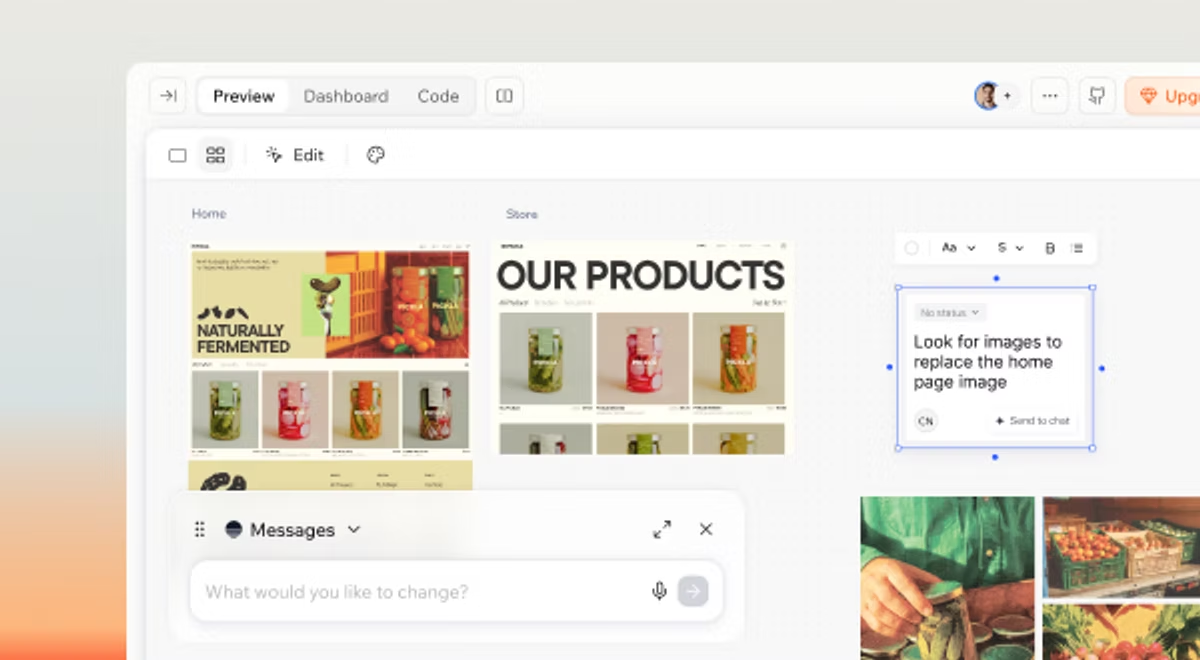
Ready to see what Base44 can do for you? Get started →
If you have ever asked what is a website builder, the short answer is a tool that lets you build a real website and go live without writing code. You can start with Creating a website with AI and have something real in front of visitors the same day.
The bigger question isn't just what a website builder is, it's which kind actually gets you customers. A personal blog, a booking page for a local service and an online store each need different things from the tool behind them. This guide covers how website builders work, the main kinds you will run into and which one fits the outcome you are after. Base44 takes your plain language description and handles all the technical work underneath, so you never have to touch the infrastructure.
Learn more about how to build a website without coding.
TL;DR: what a website builder is
A website builder is software that turns your content and design choices into a live website, no code needed. The kind you pick shapes how fast you launch and how well the site turns visitors into customers. Here is the quick version.
- Template and drag-and-drop — You want full visual control and don't mind doing the layout work yourself.
- AI website builder — You want a working site fast, described in your own words, with SEO and mobile handled for you.
- Coding from scratch — You have developer time and need something highly custom.
If you want to compare the AI options first, start with our roundup of the best AI website builders.
Learn more about how to create a business website.
What is a website builder?
A website builder is a tool that lets you put together a complete website, pages, text, images, forms and navigation, and publish it to a custom domain, all from one place. Instead of hiring a developer or wiring up hosting yourself, you work in a single editor and the builder handles what runs underneath.
Some builders give you a blank canvas and drag-and-drop blocks. Others let you describe the site you want and build it for you. Either way the goal is the same: a real website that works on every screen, without you touching code.
How does a website builder work?
Under the hood, a website builder does the jobs a web team used to split between designer, developer and host. You pick or describe a starting layout, edit the content, then go live. The builder assembles the pages, makes them responsive and puts them online.
Most builders bundle the essentials so you are not stitching services together: a visual editor, mobile-ready layouts, hosting and a way to connect a custom domain. The better ones also handle the parts that decide whether you get found, like clean page structure and fast load times.
When you publish, the builder pushes your site live and keeps it running, so updates are as simple as editing a page and saving. You can change a price, add a service or swap a photo in minutes, with no developer in the loop. The site you launch is the site you keep improving as your business grows.
The main kinds of website builders
Website builders vary more than the marketing suggests, and the differences matter. Here are the 3 kinds you will actually choose between.
Template and drag-and-drop builders
These give you a library of templates and a visual editor. You drag blocks around, swap in your text and images and go live. You get a lot of control over how things look, but you are doing the layout work yourself, and you are often limited by what the template was built to do. If you want that hands-on approach, our guide on how to make a no code website walks through it.
AI website builders
An AI website builder flips the process. You describe the site you want in your own words and it builds the pages, structure and styling for you. Base44 for instance, reads your natural language instructions and turns them into a real, working site, not just code suggestions. You then refine it by describing changes, the same way you would brief a teammate. If you are curious how that feels in practice, see how to vibe code a website.
Coding from scratch (or hiring a developer)
The third option is building the site by hand, or paying someone to. You get total control and no platform limits, but it is the slowest and most expensive path, and it needs real technical skill to maintain. For most people launching a site to win customers, it is more than the job requires.
Which kind of website builder actually gets you customers?
A good-looking site is only half the job. The kind that gets you customers is the one that loads fast, works on mobile, shows up in search and makes it easy for visitors to take the next step, whether that is booking, buying or getting in touch.
Match the builder to the outcome. A local service business needs a clear booking or contact flow and strong local SEO. A portfolio needs speed and a clean layout that lets the work speak. An online store needs product pages, checkout and inventory that scale, and our guide on how to make an ecommerce website with AI covers that path.
And the payoff is real: businesses earn far more through their own websites than through marketplaces. EU enterprises pulled about five times more of their turnover from owned sites in 2024 (7.08% versus 1.30%), according to Eurostat.
Learn more about how to build a law firm website.
AI website builders tend to win here because they handle SEO structure, mobile responsiveness and page speed for you, so the parts that quietly decide whether you get found are done right from the start.
Learn more about how to make a resume website.
It also helps to think about what happens after a visitor lands. Clear calls to action, fast contact or checkout and a layout that guides the eye all turn interest into action. The right builder makes those elements easy to add and easy to test, so you can see what actually moves the needle for your site.
Learn more about how to make a roofing website.
Benefits of using a website builder
Learn more about how to build a therapist website.
A website builder gives you 3 things that used to take a whole team.
- Speed: you go from idea to a live site in hours, not weeks.
- Independence: you own and update the site yourself, with no waiting on a developer for every change.
- lower cost: one tool replaces separate design, development and hosting bills.
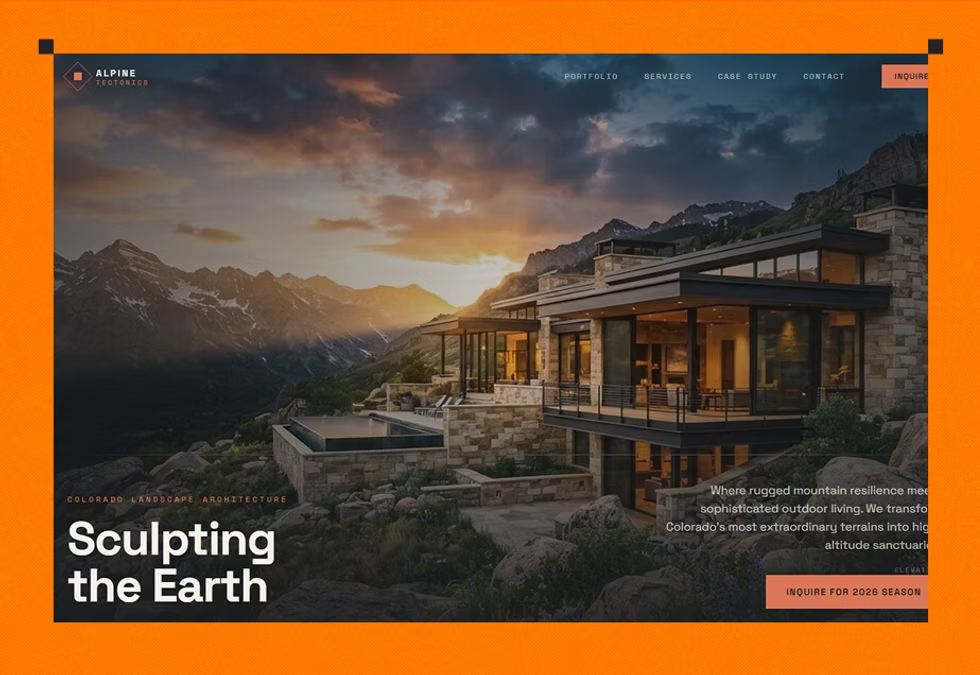
With Base44 you also skip the setup entirely. You describe what you need and it manages the backend logic, data and security review automatically as part of the build, so what goes live is production-ready, not a rough draft.
You also get a site that looks credible from day one. A clean, fast, mobile-ready site signals that your business is real, and that trust is often what turns a first-time visitor into a paying customer.
Learn more about how to make a travel agency website.
Common challenges (and how to avoid them)
Website builders make launching easy, but a few things trip people up.
Learn more about how to build a one-page website.
Template lock-in is the first: pick a rigid template and you may fight it later when your needs change. Thin SEO control is the second: some builders don't let you edit the details that help you rank. Scaling limits are the third: a tool that is fine for 5 pages can strain at 50.
Learn more about how to build a recruitment website.
The fix is to choose a builder that keeps these open from the start. It also helps to know the common mistakes to avoid when using an AI website builder before you commit.
How much does a website builder cost?
Most website builders run on tiers. A free plan gets you online with limits, usually a builder-branded address and basic features. Paid plans add a custom domain, more storage, e-commerce and the tools that matter for a real business site.
You will typically pay for 3 things: the plan itself, a custom domain and any add-ons like extra storage or advanced e-commerce. Can you build a site for free? Yes, to start, though a custom domain and a professional look usually mean a paid tier. For a full breakdown, see what it really costs to build a website with AI.
How to get started with a website builder
Getting started is simpler than the options make it sound. Follow 4 steps.
- Pick your goal: a booking page, a portfolio and a store each point you toward a different setup.
- Choose your builder type: if you want speed and want the technical parts handled, an AI website builder is the shortest path.
- Describe or design your site: with Base44, you describe what you want and watch it come together, then refine it in plain language.
- Connect a custom domain and go live: point your domain at the site and publish.
Base44's templates are built on best-practice structures and plug straight into its AI tools, so you can adapt any starting point to your exact needs in minutes.
What users usually ask when dealing with website builders
What does a website builder actually do?
A website builder handles everything between your idea and a live website: it gives you an editor to add pages and content, makes the site work on mobile, hosts it and connects your custom domain. With an AI website builder, it also builds the site from your description, so you spend your time on the message, not the mechanics.
How much does a website builder cost?
It depends on the plan. Free tiers get you online with limits, and paid tiers, often a few dollars to a few tens of dollars a month, add a custom domain, more storage and e-commerce. Budget for the plan, a domain and any add-ons your site needs.
Can I build my own website for free?
Yes. Most builders have a free plan that is enough to publish a basic site, usually on a builder-branded address. For a custom domain and a more professional setup, you will want a paid plan.
What is the best website builder for beginners?
The best one for a beginner is the one that gets you a working, good-looking site without technical steps. AI website builders fit this well because you describe what you want and the tool handles structure, mobile and SEO for you.
Which kind of website builder is best for getting customers?
The kind that handles SEO, mobile performance and fast load times for you, and makes it easy for visitors to act. AI website builders usually lead here because those customer-winning basics are built in, not bolted on.