
Making an app accessible means everyone can use it easily.
This guide will show you exactly how to build an inclusive app from the ground up. You’ll learn the key principles and practical steps needed to make sure your app welcomes all users.
When it comes to understanding how to build an app, following accessibility guidelines is very much about doing the right thing and it’s a smart move for your app's success. An accessible app can improve user experience for everyone and open doors to a wider market.
TL;DR: how to make an app accessible
| Step | Action |
|---|---|
| 1. | Plan for accessibility from the start |
| 2. | Design with all users in mind |
| 3. | Use clear and simple language |
| 4. | Add alternative text for images |
| 5. | Provide clear keyboard navigation |
| 6. | Test with assistive technologies |
How to make an app accessible in 6 steps
These six steps will guide you through the essentials of inclusive app development.
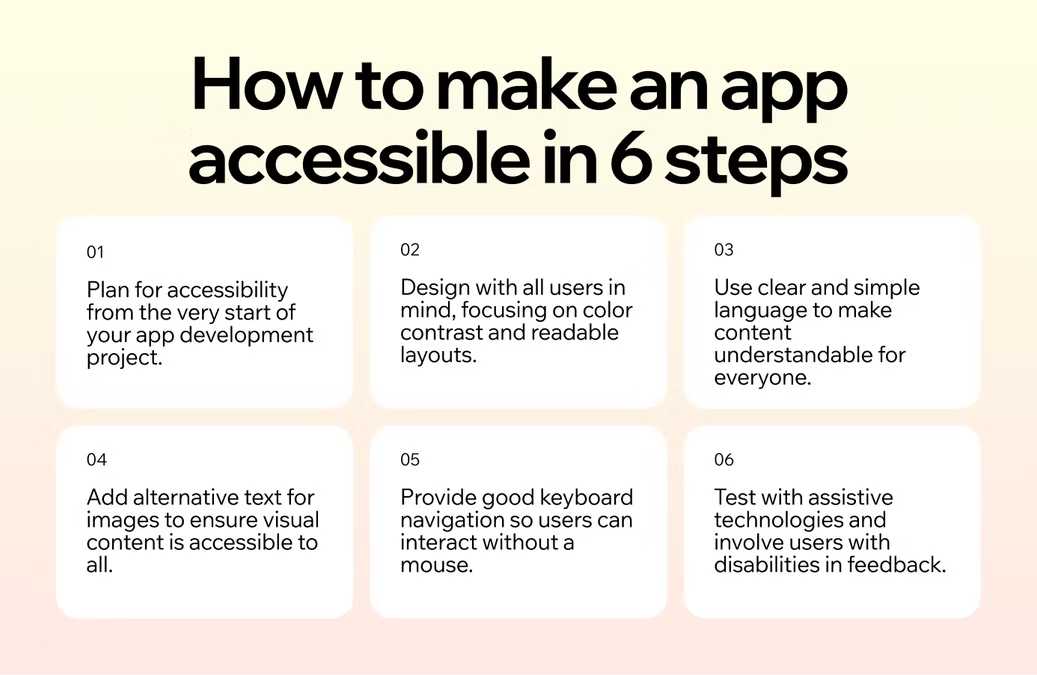
- Plan for accessibility
- Design with all users in mind
- Use clear and simple language
- Add alternative text for images
- Provide clear keyboard navigation
- Test with assistive technologies
01. Plan for accessibility
The first step toward an accessible app happens before you write a single line of code. Think about accessibility from the very start of your app development project. This means making it a core requirement, just like any other feature. When you prioritize accessibility from day one, it becomes a natural part of your development workflow instead of an afterthought.
Start by familiarizing yourself with established guidelines, such as the Web Content Accessibility Guidelines (WCAG). These standards provide a clear framework for creating digital products that are perceivable, operable, understandable and robust.
Building your app on a professional app builder like Base44 gives you a head start, as many accessibility features are already built into its templates and tools. Base44 no-code app builder handles complex infrastructure so users never have to. Base44 empowers entrepreneurs and teams to ship products fast.
02. Design with all users in mind
Good app design is inclusive design. Your app's visual layout and user interface have a huge impact on its accessibility. One of the most important elements is color contrast. Check there is enough contrast between your text and background colors so that people with low vision or color blindness can read your content without strain. There's tools available online to check your color combinations against WCAG standards.
Also, think about the size of your text and interactive elements like buttons and links. Use readable fonts and provide options for users to increase the text size without breaking the layout. Make sure your buttons and other controls are large enough to be tapped easily, especially on mobile devices. A good rule of thumb is at least 44×44 points on iOS and 48×48dp on Android. A clean, consistent layout helps all users navigate your app more intuitively.
03. Use clear and simple language
The words you use are just as important as your app's design. Write your content in a way that is easy to understand which means avoiding jargon, complex sentences and unnecessary acronyms. When you need to use a technical term, provide a simple explanation. Clear and concise language benefits everyone, including people with cognitive disabilities, non-native speakers and users who are simply in a hurry.
Next, organize your content with descriptive headings and subheadings. This helps users scan the page and find the information they need quickly. Screen readers also use headings to help visually impaired users understand the structure of the page and navigate through it. By writing clearly, you make your app more welcoming and user-friendly for your entire audience.
04. Add alternative text for images
Images, icons, and other visual elements make your app engaging but they can be a barrier for users who are visually impaired. Alternative text (or alt text) solves this problem. Alt text is a short, written description of an image that is read aloud by screen readers. This allows users who can't see the image to understand its content and purpose.
Writing good alt text is an art. Your description should be concise yet descriptive enough to convey the essential information of the image. For purely decorative images that don't add information, you can leave the alt text blank so screen readers can skip over them. Platforms like Base44 make it easy to add alt text, since you can simply ask the AI to add or improve alt text for your images, no manual coding required.
05. Provide good keyboard navigation
Many users with motor disabilities rely on a keyboard or other input devices instead of a mouse to navigate apps. To support them, you must ensure that every interactive element—links, buttons, form fields, and menus—can be accessed and activated using only the keyboard. Users should be able to move through your app logically using the Tab key.
As users navigate with the keyboard, a visible focus indicator (like an outline around the selected element) is essential. This visual cue shows them exactly where they are on the page. A logical tab order, which follows the visual flow of the page, is also crucial for an intuitive experience.
06. Test with assistive technologies
Once you’ve built your app, then it’s time to test it. The best way to know if your app is truly accessible is to test it with the same assistive technologies your users rely on. This includes screen readers (like JAWS, NVDA, or VoiceOver), screen magnifiers and voice control software. Experiencing your app through these tools will reveal barriers you might have missed.
In addition to using automated testing tools, consider involving people with disabilities in your testing process. Their firsthand feedback is invaluable for understanding how your app performs in the real world. This user testing will help you pinpoint issues and make meaningful improvements.
Benefits of making an accessible app
Building an accessible app expands your reach and improves your product for everyone. By designing for inclusivity, you welcome a larger audience, including the one billion people worldwide who live with some form of disability.
Beyond market growth, accessibility improves the user experience for all users of your app. Features like clear layouts, simple language and captions benefit everyone, not just users with disabilities. An accessible app is often a higher-quality app, which boosts brand reputation and fosters customer loyalty.
Learn more about how to create an app with AI.
Base44 exists to make building software feel as natural as explaining what you need.
— Maor Shlomo, CEO of Base44
Challenges of making an accessible app
One of the main challenges teams face is a lack of awareness or knowledge about accessibility. Many developers and designers are simply not trained in inclusive design principles, which can make it seem overwhelming. Another hurdle is the misconception that accessibility is too expensive or time-consuming to implement.
Learn more about how long it takes to build an app.
The best way to overcome these challenges is through education and integration. By making accessibility a core part of your team's training and workflow from the start, it becomes a standard practice rather than a special feature. Starting with an accessible-ready AI app builder like Base44 also removes many technical barriers, allowing you to focus on content and design. Remember, the effort you invest in accessibility pays off in the long run.
Learn more about how to use Base44 to build.
How to make an app accessible FAQ
What's the first step to making an app accessible?
The first and most important step is to plan for it from the beginning. Treat accessibility as a fundamental requirement of your project, just like security or performance. Familiarize your team with WCAG guidelines and integrate accessibility checks into every stage of your design and development process.
How much does it cost to make an app accessible?
The cost can vary but addressing accessibility early in the development process is far more cost-effective than trying to fix it later. When accessibility is planned from the start, the costs are minimal and become part of the standard development budget. Using a platform with built-in accessibility features, like Base44, can also significantly reduce time and expense.
Is app accessibility a legal requirement?
In many places, yes. In the US, the ADA has been used to require digital accessibility, generally measured against WCAG. The EU Accessibility Act took effect in June 2026 and requires most consumer apps sold in the EU to meet WCAG 2.1 AA. Requirements vary by industry and region, so it's worth checking what applies to your market, but treating accessibility as optional carries real legal risk today.