Developer tools templates
Choose a working internal tool, customize it by prompt or in code, and stop rebuilding the same auth, CRUD and deploy scaffolding.
Templates
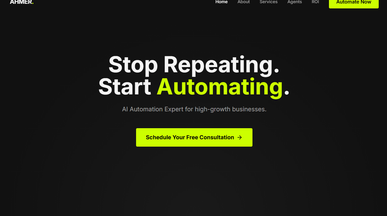
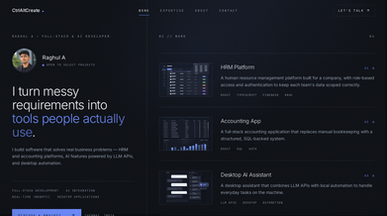
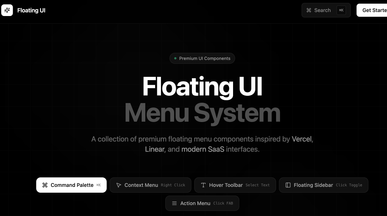
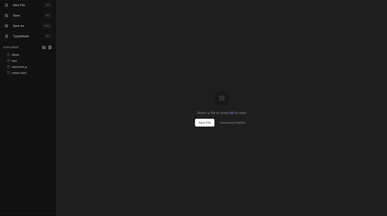
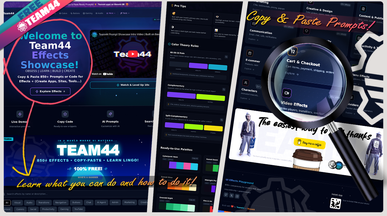
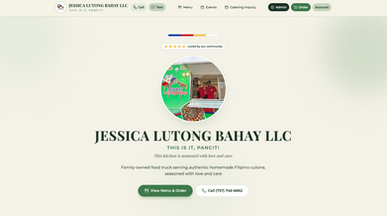
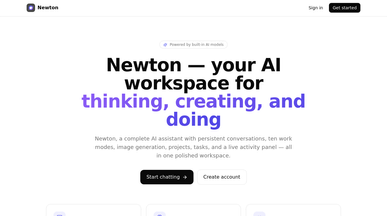

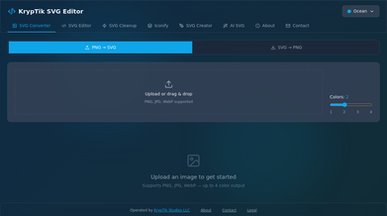
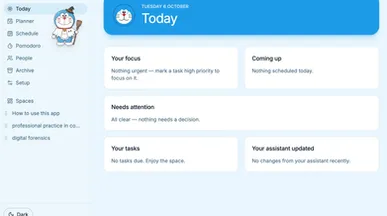
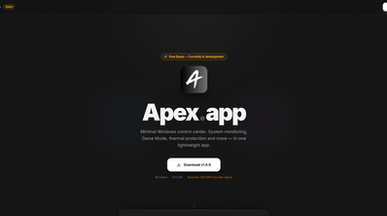
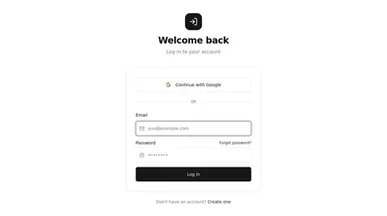
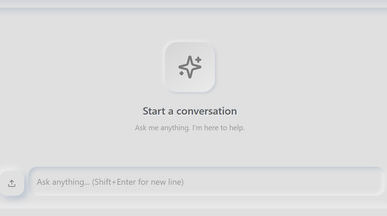
Developer tools templates for coding, organizing, and sharing
Keep useful prompts close, give your next interface a starting point, or showcase the projects you’ve built. Explore developer tools templates ranging from text editors and prompt libraries to dashboard layouts and developer portfolios. Find something that supports the way you work, whether you’re building independently or contributing to a team.
With Base44’s AI app builder, you can adapt a template’s screens, data fields, and workflows to your project. Describe what you need, whether that’s organizing prompts by task or giving each portfolio project its own detail page.

Frequently asked questions
Almost always something a general product does badly for their specific team:
- Issue and sprint trackers — with your stages, not a vendor's opinion of them.
- Admin panels — a safe UI over a production table, instead of raw SQL.
- Internal dashboards — the four numbers the team checks daily.
- On-call and incident logs — who was paged, what happened, what changed.
- API documentation — generated from a live source rather than hand-maintained.
- Request queues — access requests, data pulls, anything currently arriving in DMs.
The test for whether it's worth building: someone on the team does it manually every week and has stopped complaining about it.
Choose on the shape of the problem, not the job title:
- What it replaces — a spreadsheet, a Slack thread, or a manual script?
- Who uses it — just engineers, or does support or ops need a view?
- Read or write — a dashboard is far simpler than something that mutates data.
- Sensitivity — does it touch production data or customer records?
- Integrations — check the ones you depend on are reachable first.
Clone the closest one and put it in front of the team within a day — internal tools die from being perfected in private. If nothing matches, describe what you need in the app development platform.
Go ahead. Build it yourself.




