AI chatbot builder
Build a custom AI chatbot: Describe what it should answer, look up and do, and get the chat, the data behind it and the admin screen where you keep it right.


From concept to creation with Base44
An AI chatbot builder should hand over more than a chat window. Base44 gives you the whole application: the records your chatbot reads, the rules it follows and the screen where you fix a wrong answer. It is the same foundation as a CRM app, so the conversation and the customer record sit in one place.
Your own words are the interface
Describe what the bot should answer and what it should never guess at. Base44 builds it from those words, and you fix it the same way.
The app underneath the chat
Orders, tickets, bookings, documents: the records your chatbot reads and writes live in the same app. It can actually look something up instead of sounding like it did.
Batteries included
Login, roles, database, hosting, custom domain: there on day one. Base44 is an AI custom app builder, so the chatbot and the system behind it come out of the same prompt.
Answers from your own material
Upload up to 10 context files (manuals, pricing, policies, FAQs) and point the agent at your records. That is where a plausible answer becomes a correct one.
Run a WhatsApp chatbot too
Connect the agent to WhatsApp and people message your chatbot from their phone, without opening your app. It reads and writes the same records there, free on every plan.
Keep changing it after it's live
A wrong answer takes one sentence to fix. Change what it knows, when it escalates and what it refuses to answer, then publish again.
Start with a chatbot template
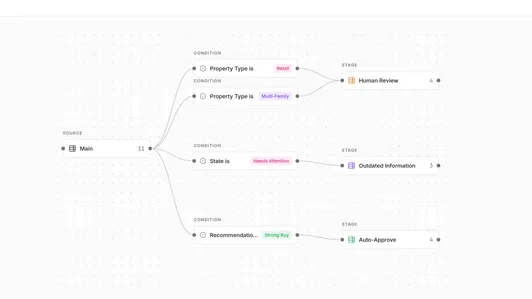
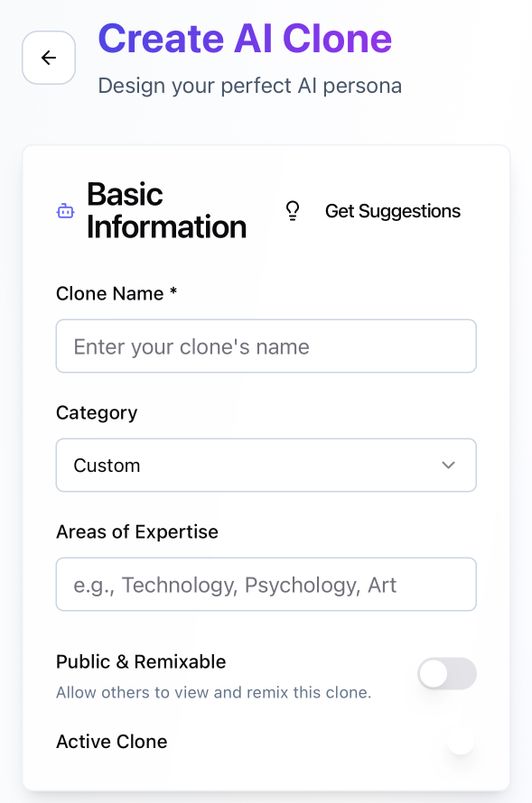
Clone one of these chatbot templates and change it in plain language, instead of starting from an empty prompt.
All chatbot templates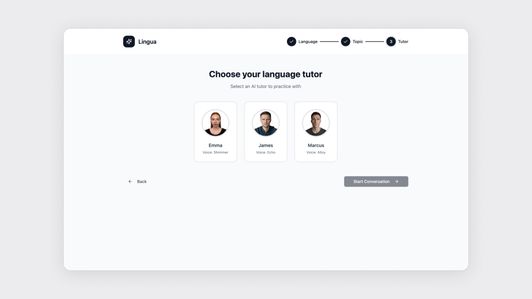
How to build your own chatbot app
You already know the questions your customers keep asking. Write them down, describe the chatbot that should answer them, and Base44 builds the rest in five steps.
- 01
Describe your needs
Start with the questions, not the personality. Write down the 5 that fill your inbox the way a customer asks them, then tell Base44 what the chatbot should answer, what it should look up and what it should do when it can't.
- 02
Generate your chatbot
Base44 AI builds the app from that description. You get the chat, the records behind it and an admin screen to manage them. Ask it one of your 5 questions and see what comes back.
- 03
Customize the design
Refine the answers and the interface. Change the tone, tighten a reply that came back wrong, decide what the bot must never say, and style the chat to match the page it will sit on.
- 04
Enable AI features
Give it what it needs to know and let it act. Upload your help docs as context files, connect the product list or bookings table, and let the agent create, read, update and delete records rather than just describe them.
- 05
Launch your AI chatbot
Publish and put it where your customers already are. Every app is live on a free built-in URL from the moment you create it, and you can connect the agent to WhatsApp so people message it from their phone.
Seamless
integrations for your
chatbot flow
Connect the tools your answers already live in, so the chatbot reads the same records your team does and triggers the same workflows

 Slack
SlackSend the questions your chatbot could not answer straight to the channel that owns them, with the conversation attached.
 HubSpot
Qualify a visitor in chat and write the lead back to HubSpot, so sales picks it up with the answers already recorded.
 Monday.com
Turn an unresolved chat into a tracked item on the board your support or ops team already works from.
 Zapier
Trigger anything else your chatbot should set off across 6,000+ apps, from a follow-up email to a ticket in your own help desk.
Want to see a new integration?
Tell us
what to add next
Prompting your chatbot app
Start at the top and work down: copy a prompt, change the details to yours, then open the explanation to see what it builds.
Phase 01
Project setup
Create a support chatbot for our online store with a chat interface, a customer login, and an admin screen where our team can read conversations.
Add a database schema for orders, help articles and conversations, including status, customer email and the timestamp of each message.
Phase 02
Core & advanced features
Let the chatbot look up an order by number or email and answer from our uploaded help articles, and say it doesn't know rather than guessing.
When the chatbot can't answer, open a ticket with the full conversation logged and notify the right owner in Slack.
Phase 03
Polish & deploy
Style the chat widget to match our brand, show the assistant as an assistant, and add a visible option to ask for a person.
Restrict conversations so a customer only sees their own history while our agents see the full queue, then publish.




Discover related use cases
A chatbot rarely ships alone. These are the apps teams build around one, and each is a page like this one.
A safe space for
your ideas to grow
A chatbot sits in front of customers and reads your records, so the parts that keep it safe are built in rather than bolted on later: who it can talk to, what it is allowed to see, and what it must never repeat.
SSO for secure access
Seamlessly onboard entire departments securely through your existing identity provider.
Built-in security check
Base44's integrated Security Scanner serves as your first line of defense, identifying common vulnerabilities from the start.
Private deployments while you train the chatbot
Keep the chatbot visible only to the people you trust while you fix the answers that came back wrong. Publish it to the world when it is right, not before.
Smart access controls for every conversation
Decide who reads what. A customer sees only their own chatbot conversation, an agent sees the queue, and you map roles and invites through SCIM.
Trusted by
10M+ builders

Build the app only you can build




