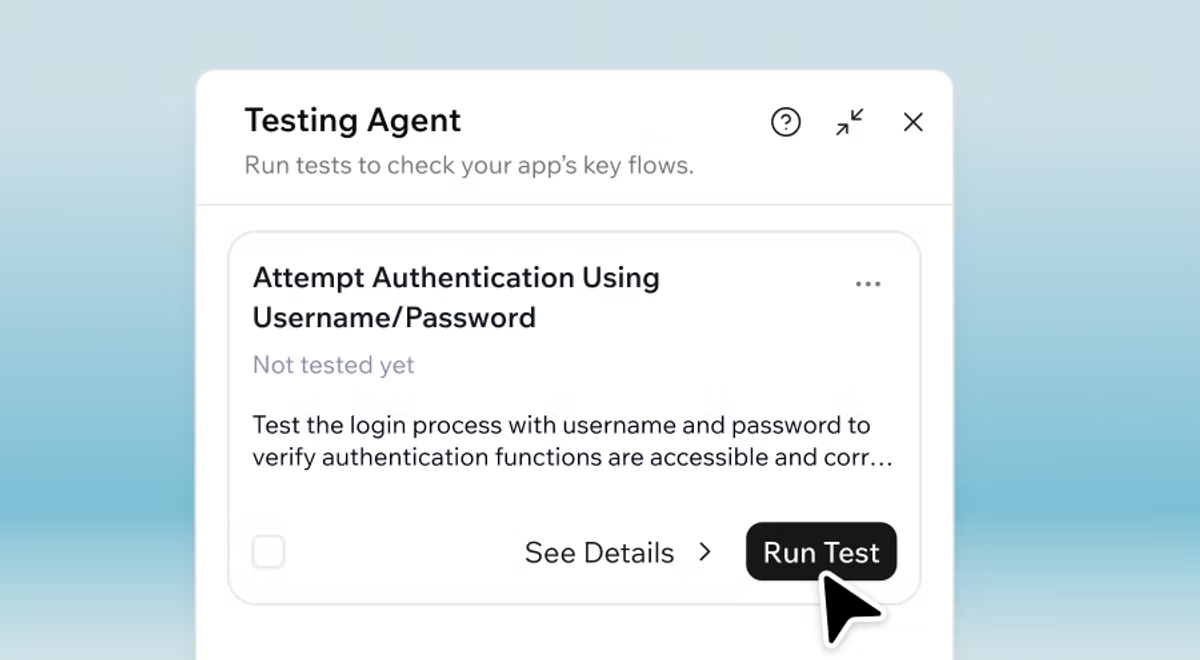
Build, test and publish with confidence using the Base44 AI app builder →
There's a moment every builder knows: you've just finished your app, your cursor is hovering over Publish, and before you click, your brain runs through the same quiet review checklist it always does.
Did I actually test all the flows? Are the permissions set right? Did I miss a security gap somewhere? Are any of the packages I'm using out of date?
Until today, the answer to every one of those questions was usually the same. I don't know. Let's publish and find out.
That's what's changing. Today we're launching three new features on Base44 to help you build and publish with more confidence: Verification, the Testing Agent and Security Scan. Together, they cover the kind of pre-publish work that a full engineering team would normally handle: code review, QA and security. You can think of it as an AI engineering team built into Base44 if you want a shorthand. Or you can just think of them as three new features that take the guesswork out of publishing.
TL;DR: Base44 production pack
- Verification automatically reviews and optimizes code in the background as the builder agent writes it.
- The Testing Agent walks through your finished app like a real user, finds issues and recommends fixes.
- Security Scan reads your app and recommends who should have access to your data and which of your dependencies need updates.
Available to every Base44 builder today.
Key capabilities at a glance
| Capability | What it helps you do |
|---|---|
| Verification | Code review happens automatically in the background as the builder writes. |
| Testing Agent | Find issues in your finished app and get recommended fixes. |
| Security Scan | Get recommendations on who has access to your data and which of your dependencies need updates. |
New to Base44 and want to try building from a prompt? Start here.
Base44 production pack: what's new
- Verification
- Testing Agent
- Security Scan
01. Verification
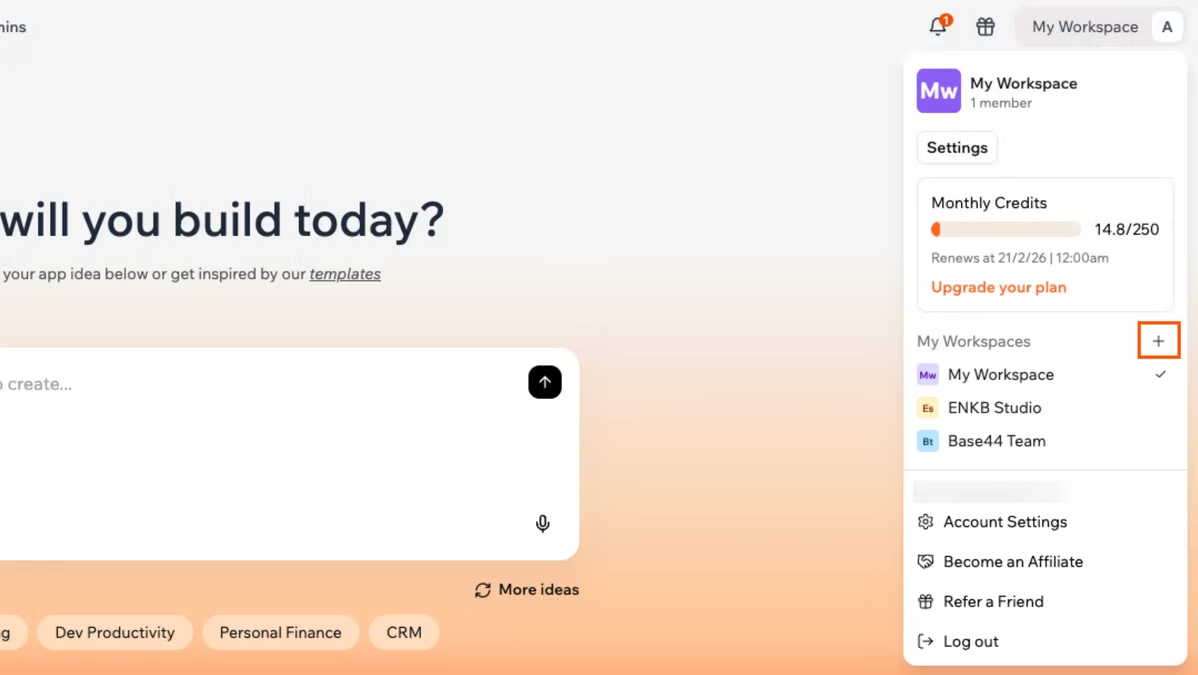
Verification works automatically in the background as the builder agent writes your code. It reviews and optimizes each change so issues are addressed at the source, before they reach you.
There's nothing to enable and nothing to click. Verification is a feature, but not the kind you interact with directly. It's at work every time the builder writes code.
Verification works at the code level, different from the Testing Agent. Verification operates inside the code as the builder agent writes it. The Testing Agent (next section) operates on the finished app, walking through the user experience the way someone using your app would. The two work at different layers of the same problem: Verification catches issues at the point of creation, the Testing Agent catches issues at the point of use.
"With our new building ability, expect less iteration. Verification catches issues at the source, so you don't have to chase them later." — Gabi Grinberg, Engineering at Base44
Learn more: managing a workspace.
02. Testing Agent
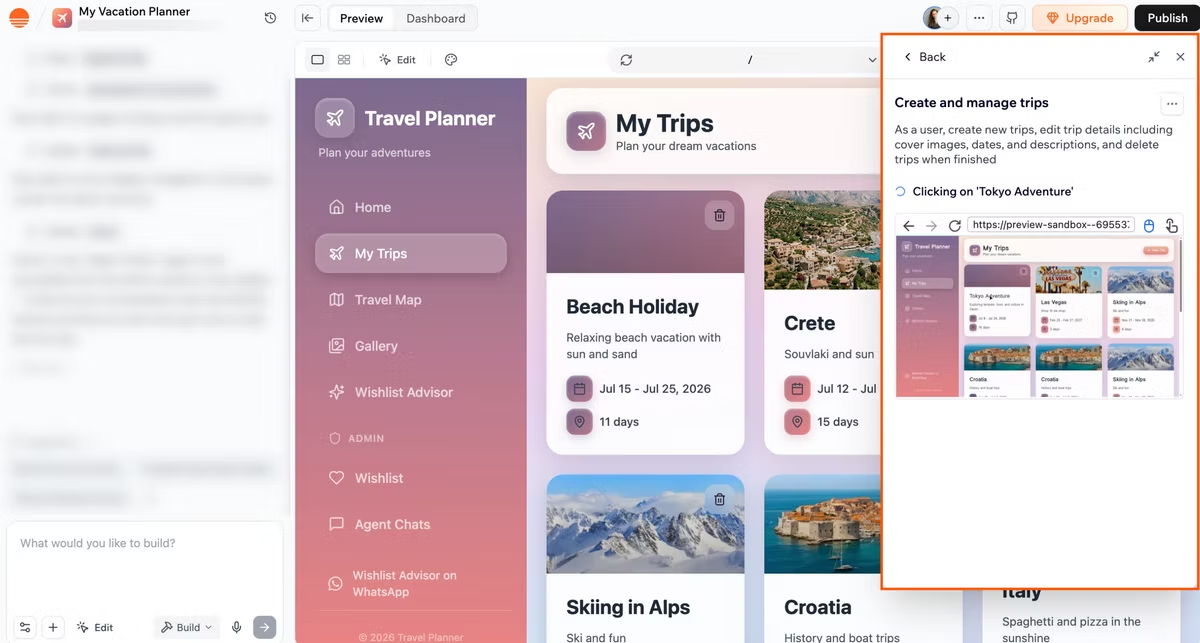
The Testing Agent walks through your finished app the way a user would, clicking through flows, filling out forms and surfacing issues. When it finds something, it recommends a fix you can apply with one click. You can run it any time, though most builders run it as part of their pre-publish flow or when testing your app’s flow before launch.
This is the part of building that used to require either a friend with too much time, or publishing first and letting your users find the bugs for you. Automated checks are one part of a pre-launch plan; here's how to test an app before launch from start to finish.
03. Security Scan
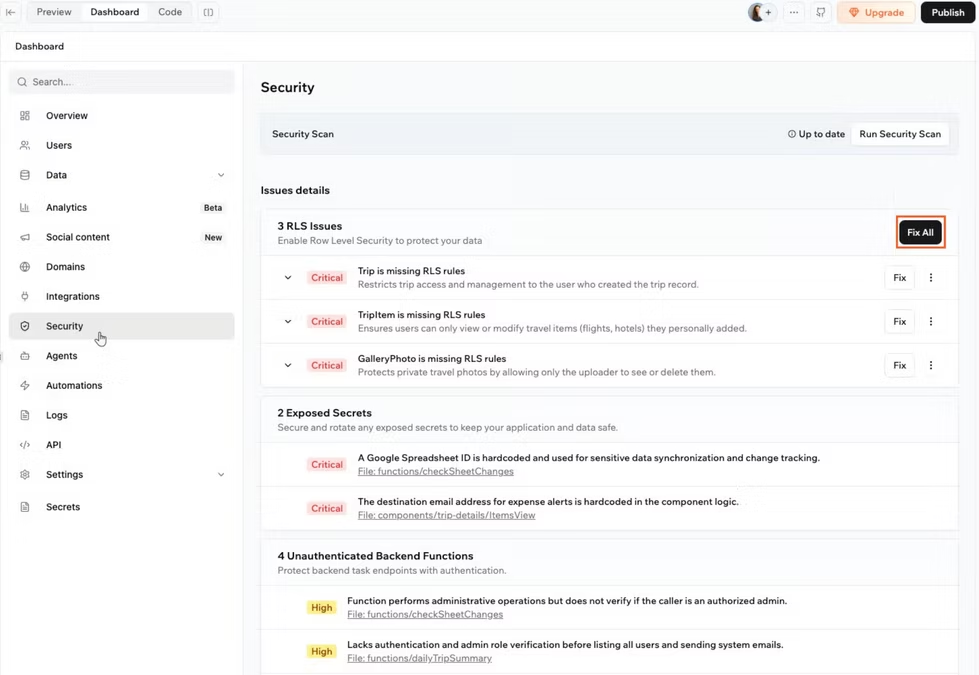
Security Scan now also checks the open-source packages your app depends on — that's the new layer landing in this release. Security Scan reads your app and surfaces several kinds of risk: who has access to your data, and whether any of the open-source packages your app depends on have known vulnerabilities. You run it once. It gives you recommendations on both. You review them, approve the ones that fit and apply them.
The key word is recommend. Security Scan is not promising your app is secure. It's giving you a second pair of eyes on the parts of your app where security gaps usually hide, especially when you're running a security scan before publishing.
"Security Scan is the one most builders forget about. It catches the gaps you wouldn't think to check." — Rotem Eisenkot, Product Manager at Base44
Learn more about security:
What pre-publish review looks like with all three together
The practical change is in the sequence. Pre-publish review used to be a lot of guessing.
Now it's a sequence of confident steps:
| Before today | Today |
|---|---|
| Click around your app and hope you caught the bugs. | Run the Testing Agent to find issues and apply recommended fixes. |
| Eyeball permissions and hope they're set right. | Run Security Scan to get recommendations on access, and approve the ones that fit. |
| Skip the dependency check because you wouldn't know where to start. | Run Security Scan to surface vulnerable packages and approve the recommended updates. |
| Publish and find out what's broken from your users. | Publish with confidence in what you're shipping. |
Verification, meanwhile, has been at work in the background on every change the builder agent made along the way.
Best practices for pre-publish review on Base44

A few things worth knowing as you start using the new capabilities.
01. Test the flows your users will actually take
The bugs that hurt are usually in the second-most-common workflow, not the happy path. When you run the Testing Agent, point it at the things you'd want a friend to try in your app: account creation, editing a record, deleting a record, refreshing and coming back. The Testing Agent is most useful aimed at what you forgot to test, not what you remembered.
02. Treat Security Scan as a conversation
Read each recommendation as a question: "Is this who should see this record?" or "Should I be on this version of this package?" Approve the ones that match your intent. Skip the ones that don't, especially when something was set up the way it is on purpose. The system is surfacing options, not setting policy on your behalf.
Learn more about prompting:
03. Re-run Security Scan after each new package
Vulnerable packages usually enter your app through an install you didn't quite remember doing. Any time the builder agent adds a new package, run Security Scan and approve the recommended upgrades.
Learn more: Why Base44 built its own models
How to get started
Everything in this announcement is available to every Base44 builder today. There's nothing to install, nothing to enable, no plan upgrade required.
Verification will start working automatically in the background. The Testing Agent and Security Scan are available for you to run any time, though most builders run them as part of getting ready to publish.
If you want the full picture of what Base44 can do, head to Base44 features.
See more about how Base44 handles data and security →
Base44 production pack FAQ
Which plan do I need to use the testing agent?
The testing agent is available on all plans, including the free plan.
Does the testing agent test as a new user?
Yes. Each test run starts fresh, just like a brand-new visitor to your app, with no existing data or history. Every test gives you a clean, consistent result, and nothing the agent does during the test affects your real users.
What’s the difference between Verification, Testing Agent and Security Scan?
Verification automatically reviews and optimizes code as the builder agent writes it, so issues are addressed at the source, the Testing Agent walks through your app like a real user to surface functional issues and Security Scan reviews access controls and dependencies for potential vulnerabilities. Together, they cover the full pre-publish checklist.