
Ready to see what Base44 can do for you? Get started →
The barrier to app development used to be large. You either needed deep pockets or years of computer science classes. But all that's changed, as the no-code movement has handed the power back to the dreamers, the tinkerers and the small business owners.
Today, you can build powerful applications without writing a single line of code. Whether you need a customer portal, an internal tool to track inventory or a full-blown marketplace, there's a no-code app builder out there you can use. If stock tracking is your starting point, here's how to build an inventory management app.
AI-powered builders like Base44 take this a step further. Base44's no-code app builder handles the complex infrastructure, backend logic and data management, so you never have to, and its AI goes beyond drag-and-drop by interpreting your natural-language instructions as real app logic — generating features and flows from what you describe, not what you click.
Which is why we've rounded up the best no-code app builders to help you turn that napkin sketch into a download link. Explore not only the best builders but also what makes a no-code app builder truly effective.
Learn more about how to use a no-code app builder for yourself.
TL;DR: Your cheat sheet for the best no-code app builders
Need to get straight to building? Here is the quick rundown of the top no-code platforms.
| Best no-code app builders | Best for building | Why it works |
|---|---|---|
| Base44 | Speed and AI-assistance | Generates a full app (backend included) from a simple text prompt. |
| Bubble | Web apps | Offers flexibility for building software. |
| Glide | Mobile-first | Turns spreadsheets into beautiful mobile apps instantly. |
| Softr | Client portals | Builds secure apps on top of Airtable or Google Sheets data. |
| Adalo | Native mobile apps | Lets you publish directly to the Apple App Store and Google Play. |
| Zapier interfaces | Automation-heavy apps | Connects your app directly to automated workflows. |
| Wix Studio | Design-led web apps | Combines advanced design freedom with powerful business logic. |
No-code app builders vs AI app builders: what's the difference?
Traditional no-code builders give you a visual canvas: you drag components onto a page and wire up the logic by hand. The newer wave, often called vibe coding, takes a different route. Instead of dragging and dropping, you describe what you want in plain language and the AI generates the screens, the logic and the database for you, and you refine it with more prompts or by editing directly. AI app builders like Base44 sit in this second camp, which is why they're so fast for getting a first working version off the ground. Neither approach is automatically better: it comes down to whether you'd rather build piece by piece or start from a prompt and shape what the AI gives you.
7 best no-code app builders to bring your vision to life
These no-code AI builders range from AI-powered speed demons to deep, customizable powerhouses.
- Base44
- Bubble
- Glide
- Softr
- Adalo
- Zapier interfaces
- Wix Studio
01. Base44
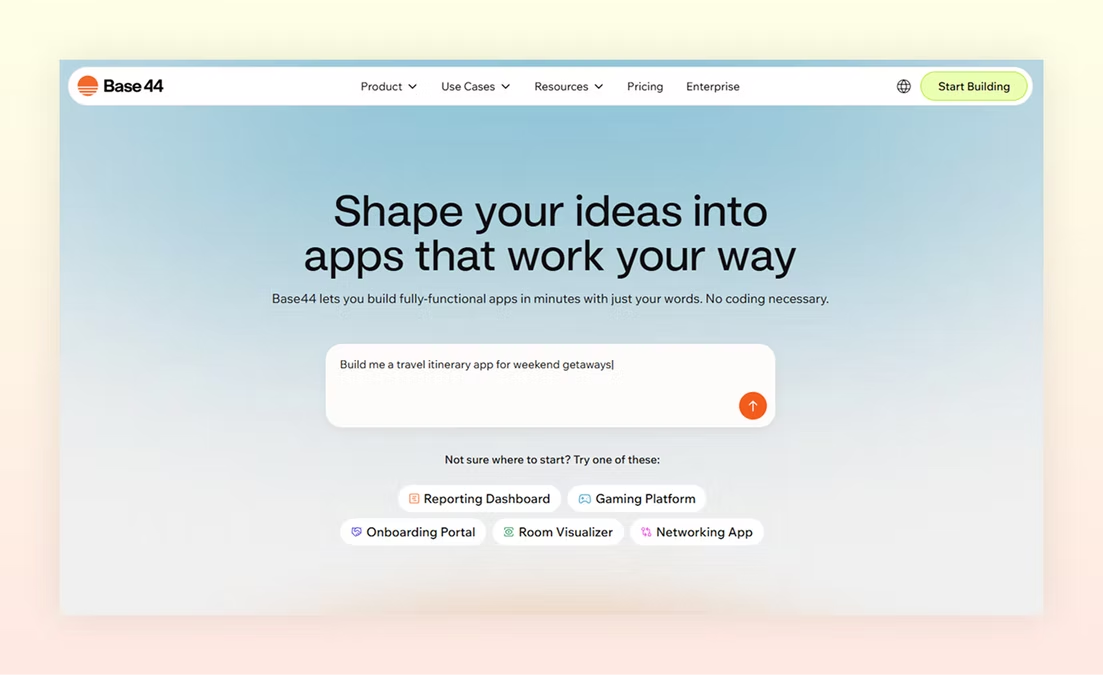
If you want to move fast, Base44 is your new app building best friend. It takes the concept of no-code a step further by integrating artificial intelligence directly into the building process. Instead of dragging and dropping every single button yourself, you simply tell the AI what you want to build.
Type in "I need a project management tool for my freelance business with a dashboard, client login, and invoicing," and Base44 gets to work. It builds the visual interface, sets up the database and handles user authentication automatically. Learn more about how to build a project management app. It’s perfect for getting a Minimum Viable Product (MVP) off the ground in record time.
Why try it: It handles the boring or complex backend stuff (like databases and hosting) for you, so you can focus on the fun part, refining your idea and getting users.
Learn more about some of the must have features of a no code app builder.
Expert tip from Nina Boyd, PMM at Base44
“The best apps don’t just solve a problem, they integrate seamlessly into the user’s life. When you design with real human behavior in mind, adoption becomes natural.”
02. Bubble
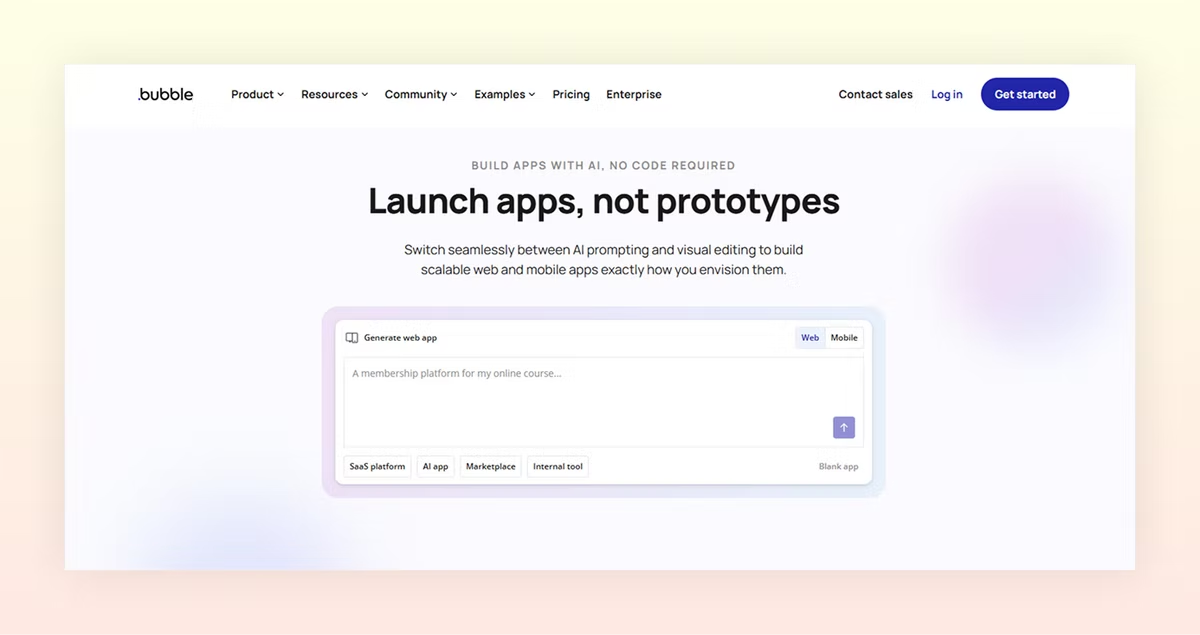
Bubble is not just for simple prototypes, people have built fully functional social networks, marketplaces and SaaS (Software as a Service) businesses entirely on Bubble.
It offers a pixel-perfect visual editor, meaning you can place elements exactly where you want them.
Why try it: If your app needs complex logic or unique features that don't fit into a standard template, Bubble allows you to build it your way.
03. Glide
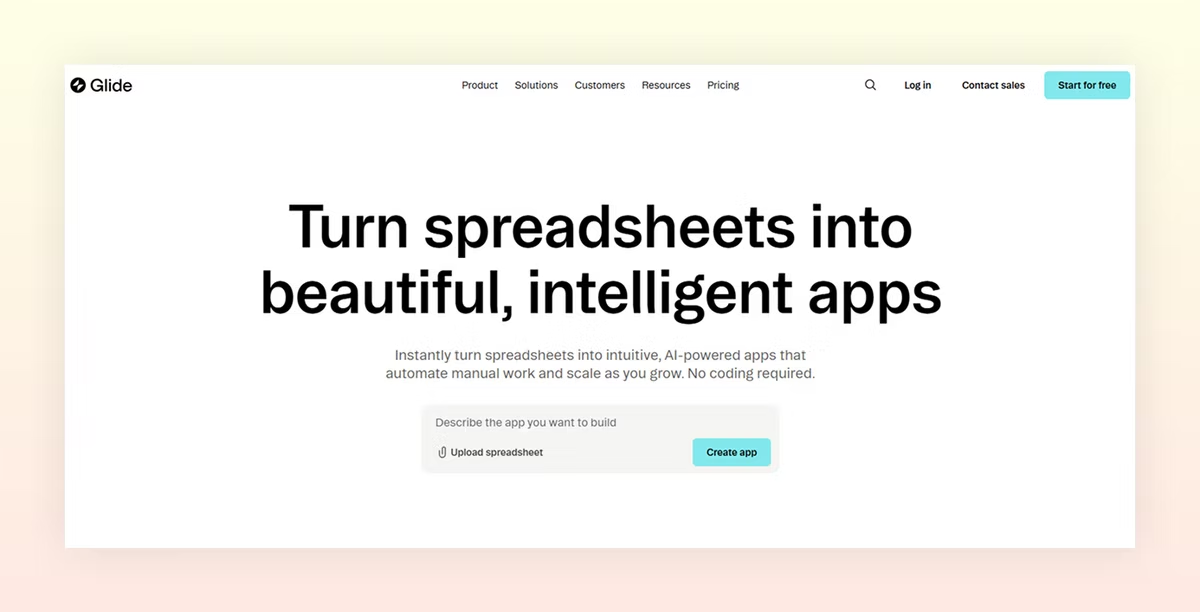
Glide has a simple philosophy, if you can use a spreadsheet, you can build an app. It connects directly to data sources you already know, like Google Sheets, Excel or Airtable, and instantly creates a polished, mobile-friendly app based on that data.
Need an employee directory? An inventory tracker? A conference guide? Just put the data in a sheet, connect Glide and you’re 90% done. It looks great on phones by default, so you don’t have to worry about mobile responsiveness.
Why try it: It transforms boring data into a useful tool in minutes.
04. Softr
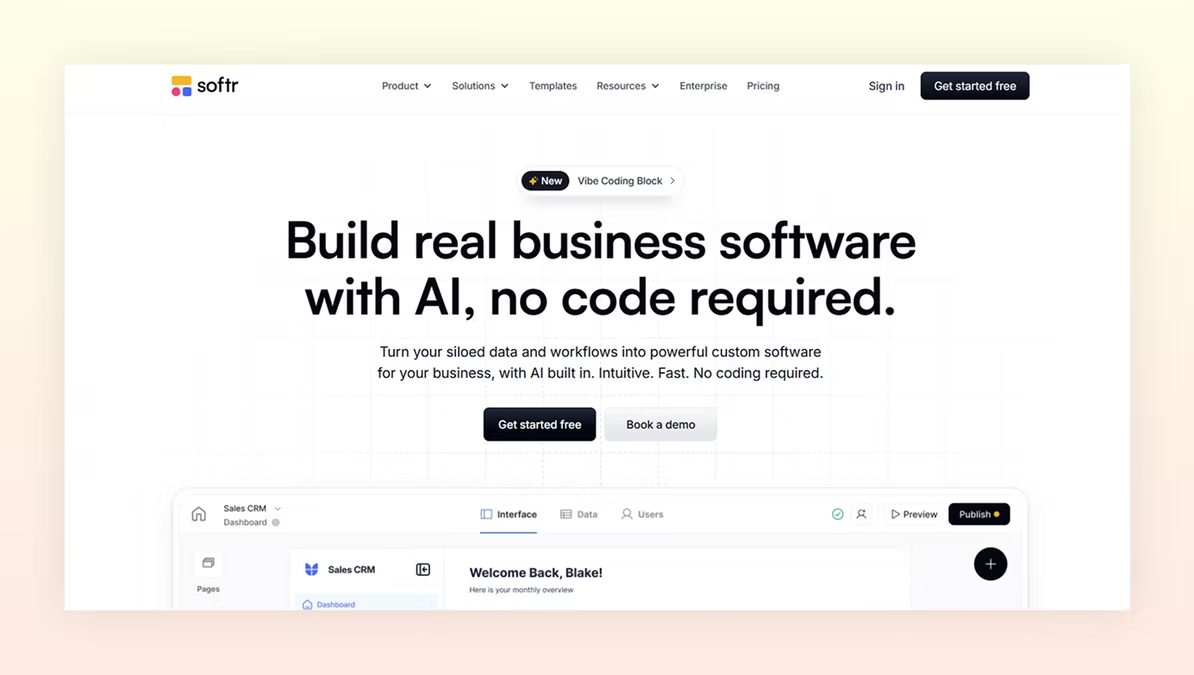
Softr is the go-to choice if your business runs on Airtable. It specializes in building web apps like client portals, internal dashboards and directories. You build your app by stacking pre-made blocks (lists, charts, forms, user profiles) that look professional right out of the box.
Why try it: It’s a good way to build secure, logged-in experiences without needing to be a design expert.
05. Adalo
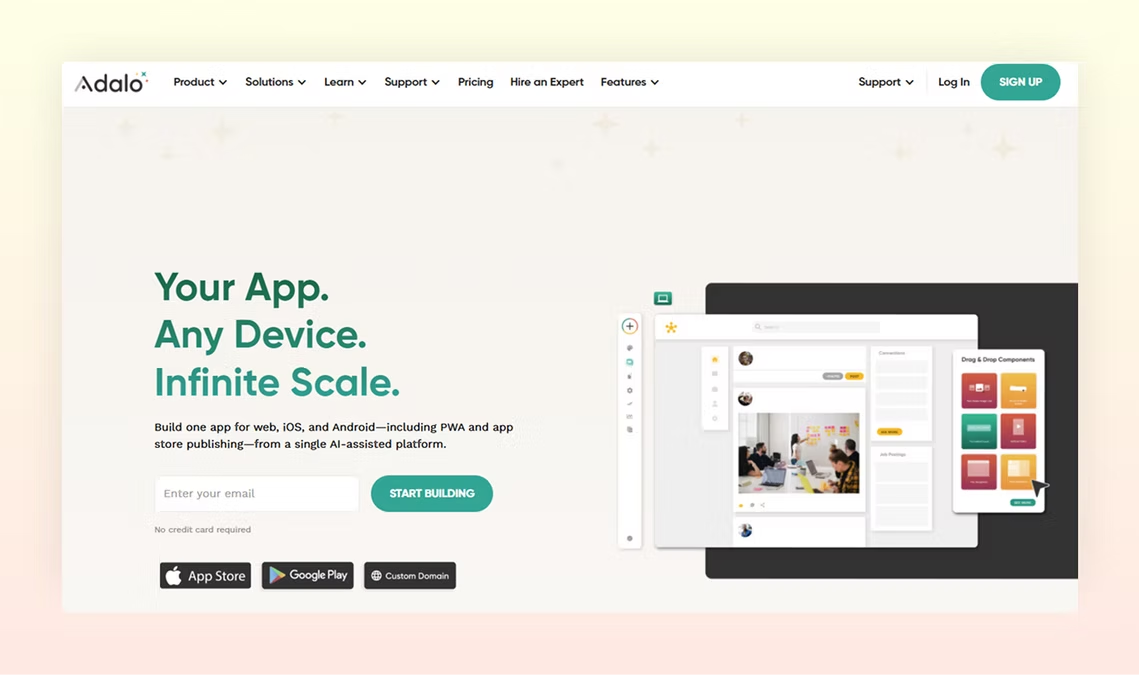
Most no-code builders focus on web apps (apps that run in a browser). Adalo is different because it focuses on native mobile apps—the kind you download from the App Store or Google Play.
It includes a built-in database and lets you add native mobile features like push notifications. If having your icon on a user’s home screen is your main goal, Adalo simplifies the publishing process.
Why try it: It bridges the gap between no-code and the official app stores, making mobile app publishing accessible.
06. Zapier Interfaces
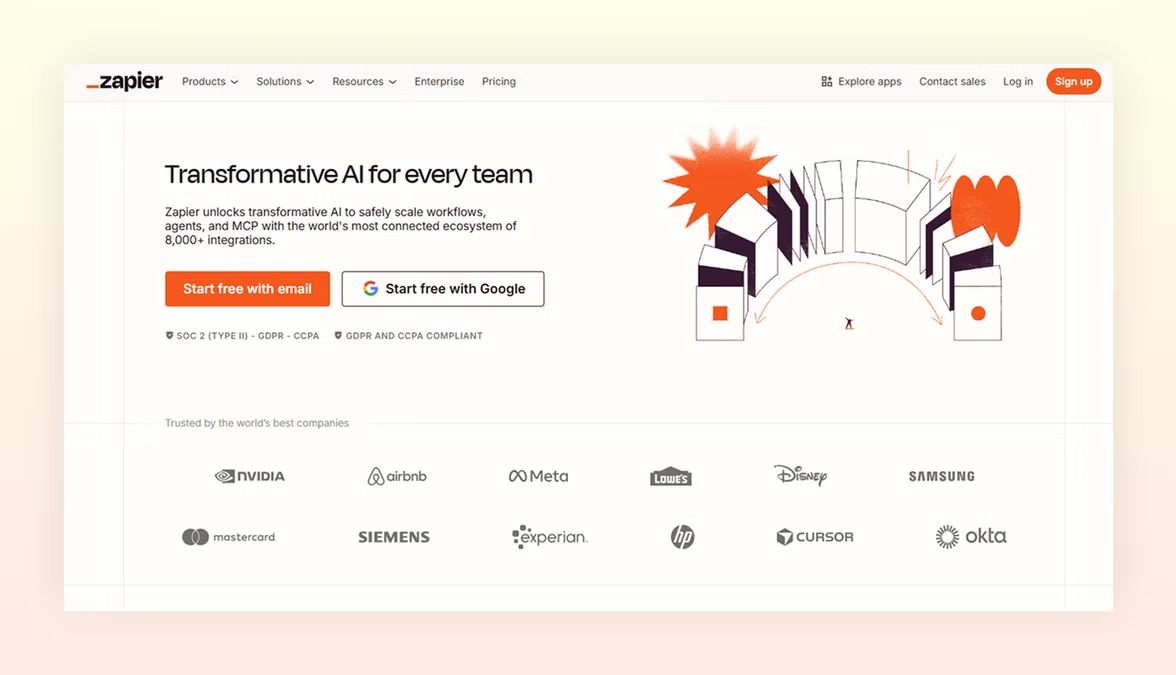
You probably know Zapier for automation—connecting one app to another. With Zapier Interfaces, they’ve added a visual layer to that power. You can build custom forms, landing pages and apps that trigger complex automated workflows.
For example, you could build a lead capture form that not only saves the lead but also automatically creates a contract, sends a Slack message to your sales team, and adds the contact to your newsletter. It’s about building apps that do things, not just display information.
Why try it: If your app idea relies heavily on automation and connecting different software tools, this keeps everything under one roof.
07. Wix Studio
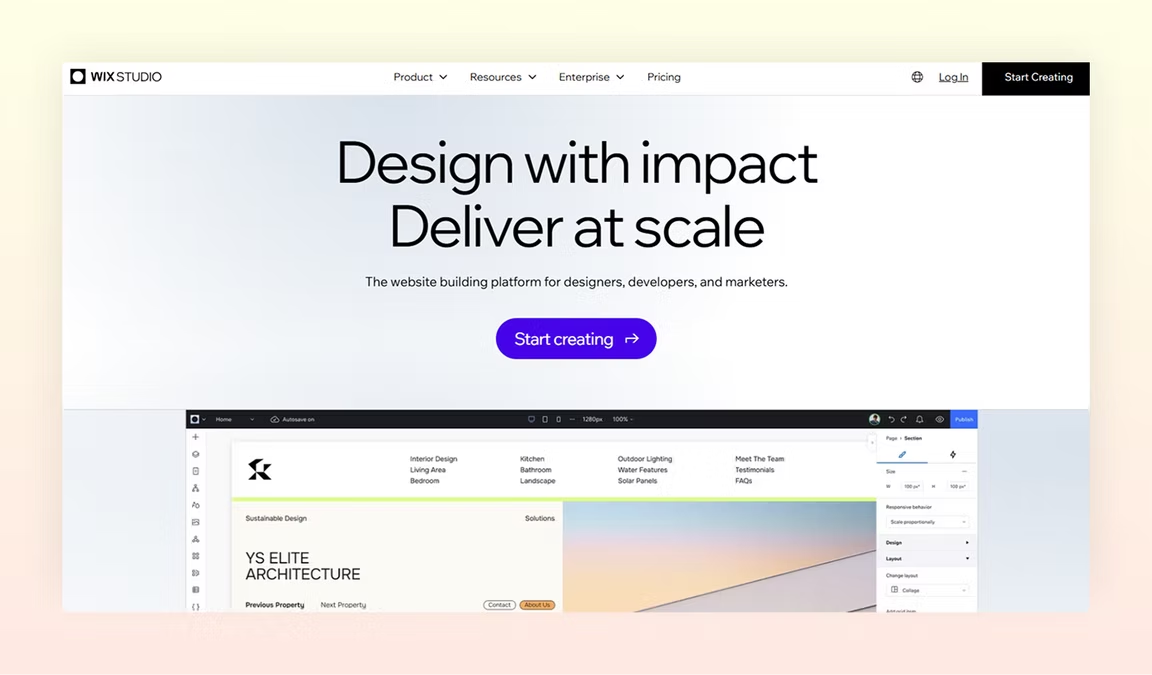
For agencies and freelancers who need total creative control, Wix Studio offers a powerful environment to build advanced web applications. It combines an intelligent design editor with robust business capabilities.
You can design responsive layouts that adapt to any screen size and use built-in business solutions for booking, eCommerce, and events. Plus, if you ever need to extend functionality beyond the visual tools, you have access to a coding environment to add custom logic—giving you the best of both worlds.
Why try it: It’s perfect if you want an app that looks stunning and integrates flawlessly with a professional website and business tools.
Learn more: What is an app creator?
How to choose the right no-code app builder
With so many options, the right pick comes down to what you're actually building. Here's what to weigh before you commit. Output type: decide whether you need a web app, a native mobile app or both, since some builders shine at browser-based tools while others publish straight to the app stores. Built-in backend: check whether the database, authentication and hosting are included, or whether you'll have to wire up outside services yourself (AI app builders like Base44 handle the backend for you, so there's less to assemble). Room to grow: think about where your app goes after the prototype, and how each tool handles more users, more data and more complex logic. Control after generation: with AI app builders, it's worth knowing how much you can fine-tune once the first version is generated, since the best ones let you move between prompting and hands-on editing. Pricing model: some tools charge a flat monthly fee, while others (including most AI app builders) run on credits that get used as you build, so match the model to how often you'll be building.
Web apps vs native mobile apps: which do you need?
It's the first fork in the road. Web apps run in a browser and work on any device with a link, which makes them quick to share and update. Native mobile apps live on a phone's home screen and can tap into features like push notifications, but they need to be submitted to the Apple App Store and Google Play. Plenty of no-code tools focus on one or the other, so it helps to know which you're after before you start. Some AI app builders, like Base44, build web apps and can also generate the files you need to publish to the app stores, so you're not boxed into just one.
Best no-code app builders FAQ
Is a no-code app builder really powerful enough for a business app?
Startups, agencies and enterprise companies use no-code tools to run critical parts of their operations. While you might eventually move to custom code if you become the next Facebook, no-code can easily scale with you to thousands of users and millions in revenue.
How much do no-code AI app builders cost?
Most platforms offer a free tier so you can learn the ropes and build a prototype. Once you want to publish to a custom domain (like www.myapp.com) or handle real users, plans typically range from around $25 to $200 per month depending on features, usage and billing. You can build an app for free with one of these best free AI app builders.
How long does it take to build an app with a no-code builder?
It depends on the tool. AI-powered builders like Base44 can be learned in an afternoon. More complex platforms might take a few weeks to truly master. But compared to learning to code (which takes years), it’s a sprint. Learn more about how long it takes to build an app.
Can I connect my no-code app to other tools?
Almost all no-code builders integrate with tools like Zapier. This allows your app to talk to and work with thousands of other services like Gmail, Github and Stripe.
Can I really build without knowing any code?
Yes, without a doubt. AI app builders like Base44 mean you can describe features in plain language and the no-code app builder generates the logic and database for you.
Can I put an app created with a no-code app builder on the app store?
Yes you can. Many no code app builders like Base44 make this very easy to do as well.
Is using a no-code app builder cheaper than using a developer?
Yes, around 90% cheaper. No-code app builders like Base44 can be used for free or from $16 a month with a yearly plan.