Creative tools templates
Choose a working creative tool, customize what it does with AI, and build the specific thing your process needs instead of forcing a general app to fit.
Templates
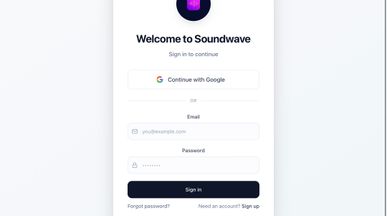
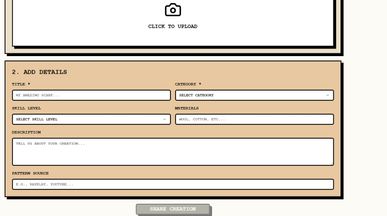
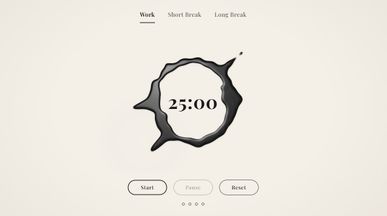
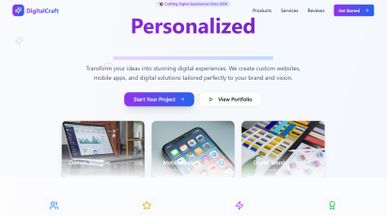
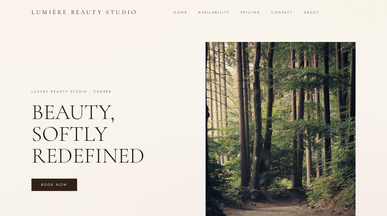
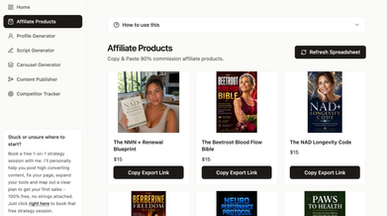
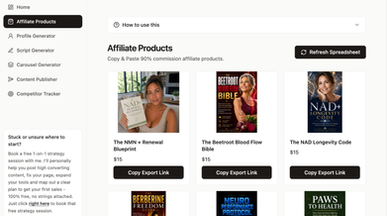
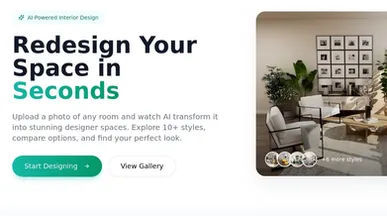
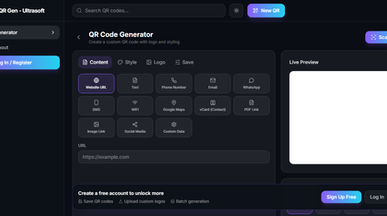
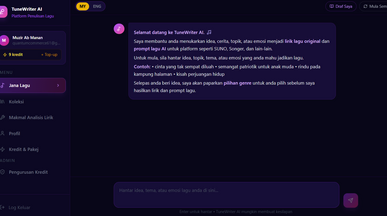
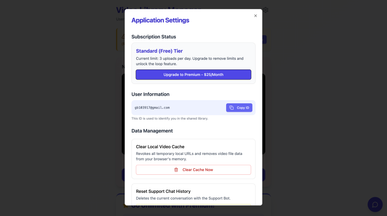
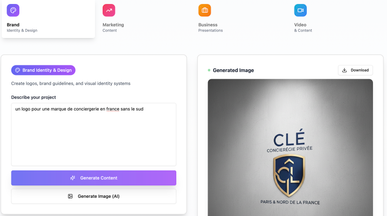
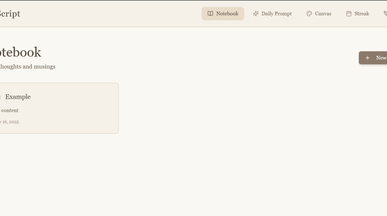
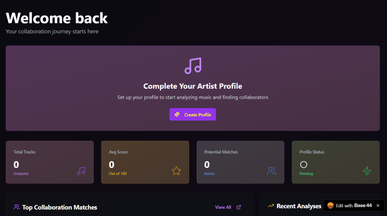
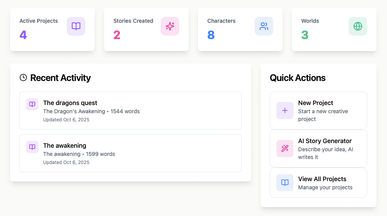
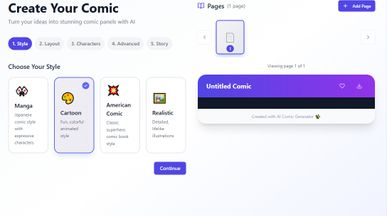
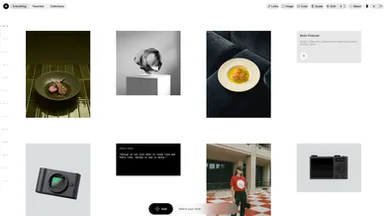
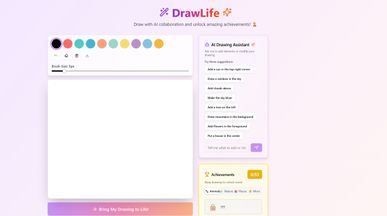
Creative tools templates for the way you create
Collect inspiration, plan your next production, or organize work you’re ready to share. Explore creative tools templates and find a starting point for an app that supports your creative process, whether you’re working independently or collaborating with a studio.
Make it your own with Base44’s AI app builder. Turn a reference library into a searchable collection, add a form for creative briefs, or create a space for reviewing work and collecting feedback. Describe the changes you need to customize the layout and functionality—without writing code.
Start with one task you’d like to make easier, then try your customized tool on your next project. Keep what helps, adjust what doesn’t, and build around the way you like to create.

Frequently asked questions
Almost always something narrow that a big product treats as an edge case:
- Client review — a link where feedback lands on the work, with versions kept.
- Asset trackers — which logo, cut or master is the current one.
- Brief generators — a form that produces a consistent starting document.
- Reference libraries — your own tagging, not someone else's categories.
- Batch utilities — renaming, resizing, exporting to a spec you keep retyping.
- Availability and quoting — for freelancers, the two admin jobs that eat days.
The test for whether something is worth building: you've explained the workaround to someone more than twice.
With the smallest annoyance you can describe in one sentence:
- Pick one step — not your whole workflow. One awkward handoff.
- Build the ugly version — use it for a week before styling anything.
- Keep it single-purpose — resist the second feature until the first earns it.
- Decide who else sees it — just you, your studio, or clients?
- Only then make it look right — it's a creative tool; it will end up looking good.
Clone whatever is closest and change it badly on purpose — you'll learn what you actually need faster that way. If what you need is a place to show finished work rather than make it, the Portfolio website templates are the right category.
Go ahead. Build it yourself.




