Financial app templates
Choose a working expense, invoice or budget app template, customize the categories with AI, and keep your numbers current without building from scratch.
Templates
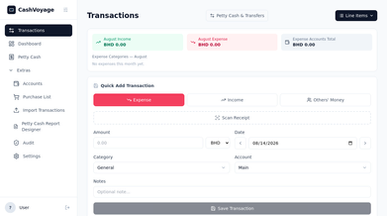

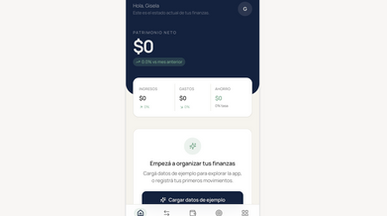
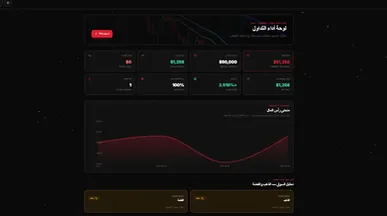
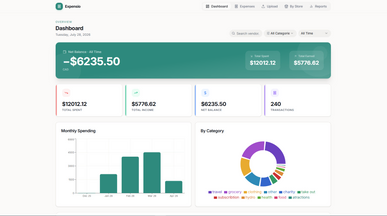

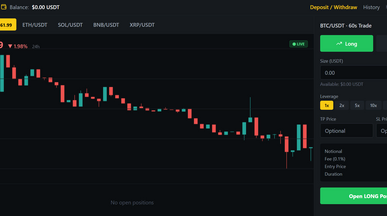
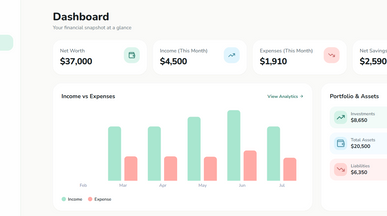
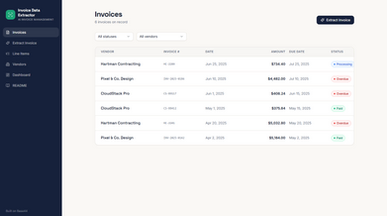
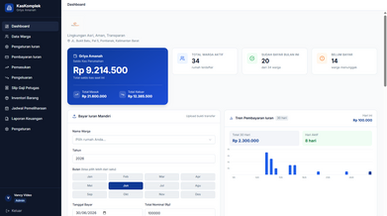
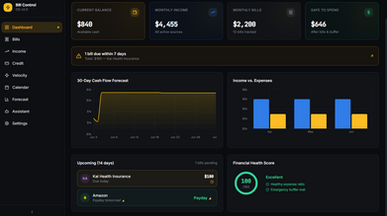
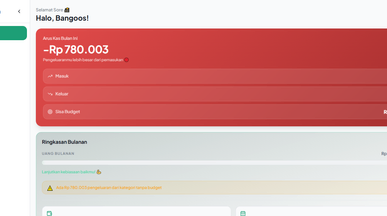
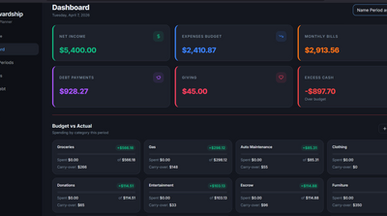
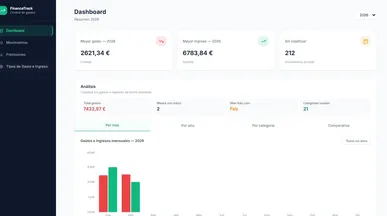
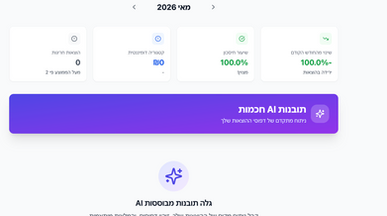
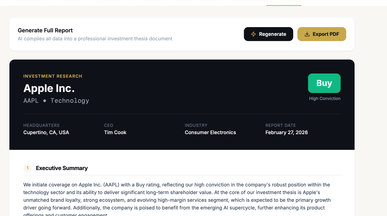
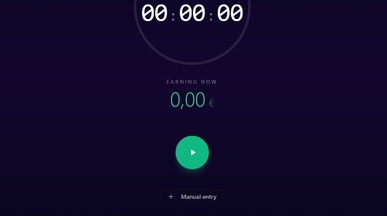

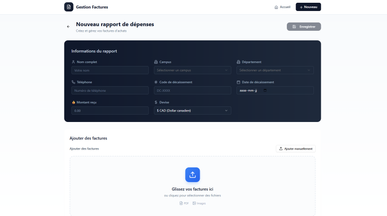
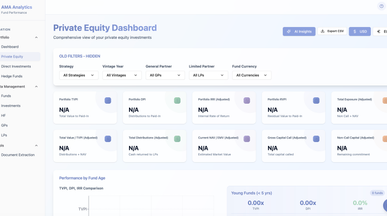

Financial app templates for everyday money management
See where your money goes, which invoices need attention, and how your spending compares with your plans. Browse financial app templates for personal budgets, expense tracking, and invoice management, then choose one that fits your household, freelance work, or business.
Make the template yours with Base44’s AI app creator. Customize spending categories, add fields for payment dates, or adjust the layout to put the figures you check most often up front.

Frequently asked questions
The parts that keep the numbers trustworthy:
- Fast entry — from a phone, with a photo of the receipt.
- Categories that match your accounts — not generic ones you'll re-map later.
- Recurring items — subscriptions and rent shouldn't be typed monthly.
- Totals by period and project — the two questions people actually ask.
- Attachments — the receipt stays with the transaction.
- Export — your accountant will want a file, not a login.
Build for the person entering data, not the person reading the report. If entry is tedious, the report is wrong no matter how good it looks.
Choose on what the money is doing:
- Direction — tracking spend, sending invoices, or planning a budget?
- Who enters it — just you, or a team submitting expenses?
- Approval — does anything need signing off before it counts?
- Volume — a handful a month and a few hundred need different entry design.
- Where it ends up — your accountant's software, and in what format?
Clone the closest one and run a real month through it, including the export. If none of them match how your money moves, describe it to the finance app builder.
Go ahead. Build it yourself.




