Launch your app faster with Base44. Start now →
Connect your Base44 app to GitHub with the new GitHub integration, giving you version control, team collaboration and deployment, all without slowing down your Base44 workflow.
At some point, every Base44 project hits a milestone: your app starts to feel real, users are testing it, feedback is flowing and development is moving fast.
Suddenly, you need the same powerful tools that serious development teams rely on every day:
- Version history you can trust
- GitHub repository for team collaboration
- A clear path to deploy your app
- A workflow that fits how modern developers actually work
That’s exactly what the Base44 GitHub integration does. It keeps the intuitive, fast-paced Base44 building experience while making GitHub the long-term home for your codebase.
With Base44 and GitHub working together, you no longer have to choose between speed and control. You get the best of both.
TL;DR: Base44 GitHub integration
Here’s a quick overview of the Base44 GitHub integration:
| Feature | What it does | Ideal for |
|---|---|---|
| Export to GitHub | Push your Base44 app code to a GitHub repository for version control, collaboration and external deployment. | Solo developers or teams needing a one-way connection. |
| 2-Way Sync (Base44 ↔ GitHub) | Automatically sync changes between Base44 and GitHub. | Teams wanting full collaboration and live updates. |
| Version control | GitHub tracks commits, diffs and history. | Developers who need a reliable codebase and audit trail. |
| Team collaboration | Branches, PRs, reviews and collaborator invites. | Teams working together on the same app. |
| Deployment support | GitHub repo can be used for CI/CD and external deployment. | Apps that require staging, production or other pipelines. |
| Plan requirement | Builder plan or higher. | Anyone connecting Base44 with GitHub. |
Bottom line: Build fast in Base44, manage your code in GitHub and collaborate seamlessly, all without slowing down your workflow.
Learn more:
How the Base44 GitHub integration works in real workflows
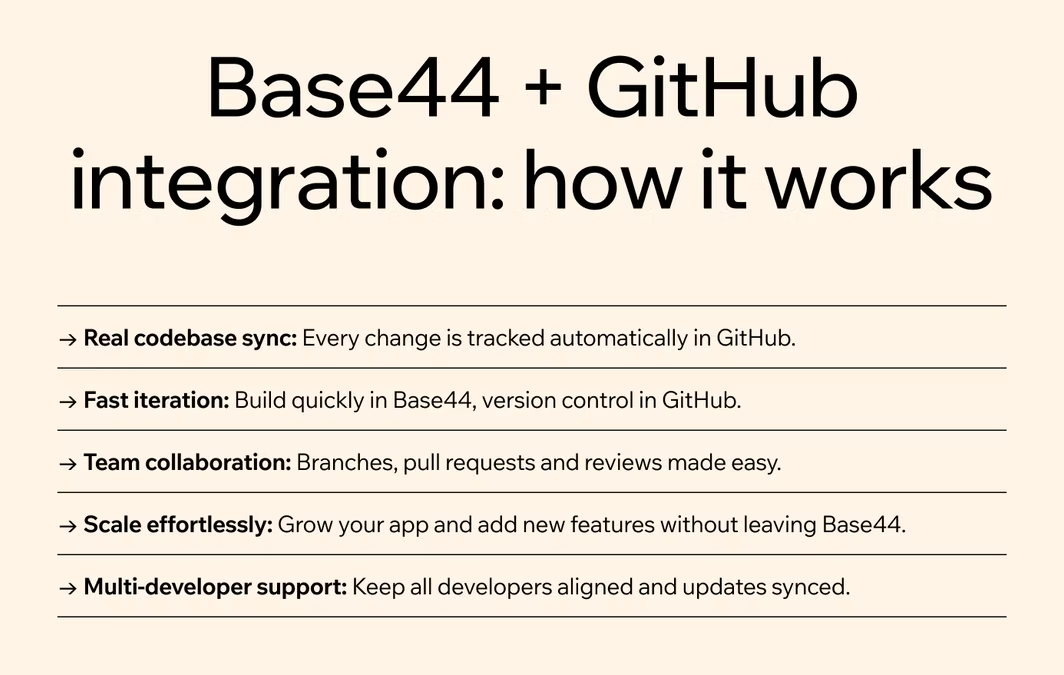
The Base44 GitHub integration, and other powerful Base44 integrations, aren’t just about syncing code; they’re designed to support real development workflows. Here’s how they help you build, collaborate and scale your app without leaving Base44 behind.
Here’s how it works in practice:
- Sync with a real codebase
- Fast builds, clear versioning
- Seamless team collaboration
- Scale without sacrificing speed
- Multiple developers, one app
01. Sync with a real codebase
Base44 makes building fast and intuitive, but GitHub is where your app becomes a long-term, trackable codebase. With the integration, your project no longer “lives only in Base44.” Every change is backed by a GitHub repository you can:
- Track progress over time
- Share with teammates
- Deploy confidently to staging or production
This ensures your app grows sustainably, without losing the speed and flexibility of Base44.
Learn how to make a website with AI using the best AI website builders and start building smarter today.
02. Fast builds, clear versioning
You can continue to use all the features that make Base44 fast: prompts, quick edits and rapid iteration. Meanwhile, GitHub handles what it does best:
- Commit history
- Detailed diffs
- A clear record of every change
This division of responsibilities means you stay productive while maintaining a reliable, auditable codebase.
"The best apps are built with iteration in mind. You don’t need to launch with every feature under the sun. Start small, test with real users and refine based on feedback. Base44 makes it easy to adapt and evolve your app as you learn." - Ilay Granot, Marketing at Base44
Learn more:
03. Seamless team collaboration
If your team already works in GitHub, the integration makes collaboration effortless. Base44 works alongside your existing tools, allowing you to:
- Create and manage branches
- Submit pull requests
- Review changes and see commit history
You get all the collaboration benefits of GitHub without sacrificing Base44’s speed.
04. Scale without sacrificing speed
Serious apps shouldn’t force you to leave Base44 behind. The GitHub integration lets you bring GitHub into your workflow only when you need it, so your app scales naturally.
You can keep iterating fast in Base44 while GitHub supports:
- Version control for complex projects
- Team collaboration
- Deployment pipelines
"One of the most overlooked aspects of app building is scalability. It’s not just about launching your app, it’s about ensuring it can grow with your audience. Base44 is built with scalability in mind, so you’re not stuck rebuilding when your app takes off." - Ilay Granot, Marketing at Base44
Learn more:
05. Multiple developers, one app
Multiple developers can contribute to the same project via GitHub, while Base44 stays fully synced. You’ll always see:
- Sync states for each update
- Commit activity and context
- Updates flowing automatically between Base44 and GitHub
This keeps everyone aligned, reduces conflicts and ensures your app evolves smoothly as your team grows.
Here's what you can do with Base44:
- Productivity app development
- Entertainment app development
- CRM app development
- Marketing app development
- Sales app development
- Product management app development
Base44 GitHub integration: smooth, real-time sync

The GitHub integration connects your Base44 app to a GitHub repository and keeps the two perfectly aligned as you work. No more manual copying or messy workflows, everything syncs seamlessly.
Here’s what it enables:
- Real GitHub repo for your app: Your Base44 project is backed by a proper repository you can track, share and deploy.
- Sync changes from Base44 to GitHub: Updates made in Base44, including via prompts, are automatically committed to your repository.
- Sync changes from GitHub to Base44: Edits pushed directly to GitHub are reflected back in Base44, keeping your app and repo fully aligned.
- See sync activity in Base44: Track commit context and sync status directly in Base44, with links to the corresponding GitHub commits.
The integration is designed for how developers actually build: part of your workflow in Base44, part locally, part in GitHub.
Learn more:
- How much does it cost to build an app
- How long does it take to build an app
- How to build an app for free
Who is the Base44 GitHub integration for?
The Base44 GitHub integration is designed for developers and teams who want the speed and flexibility of Base44 combined with the reliability and collaboration features of GitHub. It’s especially useful if you:
- Want version control without changing how you build
- Need to invite more developers into the project
- Want PR reviews, diffs and a clear commit history
- Are prepping for external deployment
- Want Base44 and GitHub to stay aligned as your app grows
How the Base44 GitHub integration works in practice
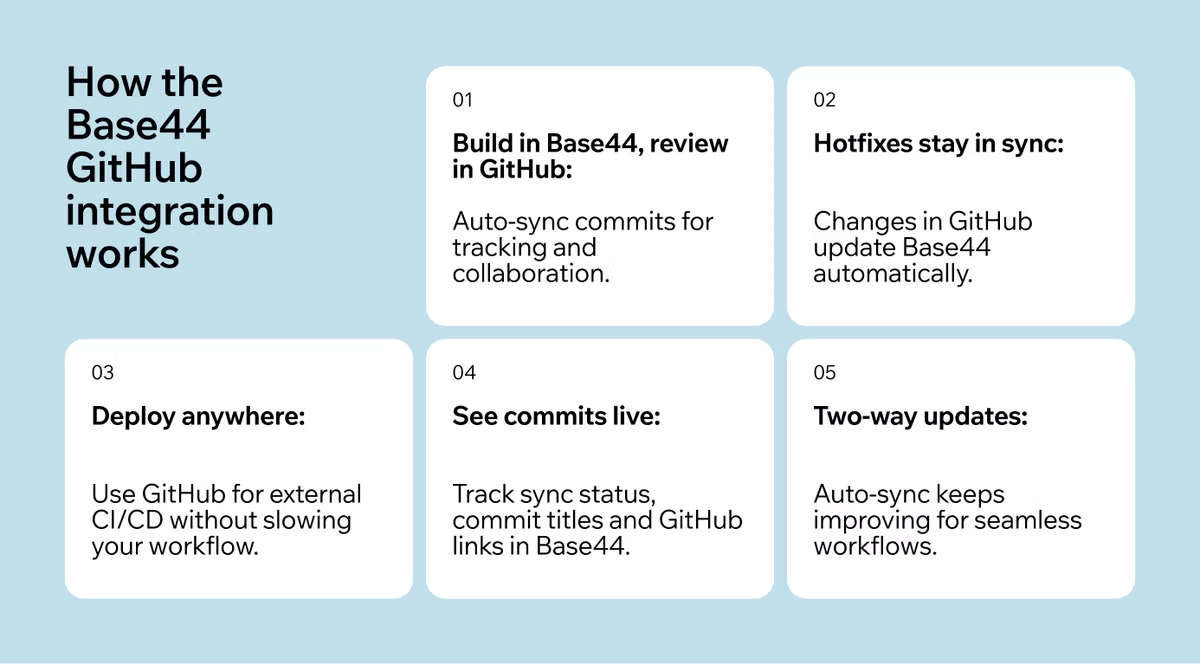
Here are a few real-world scenarios showing how the integration can fit into your workflow:
01. Build in Base44, review in GitHub
As you iterate in Base44, tweaking UI, adding features or experimenting with prompts, every update syncs automatically to GitHub as commits. This allows you to:
- Review exactly what changed
- Track progress over time
- Share the repository with teammates
- Roll changes forward with confidence
02. A teammate hotfixes in GitHub, Base44 catches up
When a teammate pushes a fix or feature directly in GitHub, Base44 automatically syncs to reflect those changes. No manual copying, no guesswork, everyone stays on the same page.
03. Deploy outside Base44 without losing your workflow
Some teams prefer to deploy via their own CI/CD pipelines. The GitHub integration makes this seamless: GitHub acts as a bridge to external deployments while Base44 remains your primary build environment. You can continue iterating fast without breaking your workflow.
04. See commits directly in Base44
This integration isn’t just about sending code to GitHub, it makes activity visible in Base44. When a sync occurs, you can see:
- A sync status visualization in the builder
- A chat message with the commit title
- A direct link to the corresponding GitHub commit
No more guessing whether updates have applied, you can watch changes happen in real time.
A note on sync behavior
The GitHub integration supports two-way updates, and the auto-sync experience is continually improving. In some cases, syncing may require a refresh, but the system is being refined to make updates seamless across all workflows.
(Translation: it’s already useful today, and it’s getting smoother fast.)
Getting started with the Base44 GitHub integration
Connecting your Base44 app to GitHub is fast, simple, and requires just a few clicks. Once set up, your app is linked to a GitHub repository, letting you start syncing changes, collaborating with your team and managing your app with GitHub immediately.
Step 1: connect your app
From your Base44 dashboard:
- Open the app you want to connect
- Click the GitHub icon in the top panel
- Select Connect to GitHub
- Authorize Base44 Builder to access your GitHub account or organization
- Choose or create a repository for your app
Step 2: start syncing
Once connected, you can:
- Export your app to GitHub for version control and external deployment
- Enable 2-Way Sync so changes in Base44 and GitHub stay aligned automatically
- Invite collaborators to work on the repository
Step 3: collaborate and deploy
With GitHub connected, your team can:
- Track commits and diffs in real time
- Use pull requests and code reviews
- Deploy through CI/CD pipelines while continuing to build in Base44
| Step | What to do |
|---|---|
| 1. Connect your app | Click the GitHub icon in Base44, authorize access and link or create a repository. |
| 2. Export & sync | Push your app to GitHub or enable 2-Way Sync for automatic updates. |
| 3. Invite collaborators | Add teammates to your GitHub repository. |
| 4. Track changes | View commits, diffs and sync status directly in Base44. |
| 5. Deploy confidently | Use GitHub for CI/CD or external deployment without leaving Base44. |
Ready to Connect?
Whether you’re building solo, collaborating with a team or scaling your app, the Base44 GitHub integration gives you:
- A clean, trackable code history
- Seamless collaboration for multiple developers
- Smooth integration into your workflow without leaving Base44
Enable the GitHub integration directly from your Base44 dashboard and get started today to start syncing your app seamlessly.
Base44 GitHub integration FAQ
How do I connect my Base44 app to GitHub?
Connecting your Base44 app to GitHub is simple. From your app’s dashboard, click the GitHub icon, authorize Base44 Builder to access your account or organization and either link an existing repository or create a new one. Once connected, you can start syncing changes immediately.
Can I sync changes both ways between Base44 and GitHub?
Yes. The Base44 GitHub integration supports two-way sync. Changes made in Base44 automatically commit to GitHub, and updates pushed in GitHub sync back into Base44. This ensures your app and repository always stay aligned.
Who can collaborate on a Base44 project using GitHub integration?
Anyone with access to your linked GitHub repository can collaborate. You can invite teammates to work on the project directly in GitHub while Base44 stays updated with their commits, enabling smooth collaboration for multiple developers.