App templates
Choose a ready-made Base44 app, customize its design, data and workflows with AI, and launch faster without building from scratch.
Templates
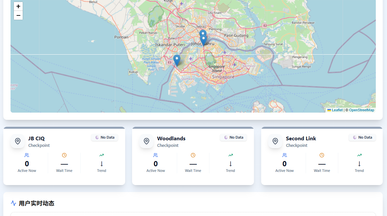
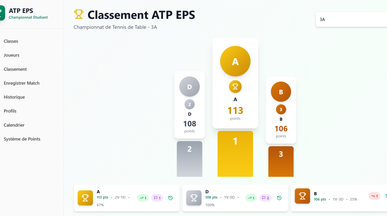
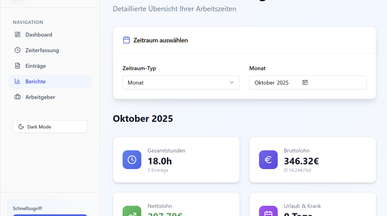
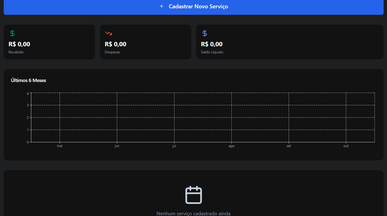
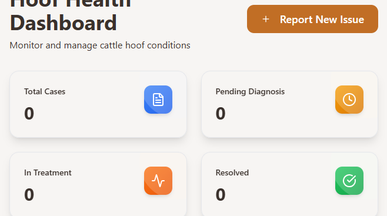
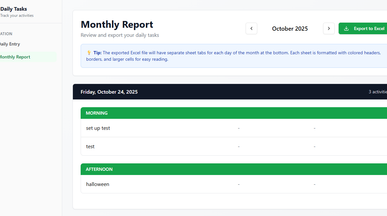
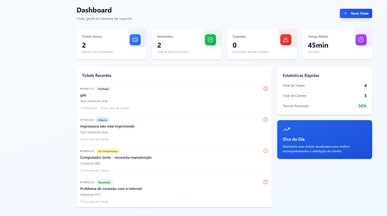
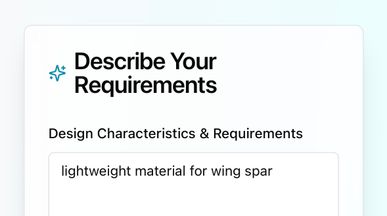
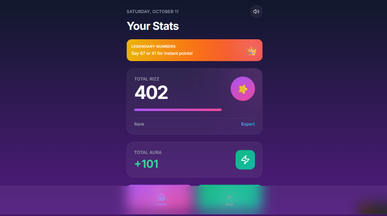
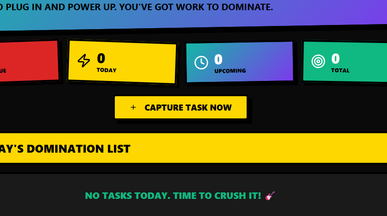
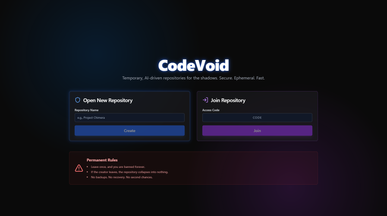
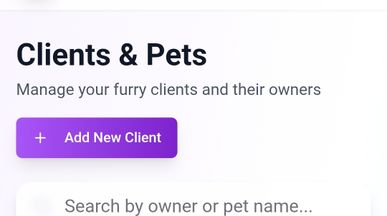
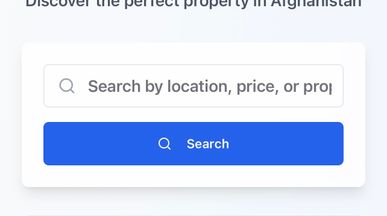
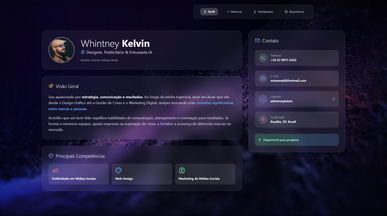
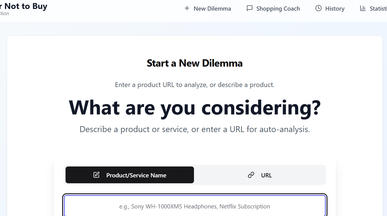
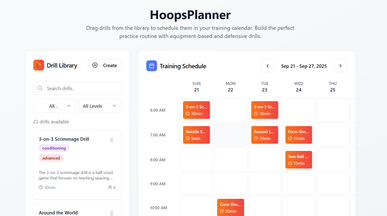
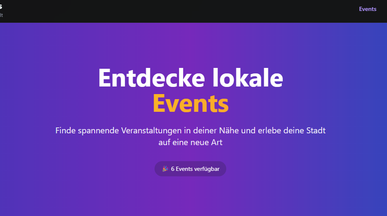
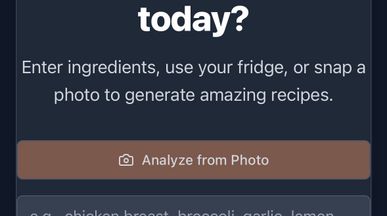
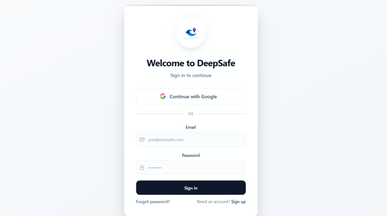
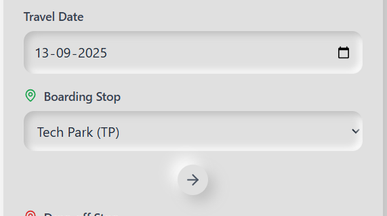
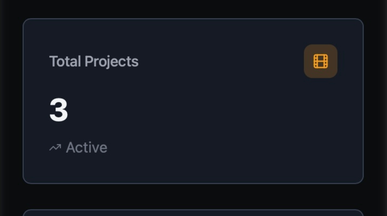
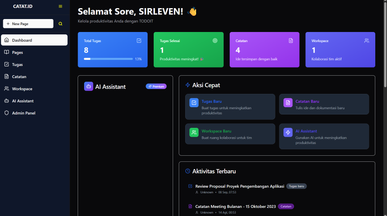
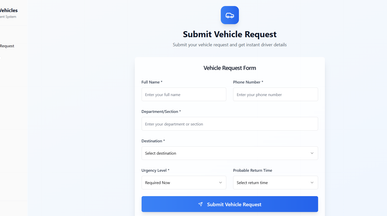
Pick an app template and make it your own
Find the app closest to the job you need done, whether that’s tracking clients, booking appointments, managing stock or reporting on results. Browse app templates for CRM, scheduling, inventory, client portals and dashboards, then open one to try its screens and sample data before you commit.

Frequently asked questions
Getting from template to live app takes four steps:
- Open a template and preview the app in action, not just screenshots.
- Clone it into your workspace to get a full, editable copy.
- Describe your changes in plain language — “change the colors”, “add a status field”, “email me on new signups”, etc.
- Publish, then invite users or connect a custom domain.
Because the database and logic already exist, most of your time goes into your own rules rather than setup. For a longer walkthrough, see how to build an app with AI.
The best starting point is the one whose data model is closest to yours. Consider:
- Core object — what is the app really tracking (customers, shifts, items, bookings)?
- Users and permissions — does it already separate admins from regular users?
- Workflows — are the actions you need (approve, assign, notify) already there?
- Integrations — does it connect to the tools you rely on?
- Category — one built for your industry carries the right defaults.
Open two or three and click through them as real apps. Starting closer to your use case means fewer changes and a working version much sooner.
Go ahead. Build it yourself.




