Productivity app templates
Choose a working project or task app, customize the stages, fields and reminders with AI, and get your team using it without building from scratch.
Templates

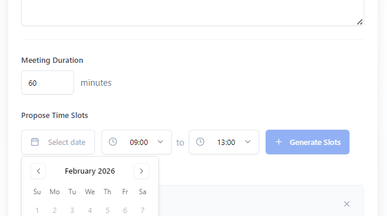
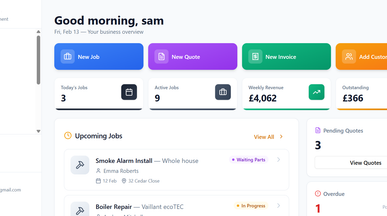
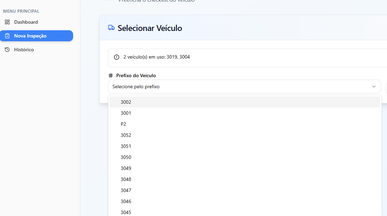
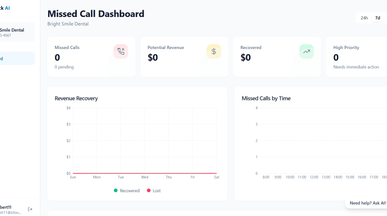
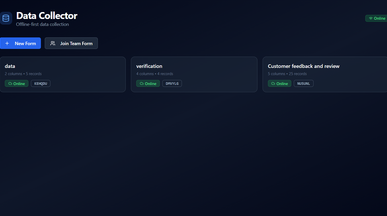
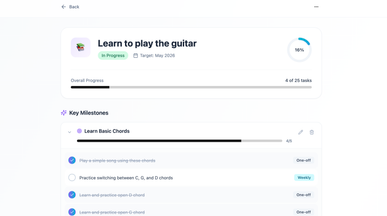
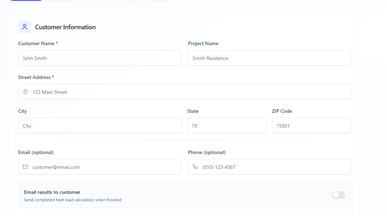
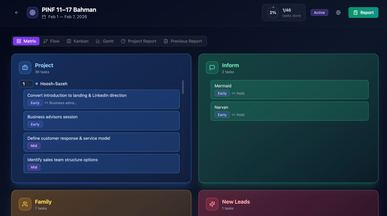
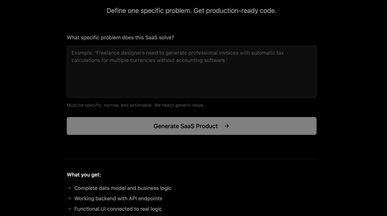
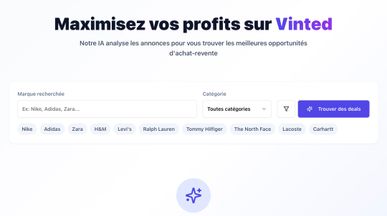
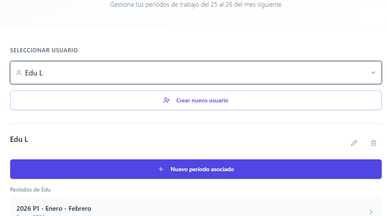
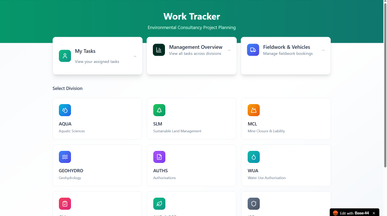
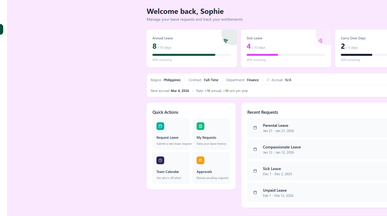


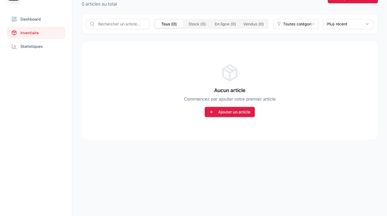
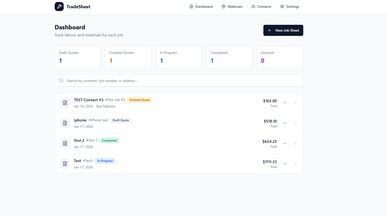
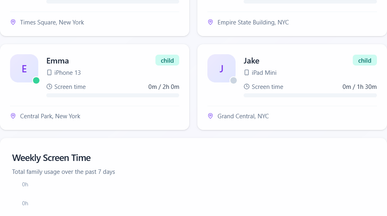
Productivity app templates that track who owns what
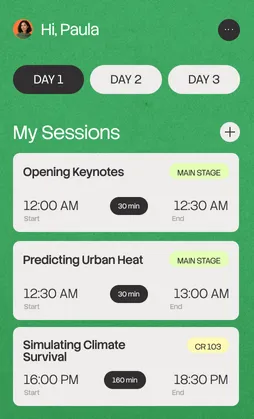
Each template is a working app you can start using the moment you clone it. Tasks carry an owner, a due date and a stage, and you can set reminders to go out on their own, so following up stops being your job. Move an item and it updates everywhere it shows up – your team logs in and sees what's theirs today. When your process changes, describe the new stage or field to Base44 no code app builder in plain language and get the app to match.

Frequently asked questions
The pieces most teams end up needing, whatever the work:
- Tasks with a single owner — shared ownership is the fastest way to lose an item.
- Stages that match your process — not a generic to-do, doing, done.
- Due dates and dependencies — so you can see what a slip actually delays.
- Automatic reminders — nobody should be the human notification system.
- A view per person — what is mine, today, without filtering.
- History — what changed, when and by whom.
Start with fewer fields than you think. It's easier to add one when you miss it than to get a team to fill in six they don't value. The same logic applies across operations app development generally.
Choose on how your work actually moves, not on how the board looks:
- Unit of work — are you tracking tasks, projects, tickets, or client jobs?
- Stages — does the flow match yours, or would you rename every column?
- Team size — a solo tracker and a twelve-person board need different defaults.
- Deadlines — do dates drive the work, or is it a queue you pull from?
- Reporting — does anyone need to see progress without asking you?
Clone two and run a real week through each. When your workflow needs something the templates leave out, describe the system you want in plain language and build it with vibe coding.
Go ahead. Build it yourself.




