
Ready to see what Base44 can do for you? Get started →
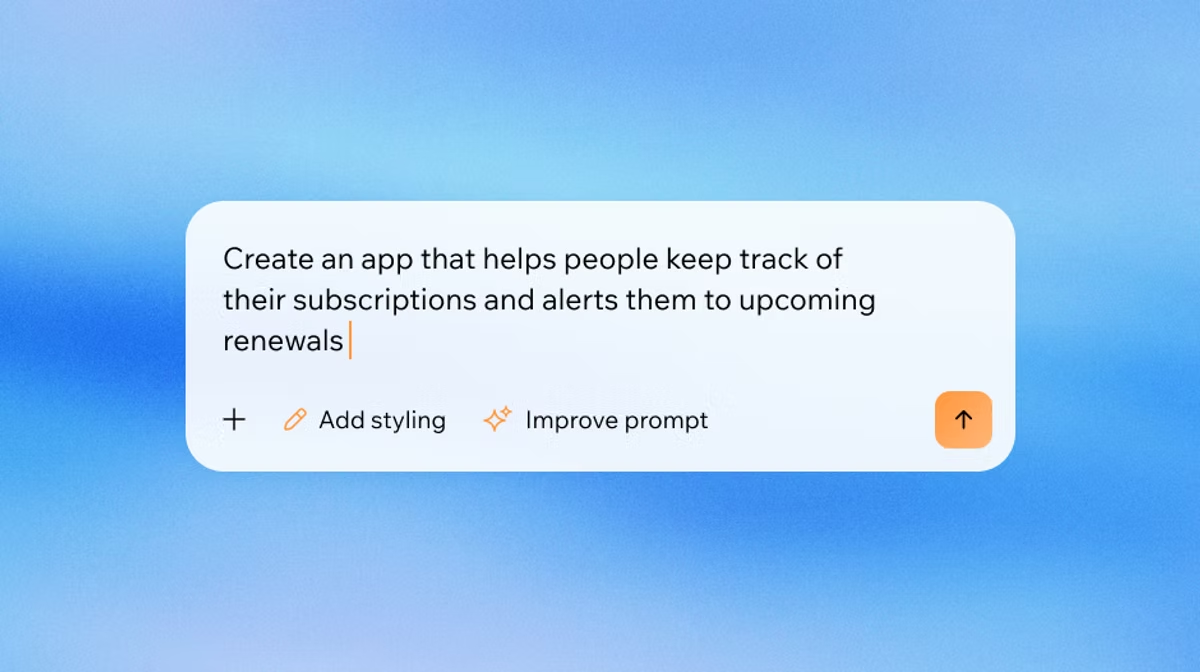
Finding the best tools for vibe coding depends on one fundamental question: do you need an app or do you need a faster way to write code? These are different goals, and the tools built for each goal are fundamentally different. AI app builders like Base44’s AI app builder take a plain-language prompt and produce a complete, deployable full-stack application, including the frontend, backend, database, and authentication.
AI coding IDEs and CLI tools like Cursor, Windsurf, and Claude Code sit inside your development environment and help you write, debug, and ship code faster. Mixing these categories up is the most common mistake people make when choosing a vibe coding tool.
The ten tools on this list were selected based on who they are actually built for, the quality of their output, how well they handle real projects from prompt to deployment, and how they compare on pricing. Understanding what vibe coding is helps clarify which category applies to your situation before you commit to a tool. The list below covers both categories in full detail so you can compare across your actual options. Base44 gives users a real-time AI collaborator available at every step.
TL;DR: Best vibe coding tools
Here is a quick summary of all ten tools. If you are a non-developer looking to ship a real product, the AI app builders (rows 1 through 5) are where you should look. If you write code and want to move faster, the AI coding tools (rows 6 through 10) are your starting point. Read how does vibe coding work for a fuller picture of the technology behind all of these tools.
| Tool | Best for | Starting price |
|---|---|---|
| Base44 | Non-developers building full-stack apps | Free plan available |
| Lovable | Design-forward web apps | Free; Pro $25/month |
| Bolt | Rapid prototyping and demos | Free tier available |
| v0 by Vercel | React component generation | Free tier available |
| Replit | Collaborative browser-based development | Free; paid from $20/month |
| Cursor | AI coding IDE for developers | Free; Pro from $20/month |
| Windsurf | Lightweight AI coding IDE | Free tier available |
| Claude Code | CLI-based AI coding for full codebases | Usage-based (Anthropic API) |
| GitHub Copilot | Teams already on GitHub | $10/month individual |
| Gemini CLI | Free open-source CLI tool | Free |
What counts as a vibe coding tool?
A vibe coding tool is any software that uses AI to translate natural language into working code or working applications. The category is broad, which is why the tools in it look so different from one another. A terminal-based coding agent and a browser-based app builder are both vibe coding tools, but they produce different outputs for different users.
The clearest way to split the category is by output type. The first group, AI app builders, produces complete deployable applications. You describe your product and the tool builds it. The second group, AI coding tools, produces code that integrates into your existing project. You write software and the tool accelerates the process. Understanding this split before choosing a tool saves time and prevents frustration.
AI app builders are purpose-built for people who do not write code. The tools in this category (Base44, Lovable, Bolt, v0, and Replit) handle everything: the interface, the server logic, the database, and the deployment pipeline. You interact with them through a chat interface, not a code editor. The output is a live application, not a codebase you then need to configure and host yourself.
AI coding tools (Cursor, Windsurf, Claude Code, GitHub Copilot, and Gemini CLI) are extensions of the developer workflow. They autocomplete code, answer questions about your codebase, refactor across multiple files, and run tests on your behalf. They do not build applications from a blank prompt. They make the process of writing code faster and less error-prone for developers who are already working in that mode.
The benefits of vibe coding are clearest for non-developers using the app builder category: you eliminate the cost and time of an engineering team for early-stage product development. For developers, the benefits are faster iteration cycles and fewer manual tasks in the development process.
The 10 best vibe coding tools
The tools below are ordered by recommendation for non-developers first. Base44 is listed first because it offers the most complete output for someone building from scratch with no coding background. The developer-focused tools follow in order of depth of AI integration.
- Base44: best all-in-one AI app builder for non-developers
- Lovable: best for design-forward web apps
- Bolt: best for rapid prototyping and demos
- v0 by Vercel: best for React component generation
- Replit: best for collaborative browser-based development
- Cursor: best AI coding IDE for developers
- Windsurf: best lightweight AI coding IDE
- Claude Code: best CLI-based AI coding tool
- GitHub Copilot: best for teams already using GitHub
- Gemini CLI: best free open-source CLI option
01. Base44: best all-in-one AI app builder for non-developers
Base44 is the tool for builders who want a complete product, not just a prototype. You describe the app you want in plain language, and Base44 builds the entire application: frontend, backend, database, authentication, and deployment. There is no infrastructure to configure, no framework to choose, and no code to write. Base44 vibe coding lets users build apps by describing what they want conversationally, which means the distance between an idea and a working product shrinks to a single conversation.
Base44 is an all-in-one vibe coding platform built for non-developers, solopreneurs, and product managers who need to ship something real without waiting for a development team. A typical session starts with a prompt describing what the app should do. Base44 generates the first version, including database schema and server-side logic. You can then refine it through follow-up conversation: “add a dashboard showing total orders by day”, “let users export their data as CSV”, “send an email confirmation when someone signs up”. Each instruction is applied across all layers of the stack without breaking existing functionality.
The key differentiator is depth. Many tools in this category generate a frontend shell that looks like an app but requires significant backend work before it is usable in production. Base44 outputs a full-stack working application from the first prompt. CRM tools, booking systems, client portals, inventory trackers, operations dashboards, and internal tools can all go from idea to deployed in a single session. The database is real and persistent, not a mocked-up placeholder. For a worked example, here's how to build an inventory management app.
Base44 also includes a Superagent: an AI agent that handles database setup, logic, UI, and integrations simultaneously, acting as your product manager, designer, and engineer in one tool. When the app needs updating, you describe the change and the Superagent applies it across the relevant layers. The connectors system lets you plug in external tools in one click: Google Drive, Zapier, Stripe, Salesforce, and others, without writing API integration code. The Templates Marketplace provides pre-built app structures for common use cases, so you are not always starting from a blank prompt.
For teams building internal tools specifically, Base44 gives a practical advantage over generic AI app builders. Because the output is a full-stack application with real user management and data persistence, tools built on Base44 can be used by the whole team from day one. Access controls, roles, and permissions can be set up through the same conversation interface without touching a configuration file.
Base44 offers a free plan for getting started. Paid plans are available for teams and higher usage volumes. Pricing is listed at base44.com/pricing.
Best for: non-developers, entrepreneurs, and product managers building full-stack apps without code. Particularly strong for internal tools, B2B SaaS prototypes, and solo founders who need a complete product shipped fast.

02. Lovable: best for design-forward web apps
Lovable is a browser-based AI app builder built around visual quality. You describe your product in the chat interface, and Lovable generates an application with a design coherence that consistently outperforms most other browser-based tools. Where other platforms optimize for generation speed or code correctness, Lovable prioritizes how the result looks and feels out of the box.
This makes Lovable the strongest choice for founders who need their app to make a strong first impression. A prototype you are showing to investors, an early version you are putting in front of paying customers or a B2C product where visual quality directly affects conversion: Lovable’s default styling decisions are more production-ready than those of most competing tools. The layout choices, typography defaults, and component spacing feel considered rather than generated.
Lovable connects to Supabase for a database backend, which means persistence and authentication are handled through a reliable third-party infrastructure layer. You get real data storage without setting up your own database. The connection to Supabase does add a dependency that simpler tools do not have, but for most use cases the tradeoff is worthwhile: you get more backend reliability in exchange for a small amount of additional configuration.
For more complex backend logic, Lovable works best when paired with Supabase edge functions or an external API rather than trying to handle all server-side complexity through the Lovable interface alone. It is a tool that excels at the frontend and design layer and relies on established infrastructure for the backend. Teams with a Supabase account already set up will get the most out of it.
The free plan includes 300,000 daily tokens according to Lovable’s published pricing. The Pro plan is $25 per month, and team plans are available at $30 per member per month.
Best for: design-focused founders building web applications who want polished output from the first prompt. Strongest for customer-facing or investor-facing products where visual quality matters.
03. Bolt: best for rapid prototyping and demos
Bolt generates web applications directly in the browser, and its main competitive advantage is speed. You can go from a written prompt to a running application in under a minute. No account is required to try it, there is no setup, and there is no configuration. It is the fastest path from idea to something you can click through.
This makes Bolt the default tool for hackathons, rapid demo preparation, and idea validation. When you need to put something in front of a potential customer or co-founder in the next few hours, Bolt delivers faster than any other tool in this category. The output is functional, not just cosmetic. You can demo the core user flow of your idea rather than showing a static mockup, which changes how feedback conversations go.
Bolt supports multiple AI models, including Anthropic’s Claude and OpenAI’s GPT-4o, which you can select depending on the type of output you need. The platform runs in the browser with no local installation required, and it can export code if you want to continue development outside Bolt after the initial generation.
The tradeoff is long-term maintainability. Bolt’s generated code can become harder to extend as a project grows more complex. Many teams use Bolt to validate an idea in hours, then rebuild in a more structured tool once the concept is confirmed. It is optimized for the beginning of a project lifecycle, not the entire lifecycle. If your validation session proves the idea works and you want to continue, plan for a rebuild rather than scaling the Bolt output.
Bolt offers a free tier with daily generation limits. Paid plans are available for higher token usage and additional AI model access.
Best for: rapid prototyping, hackathons, and idea validation where getting something clickable in the shortest possible time is the priority.
04. v0 by Vercel: best for React component generation
v0 is Vercel’s AI tool for generating React components. Unlike the full-app builders above, v0 is focused on a specific slice of development: UI component creation. You describe a component (a data table, a settings panel, a user profile card, a pricing page layout, a multi-step form) and v0 produces clean, production-ready React code you can paste directly into an existing project.
The output quality for individual components is high. v0 generates code using Tailwind CSS and shadcn/ui by default, which means the components integrate cleanly into projects already using those libraries. The generated code is readable and editable: it is not obfuscated or wrapped in proprietary abstractions that lock you into the v0 ecosystem.
v0 also supports iterative refinement: you describe what you want, review the output, then give follow-up instructions to adjust spacing, add states (loading, empty, error), change the color scheme or add interactivity. The tool handles design tokens and responsive behavior well, which means the component typically works across device sizes without manual adjustment.
The limitation is scope. v0 generates individual components or small page sections, not complete applications. You still need to handle routing, state management, backend integration, and deployment yourself. For developers in the Vercel ecosystem building on Next.js, this fits naturally into their workflow. For non-developers without an existing project to integrate components into, v0 is not the right entry point.
v0 offers a free tier for component generation. For heavier usage, Vercel’s platform plans include additional v0 generations.
Best for: React developers who want fast, accurate UI component generation with clean, editable output and direct Vercel deployment integration.
05. Replit: best for collaborative browser-based development
Replit started as an online IDE for writing and running code in the browser and has evolved into a hybrid platform where a significant portion of users work through AI instructions rather than writing code directly. The platform’s AI agent accepts plain-language instructions and builds or modifies the project accordingly. You can switch between describing what you want and editing code directly, depending on your comfort level and the complexity of the task.
The standout feature is real-time collaboration. Multiple people can work in the same project simultaneously, which makes Replit useful for learning environments, pair programming sessions, and early-stage teams that want to build together without setting up shared local infrastructure. There is nothing to install and no local environment to configure. Everything runs in the browser, which removes setup friction for teams with mixed technical backgrounds.
Replit supports a wide range of languages and frameworks, including Python, JavaScript, Node.js, React, and others. Deployment is built in, and projects run on Replit’s own hosting infrastructure. The platform also has a marketplace of AI agents built by the community, which can accelerate certain development tasks.
Replit’s flexibility is both a strength and a source of complexity. The platform handles many project types, but it can feel less streamlined than purpose-built tools like Lovable or Bolt for specific use cases. It works best when you have a clear project type in mind and give the AI agent scoped, specific instructions rather than broad open-ended prompts. Vague instructions tend to produce more unpredictable outputs in Replit than in tools with a more constrained output model.
Replit offers a free plan. Paid plans begin at $20 per month and include more AI credits, faster compute, and additional deployment options.
Best for: collaborative development, learning environments, and flexible projects that benefit from a multi-language browser IDE with built-in deployment.
06. Cursor: best AI coding IDE for developers
Cursor is an AI coding IDE built for developers who want deep, context-aware AI integration without leaving their development environment. It is built on VS Code, which means it supports the same extensions, keyboard shortcuts, file structure, and settings you already use if you are a VS Code user. Switching to Cursor requires no rethinking of your development workflow. You install it, open your project, and the AI capabilities are immediately available inside the environment you already know.
The defining capability is codebase understanding. Cursor indexes your entire project, so its suggestions are aware of other files, functions, import structures, and data models beyond the file you are currently editing. This context-awareness produces more accurate suggestions for complex, multi-file changes than tools that only see the current file. When you ask Cursor to refactor a function, it understands all the places that function is called and handles the downstream changes accordingly.
Cursor also supports .cursorrules files, which let you give the AI project-specific instructions that persist across sessions: your naming conventions, your preferred libraries, the architectural patterns you use, and the decisions you have already made. Over time, this improves the quality and consistency of generated code significantly. The AI learns your project’s conventions rather than generating generic code that does not match your existing patterns.
The Composer feature lets you describe a larger change (adding a new feature, refactoring a module, implementing a new data model) and Cursor handles the implementation across multiple files simultaneously. You review the proposed changes before applying them, which keeps you in control of what goes into the codebase. This is meaningfully different from autocomplete tools that only suggest the next few lines.
Cursor is not a no-code tool. It assumes you write code and want to do it faster and better. A free tier is available for light usage, and the Pro plan is $20 per month.
Best for: developers who want the most capable AI-assisted coding environment with full codebase context, particularly for complex multi-file refactors and feature development in large codebases.
07. Windsurf: best lightweight AI coding IDE
Windsurf is an AI-augmented coding IDE built on VS Code, positioned as a lighter and more approachable alternative to Cursor. The interface is cleaner, the configuration requirements are lower, and the onboarding experience is simpler. You install it, open your project, and the AI assistance is immediately available without setting up rules files, configuring model preferences or reading documentation before your first useful interaction.
Windsurf’s Cascade feature is its primary AI tool: a chat interface that can read files, write code, run terminal commands, and apply changes across multiple files based on your instructions. You describe what you want in plain language and Cascade handles the implementation. It is more guided and interactive than a simple autocomplete system, which makes it useful for developers who are comfortable coding but want an AI collaborator for the heavier lifting.
For developers who find Cursor’s feature density overwhelming, or who want AI coding assistance without spending time customizing their environment before they can use it productively, Windsurf is a practical default. The output quality is strong for standard development tasks: writing functions, adding tests, refactoring individual files, explaining unfamiliar code, and generating boilerplate.
For highly complex, multi-file refactors in large codebases with intricate interdependencies, Cursor tends to outperform Windsurf. The difference comes down to how deeply each tool indexes and understands the broader codebase context. But for most everyday development work, the practical difference is smaller than the simplicity advantage Windsurf offers.
Windsurf offers a free plan. Paid plans are available for higher model access, more Cascade interactions, and advanced features.
Best for: developers who want AI coding assistance in a lighter, lower-configuration IDE environment without the setup overhead of more complex tools.
08. Claude Code: best CLI-based AI coding tool
Claude Code is a terminal-based AI coding agent built by Anthropic. Unlike the IDE tools above, it runs in your command line and operates directly on your local file system and codebase. You give it instructions in plain English, and it reads files, writes changes, runs shell commands, executes tests, and commits to git on your behalf. There is no graphical interface and no editor to install.
This CLI-first approach gives Claude Code a different set of strengths from IDE tools. It can handle large-scale refactors where changes need to ripple consistently across many files: renaming a concept throughout a codebase, updating an API interface and all its call sites, migrating a data model and updating every query that touches it. Because it operates at the file system level, it can work on any codebase in any language without requiring IDE integration.
Claude Code is particularly effective for debugging tasks where the root cause is spread across multiple files or system layers. You can describe a symptom (“the API returns 500 when a user tries to upload a file larger than 10MB”) and Claude Code will trace through the relevant code paths, identify the issue, and apply a fix while running the test suite to verify the result. The agentic approach (rather than autocomplete) means it can handle multi-step tasks that require reading context, making decisions, and verifying outcomes.
The tradeoff is that Claude Code requires comfort with the command line. For developers who already work in the terminal, this is a non-issue and the tool fits naturally into an existing workflow. For developers who prefer a graphical environment, Cursor or Windsurf are more appropriate entry points.
Claude Code is priced based on API usage through Anthropic. There is no flat monthly subscription; cost depends on the volume of tokens consumed across each session.
Best for: developers and technical teams who prefer a CLI-first workflow and need deep, full-codebase AI assistance for complex refactors, debugging, and agentic development tasks.
09. GitHub Copilot: best for teams already using GitHub
GitHub Copilot is the AI coding assistant built directly into the GitHub ecosystem. It works as an extension in VS Code, JetBrains IDEs, and several other environments, providing inline code suggestions as you type. The suggestions are context-aware within the current file and draw on the patterns visible in your open project. Copilot also includes a chat interface for asking questions about your codebase, generating functions from written descriptions, and explaining unfamiliar code.
Copilot’s primary advantage is integration with minimal friction. If your team is already using GitHub for version control, code review, and CI/CD pipelines, adding Copilot requires only installing the extension. There is no new environment to learn, no migration of projects, and no change to your existing development workflow. The AI assistance appears inline in the editor you already use. For engineering teams with established GitHub workflows, this is a significant practical advantage over tools that require adopting a new IDE or interface.
Copilot’s chat interface handles several useful tasks beyond autocomplete: explaining what a function does, generating unit tests for existing code, suggesting fixes for compiler errors, and generating boilerplate that matches the patterns already in your codebase. The integration with GitHub’s pull request workflow means Copilot can also review code and suggest improvements inline in the review interface.
For teams in regulated industries or enterprise environments, GitHub Copilot for Business and Enterprise plans offer additional controls: IP indemnification, policy management for which features are available, audit logs, and content filtering. These controls are important for teams with compliance requirements that simpler tools do not address.
Individual plans are $10 per month. Business plans are $19 per user per month. Enterprise plans with advanced policy controls are also available.
Best for: individual developers and engineering teams already on GitHub who want AI code suggestions and review capabilities without changing their development environment or workflow.
10. Gemini CLI: best free open-source CLI tool
Gemini CLI is an open-source command-line AI tool built by Google. It connects to Google’s Gemini models and runs directly in your terminal, similar in concept to Claude Code. Because it is open source under an Apache 2.0 license, you can inspect the code, modify it to fit your workflow, integrate it into custom tooling or deploy it in environments where a commercial tool is not suitable.
The main advantage is cost. Gemini CLI is free to use with a Google account, backed by Gemini API credits with a generous free quota at the consumer tier. For developers who want terminal-based AI coding assistance without a monthly subscription and who are comfortable in the Google AI ecosystem, Gemini CLI is a meaningful option. For teams evaluating AI coding tools without a budget commitment, it provides a way to understand the CLI-based approach before paying for it.
Gemini CLI supports several agent-style tasks: reading files, writing code changes, running commands, and working through multi-step tasks based on natural language instructions. Its integration with Google Search grounds some responses in current web content, which can be useful for tasks that involve using newer libraries or APIs that were released after the model’s training cutoff.
The tool is newer than Claude Code or GitHub Copilot. Its reliability on complex multi-file tasks is improving with each model update, but experienced users of other CLI tools will notice the difference in consistency on harder tasks. For simpler, well-scoped tasks and straightforward projects, the gap in output quality is smaller and the free pricing makes it worth evaluating.
Gemini CLI is free for personal use. API usage beyond the free quota is billed through Google AI Studio at published rates.
Best for: developers who want a free, open-source CLI AI tool, particularly those already working in the Google Cloud ecosystem or evaluating terminal-based AI coding assistance before committing to a paid option.
Comparison chart
| Tool | Best for | Skill level | Starting price | Deployment included |
|---|---|---|---|---|
| Base44 | Full-stack app building | No-code | Free plan available | Yes |
| Lovable | Design-forward web apps | No-code | Free; $25/month Pro | Yes |
| Bolt | Rapid prototyping | No-code | Free tier available | Yes |
| v0 by Vercel | React component generation | Developer | Free tier available | Yes (Vercel) |
| Replit | Collaborative development | No-code to dev | Free; $20/month+ | Yes |
| Cursor | AI coding IDE | Developer | Free; $20/month Pro | No |
| Windsurf | Lightweight AI coding IDE | Developer | Free tier available | No |
| Claude Code | CLI-based codebase AI | Developer (CLI) | Usage-based API | No |
| GitHub Copilot | GitHub ecosystem teams | Developer | $10/month individual | No |
| Gemini CLI | Free open-source CLI | Developer (CLI) | Free | No |
What to look for when choosing a vibe coding tool
The ten tools above represent different approaches to the same underlying idea: using AI to build software faster. Before committing to one, work through these four questions. The answers will rule out most options and point clearly to the right one for your situation.
1. Do you need to write code?
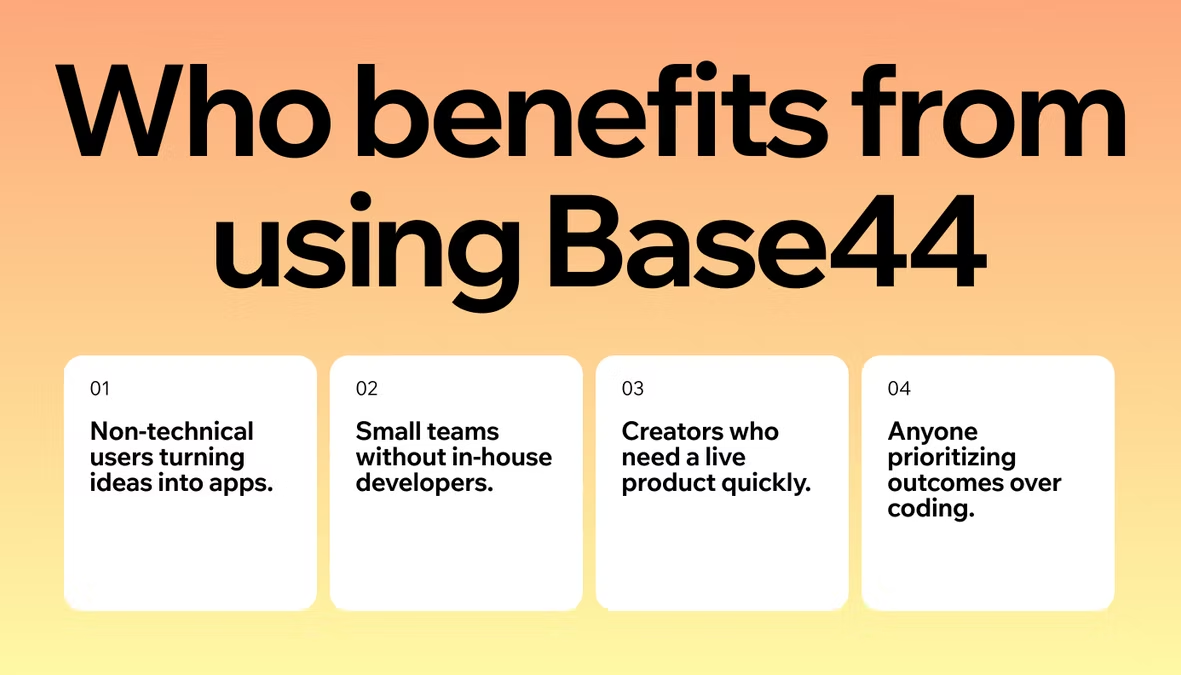
This is the most important dividing line. If you do not write code and do not want to learn, your options are the AI app builders: Base44, Lovable, Bolt, Replit, and to a limited extent v0. These tools produce working applications from text prompts without requiring you to edit code.
If you are a developer who wants to stay in your codebase and move faster, the AI coding IDEs and CLI tools are better fits: Cursor, Windsurf, GitHub Copilot, Claude Code, and Gemini CLI. If you are starting from zero with no coding background, read vibe coding for beginners before choosing a platform. Mixing categories is the most common mistake: using a developer tool when you do not code leads to frustration; using a no-code tool when you need fine-grained control leads to hitting walls mid-build.
2. What type of output do you need?
AI app builders produce complete working applications. AI coding IDEs produce code that you add to an existing project. v0 generates individual UI components. Claude Code and Gemini CLI modify files across your entire codebase based on instructions. These are four different types of output serving four different needs.
The right tool is the one whose output type matches what you are actually trying to accomplish. A developer working on a large existing codebase does not need an app builder; a non-developer building their first product cannot use an IDE tool effectively. Clarifying the output type before evaluating tools saves considerable time.
3. Does the tool handle deployment?
If you need your app live without managing infrastructure, look for tools with built-in deployment. Base44, Lovable, Bolt, Replit, and v0 all handle hosting. The IDE and CLI tools (Cursor, Windsurf, Claude Code, GitHub Copilot, Gemini CLI) generate or modify code but do not deploy your app.
You handle that yourself, which gives developers more control but adds steps and infrastructure knowledge. For non-developers, built-in deployment is a requirement, not a nice-to-have.
4. What is the real cost at your usage level?
Most tools on this list offer a free tier, but the limits vary significantly. Token limits, compute credits, AI model access, and API costs work differently across tools. Before committing to a paid plan, test the free tier with a project that resembles what you actually intend to build. Confirm the paid tier fits your budget before you hit a usage wall mid-project.
Prompt quality matters as much as tool choice for cost efficiency: specific, well-scoped prompts consume fewer resources and produce better results than vague, open-ended ones. For vibe coding best practices, prompt strategy is as important as the tool you choose. Base44 AI app builder interprets natural language instructions as app logic, which means the better you describe what you want, the more accurately the tool builds it.
How AI app builders compare to AI coding tools
The distinction between AI app builders and AI coding tools matters enough to address directly, because the marketing language around both categories often blurs the difference. Both are called “vibe coding tools.” Both use AI. But they are built for different users and they produce different things.
AI app builders exist to close the gap between having an idea and having a working product. They are designed to be used by people who do not code. The interface is a chat window. The output is a deployable application. The interaction model is conversational. You describe what you want, review what was built, and iterate through language. No code editor, no terminal, no framework configuration. For an entrepreneur or product manager who wants to test a product idea, this is a genuine alternative to hiring a development team for early-stage work.
AI coding tools exist to make developers more productive. They are designed for people who already write code and want to write it faster, with fewer repetitive tasks and fewer errors. The interface is your existing code editor or terminal. The output is code that you integrate into your project. The interaction model is suggestion-and-acceptance: you write, the AI suggests, you decide whether to apply the suggestion. For a developer, this compresses the time spent on implementation without removing control over the codebase.
The practical implication is that switching between categories is often a mistake. A non-developer who tries to use Cursor will spend most of their time blocked on tasks that require coding knowledge to complete.
A developer who uses an AI app builder for production work will run into limitations in customizability, debugging access, and codebase portability that they would not face in an IDE. Choosing the right category matters more than choosing the right tool within a category.
There is one hybrid scenario worth noting: experienced developers sometimes use AI app builders to generate an initial structure quickly, then export the code and continue development in a traditional environment. Base44, Lovable, and Bolt all support varying degrees of code export.
This workflow can be effective for rapid scaffolding, but it requires enough technical knowledge to evaluate and extend the generated code. For vibe coding vs traditional coding, the tradeoffs between the two approaches go deeper than tooling and are worth reading before committing to a workflow.
Turn your idea into an app with Base44
Best vibe coding tools FAQ
What is the best vibe coding tool?
The best tool depends on your skill level and what you are building. Base44 is the strongest option for non-developers who want a complete, deployed full-stack application without writing code. Cursor is the leading choice for developers who want AI acceleration inside their existing development workflow.
For design-forward web apps, Lovable stands out for visual quality. For pure speed and idea validation, Bolt is the fastest option. The first step is deciding which category applies to your situation: AI app builder or AI coding tool.
Are vibe coding tools suitable for production apps?
It depends on the tool. AI app builders like Base44 are built for production: the applications run on real infrastructure and handle real users from day one. The database is persistent, the backend is real, and the authentication system is functional.
AI coding IDE tools like Cursor produce code you own and can harden for production, but you are responsible for testing, deployment, and infrastructure decisions. Prototyping-first tools like Bolt produce functional demos that are typically rebuilt in a more structured environment before scaling to production.
What is the difference between vibe coding and traditional coding?
Vibe coding means describing what you want in natural language and letting AI generate the code or the application. Traditional coding means writing every line yourself using programming languages, frameworks, and development environments.
The two approaches serve different goals: vibe coding prioritizes speed and accessibility, while traditional coding gives complete control over every implementation detail. Neither is categorically better. Common vibe coding mistakes are also worth knowing before committing to either approach.
Do you need coding knowledge to use vibe coding tools?
Not for AI app builders. Tools like Base44, Lovable, Bolt, and Replit are built specifically for people who do not write code. You describe what you want and the AI handles the technical implementation. AI coding IDE tools like Cursor and Windsurf assume you already write code and want to do it faster. If you are starting from zero with no coding background, the app builders are the right entry point and the IDE tools are not designed for your situation.
Are vibe coding tools free?
Most tools on this list offer a free tier with usage limits. Base44, Lovable, Bolt, Replit, Cursor, Windsurf, and Gemini CLI all have free entry points. For regular or heavier usage, paid plans apply. Read vibe coding for free for a full breakdown of what you can build without paying across the main platforms.
Which vibe coding tool is best for building a full-stack app without code?
Base44 is the strongest option for building a complete full-stack application without writing code. It handles the frontend, backend, database, authentication, and deployment from a single conversation interface. The output is a working application, not a prototype or a code file you then need to configure.
Lovable and Bolt are also worth considering: Lovable for design quality, Bolt for speed. Replit supports no-code interaction but gives more access to the underlying code for users who want it. For most non-developers starting from zero, Base44’s complete stack output is the clearest path from idea to deployed product.