Website templates
Start with a ready-made site template, customize the content, design and layout with AI, and publish faster without starting from a blank page.
Templates
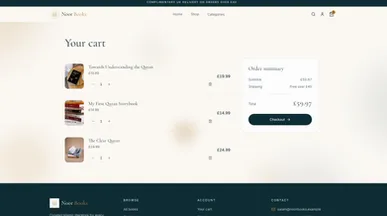
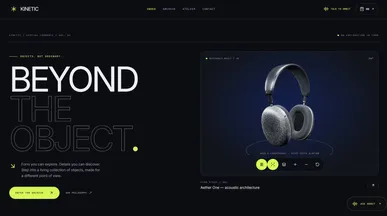


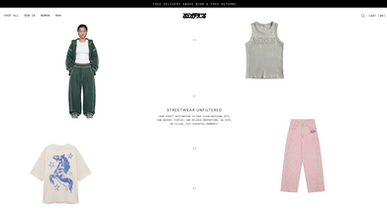
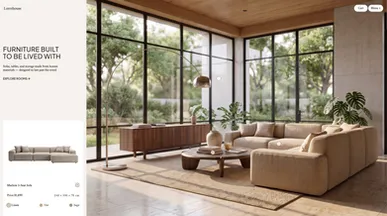


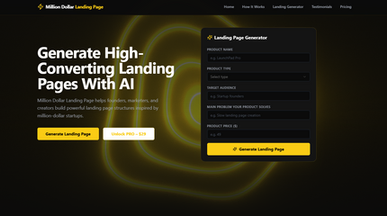
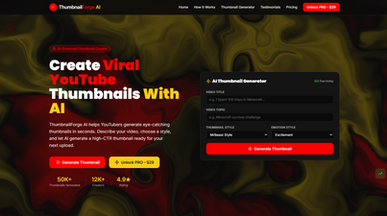

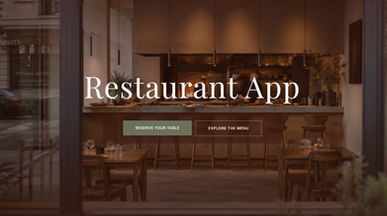
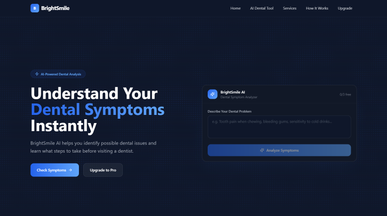


ShopSmart — Platform for product discovery and price comparison
By Templix Co
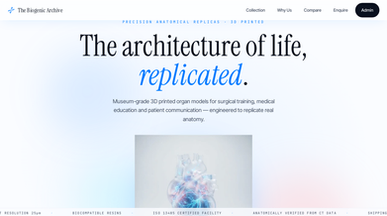
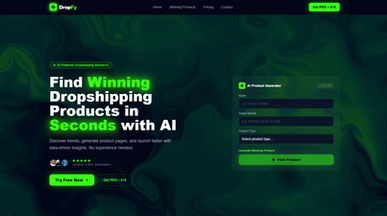

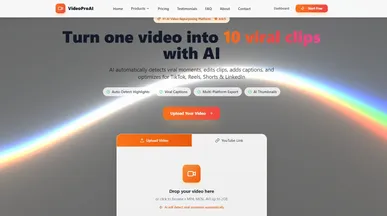

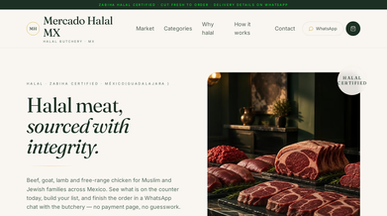
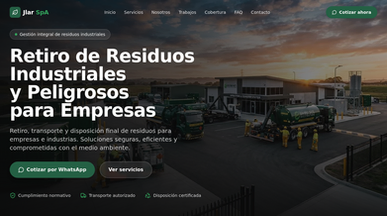
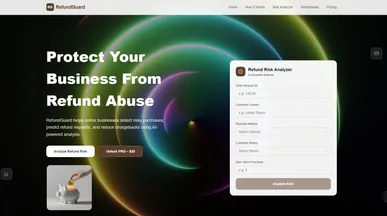
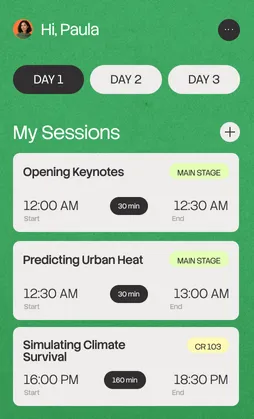
Website templates that start with your goals
Showcase your work, introduce your business, or give your next event a place online. Browse website templates for portfolios, online stores, restaurants, and more. Explore the layouts and choose one that gives visitors a clear way to learn about what you offer and take the next step.
Turn your chosen template into a site that feels like yours with Base44 website builder. Replace the sample text and images, adjust colors and fonts, or add pages by describing what you need. Preview your site, check the details, and publish when you’re ready to share it.

Frequently asked questions
Editing a site takes three steps:
- Clone the template to get your own editable copy.
- Replace the content — text, images, sections and colors — by describing what you want.
- Preview on desktop and mobile, then publish.
You can keep editing after launch, and changes go live when you publish again. These AI prompts for building a website help you describe changes precisely.
The best starting point is the one that matches what your visitors need to do. Consider:
- Goal — read, buy, book, apply or contact? Each needs a different layout.
- Page set — does it include the pages you need (about, pricing, blog, contact)?
- Industry — a restaurant or real-estate design carries the right sections by default.
- Content volume — pick a layout that suits how much text and imagery you actually have.
- Features — check for store, booking or form support before cloning.
Preview two or three as live sites and click through them. Because Base44 templates are working sites, you can judge the real experience rather than a screenshot.
Go ahead. Build it yourself.




